

Display Pilot 2
Display control utility
The utility provides a graphical interface for managing BenQ monitor settings from a macOS computer. It lets users adjust volume, brightness, input source and color mode, and offers a preview of changes without navigating the monitor’s on‑screen display. Users can also enable auto‑pivot, synchronize with macOS Focus Mode, and apply a built‑in MoonHalo bias‑light setting.
For multitasking, the software includes a desktop‑partition feature that creates preset window layouts; dragging an application into a partition automatically resizes it to fit the chosen template, facilitating organized multi‑window browsing. Shortcuts and quick‑setup options streamline common tasks such as brightness‑volume pairing and color‑mode selection.
The program is intended for owners of compatible BenQ MA, PD, PV and RD series monitors who want streamlined, on‑the‑fly control of display parameters and layout organization directly from their Mac. It is a stable, macOS‑only utility.
Reviews
Loading reviews…
Similar apps
Display & Accessibility
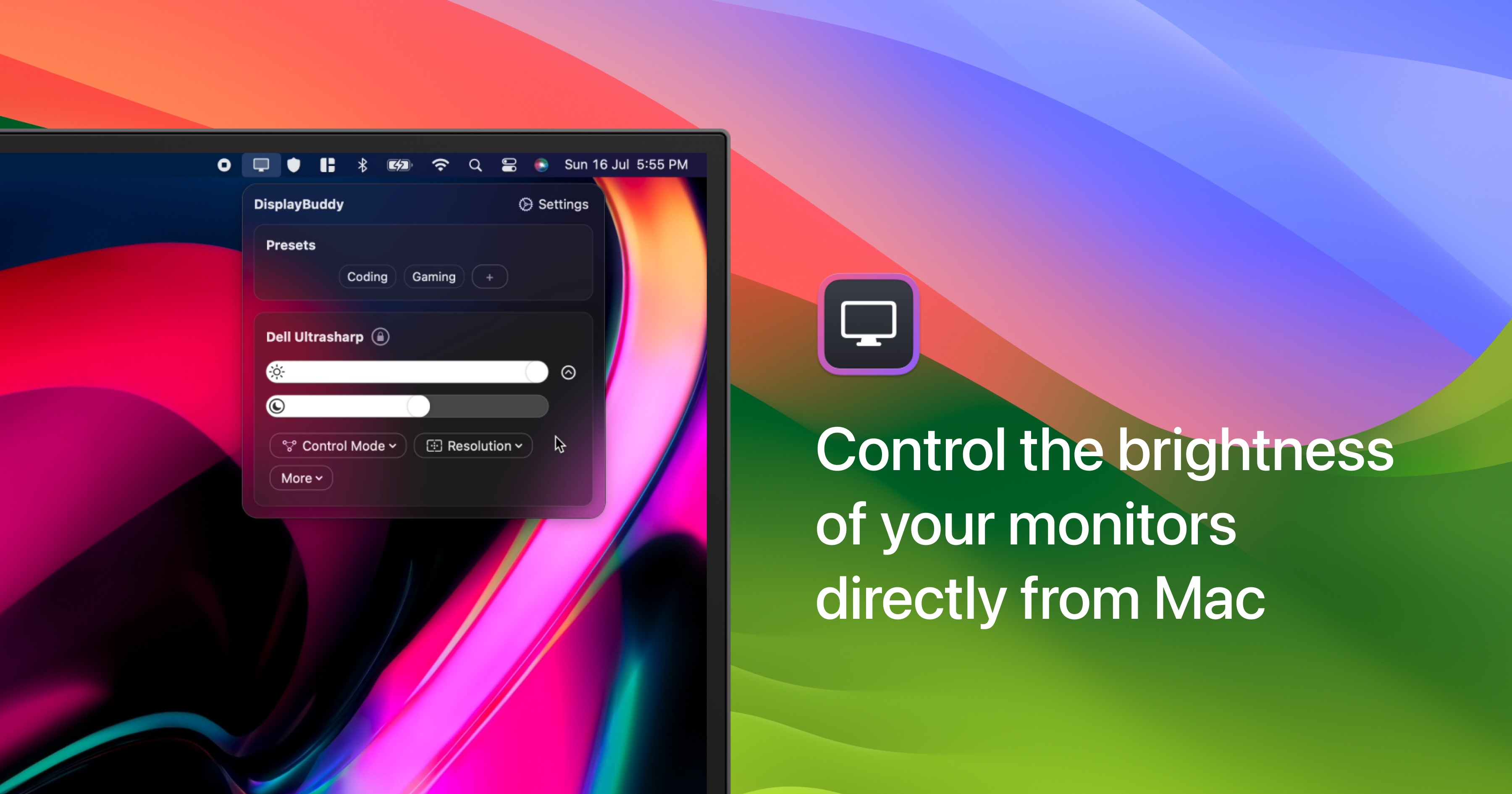
DisplayBuddy
Control external display brightness, contrast, and input source.
Display & Accessibility
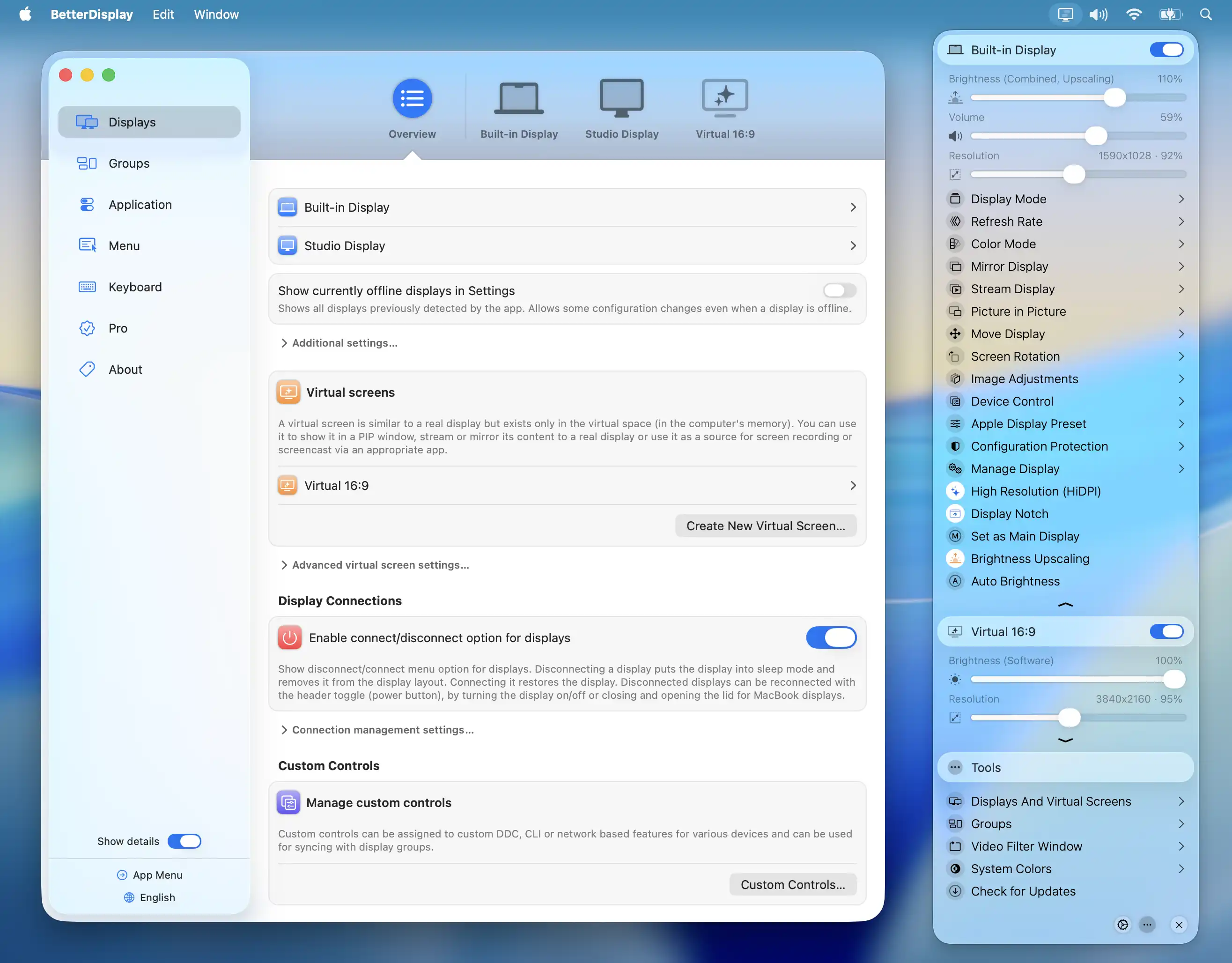
BetterDisplay
Display management tool
Display & Accessibility
MonitorControl
Control external display brightness and volume directly.
Display & Accessibility
Brightness Sync
Utility to synchronise the brightness of LG UltraFine display(s)

Display & Accessibility
DisplayLink USB Graphics Software
Drivers for DisplayLink docks, adapters and monitors
Display & Accessibility
Brisync
Utility to automatically control the brightness of external displays