
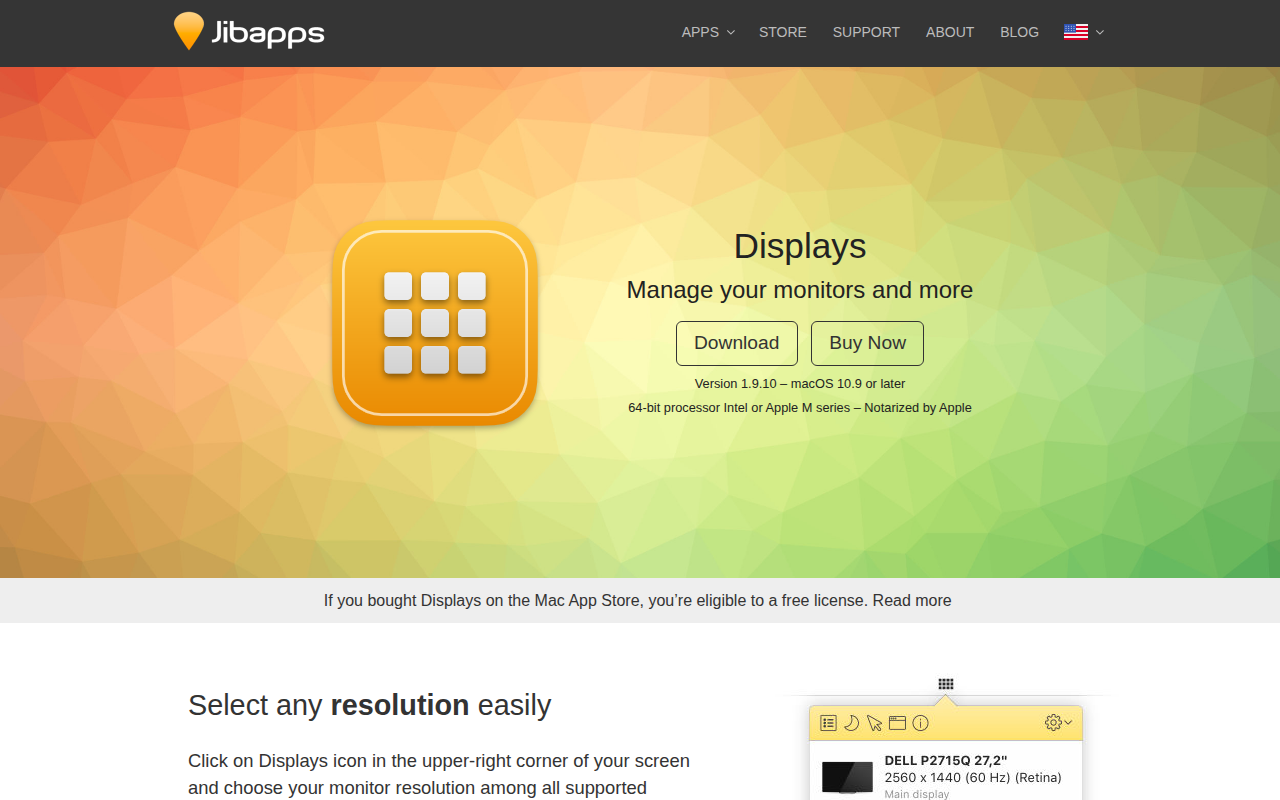
Displays
Monitor resolution and settings manager
Displays is a macOS utility that centralizes control of connected monitors, allowing users to select any supported resolution—including those hidden by the system—through a menu‑bar icon. It works with all active displays, including AirPlay targets, and offers one‑click toggling of mirroring, custom resolution labels, grouping of Retina modes, and filtering of low‑resolution options.
The app also provides a night‑mode feature that reduces eye strain by dimming the screen, lowering blue‑light emission, switching to grayscale, or applying a dark theme. Users can activate it manually, assign a keyboard shortcut, schedule it by time or sunset/sunrise, or trigger it automatically when specific applications launch. For displays lacking native brightness controls, the software simulates dimming.
In addition, Displays adds screenshot capabilities with options for full‑screen, window, or region captures, timed shots, and inclusion of the mouse pointer. Built‑in annotation tools such as freehand drawing, rectangles, and polygons let users edit screenshots before saving or sharing. The software runs on macOS 10.9 or later, supports Intel and Apple M‑series processors, and is notarized by Apple.
Reviews
Loading reviews…
Similar apps
Display & Accessibility
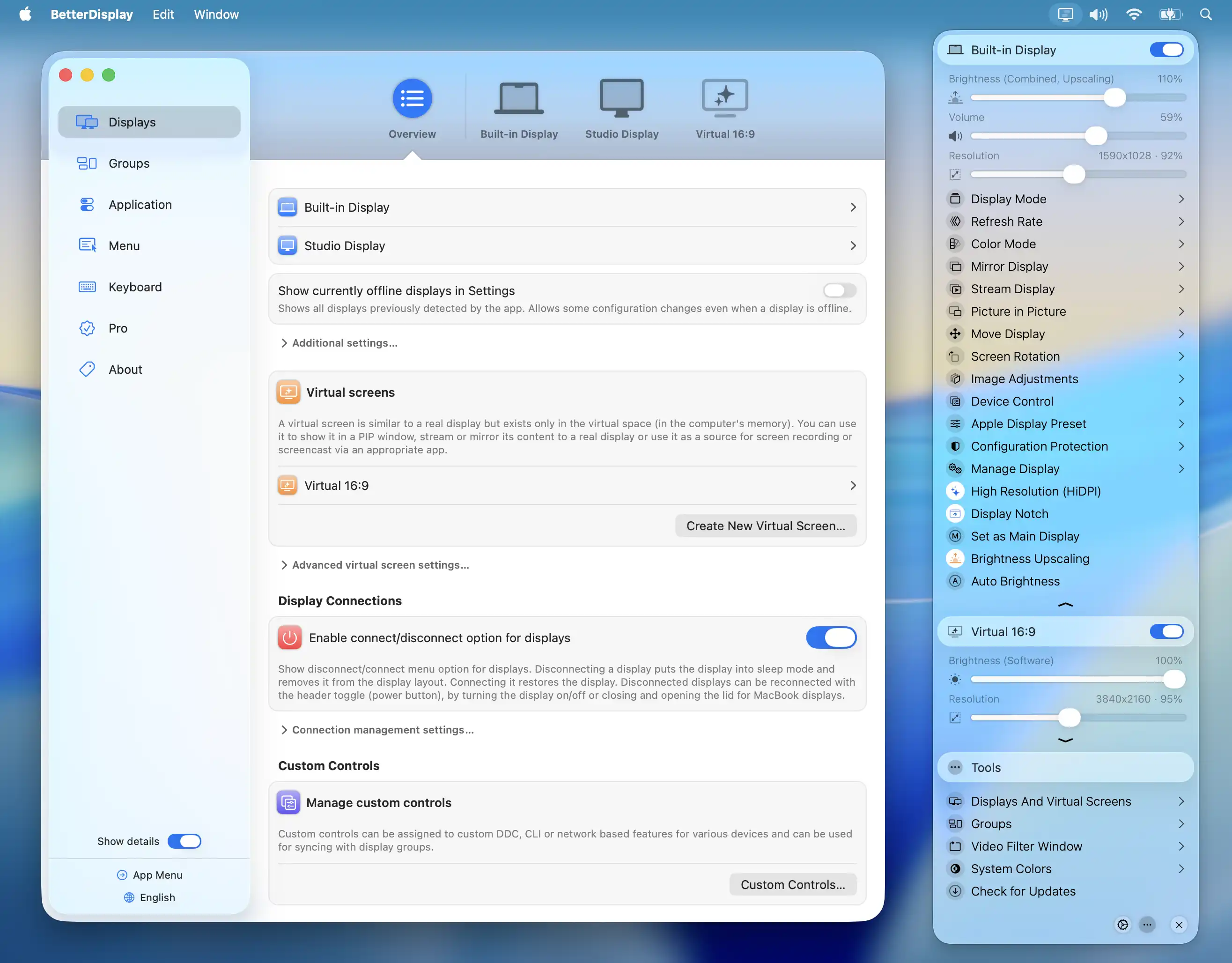
BetterDisplay
Display management tool
Display & Accessibility
Mouseposé
Highlight your mouse pointer and cursor position
Display & Accessibility
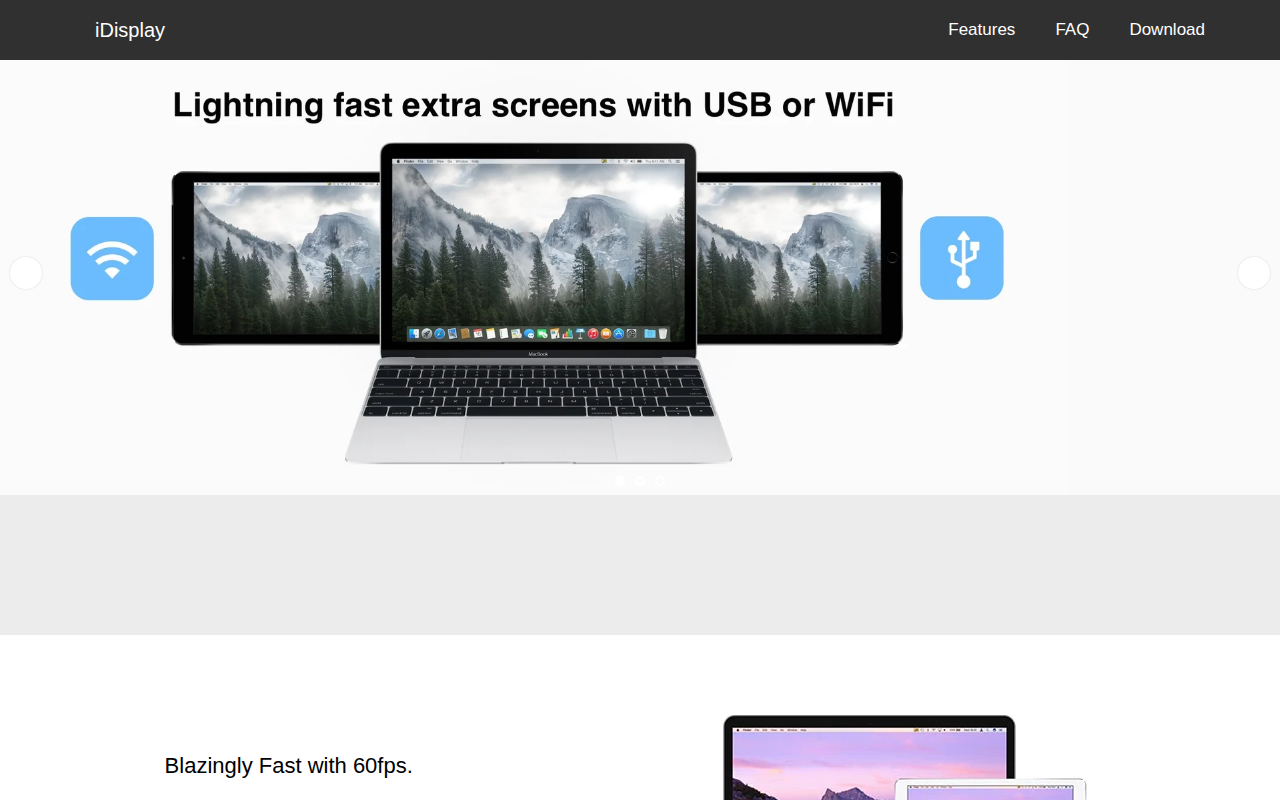
iDisplay
Use a tablet as an extra screen
Display & Accessibility
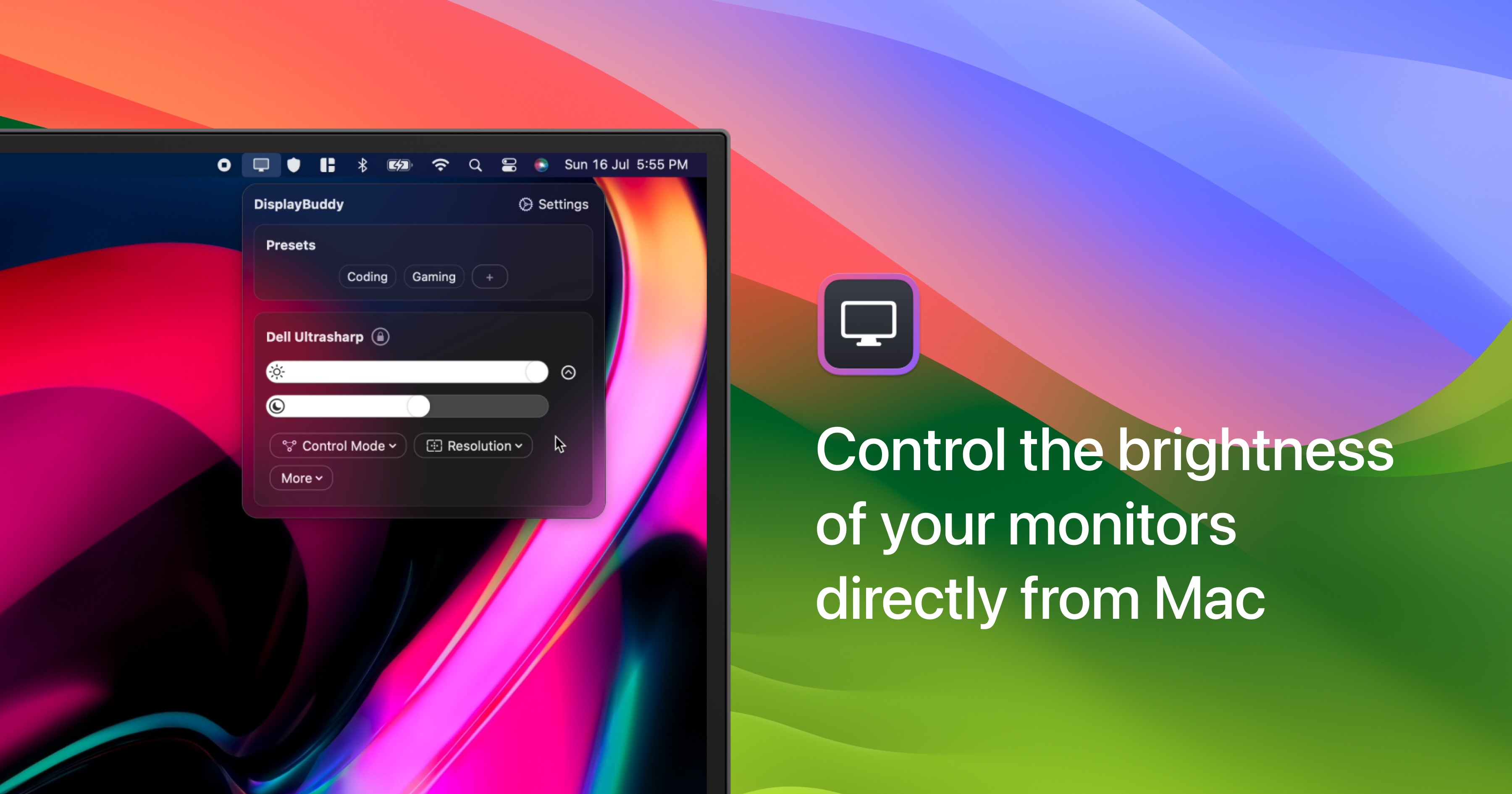
DisplayBuddy
Control external display brightness, contrast, and input source.
Display & Accessibility
DisplayCAL
Display calibration and characterization powered by ArgyllCMS

Display & Accessibility
Cursr
Customise mouse movements between multiple displays