
Mouseposé
Highlight your mouse pointer and cursor position
It adds a visual spotlight around the mouse cursor on macOS, dimming the rest of the display and drawing a configurable circle that follows the pointer. The effect can be triggered with a hotkey and its size, dimming intensity, colors and animation are adjustable, allowing presenters to direct audience attention to specific screen areas.
In addition to the cursor highlight, the tool can display keystrokes on screen, making it easier for viewers to follow along with keyboard actions during demonstrations. Mouse clicks are also visualized with concentric red circles, and optional sounds can be assigned to click events.
The application is aimed at presenters, trainers, teachers and anyone who records screencasts or gives live demos, providing a simple way to emphasize cursor movement, clicks and key presses without requiring additional hardware. It is a stable macOS utility with a free trial available.
Reviews
Loading reviews…
Similar apps
Display & Accessibility
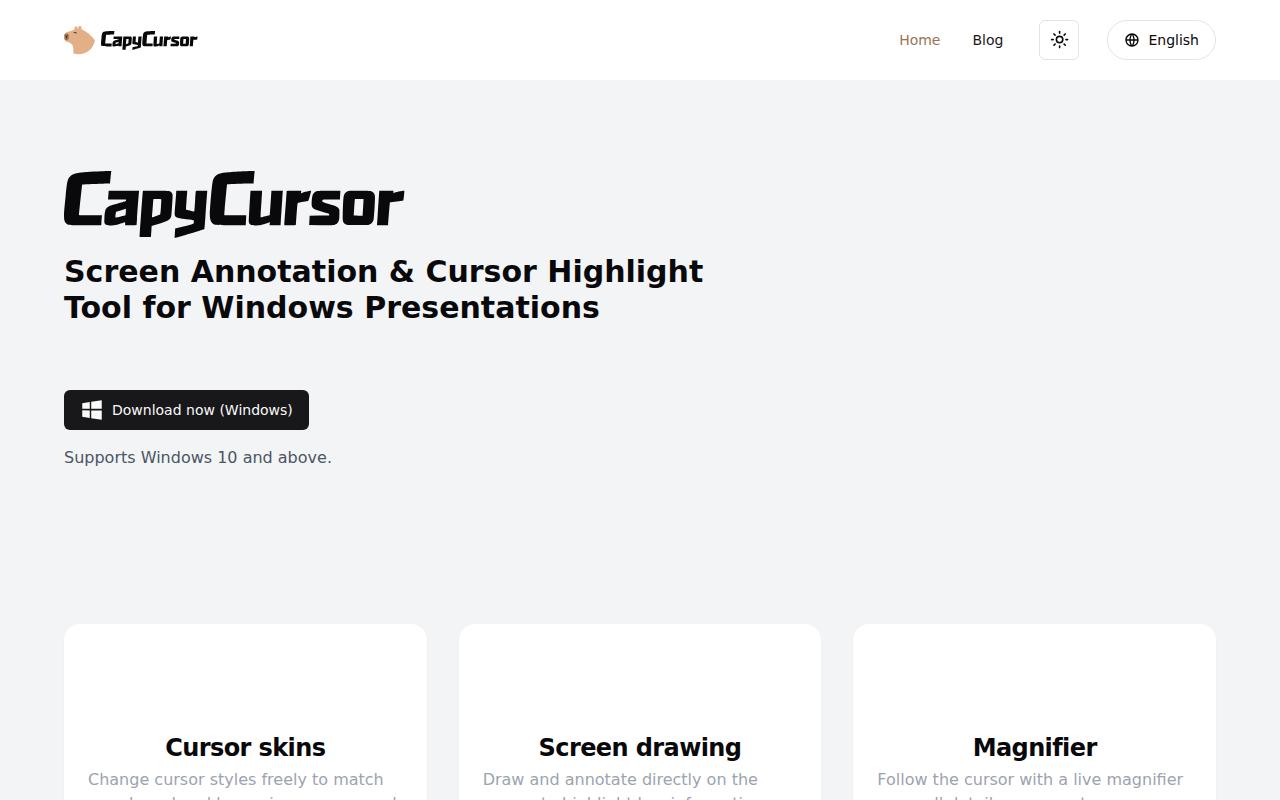
CapyCursor
Cursor highlight, screen draw, zoom & spotlight
Video & Voice
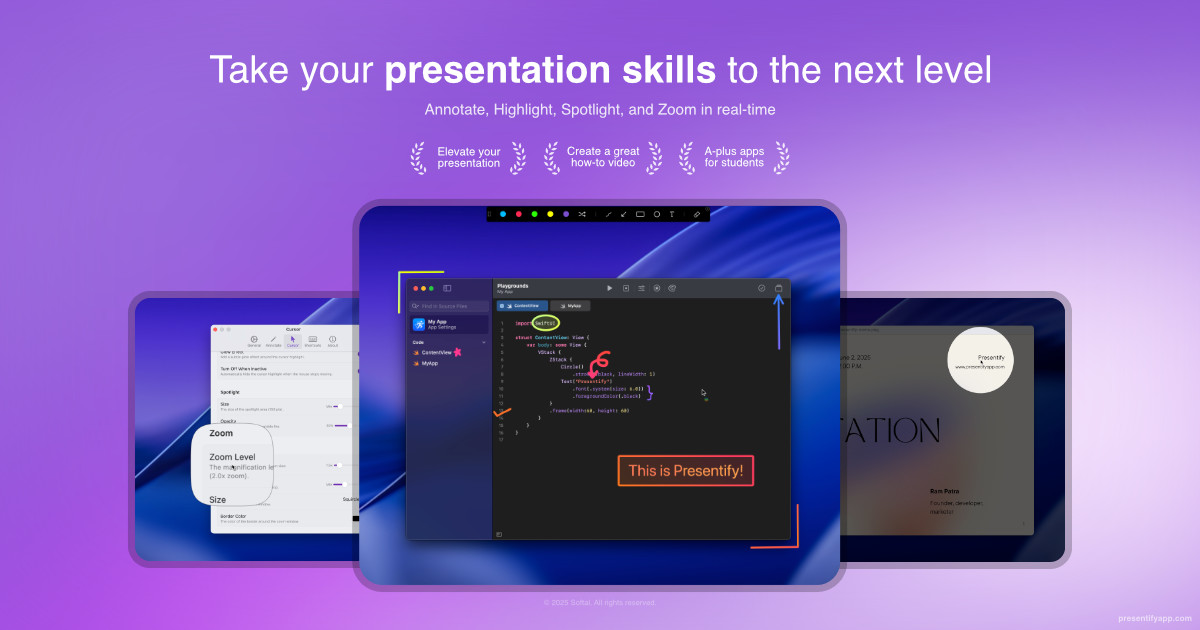
Presentify
A mac app to draw on your screen while on calls, highlight your cursor, and more. ![App Store][app-store Icon]
Screenshot & Screen Recording
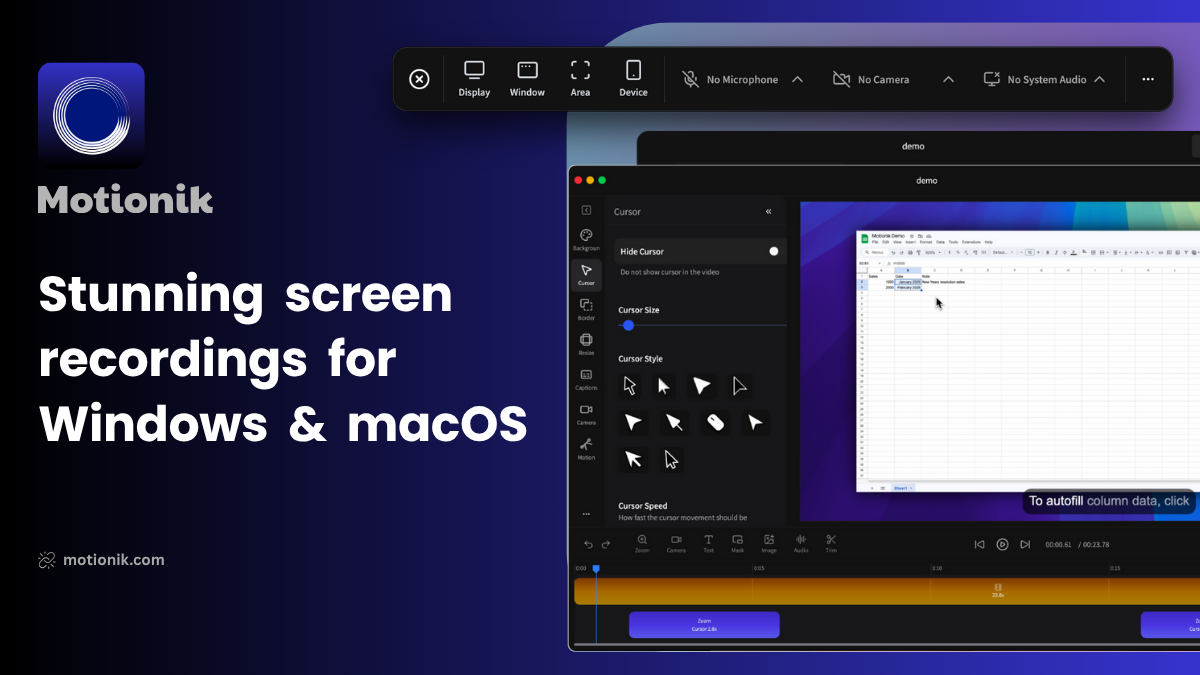
Motionik
Screen recording software
Display & Accessibility
HazeOver
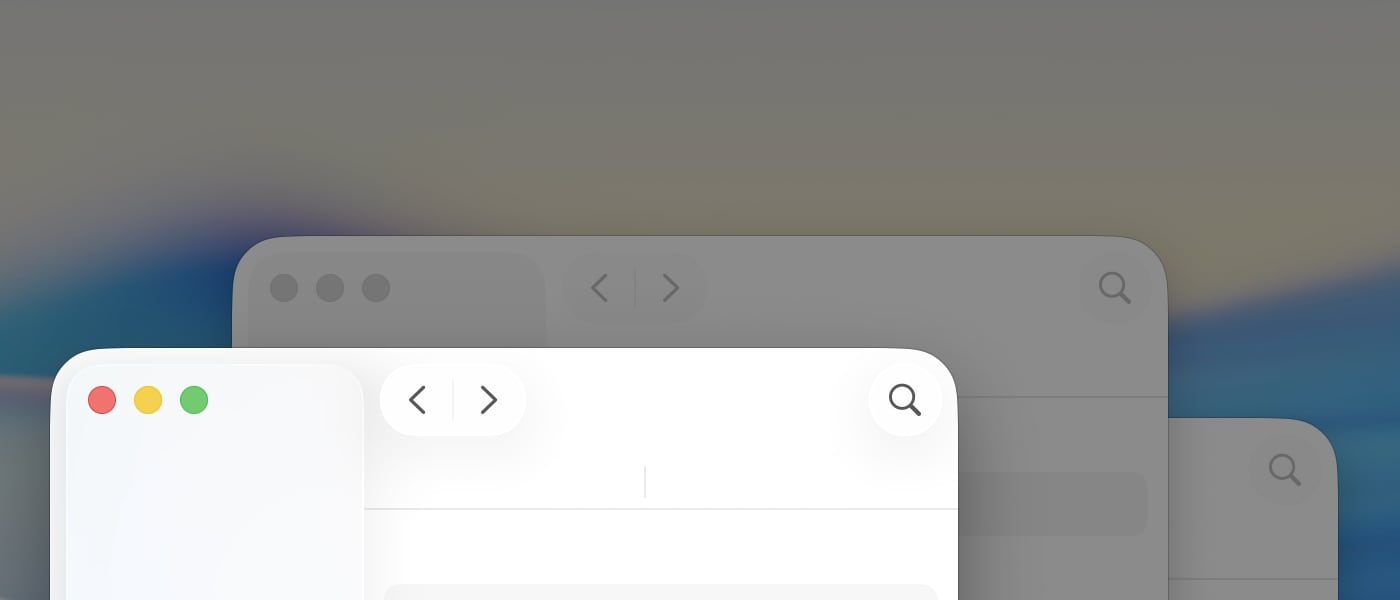
App that dims your background app windows so you can focus more on your main task!
Display & Accessibility
Smooze Pro
Animates scrolling and adds functionality to scroll-wheel mice
Display & Accessibility
Displays
Monitor resolution and settings manager