
DrawPen
Screen annotation tool
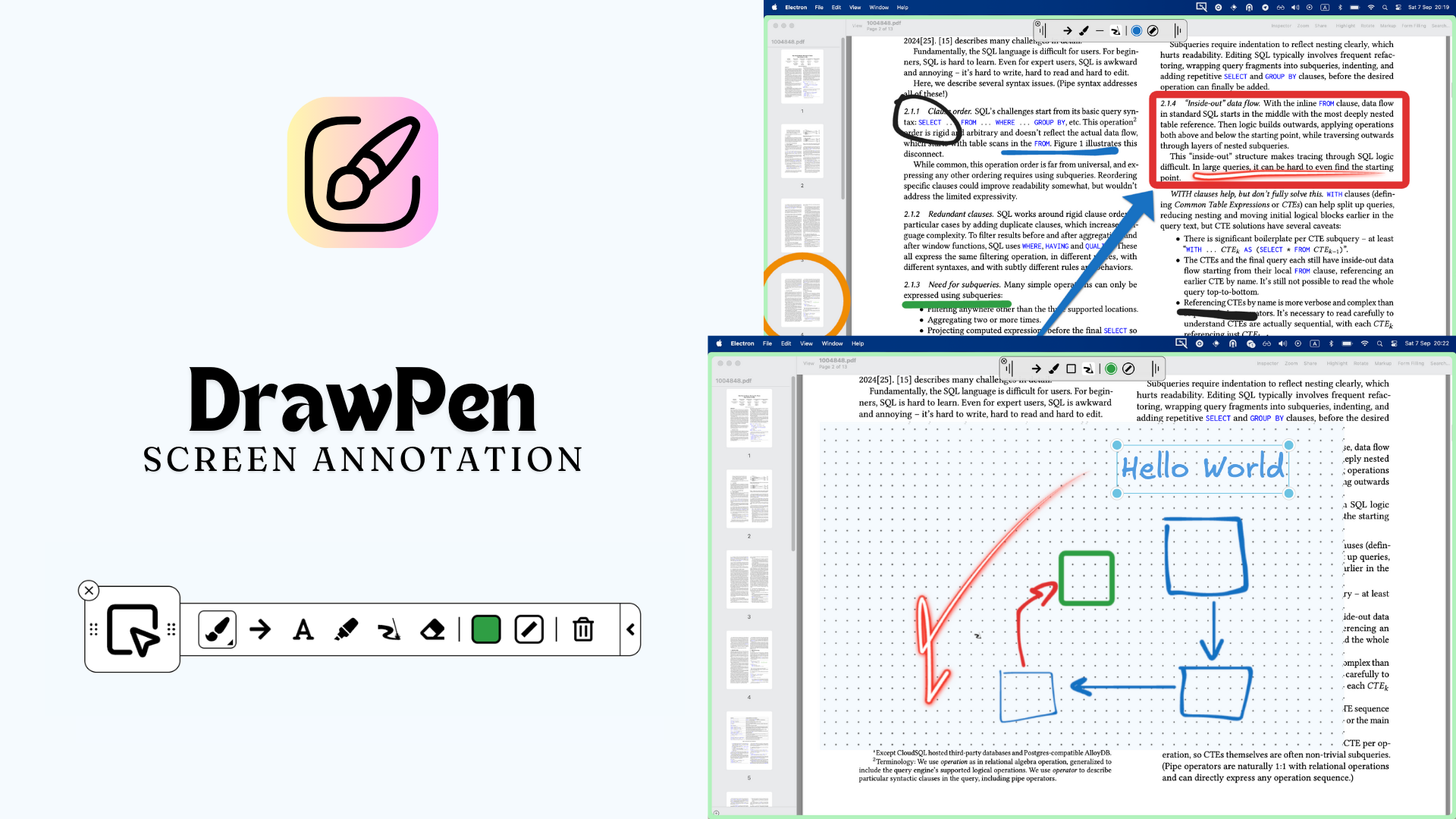
DrawPen is an open‑source screen annotation tool that runs on macOS, Windows and Linux. It lets users draw, highlight, add shapes, text, and a laser pointer directly on the desktop, with a toolbar that can be shown or hidden via keyboard shortcuts. The application supports a pen mode for freehand drawing, a highlighter, an eraser, and predefined shapes such as arrows and squares, all selectable through simple key combinations.
The software is aimed at anyone who needs to annotate their screen in real time, including educators, presenters, and developers who want to illustrate concepts during meetings or recordings. Global shortcuts enable quick switching between drawing and pointer modes, and users can adjust colors, thickness, and other settings without leaving the workspace.
DrawPen is distributed under the MIT license, can be installed from GitHub releases or via package managers such as Homebrew and Scoop, and includes a workaround for Wayland‑related crashes on Linux by running with the X11 backend.
Reviews
Loading reviews…
Similar apps
Diagramming & Whiteboarding
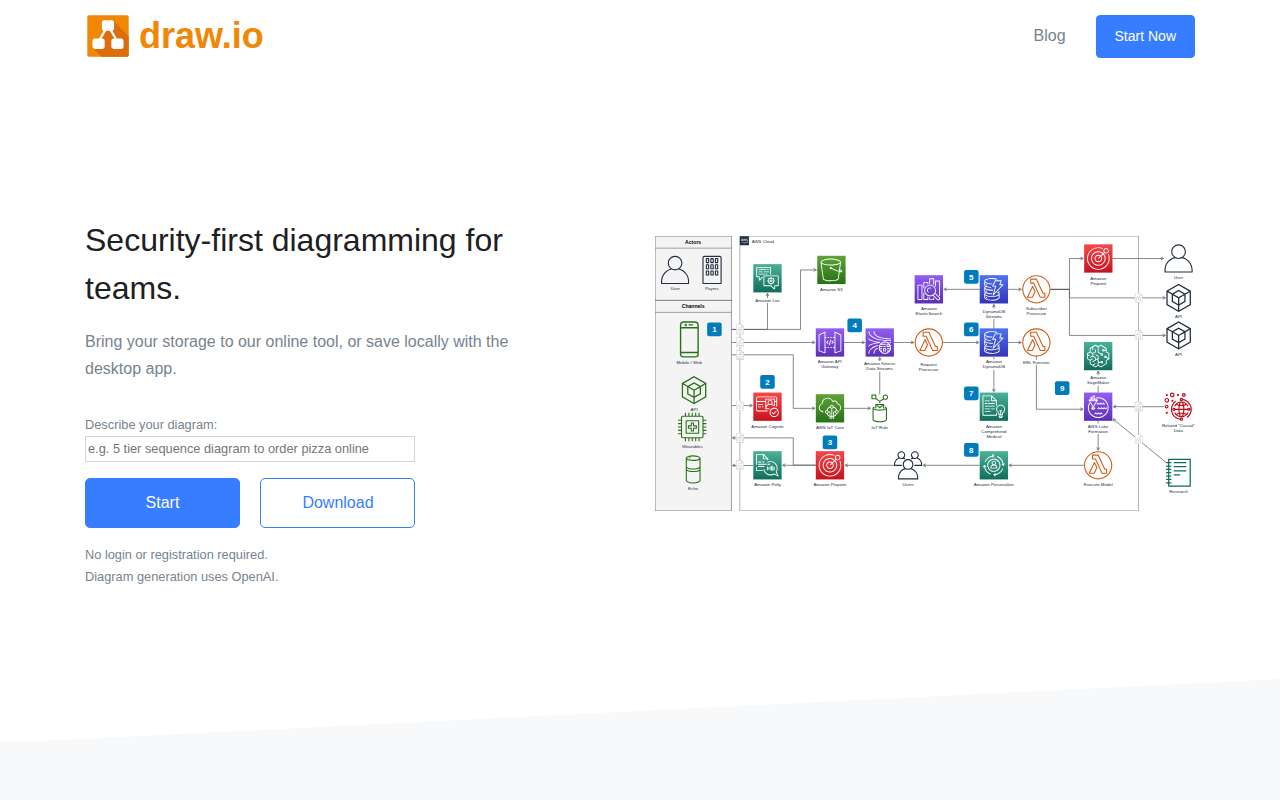
Draw.io
Drawio is a diagramming and whiteboarding desktop app
Screenshot & Screen Recording
ksnip
Screenshot and annotation tool
Video & Voice
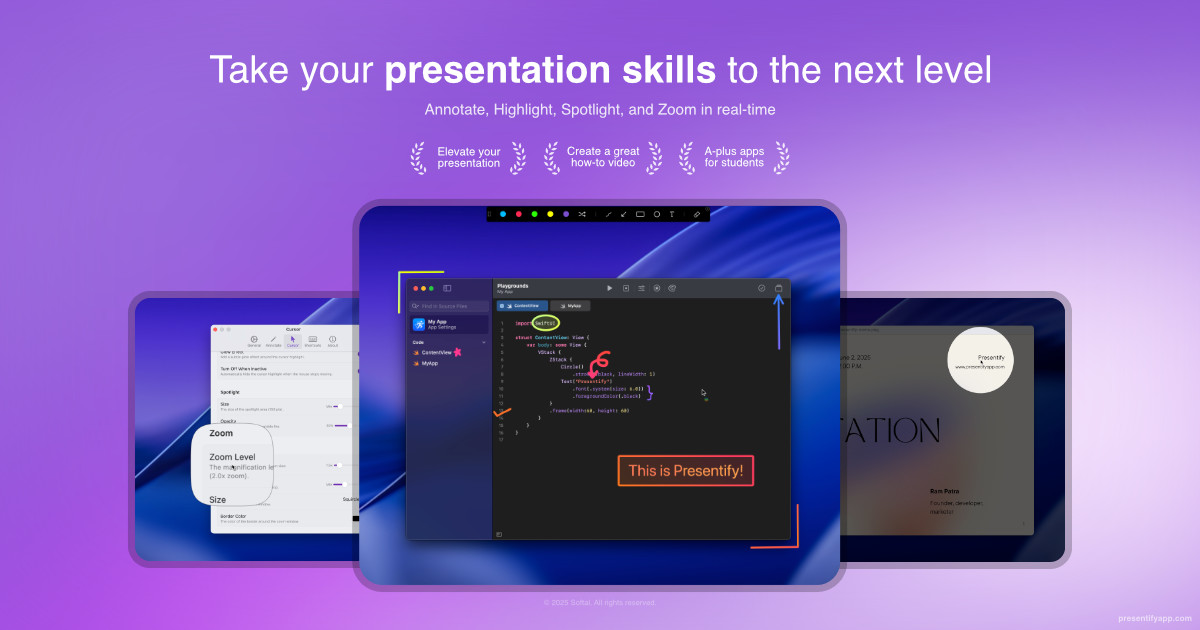
Presentify
A mac app to draw on your screen while on calls, highlight your cursor, and more. ![App Store][app-store Icon]
Note-Taking & PKM
Xournal++
Handwriting notetaking software
Display & Accessibility
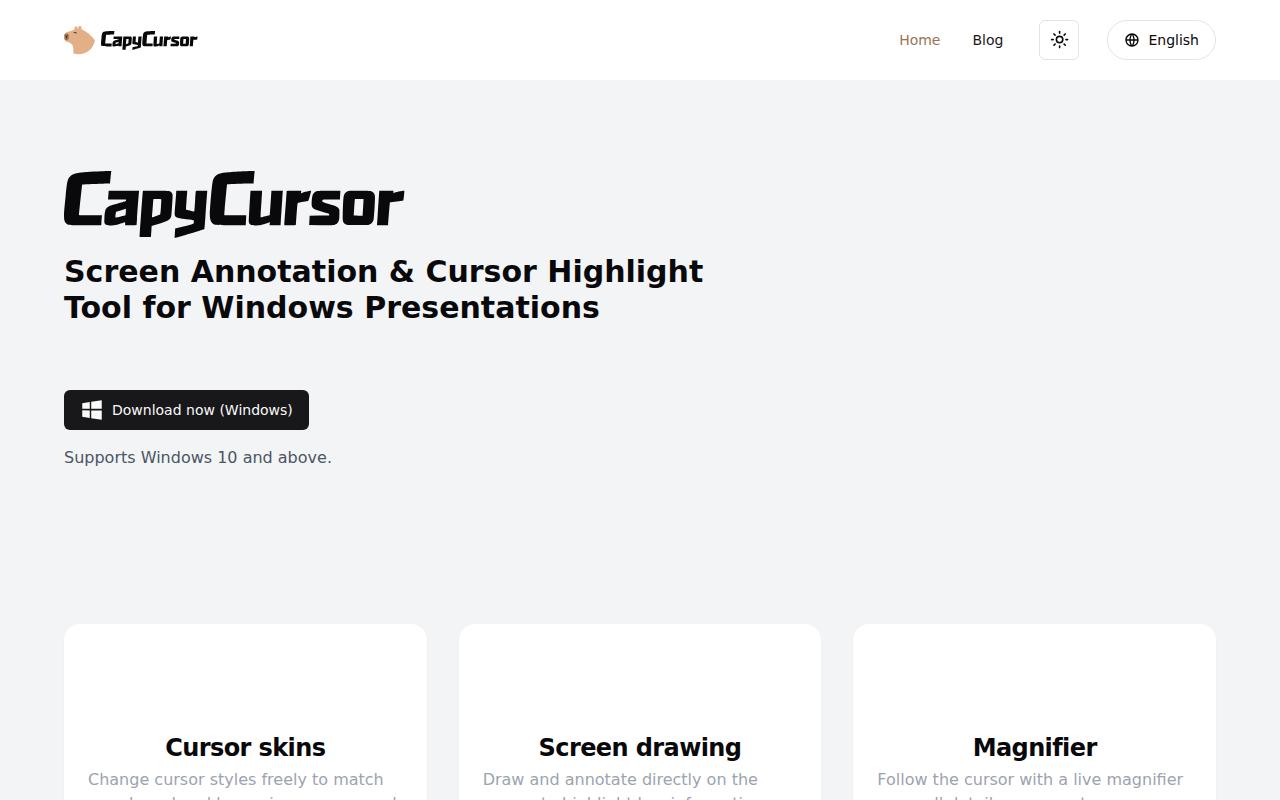
CapyCursor
Cursor highlight, screen draw, zoom & spotlight
Display & Accessibility
DeskPad
Virtual monitor for screen sharing