
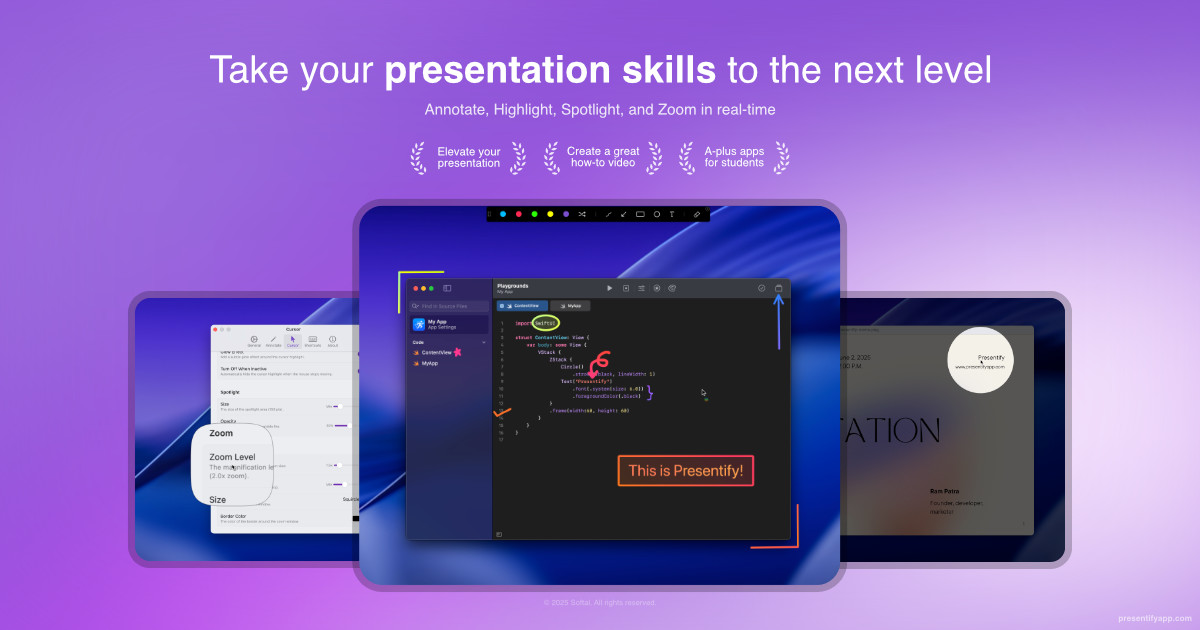
Presentify
A mac app to draw on your screen while on calls, highlight your cursor, and more. ![App Store][app-store Icon]
Presentify is a macOS application that lets users annotate their screen in real time, draw with pens, highlighters, text and shapes, and create a digital whiteboard for brainstorming or explaining concepts. It works with any application or file type, allowing drawings over images, PDFs, videos, presentations, code and more. The tool also provides a cursor‑highlight feature, adding a customizable halo or squircle around the pointer, and supports left/right‑click animations to guide viewers during tutorials.
In addition to annotation, Presentify offers spotlight and zoom functions that dim the surrounding display while emphasizing a selected region or magnifying small details for clearer visibility. Users can choose up to five colors or a gradient, and set drawings to auto‑erase after a specified interval to keep demonstrations flowing smoothly.
The app is native to macOS, optimized for low resource usage, and includes global keyboard shortcuts for quick access to its features. It is positioned for presenters, educators, and anyone who needs to convey visual information during video calls, screen recordings, or live demos.
Reviews
Loading reviews…
Similar apps
Display & Accessibility
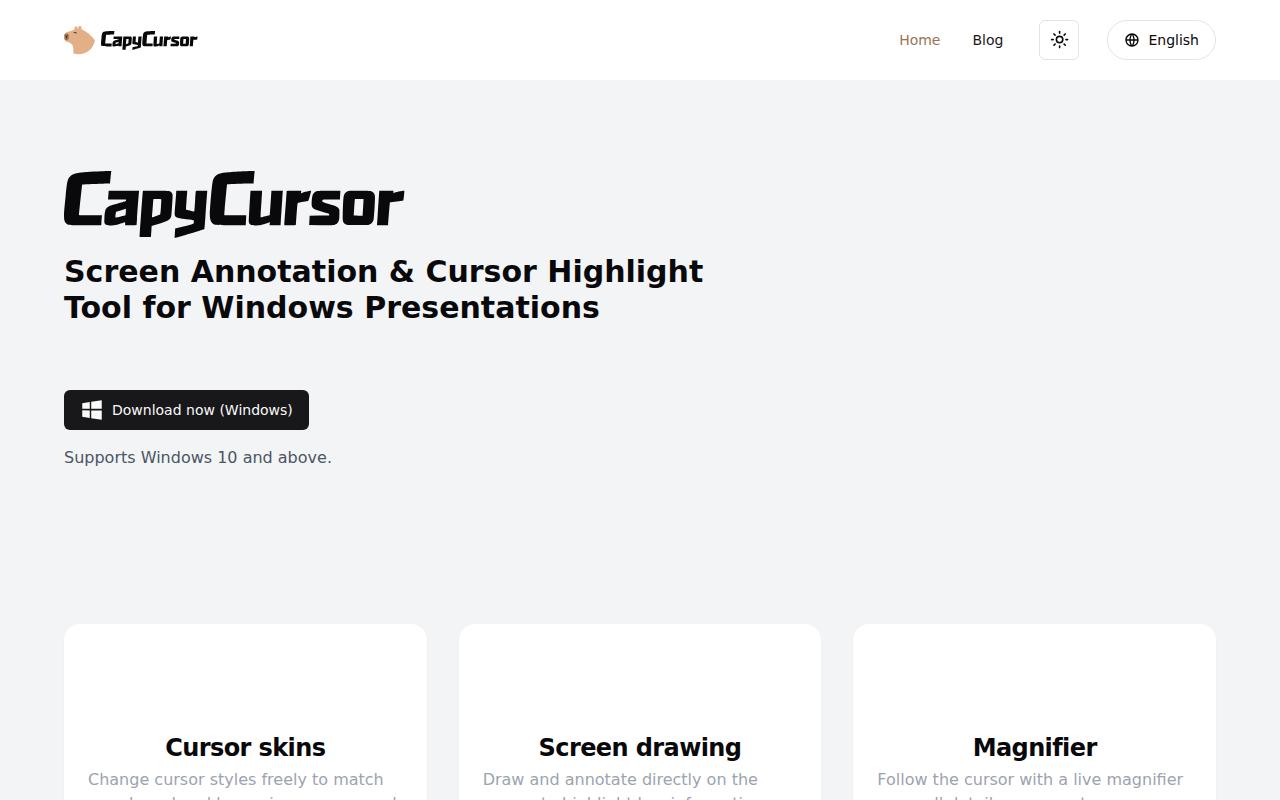
CapyCursor
Cursor highlight, screen draw, zoom & spotlight
Display & Accessibility
Mouseposé
Highlight your mouse pointer and cursor position
Display & Accessibility
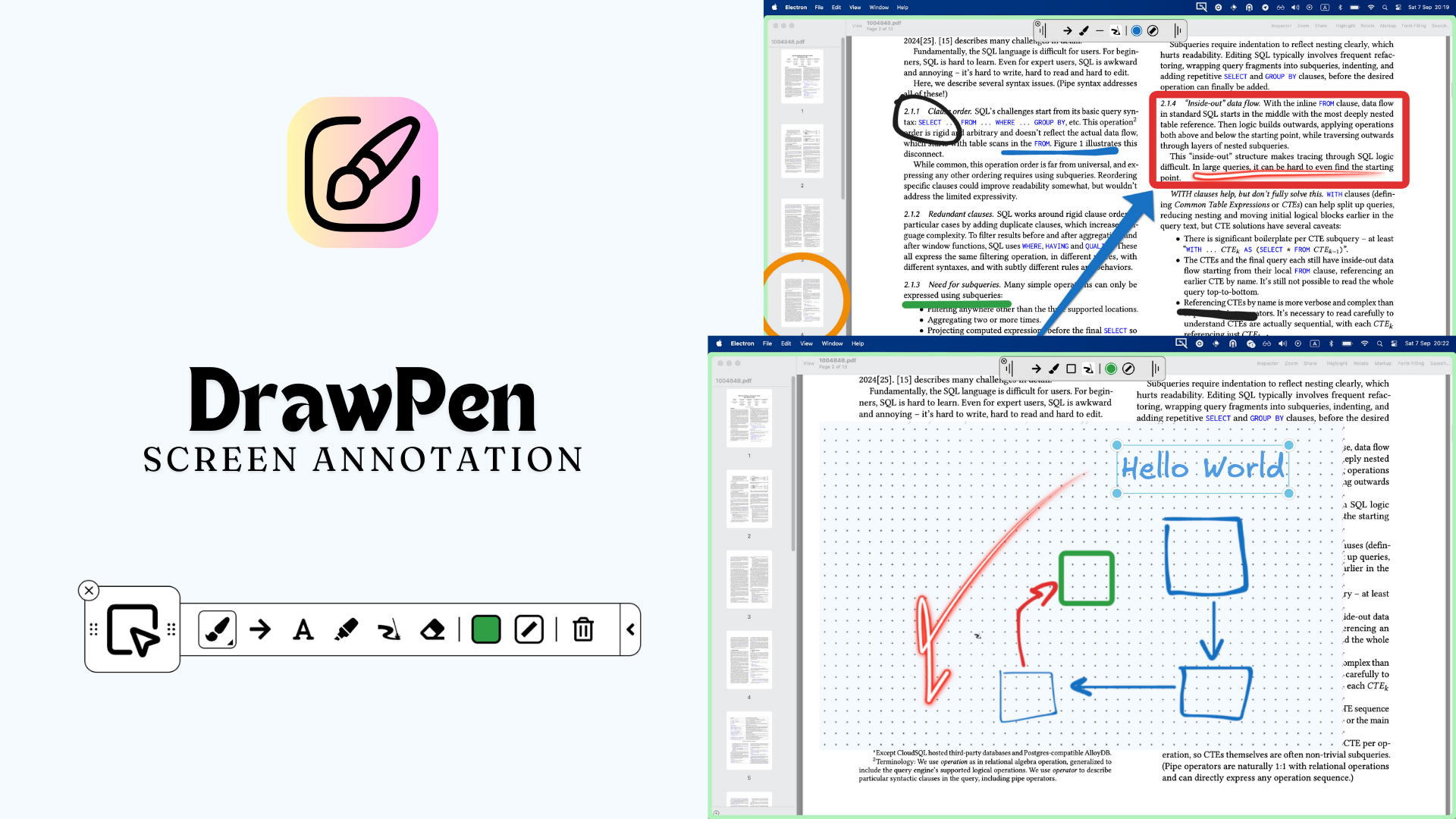
DrawPen
Screen annotation tool
Task & Project Management
Présentation
Tool for pdf slides

Screenshot & Screen Recording
ScreenBuddy
Screen recording with auto-zoom, spotlight, and lightbox

Task & Project Management
Promptly
Scrolls with voice. Invisible to others. Actions on cue.