
Expo Orbit
Launch builds and start simulators from your menu bar
Expo Orbit is a macOS‑focused utility that places a menu‑bar icon for quick access to building and launching mobile applications. It lets users install and run apps directly from local files—supporting Android APKs, iOS Simulator‑compatible apps, and ad‑hoc signed binaries—by using the file explorer or dragging a file onto the app. The tool also integrates with Expo Application Services (EAS), enabling one‑click installation of builds onto simulators and physical devices, as well as one‑click updates for Android devices.
In addition to handling builds, Expo Orbit provides a list of available simulators and can start Android emulators without audio. It offers shortcuts for launching Expo Snack projects in simulators and displays pinned projects from the EAS dashboard for rapid access to the latest builds. The application can be installed on macOS, Linux, and Windows, with a Homebrew formula available for macOS, and includes a setting to launch automatically at login.
The project is released under the MIT license, with some dependencies under alternative licenses such as BSD. Contributions are welcomed through the repository’s contributing guide, and users are encouraged to provide feedback to influence future development.
Reviews
Loading reviews…
Similar apps
DevOps & Infrastructure
MiniSim
App for launching iOS and Android simulators
DevOps & Infrastructure
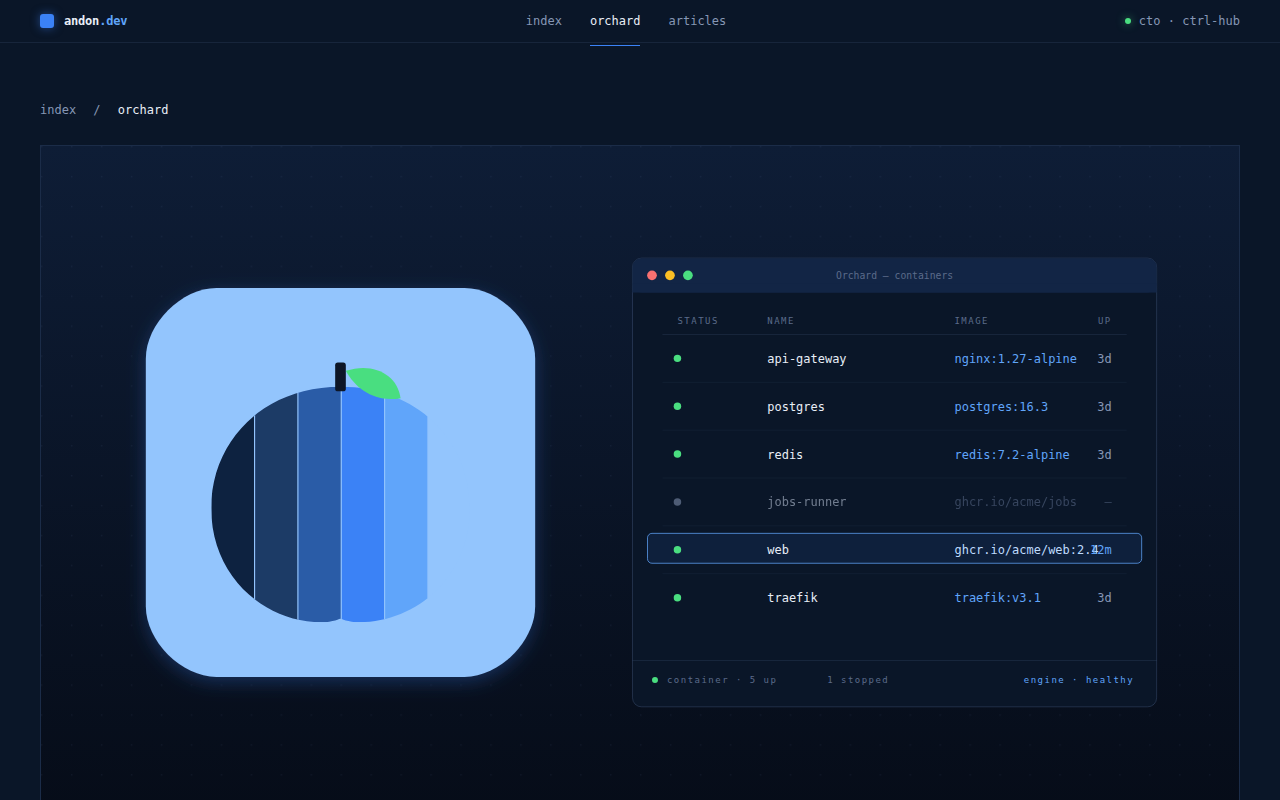
Orchard
Native GUI for Apple Containers

DevOps & Infrastructure
Orka Desktop
Run macOS virtual machines locally and build images for use with Orka
DevOps & Infrastructure
KubeContext
Menu bar app for managing Kubernetes contexts
Window & Desktop Management
LlamaBarn
Menu bar app for running local LLMs
Window & Desktop Management
LunarBar
Lunar calendar for menu bar