

FIDO2.1 Security Key Management Tool
Manage FIDO2.1 security keys
The macOS utility provides a graphical and command‑line interface for interacting with FIDO2.1 security keys on Apple‑silicon Macs. Users can view device details, manage stored passkeys, change PINs, and perform factory resets. The application supports USB and NFC keys, though NFC functionality depends on the reader, and smartcard features are not yet fully implemented.
It is built from the same open‑source codebase as the Windows and Linux versions, but macOS assigns a new hardware IORegistry ID each time a key is replugged, causing slight differences in behavior between platforms. The tool works with most FIDO2.1‑compliant keys, regardless of manufacturer, provided the key can be connected via USB or an NFC reader.
Installation requires macOS Ventura 13.0 or later on an M1, M2, or newer Apple Silicon processor; it does not run on Intel‑based Macs. The application is launched from the Applications folder after dragging the DMG contents, and initial use may prompt for system permissions or keyboard‑setup dialogs that can be dismissed.
Reviews
Loading reviews…
Similar apps
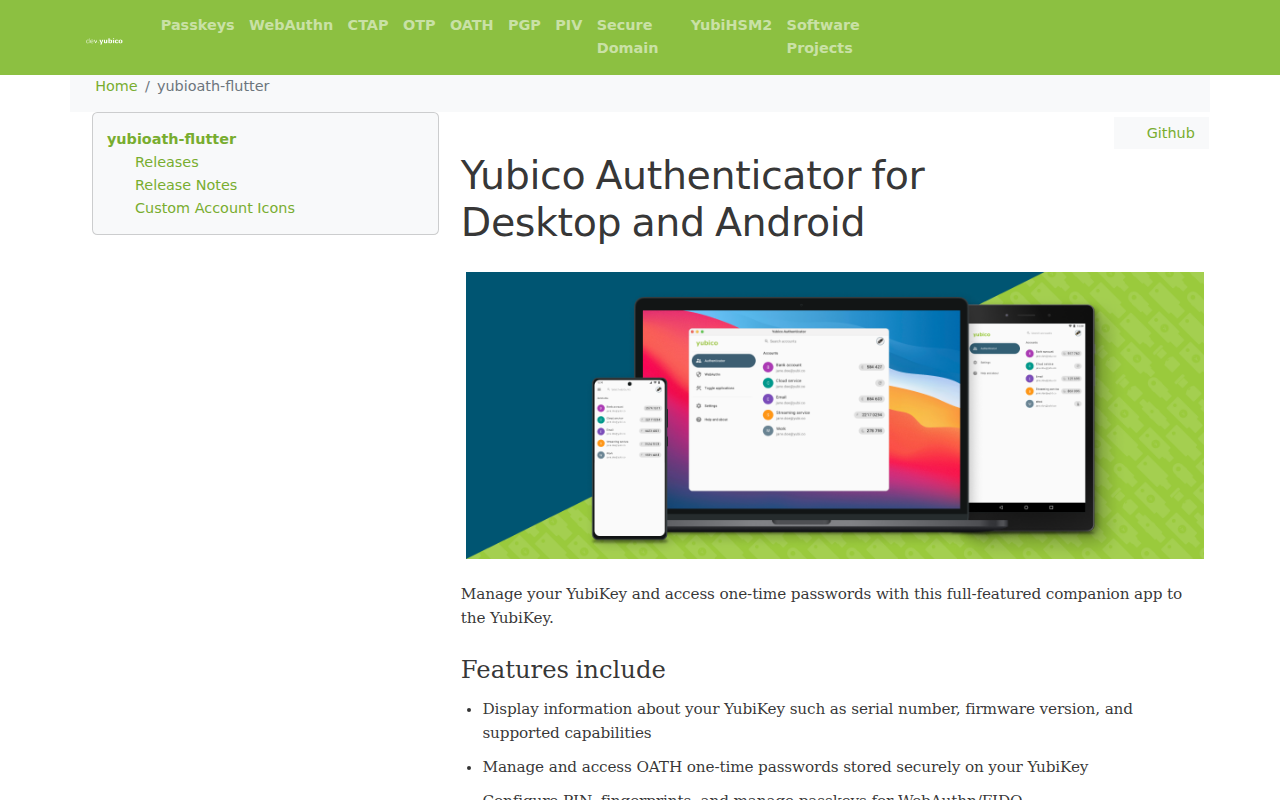
Password & Security
Yubico Authenticator
Full-featured companion app to the YubiKey
Password & Security
Yubiswitch
Status bar application to enable/disable Yubikey Nano
Password & Security
TouchBridge
Authenticate with your phone's fingerprint as a free Touch ID keyboard alternative.

Task & Project Management
QMK Toolbox
Toolbox companion for QMK Firmware
Password & Security
KeyManager
Certificate manager

Password & Security
Steinberg Activation Manager
Licenses manager for Steinberg Licensing