
Yubiswitch
Status bar application to enable/disable Yubikey Nano
The application lives in the macOS menu bar and lets users toggle the USB HID interface of a YubiKey Nano or Neo, preventing accidental one‑time‑password emissions when the key is unintentionally touched. A configurable global hot key and a menu offer “enable” and “disable” actions, and the program communicates with a privileged helper daemon that exclusively controls the device’s USB connection.
It is aimed at Mac users who employ a YubiKey for multi‑factor authentication and need a quick way to stop the key from sending OTPs while typing or using other applications. The app integrates with macOS accessibility and input‑monitoring permissions, and can be driven from the command line or AppleScript using the simple commands KeyOn and KeyOff.
The distribution is a signed, notarized DMG for macOS, and the helper daemon is installed with root privileges after the user supplies their password. Preferences allow selection of specific vendor and product IDs, making the tool adaptable to different YubiKey models.
Reviews
Loading reviews…
Similar apps
Password & Security
swiftGuard
Tool for protecting USB ports from unauthorized access.
Password & Security
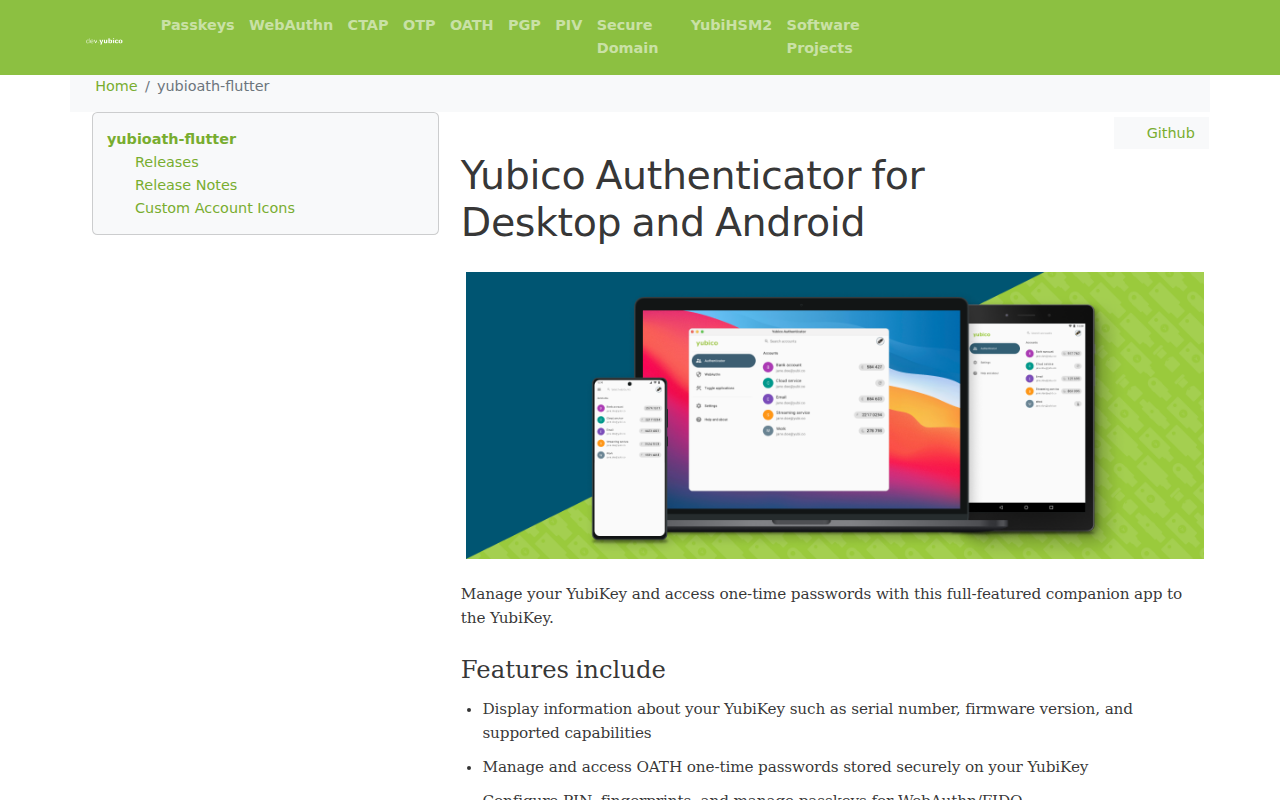
Yubico Authenticator
Full-featured companion app to the YubiKey
Password & Security
BLEUnlock
Lock/unlock Apple computers using the proximity of a bluetooth low energy device
Password & Security
You'll Never Take Me Alive!
Utility to enhance the protection of encrypted data
Clipboard, Input & Automation
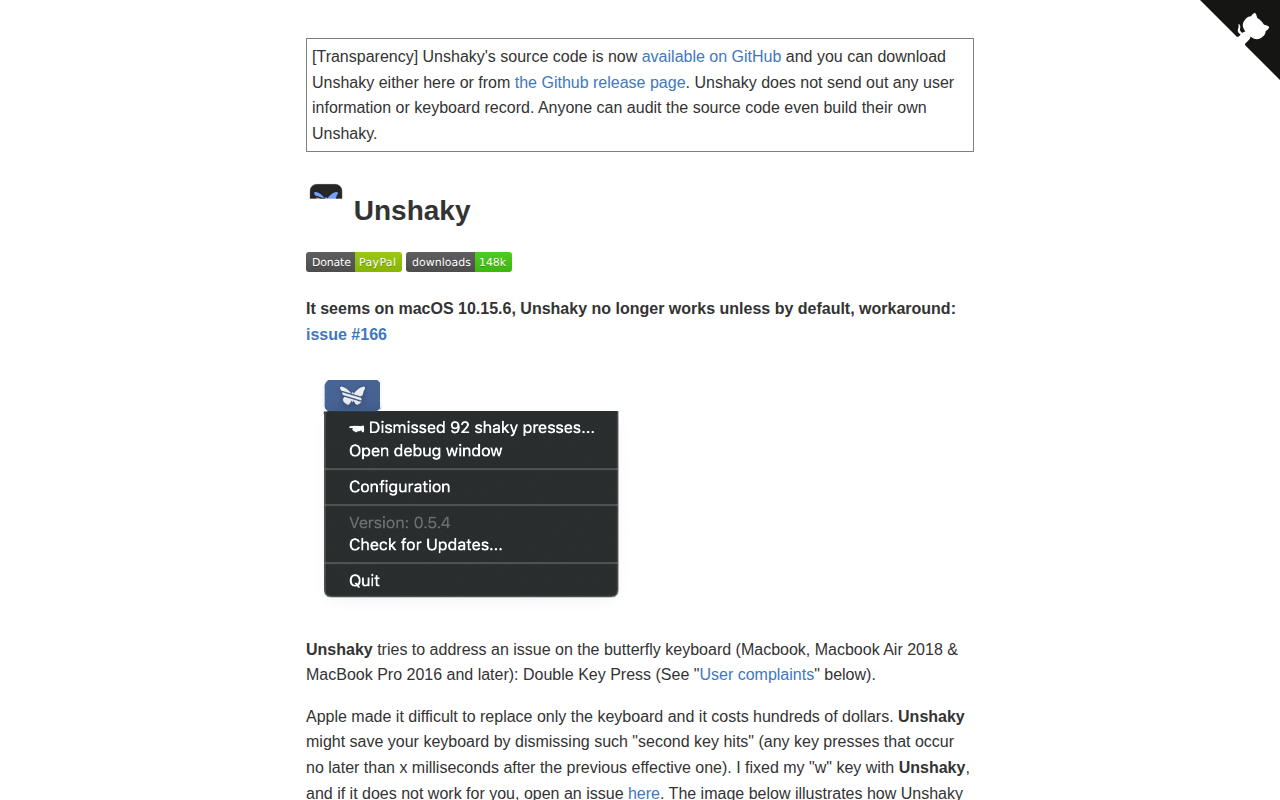
Unshaky
Software fix for double key presses on Apple's butterfly keyboard
Password & Security
SeKey
Use Touch ID or Secure Enclave for SSH authentication