
FnKeyboard
Quick access to function keys from the menu bar.
FnKeyboard is a macOS menu‑bar utility that places the full set of function keys (F1–F12) in a pop‑over accessible from the status bar. Clicking a displayed keycap sends the corresponding system action—such as adjusting brightness, volume, or media playback—through HID and CGEvent APIs, while the app also monitors physical F‑key presses when granted Accessibility permission.
The tool is built with Swift 5.9, runs on macOS 13.0 Ventura or later, and adapts its appearance to dark and light modes. It offers animated hover highlights, uses SF Symbols for key icons, and operates without a Dock presence. The application is open‑source, MIT‑licensed, and distributed as a pre‑built app or source code that can be compiled with Xcode command‑line tools.
Security‑focused design includes a hardened runtime, code signing, rate limiting, and memory‑safe event handling, though it runs unsandboxed to access the required Accessibility and Input Monitoring privileges. The project is stable and intended for users who need quick, mouse‑driven access to macOS function‑key actions.
Reviews
Loading reviews…
Similar apps
Clipboard, Input & Automation
FnKey
Push-to-talk voice input tool that pastes transcribed text instantly.
Clipboard, Input & Automation
Fluor
Change the behavior of the fn keys depending on the active application
Clipboard, Input & Automation
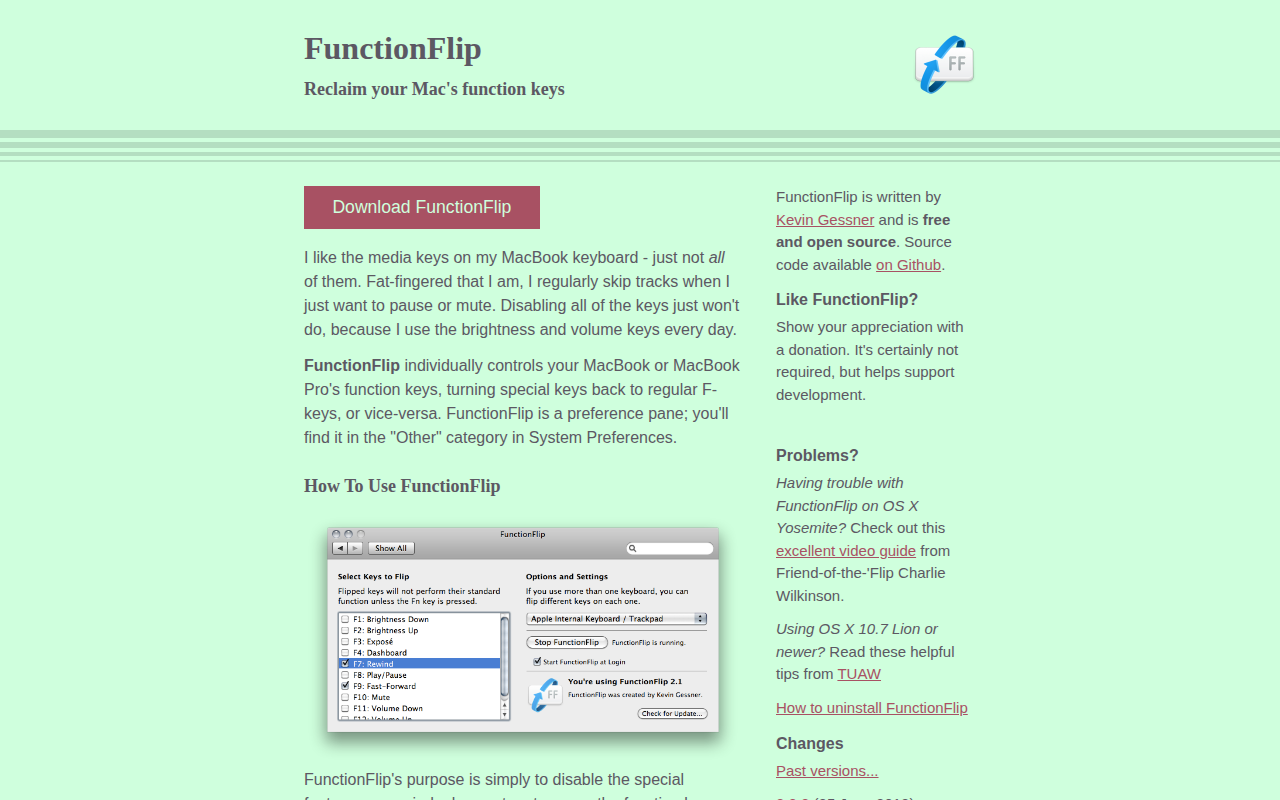
FunctionFlip
Function key control
Clipboard, Input & Automation
Keyboard Cowboy
The missing keyboard shortcut utility for macOS.
Clipboard, Input & Automation
ClipFlow
Free clipboard history manager with terminal-style navigation.
Clipboard, Input & Automation
HapticKey
Add haptic feedback when using the Touch Bar.