
HapticKey
Add haptic feedback when using the Touch Bar.
The utility monitors Touch Bar interactions on MacBooks and generates haptic feedback by vibrating the trackpad whenever a key tap is detected. It listens for specific events such as ESC, function keys, or any Touch Bar tap, and can optionally emit a sound or flash the screen as a visual bell. By providing tactile and auditory cues, it aims to make Touch Bar usage—particularly in contexts like Vim where key presses are frequent—more comfortable.
It is distributed as an open‑source, freely available binary that requires user permission for Accessibility access and may need to be allowed in Security & Privacy settings because the pre‑built version is unsigned. Users can also build the program from source with Xcode, using a simple make command to fetch dependencies and compile the application.
Developers can extend the functionality by implementing custom event listeners, leveraging the CGEventTap system and private MultitouchSupport framework calls to trigger feedback on additional Touch Bar events.
Reviews
Loading reviews…
Similar apps
Clipboard, Input & Automation
HapticKey
Trigger haptic feedback when tapping Touch Bar
Clipboard, Input & Automation
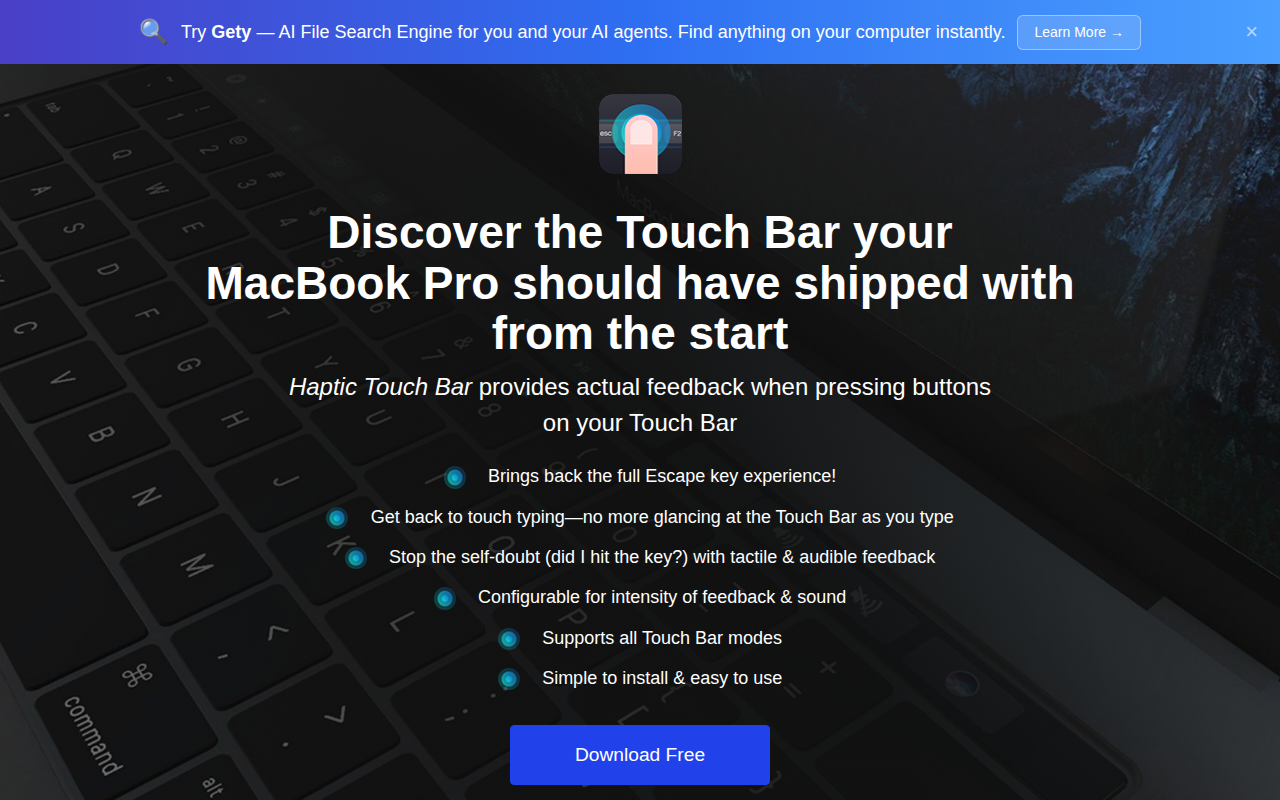
Haptic Touch Bar
Add haptic feedback to Touch Bar buttons
Code Editors & IDEs
Touch Bar Simulator
Use the Touch Bar on any Mac. ![Open-Source Software][OSS Icon] ![Freeware][Freeware Icon]
Clipboard, Input & Automation
FnKeyboard
Quick access to function keys from the menu bar.
Clipboard, Input & Automation
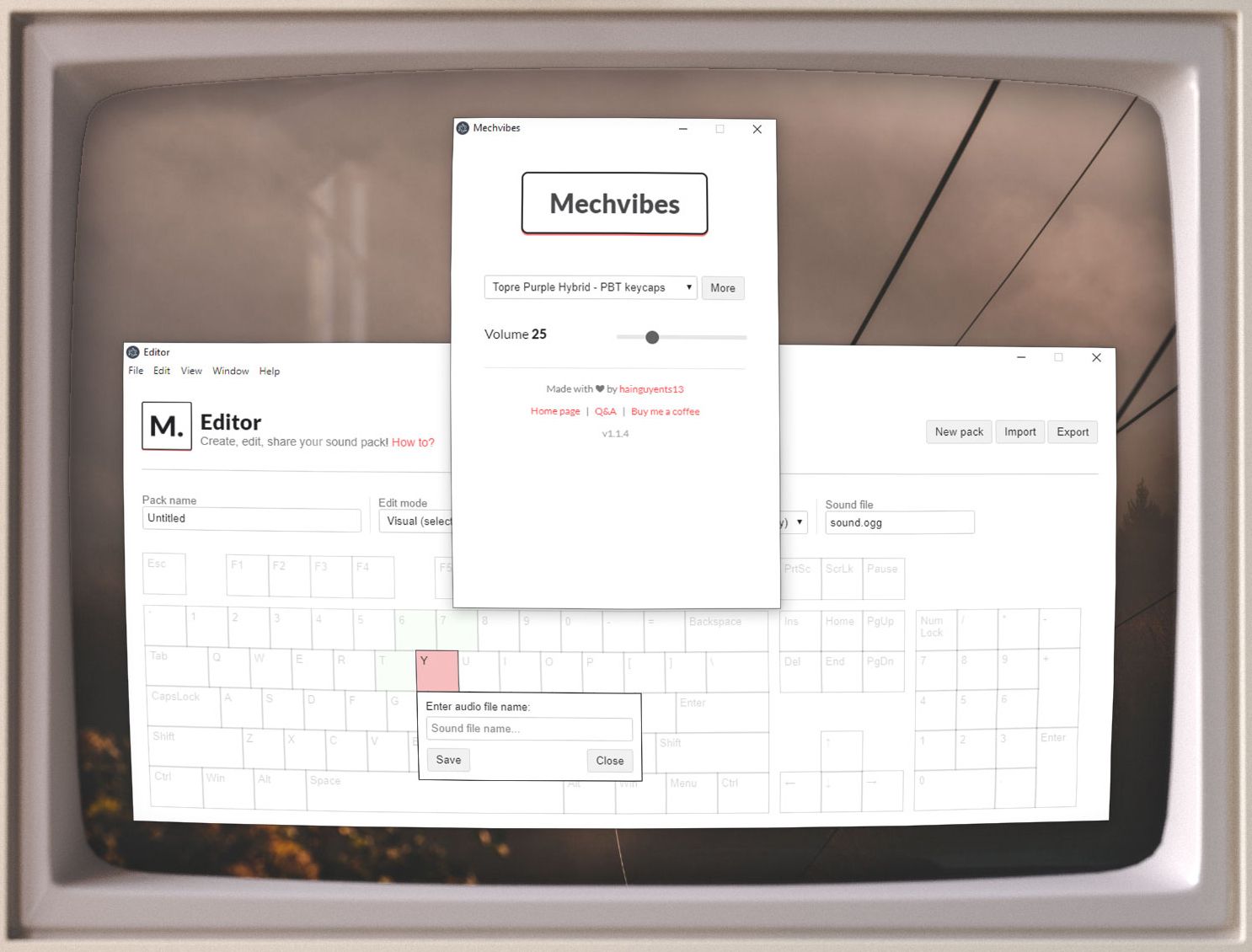
Mechvibes
Play mechanical keyboard sounds as you type
Clipboard, Input & Automation
Touch Emoji
Emoji picker for MacBook Pro Touch Bar.