
Haptic Touch Bar
Add haptic feedback to Touch Bar buttons
The application taps into the Force Touch trackpad’s haptic engine to generate tactile and audible cues whenever a button on the MacBook Pro Touch Bar is pressed. By delivering a physical sensation and optional sound, it restores the feeling of distinct keys for Escape, function keys, and other controls, allowing users to type without looking at the strip.
It is aimed at professionals who rely on frequent shortcut keys—developers, designers, Vim users, and anyone running Windows virtual machines—who own a Touch Bar MacBook Pro from 2016 onward. The software works across all Touch Bar modes, including the keyboard row, Control Strip, and contextual app buttons, and offers adjustable intensity and sound settings.
Installation is straightforward, and once active the app runs in the background, providing consistent feedback that helps reduce the need to glance at the Touch Bar and improves overall typing efficiency.
Reviews
Loading reviews…
Similar apps
Clipboard, Input & Automation
HapticKey
Trigger haptic feedback when tapping Touch Bar
Clipboard, Input & Automation
HapticKey
Add haptic feedback when using the Touch Bar.
Task & Project Management
My TouchBar. My rules
TouchBar customization app
Code Editors & IDEs
Touch Bar Simulator
Use the Touch Bar on any Mac. ![Open-Source Software][OSS Icon] ![Freeware][Freeware Icon]
Audio Routing & Effects
AVTouchBar
Audio Visualiser for the Touch Bar
Clipboard, Input & Automation
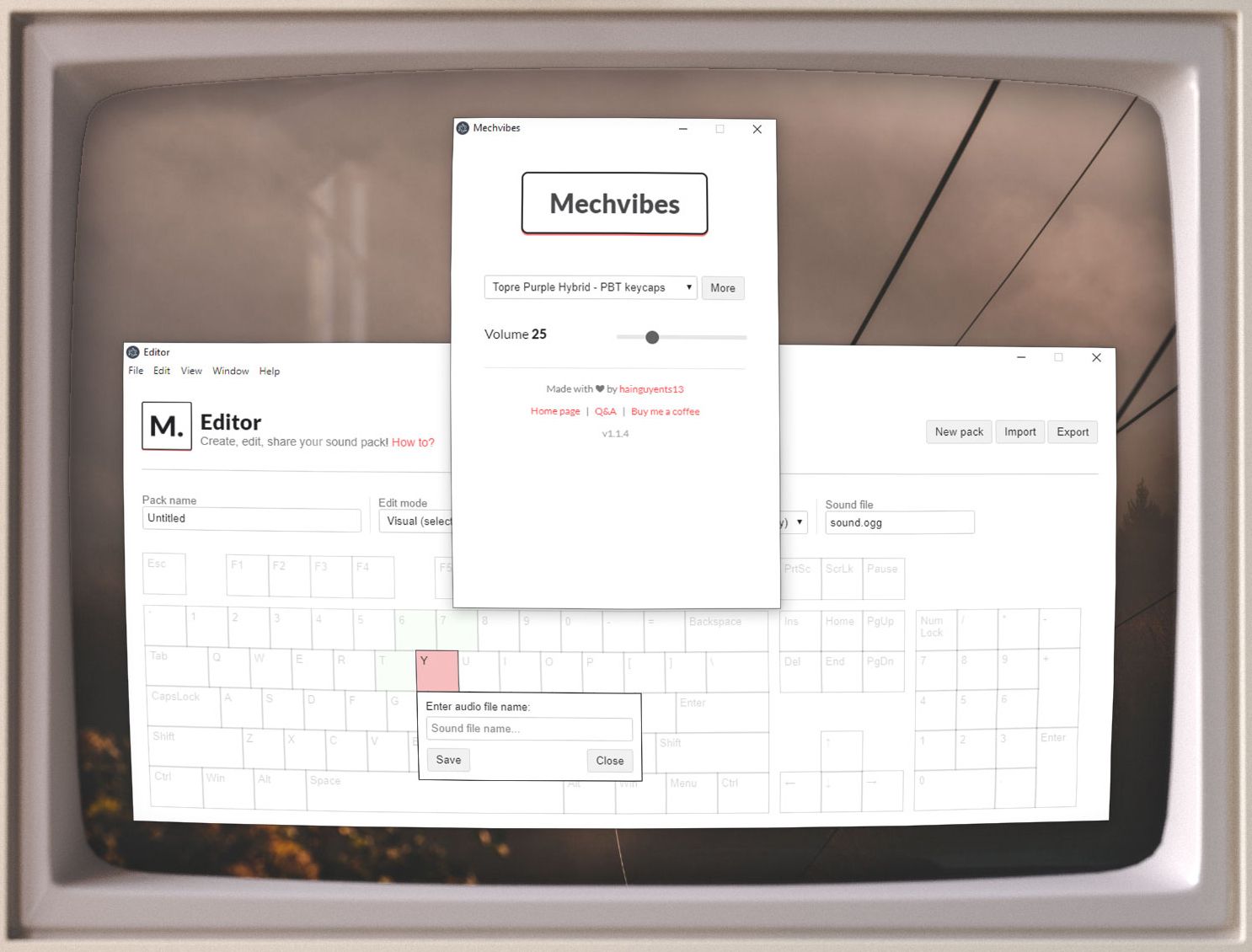
Mechvibes
Play mechanical keyboard sounds as you type