
Highlight Studio
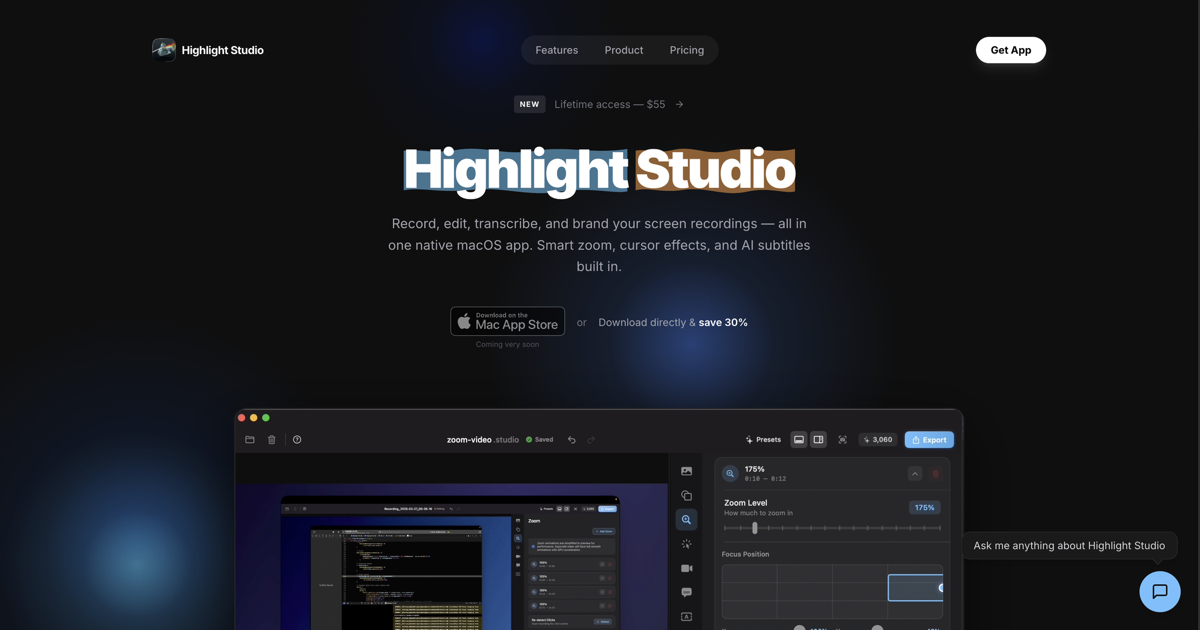
Record, edit, and brand screen recordings Metal powered
Highlight Studio enables users to capture screen activity on macOS, then refine the footage with an integrated video editor. After recording, the software offers tools for trimming, arranging multiple tracks, and applying visual adjustments, allowing creators to produce polished videos without leaving the application.
A key component is the AI‑driven transcription service, which generates searchable text for the recorded content. The platform also includes smart‑zoom functionality that automatically focuses on relevant screen areas, and brand‑kit support for applying consistent colors, logos, and styles across videos.
The product is positioned for individuals or teams that need a combined recording and editing workflow on Mac, especially those who value automated transcription and branding features. It is currently in an experimental stage of development.
Reviews
Loading reviews…
Similar apps
Screenshot & Screen Recording
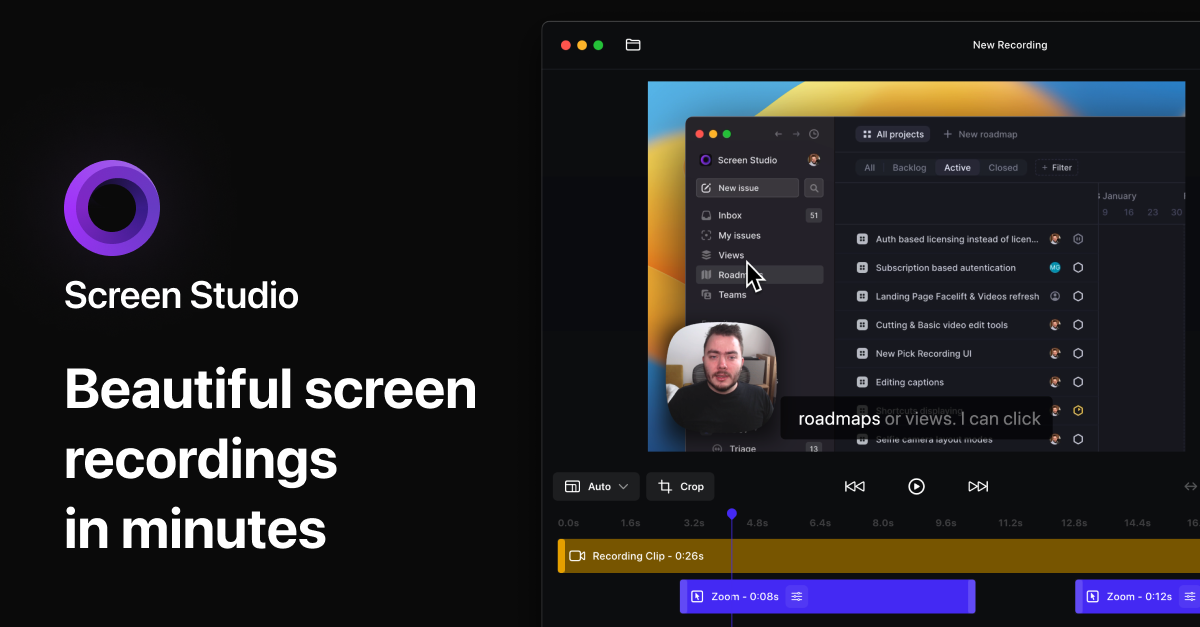
Screen Studio
Screen recorder for polished videos with automatic motion effects.
Screenshot & Screen Recording
Screen Studio
Screen recorder and editor
Screenshot & Screen Recording
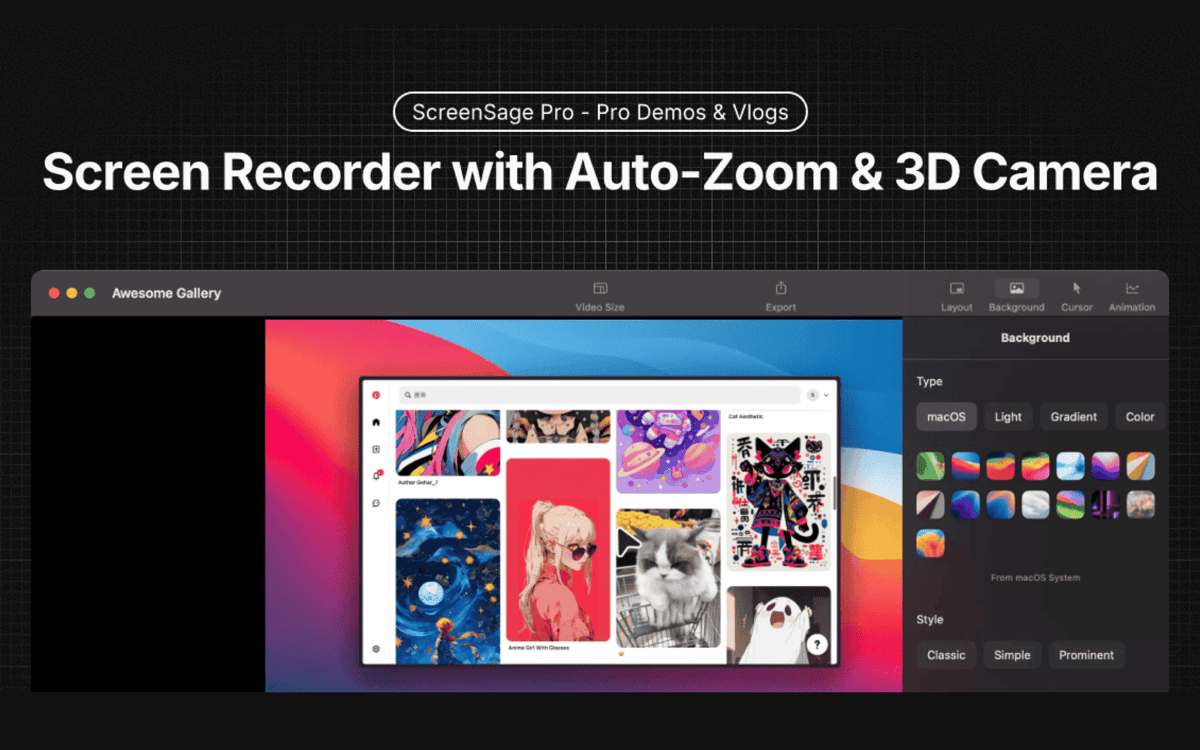
ScreenSage Pro
A screen recording tool for creating polished videos in minutes.
Screenshot & Screen Recording
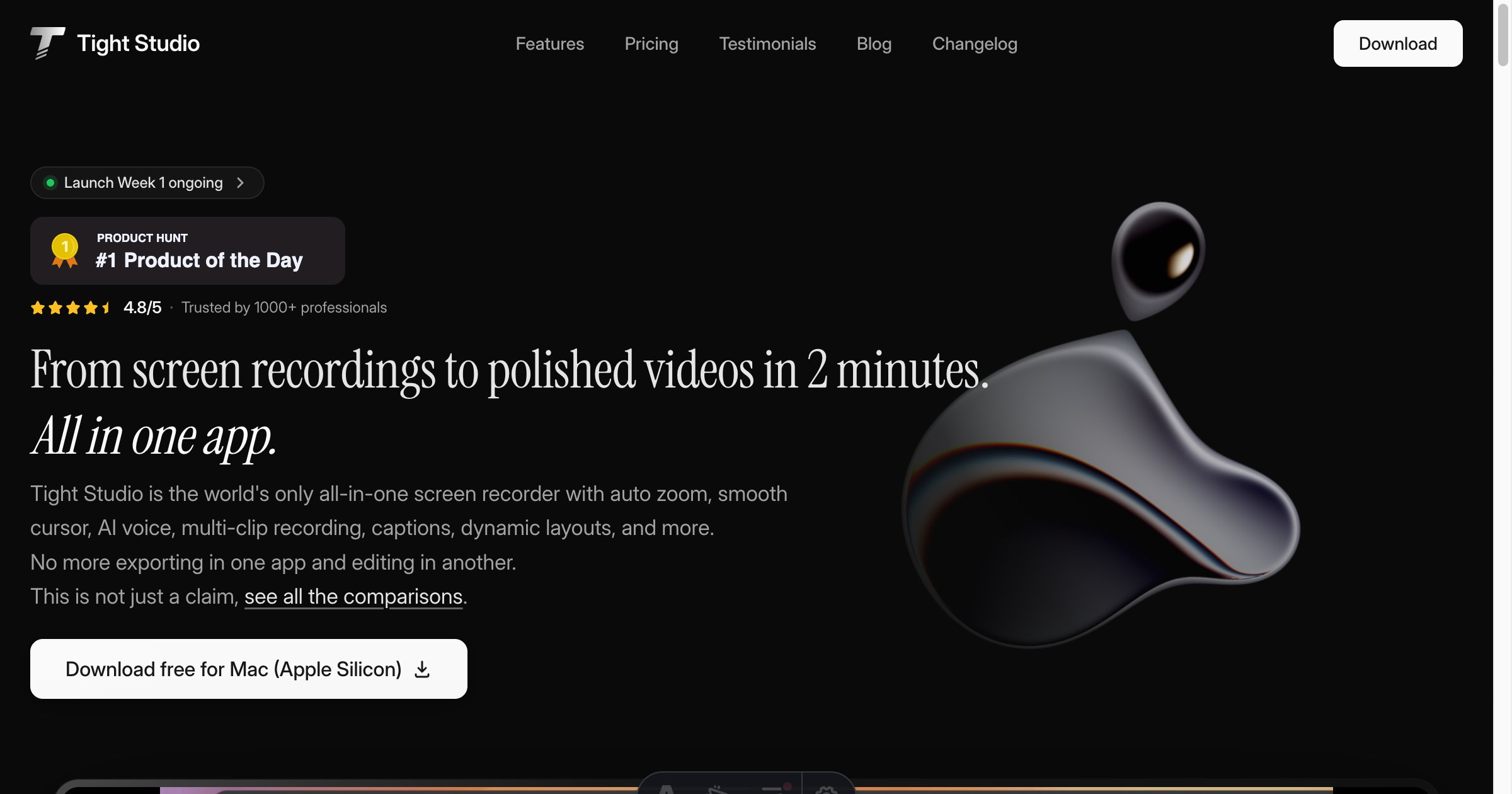
Tight Studio
Screen recorder with smart zoom, captions, and AI voiceovers.
Screenshot & Screen Recording
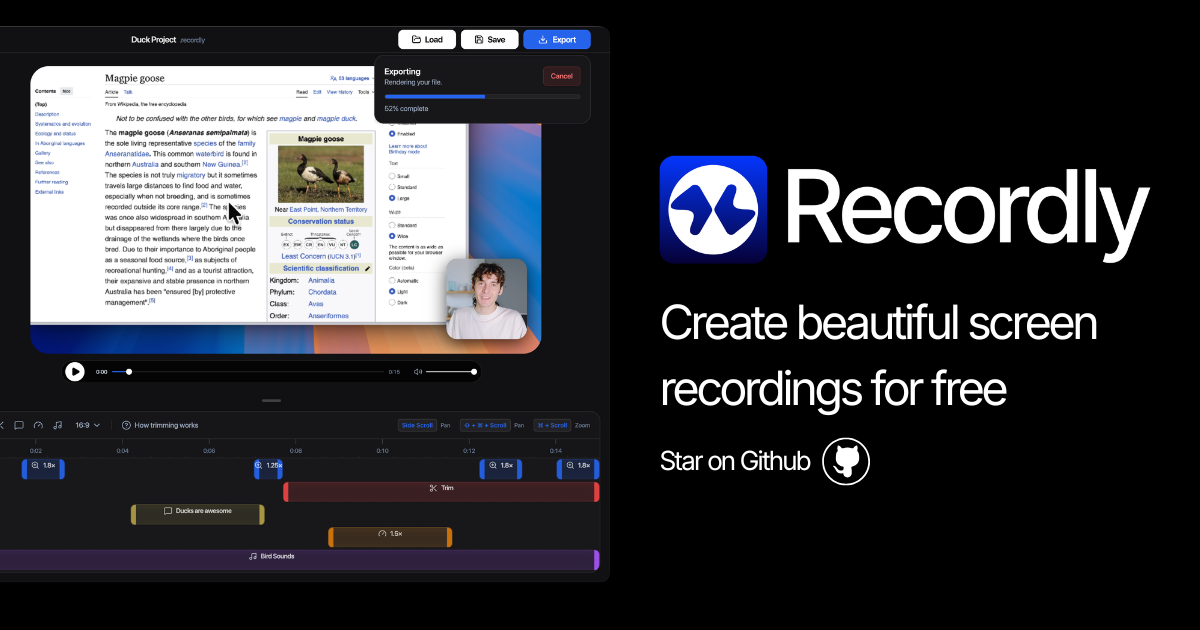
Recordly
Open-source screen recorder and editor for polished demos, tutorials, and product videos.
Screenshot & Screen Recording
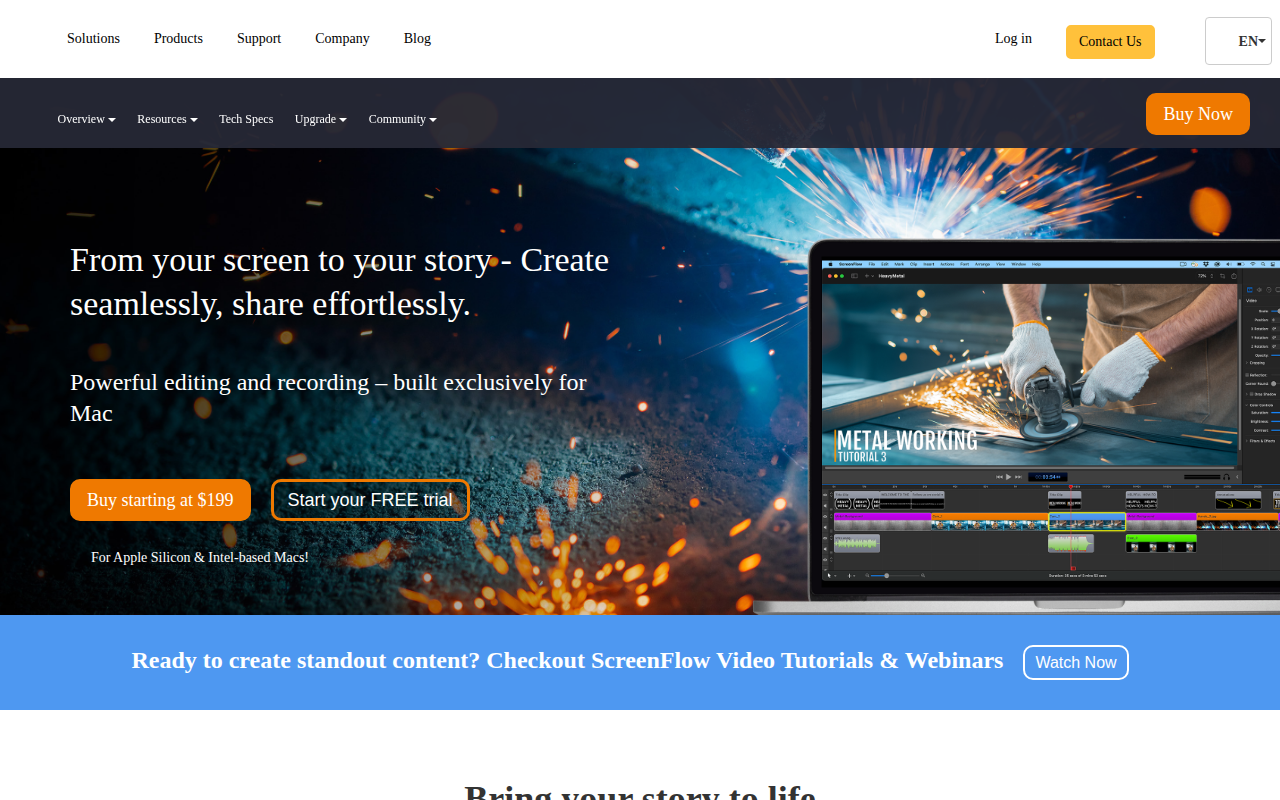
ScreenFlow
Screencasting and video editing software.