
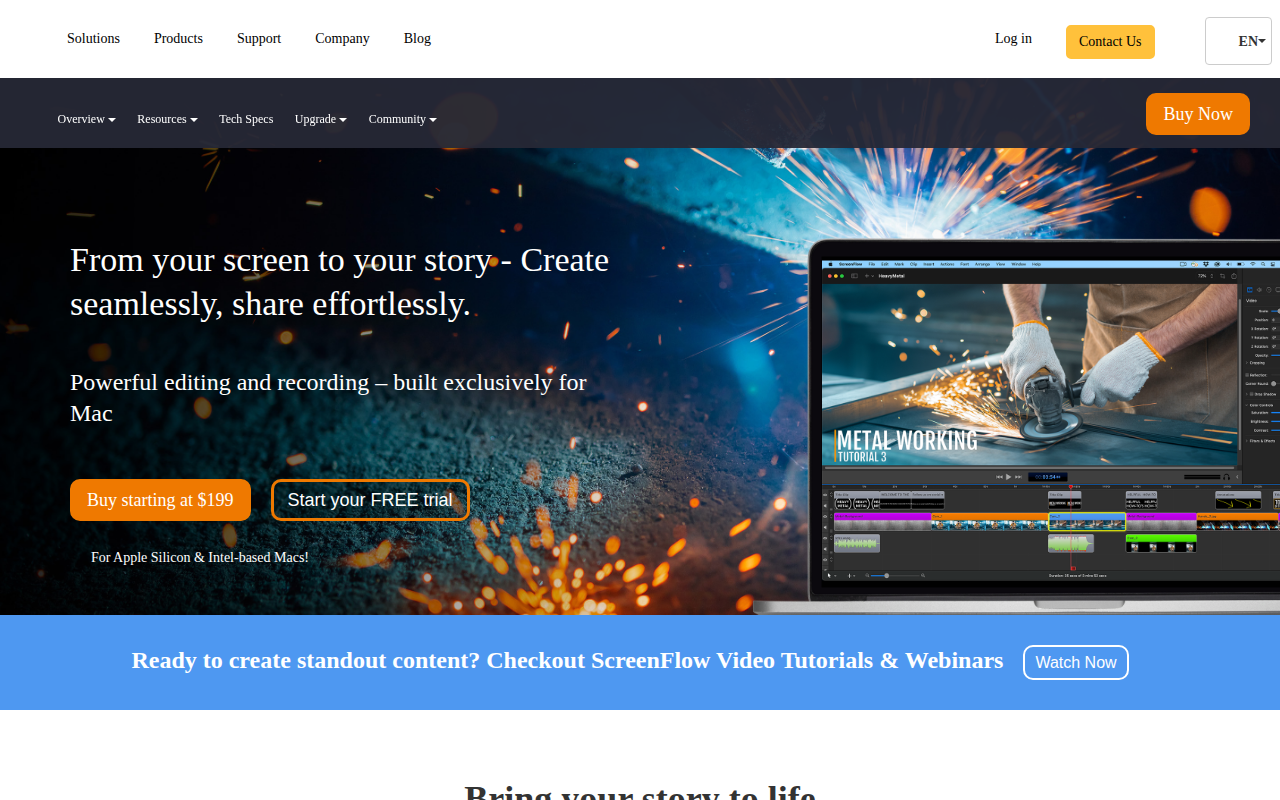
ScreenFlow
Screencasting and video editing software.
ScreenFlow provides screen capture and video editing tools for macOS, allowing users to record their display, webcam, and microphone simultaneously and then edit the footage within a single application. It supports multi‑application recording, letting creators switch between programs without interrupting the capture, and offers a library of customizable titles, cinematic filters, and motion graphics to enhance the visual style of tutorials, demos, and presentations. The software includes built‑in media management, closed‑caption support, and export options such as ProRes and MP4, as well as the ability to output animated GIFs and PNGs.
Target users are creators who need to produce software demonstrations, instructional videos, or marketing content on a Mac, including educators, developers, and YouTubers. The integrated workflow from capture to publishing is intended to streamline the production of high‑quality video material for online platforms or internal training. Distinctive aspects include simultaneous screen, camera, and audio recording, a curated stock media library, and a focus on macOS‑specific performance and compatibility with both Apple Silicon and Intel hardware.
Reviews
Loading reviews…
Similar apps
Screenshot & Screen Recording
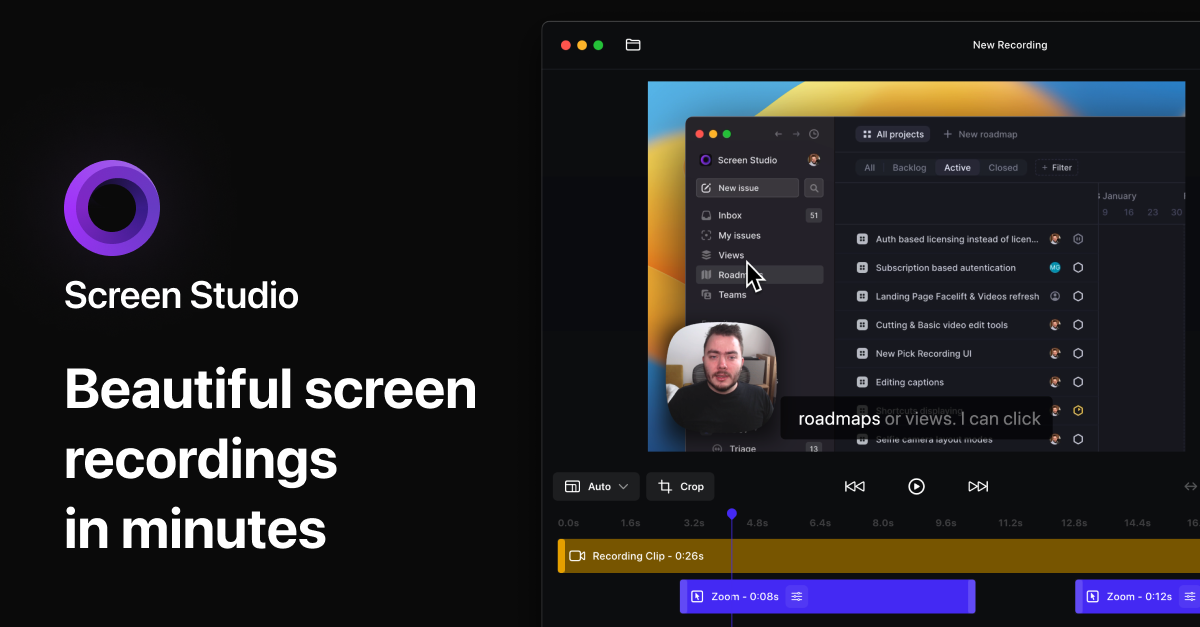
Screen Studio
Screen recorder for polished videos with automatic motion effects.
Screenshot & Screen Recording
Screen Studio
Screen recorder and editor
Screenshot & Screen Recording
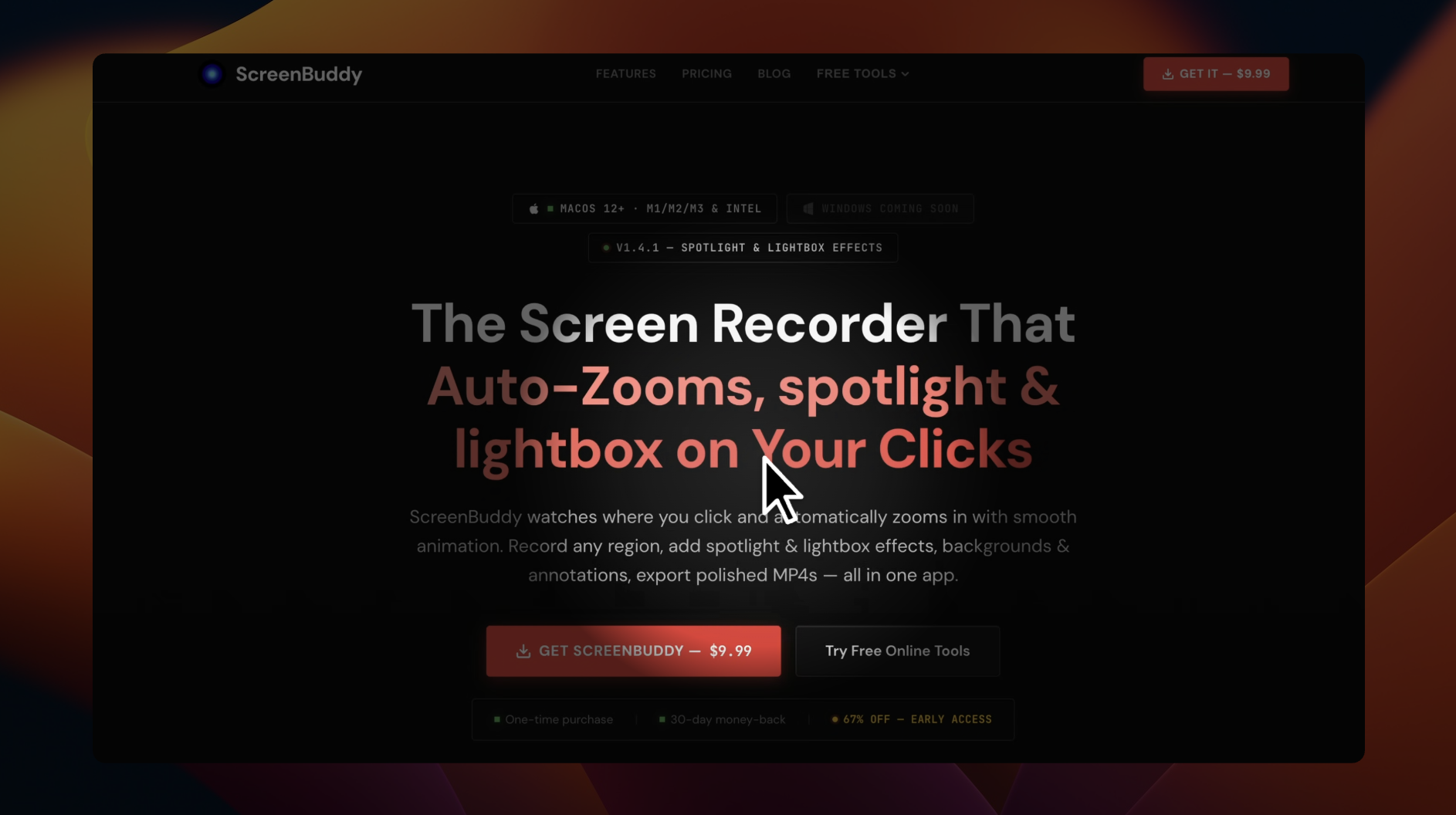
ScreenBuddy
Screen recording with auto-zoom, spotlight, and lightbox
Screenshot & Screen Recording
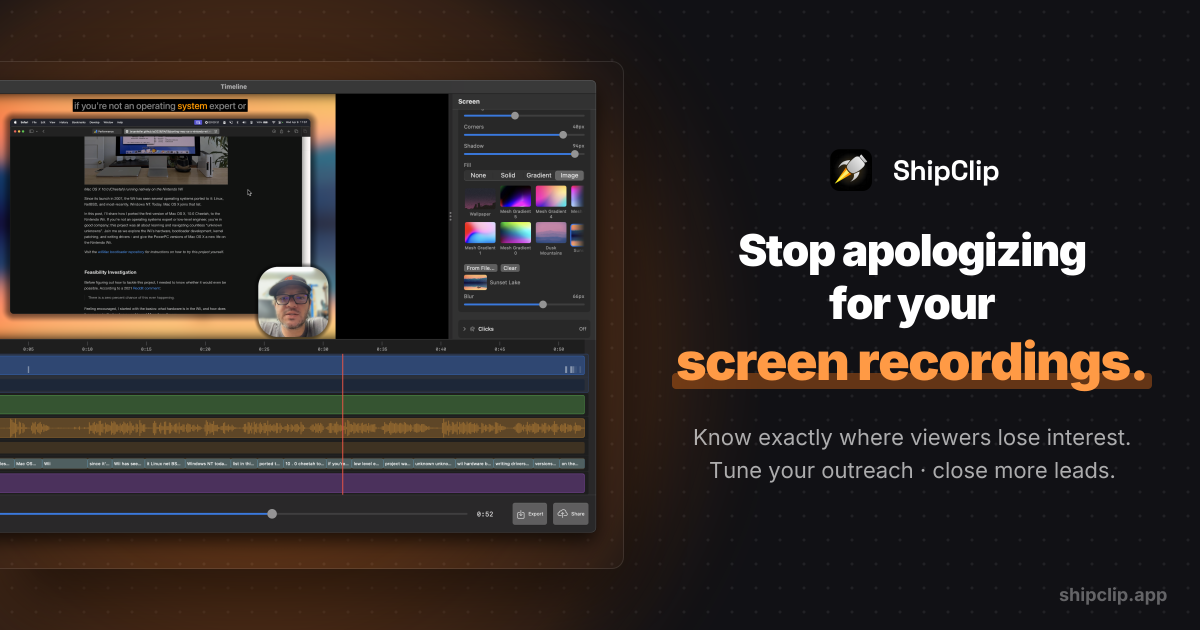
ShipClip
Native macOS screen recorder. Record polished demos with zoom-to-click, multi-track audio, and camera PiP; share a link and see exactly who…
AI Photo Editing
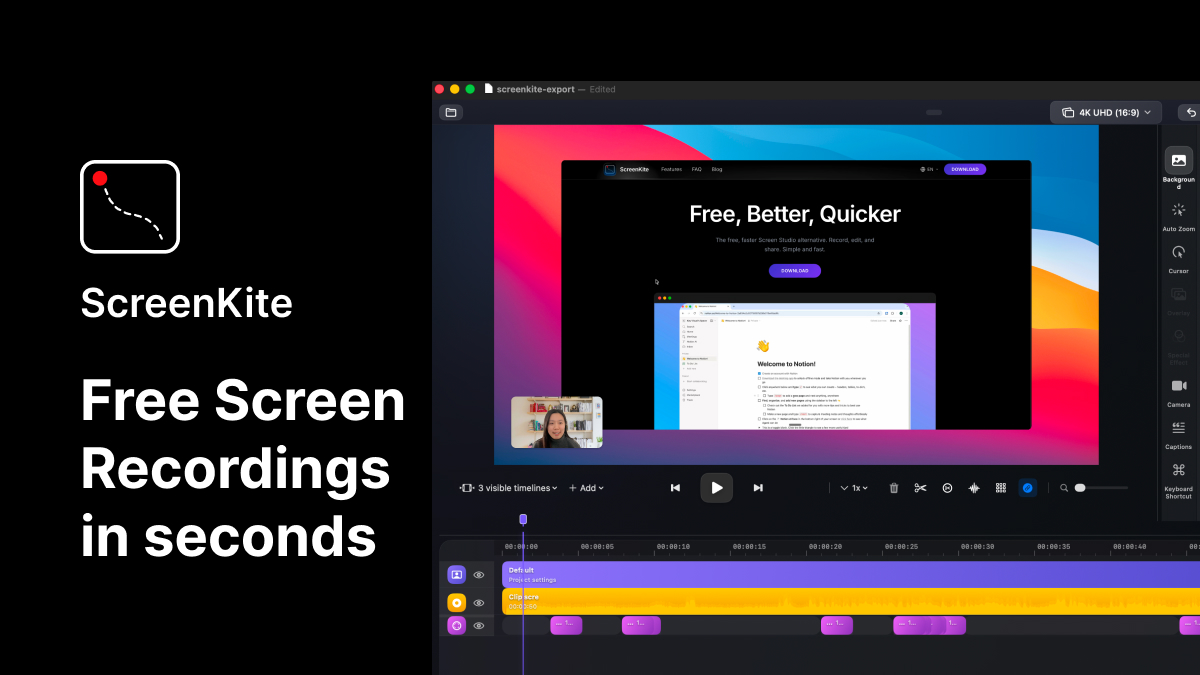
ScreenKite
Native screen recorder and editor with auto-zoom, AI enhancements, device mockups, and teleprompter. ![Freeware][Freeware Icon]
Screenshot & Screen Recording
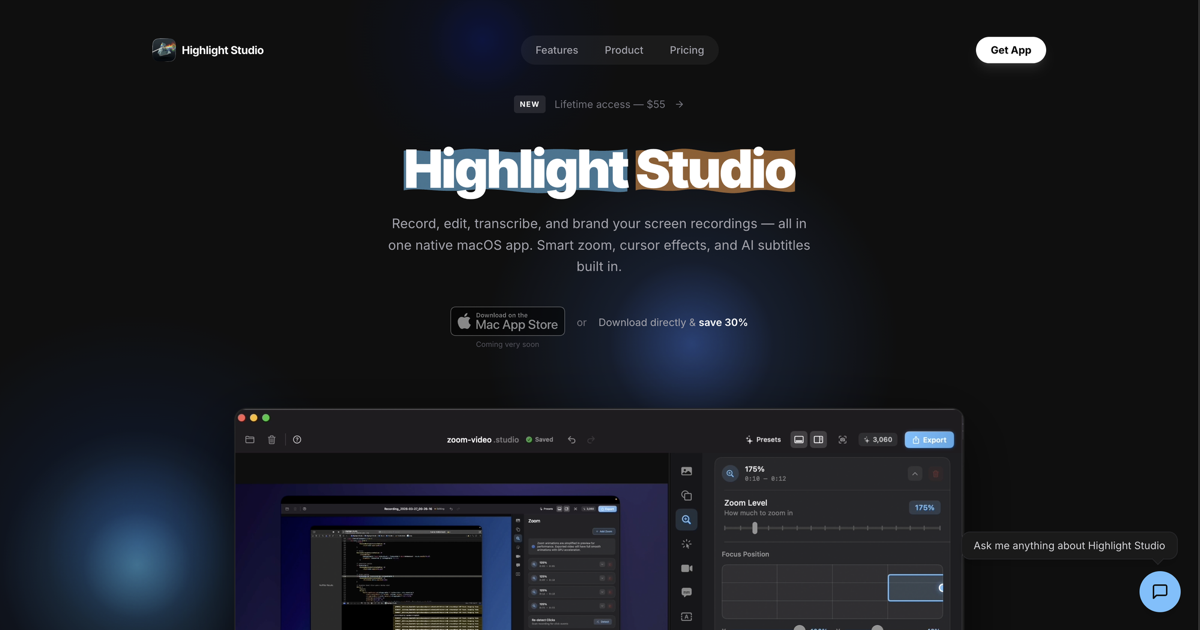
Highlight Studio
Record, edit, and brand screen recordings Metal powered