

Image2icon
Create and personalize icons from your pictures. ![Freeware][Freeware Icon]
Image2icon lets macOS users turn any picture into a custom file or folder icon through a simple drag‑and‑drop workflow. After dropping an image onto the app, the user can drag the target file or folder onto the same window to apply the newly created icon. The free version supports basic icon creation, background colour adjustments, and removal of image backgrounds, while the Pro upgrade adds a set of retina‑ready templates and export options for formats such as icns, ico, iconset, jpg, png, and favicons for web, iOS, and Android.
The tool also provides batch export, icon restoration to revert to default macOS icons, and the ability to embed text or emoji within an icon for easier tagging. Developers can use the Pro features to generate app icons for iPhone, iPad, Apple Watch, and Android launchers, as well as multiple favicon sizes for browsers.
Automation is supported via macOS Shortcuts, allowing users to apply, restore, or open Image2icon with voice commands. The interface is localized in eight languages, making it accessible to a broad audience of macOS power users and developers who need quick, customizable icons.
Reviews
Loading reviews…
Similar apps
Code Editors & IDEs
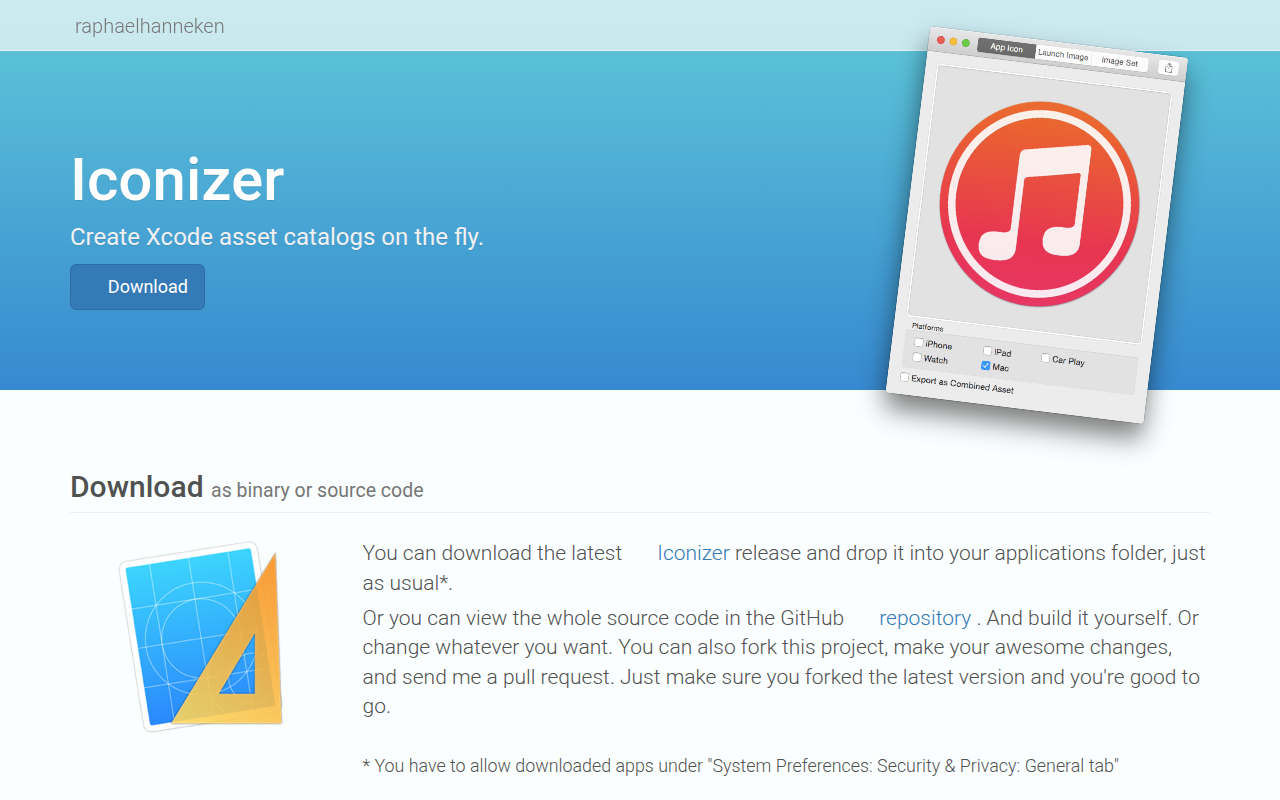
Iconizer
Xcode asset catalog creator
Fonts, Colors & Assets
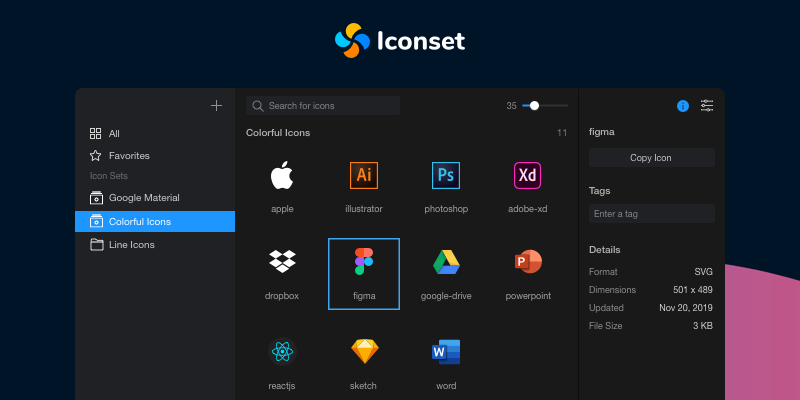
Iconset
Free, cross-platform and fast SVG icon organizer and manager for Mac and Windows.
Fonts, Colors & Assets
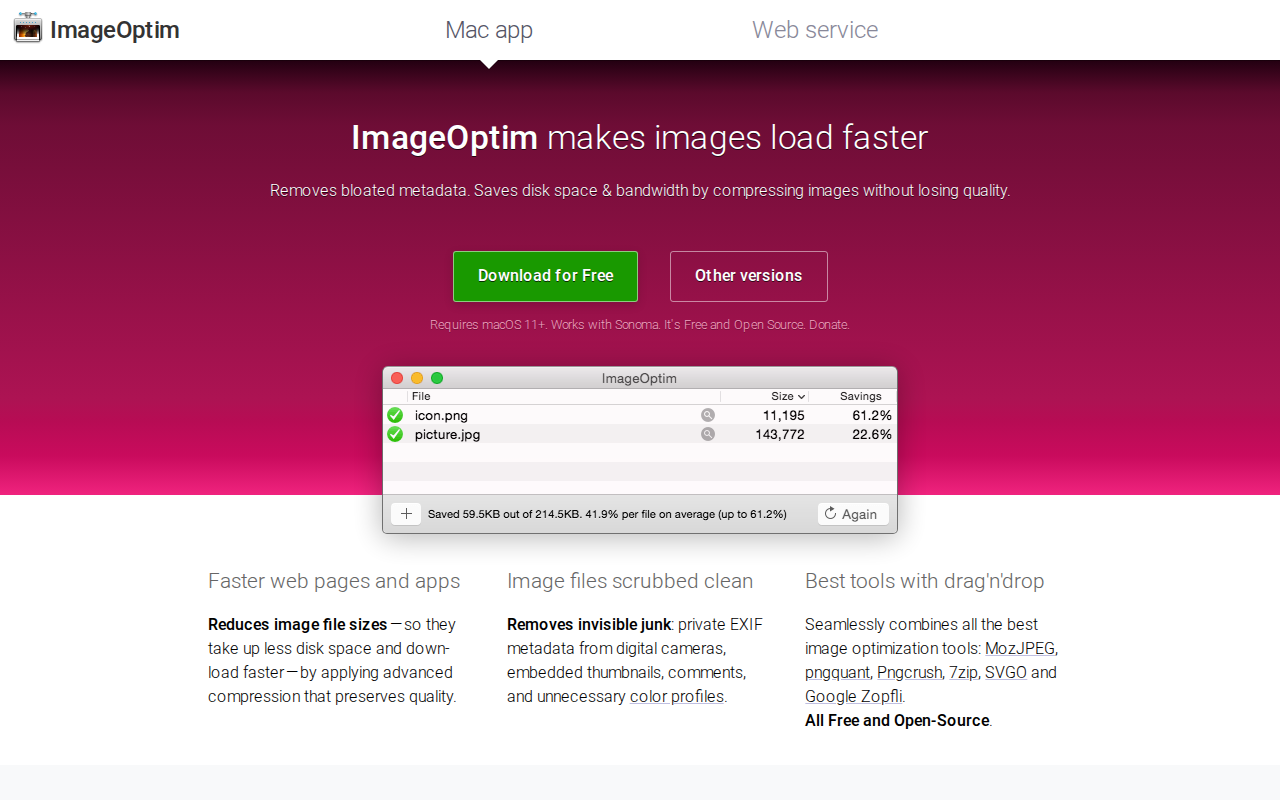
ImageOptim
Compress images and remove EXIF information.
File Management & Transfer
Elephicon
Create icns and ico files from png
Fonts, Colors & Assets
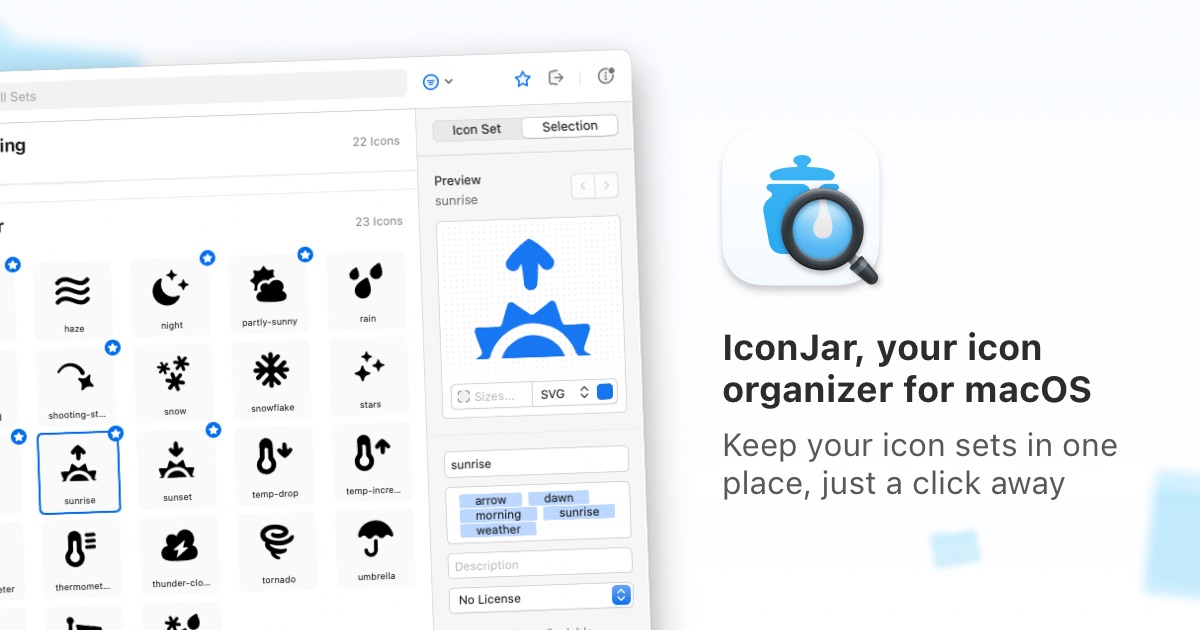
Iconjar
Icon management tool to organize or search your icons.
Display & Accessibility
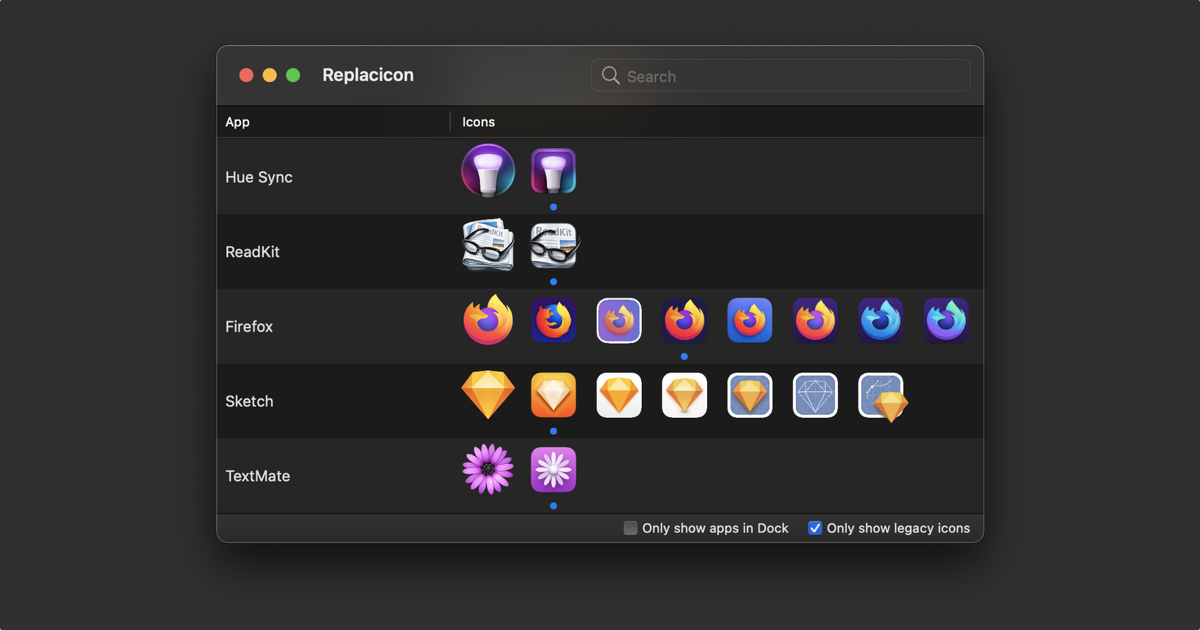
Replacicon
App icon replacement utility