
itraffic
Monitor for displaying process traffic on status bar
It displays network traffic per process directly in the macOS status bar, updating in real time. The interface is built with SwiftUI and requires macOS 10.15 or later. It leverages nettop’s delta mode to calculate more accurate statistics and automatically adapts to dark‑mode settings.
The tool is intended for users who need a quick visual overview of which applications are consuming bandwidth without opening separate monitors or terminal commands. By placing the data in the menu bar, it offers a lightweight, always‑visible reference for troubleshooting or monitoring network usage.
Installation can be performed by downloading the latest release archive or via Homebrew with a simple install command, and updates are handled through the same package manager. The project is marked stable and is maintained for macOS only.
Reviews
Loading reviews…
Similar apps
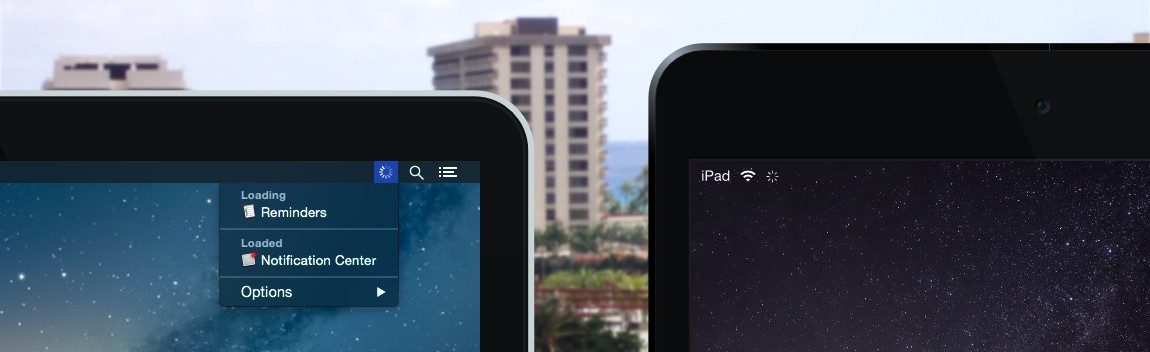
Network & Connectivity
Loading
Network activity monitor
System Monitoring & Maintenance
Net Bar for MacOS
A minimal powerful and native system monitor for MacOS
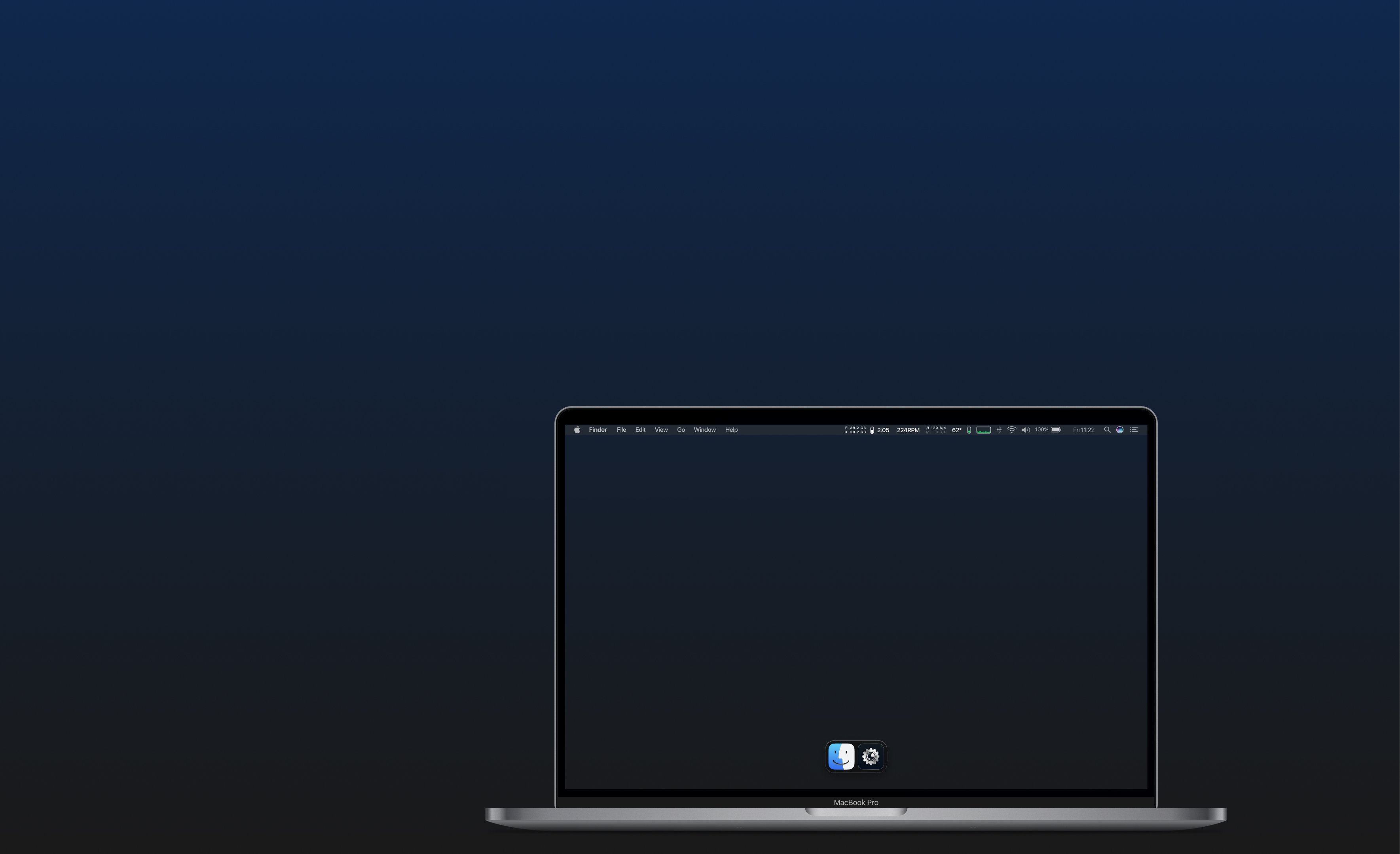
System Monitoring & Maintenance
iGlance
System monitor for the status bar
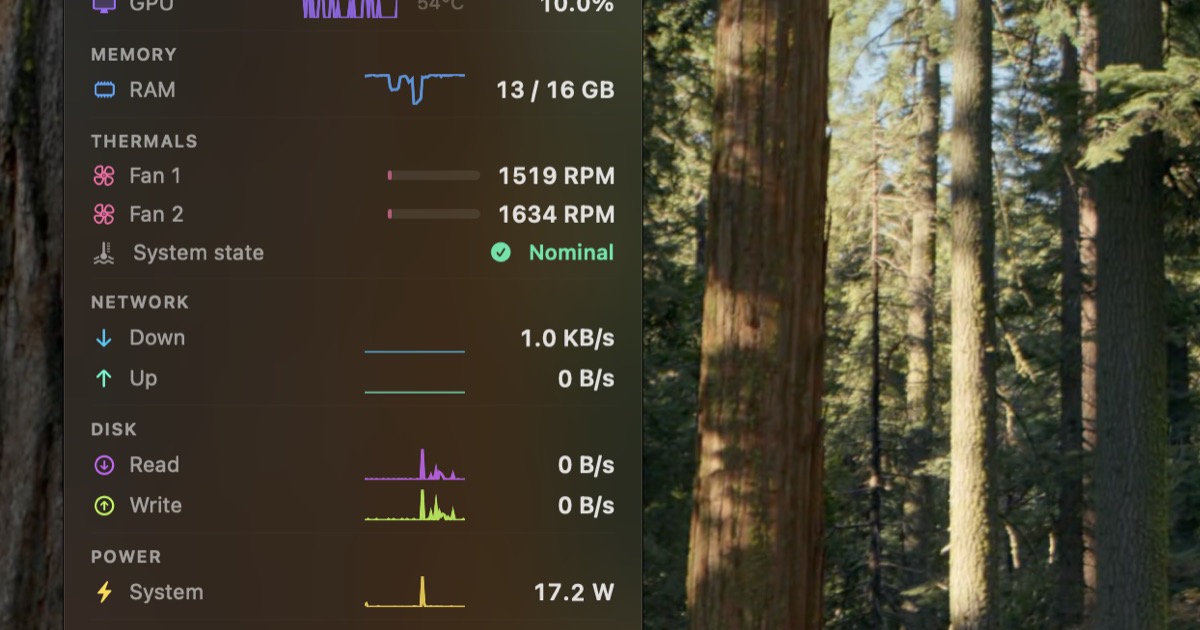
System Monitoring & Maintenance
StatusStats
Mac Metrics In Your Menu Bar
System Monitoring & Maintenance
ChargeMonitor
Menu bar battery monitor with real-time charging stats and energy impact insights. ![Freeware][Freeware Icon]

Network & Connectivity
Netwoke
Your Network has Secrets, Now you can see Them.