
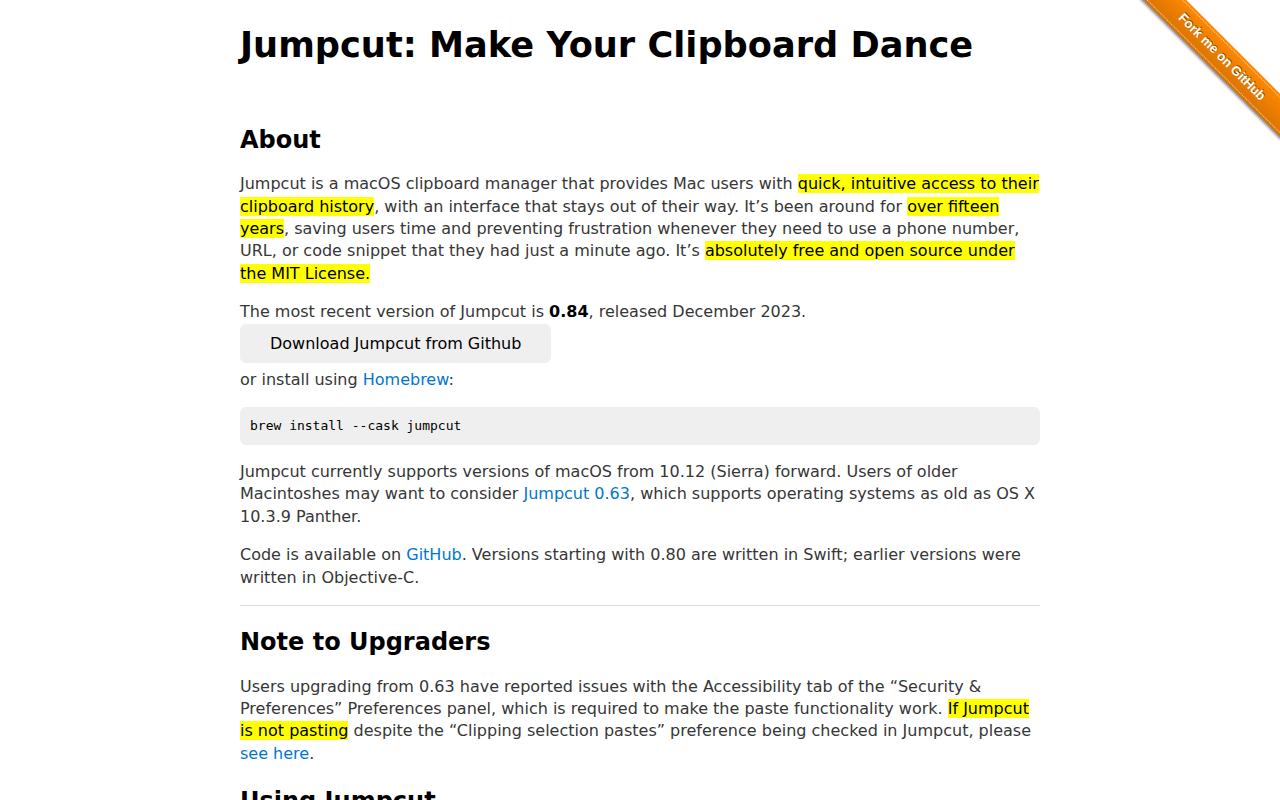
Jumpcut
Clipboard manager
Jumpcut is a macOS‑only clipboard manager that records each piece of text a user copies or cuts, keeping a history that can be accessed from the menu bar or via a configurable global hotkey. The interface is minimal: a scissors icon appears in the menu bar, and pressing the default shortcut (Control + Option + V) opens a pop‑up bezel similar to the app switcher, allowing navigation through recent clippings with arrow keys or a single character key. Selecting a clipping places it on the pasteboard and triggers a simulated Command‑V paste, while the user can also paste manually if accessibility permissions are not granted.
The tool targets macOS users who need quick retrieval of previously copied text such as phone numbers, URLs, or code snippets, and who prefer a lightweight, unobtrusive utility. It has been maintained for over fifteen years, is free and open source under the MIT License, and is distributed via GitHub or Homebrew. Recent versions (0.80 and later) are written in Swift and support macOS 10.12 and newer, with older releases available for legacy systems.
Reviews
Loading reviews…
Similar apps
Clipboard, Input & Automation
Flycut
Clean and simple clipboard manager for developers.
Clipboard, Input & Automation
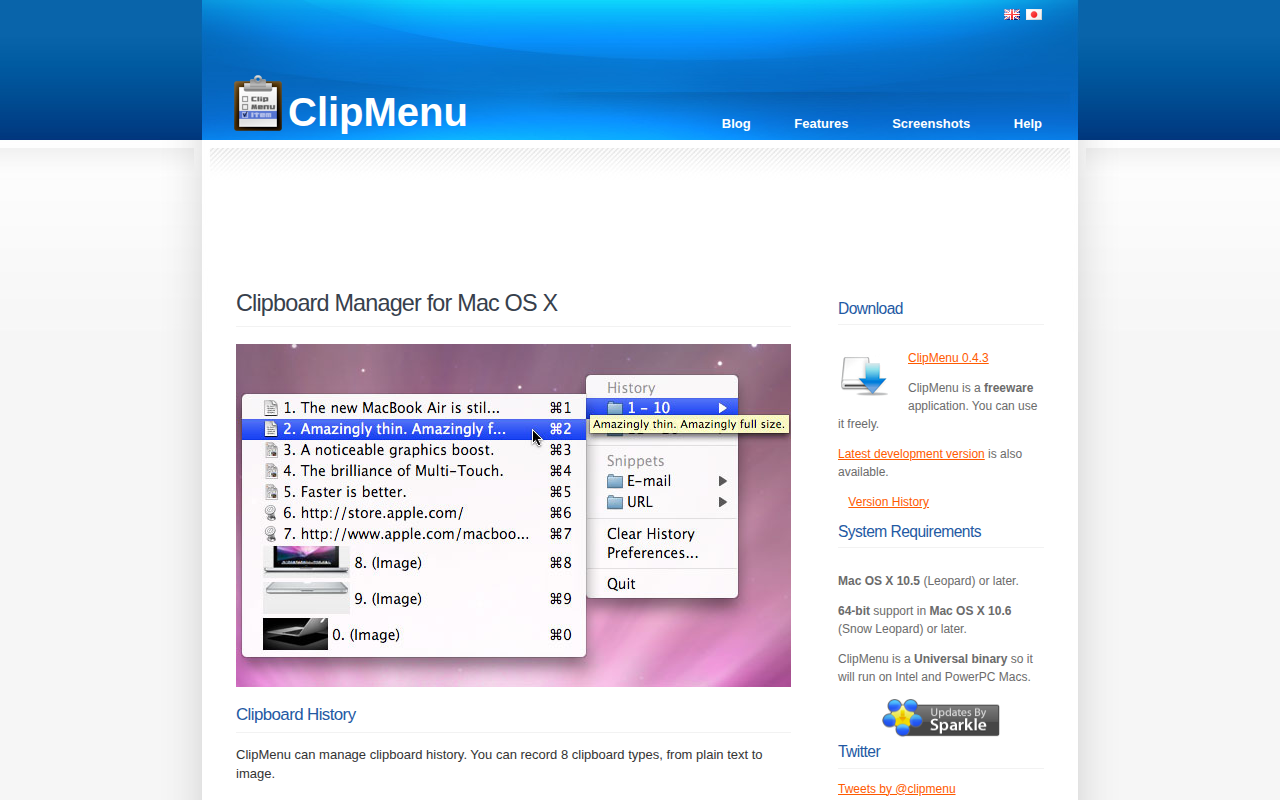
ClipMenu
Clipboard manager for Mac OS X.
Clipboard, Input & Automation
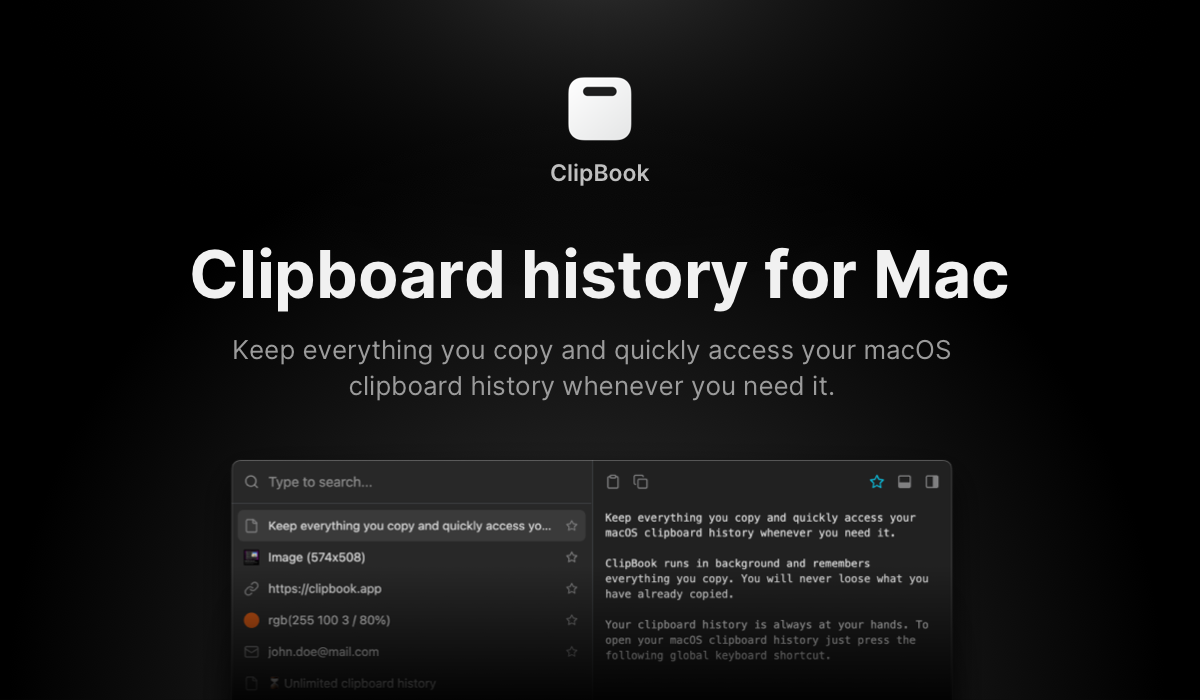
ClipBook
Clipboard history app
Clipboard, Input & Automation
ClipFlow
Free clipboard history manager with terminal-style navigation.
Clipboard, Input & Automation
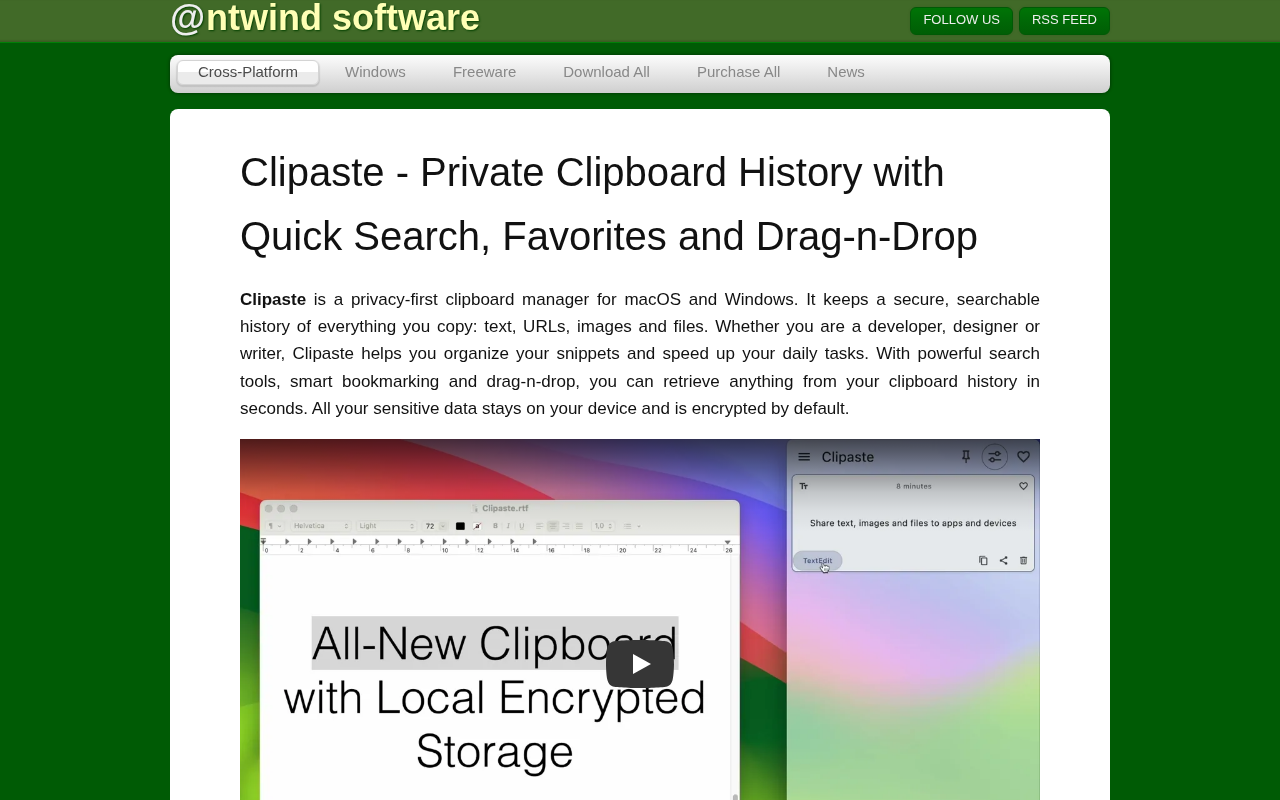
Clipaste
Clipboard history manager

Clipboard, Input & Automation
Maccy
Lightweight clipboard manager for macOS.