
KeyCastr
KeyCastr, an open-source keystroke visualizer.
KeyCastr captures keystrokes and mouse clicks on macOS and renders them on‑screen as visual overlays, allowing viewers to see exactly which keys are being pressed during screencasts, presentations, or collaborative sessions. Users can choose to display only command keys, all modified keys, or every keystroke, and may optionally include mouse‑click indicators. The overlay can be repositioned by dragging the text, and alternative visualizer styles are available.
The application is distributed as a free, open‑source macOS app, installable via a direct download from GitHub or through Homebrew. It requires Input Monitoring (or Accessibility on older macOS versions) permissions to receive system events, and the README provides troubleshooting steps for common permission or window‑placement issues. Updates are handled through the Sparkle framework without additional networking.
KeyCastr is intended for developers, educators, and content creators who need to demonstrate keyboard interactions live. Its extensible design invites contributors to build custom visualizers, and the project is licensed under the BSD 3‑Clause license.
Reviews
Loading reviews…
Similar apps
Photo & Video Management
Kyapchar
Simple screen and microphone audio recorder for Mac.
System Monitoring & Maintenance
KeyStats
Menu bar tracker for daily keystrokes, clicks, movement, and scrolling.
Screenshot & Screen Recording
Capso
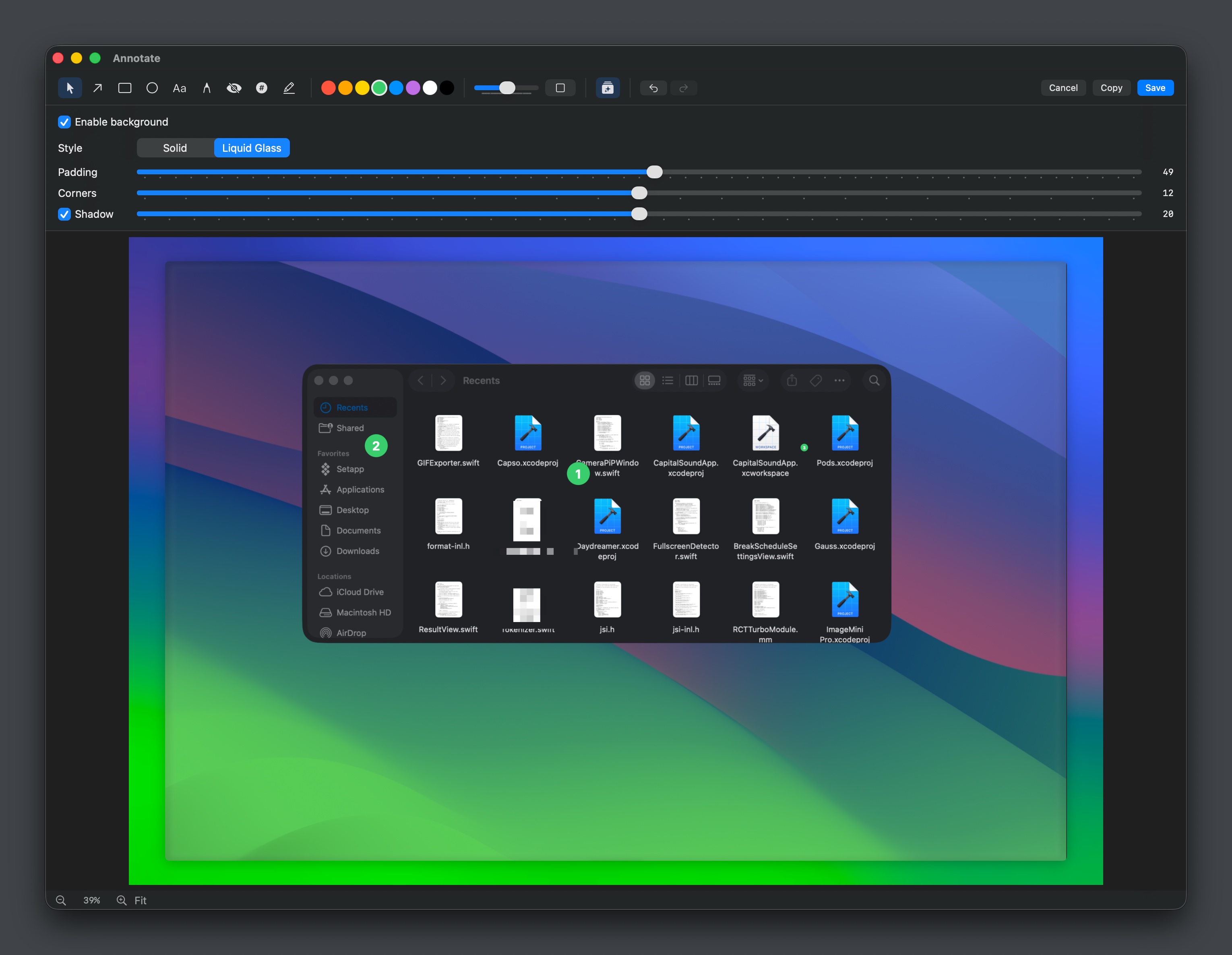
Open-source screenshot and screen recording tool with annotations, OCR, and webcam overlays.

Clipboard, Input & Automation
KeyClu
Find shortcuts for any installed application
Clipboard, Input & Automation
FnKeyboard
Quick access to function keys from the menu bar.

Photo & Video Management
Kap
Open-source screen-recorder built with web technology.