
Kova
Screen recordings that edit themselves with AI
Kova records the macOS screen in up to 4K resolution while capturing system audio, microphone input, and an optional webcam overlay. After recording, its AI analyzes the footage, trims dead air, adds smooth zoom keyframes that follow cursor clicks, and inserts transitions to create a more engaging video. The edited result can be exported as a publish‑ready MP4 with a single click, using hardware‑accelerated encoding for rapid output.
The tool is aimed at users who need quick, polished screen recordings—such as educators, developers, or content creators—who want to avoid manual video editing. By automating trimming, pacing adjustments, and cinematic zooms, it reduces the time from raw capture to shareable video to seconds.
Kova runs on macOS 13 or later on both Apple Silicon and Intel Macs, and offers a free tier with core recording features plus a paid option that removes watermarks and unlocks unlimited recordings. All updates are included with a one‑time purchase.
Reviews
Loading reviews…
Similar apps
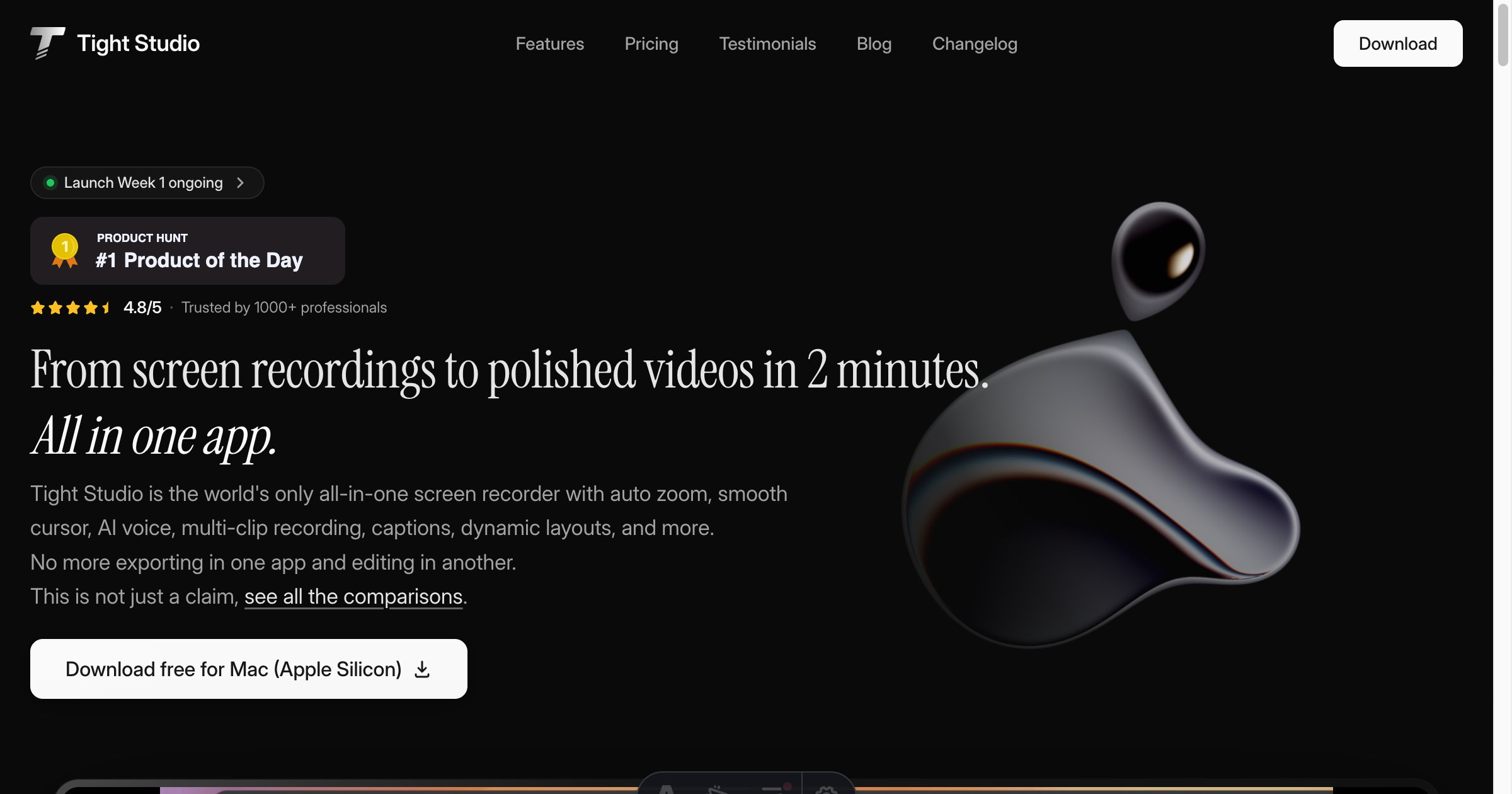
Screenshot & Screen Recording
Tight Studio
Screen recorder with smart zoom, captions, and AI voiceovers.
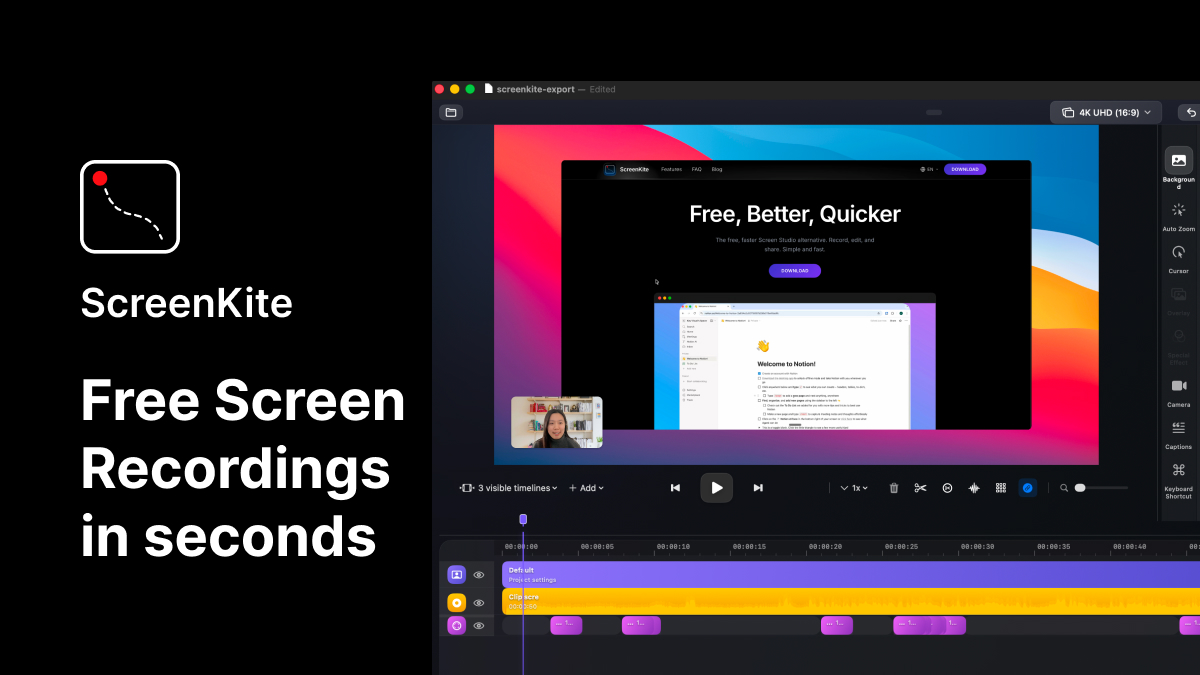
AI Photo Editing
ScreenKite
Native screen recorder and editor with auto-zoom, AI enhancements, device mockups, and teleprompter. ![Freeware][Freeware Icon]
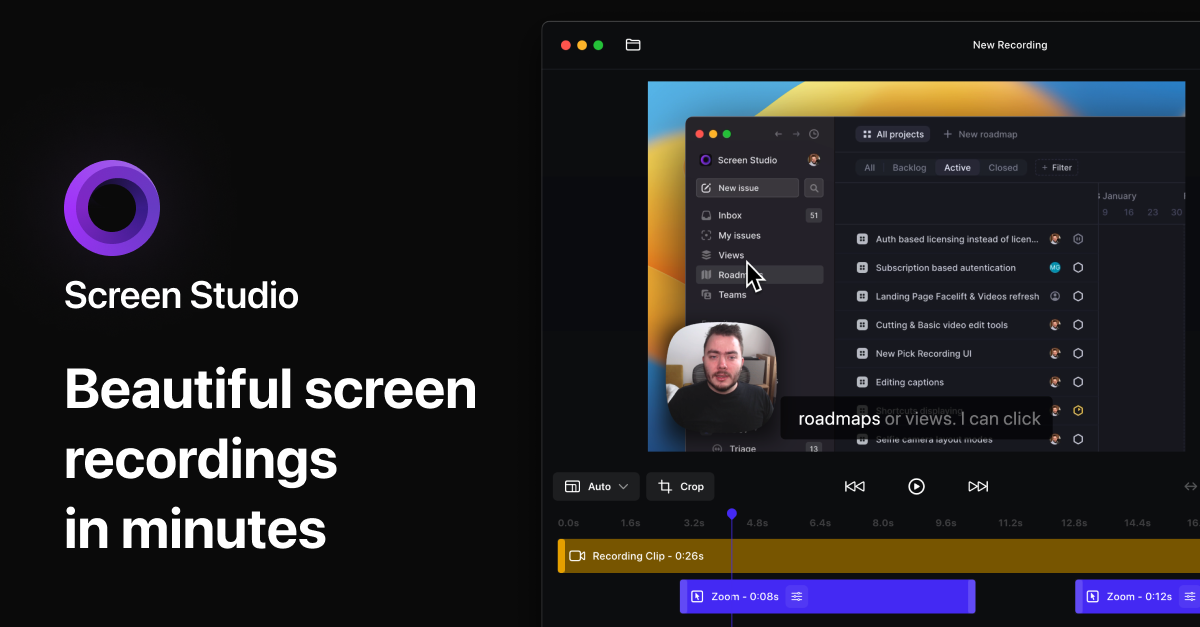
Screenshot & Screen Recording
Screen Studio
Screen recorder for polished videos with automatic motion effects.
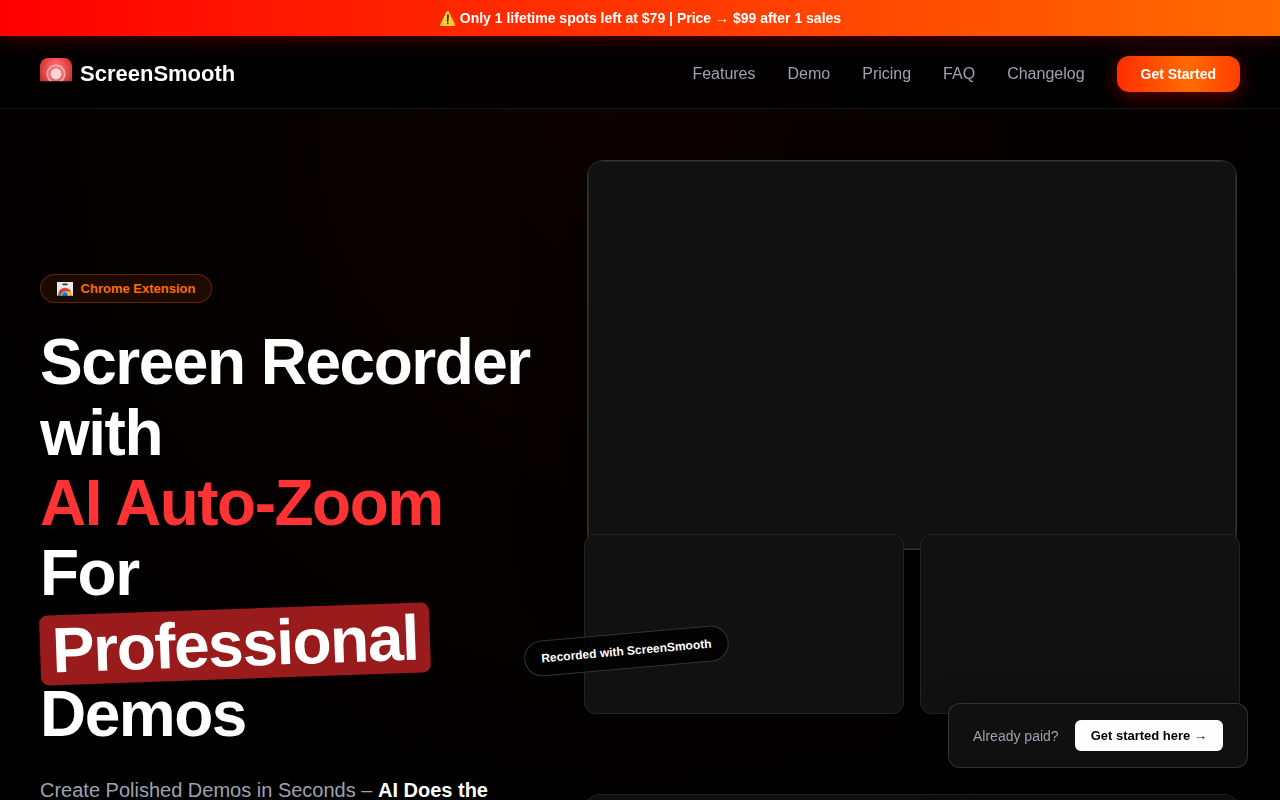
Screenshot & Screen Recording
ScreenSmooth
Beautiful Screen Recordings in minutes
Screenshot & Screen Recording
Screen Studio
Screen recorder and editor
Screenshot & Screen Recording
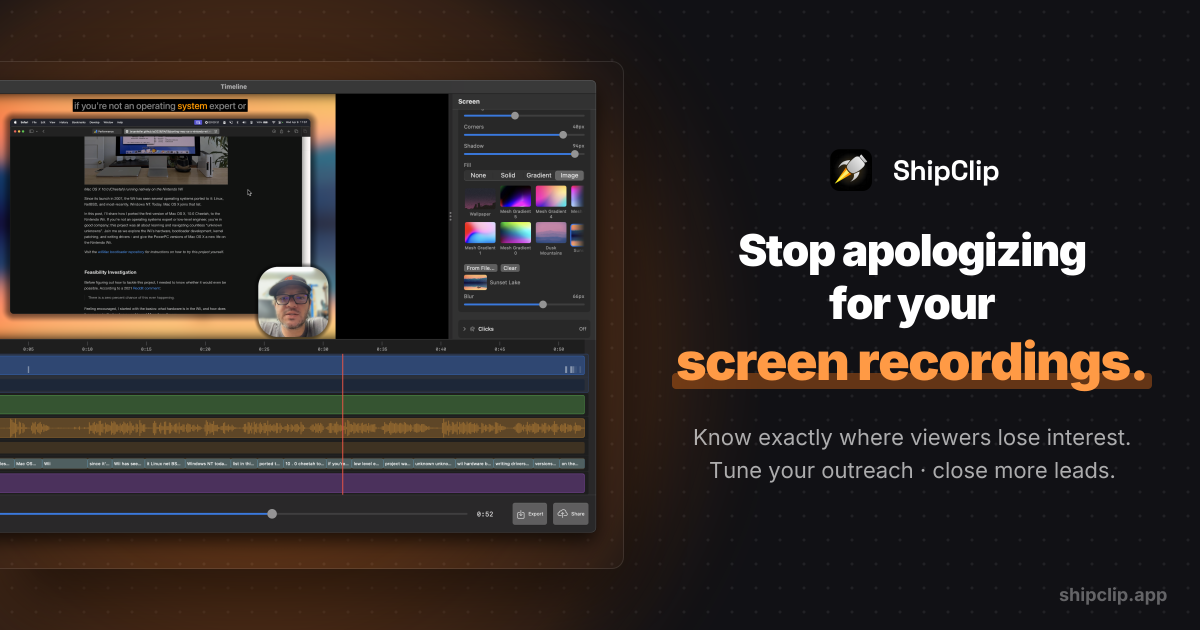
ShipClip
Native macOS screen recorder. Record polished demos with zoom-to-click, multi-track audio, and camera PiP; share a link and see exactly who…