
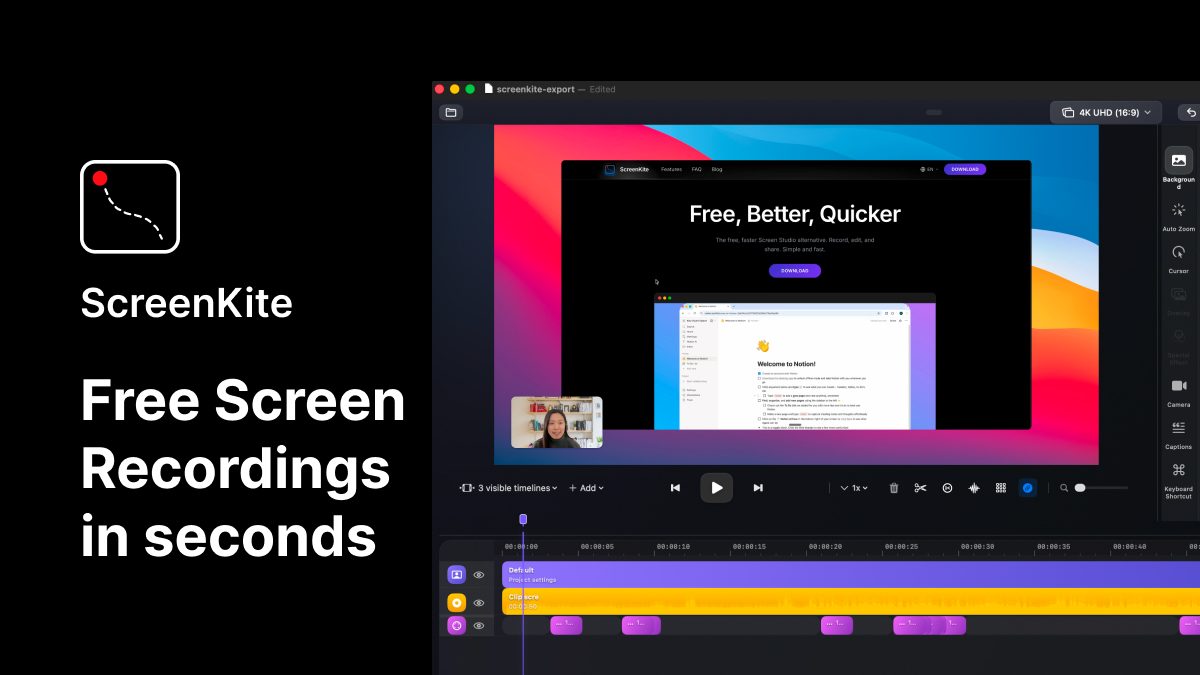
ScreenKite
Native screen recorder and editor with auto-zoom, AI enhancements, device mockups, and teleprompter. ![Freeware][Freeware Icon]
A native macOS screen recorder and editor that captures video directly with the operating system, avoiding Electron‑based overhead. It follows the cursor, automatically zooming on clicks and keystrokes, and provides a built‑in editor for trimming, speed adjustments, and quick cuts without leaving the application. Export leverages Metal acceleration, delivering 4K 60 fps recordings in seconds rather than minutes.
The tool includes AI‑driven features such as transcription‑based cuts, Hyperframe and Remotion B‑roll generation, and other‑enhanced editing workflows that aim to speed up post‑production. Users can customize the final video by selecting background colors, gradients or wallpapers, adding shadows and rounded corners, and positioning a camera overlay anywhere on the screen.
All functionality is implemented in Swift for macOS, offering a free, subscription‑free experience with fast start‑up, hardware‑direct rendering, and privacy‑focused data handling. It targets developers, marketers, and creators who need quick, polished screen demos or tutorials without assembling multiple tools.
Reviews
Loading reviews…
Similar apps
Screenshot & Screen Recording
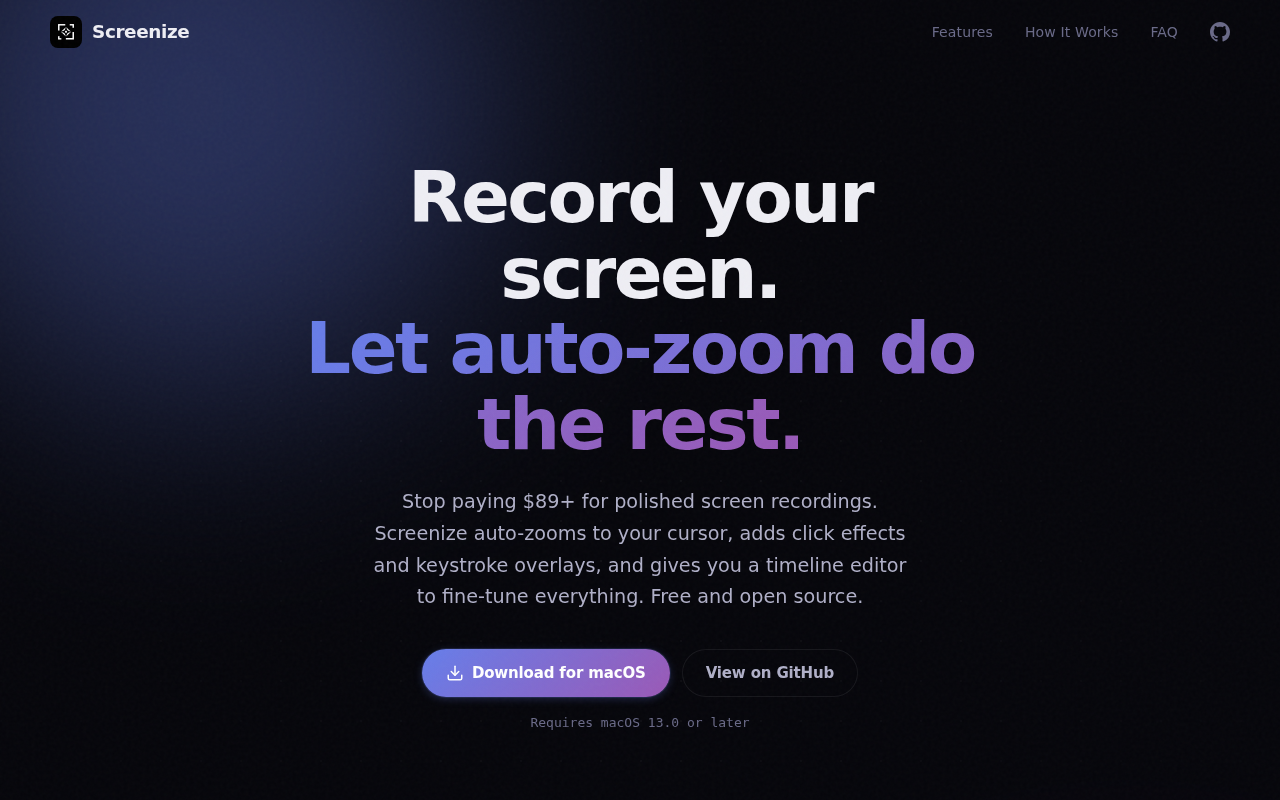
Screenize
Open-source screen recorder with auto-zoom, cursor effects, and timeline editing.
Screenshot & Screen Recording
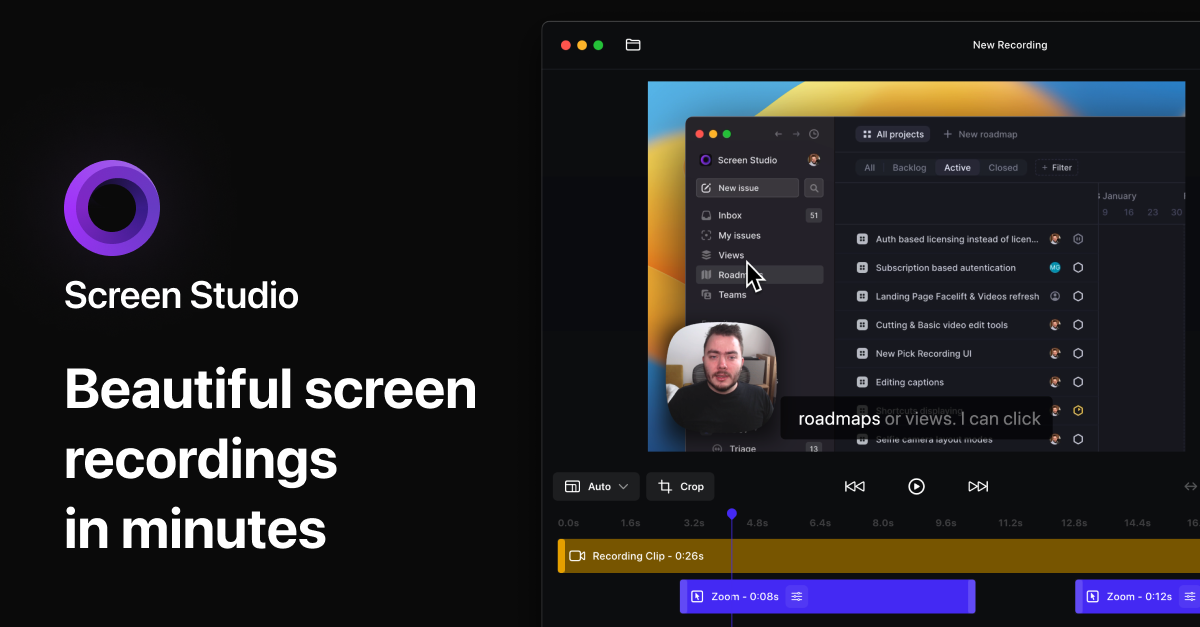
Screen Studio
Screen recorder and editor
Screenshot & Screen Recording
Screen Studio
Screen recorder for polished videos with automatic motion effects.
Screenshot & Screen Recording
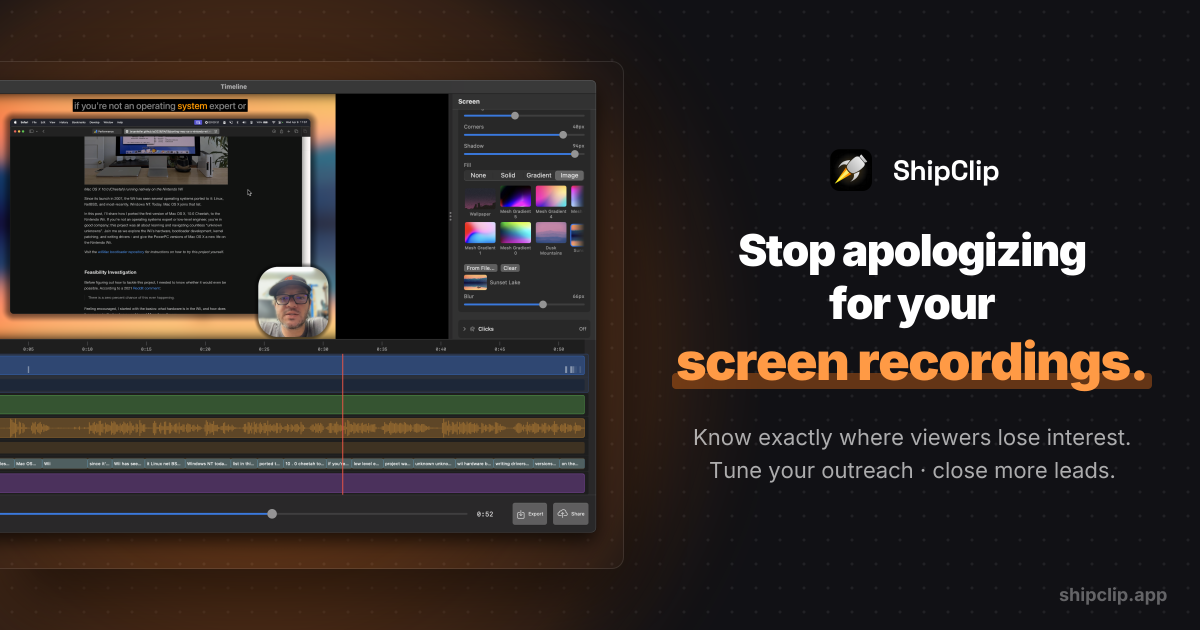
ShipClip
Native macOS screen recorder. Record polished demos with zoom-to-click, multi-track audio, and camera PiP; share a link and see exactly who…
Screenshot & Screen Recording
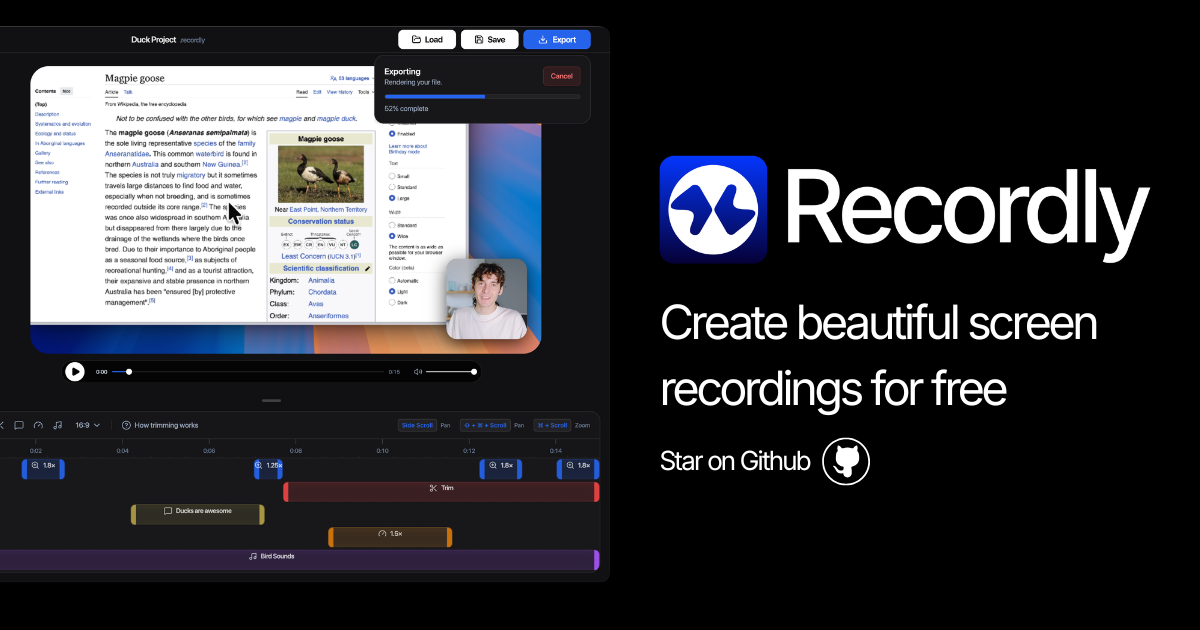
Recordly
Open-source screen recorder and editor for polished demos, tutorials, and product videos.
Video Editing
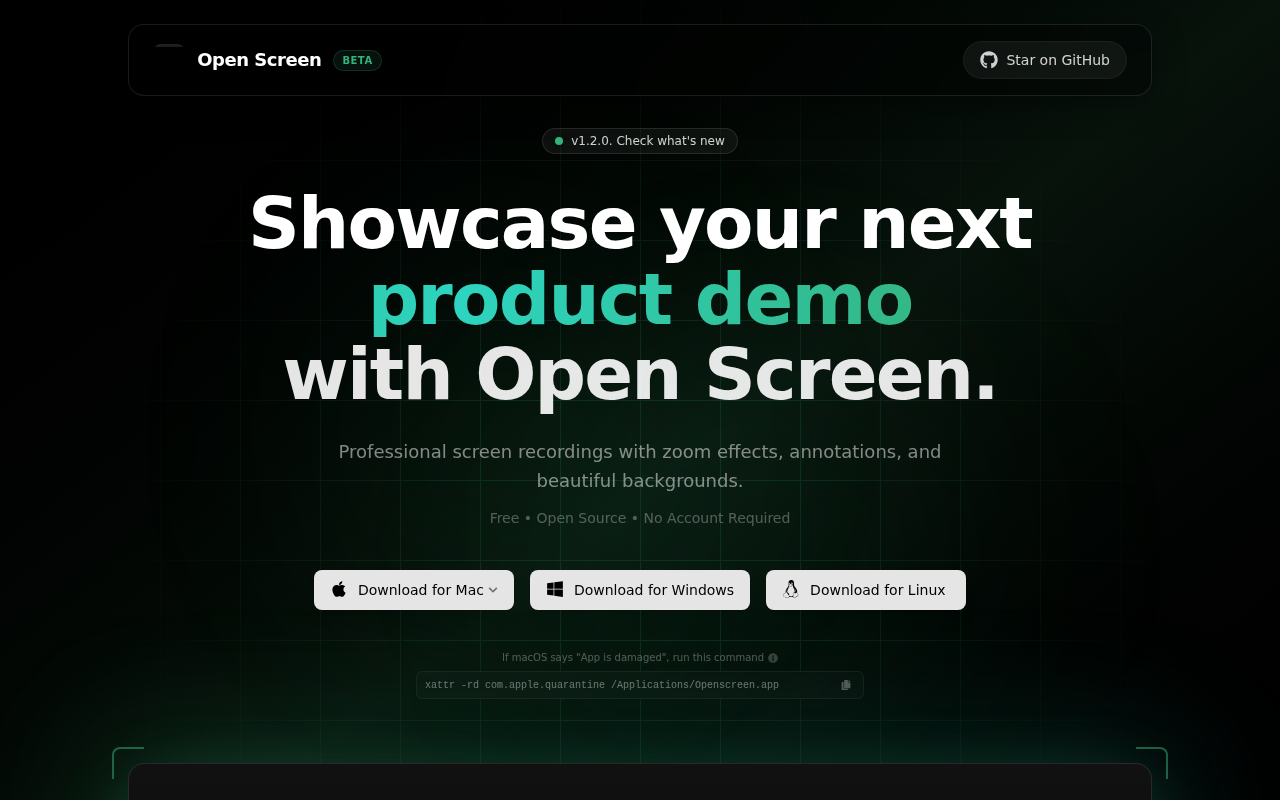
OpenScreen
Open-source tool for creating polished screen demos and walkthrough videos.