
Licecap
Screen recorder that exports directly to GIF.
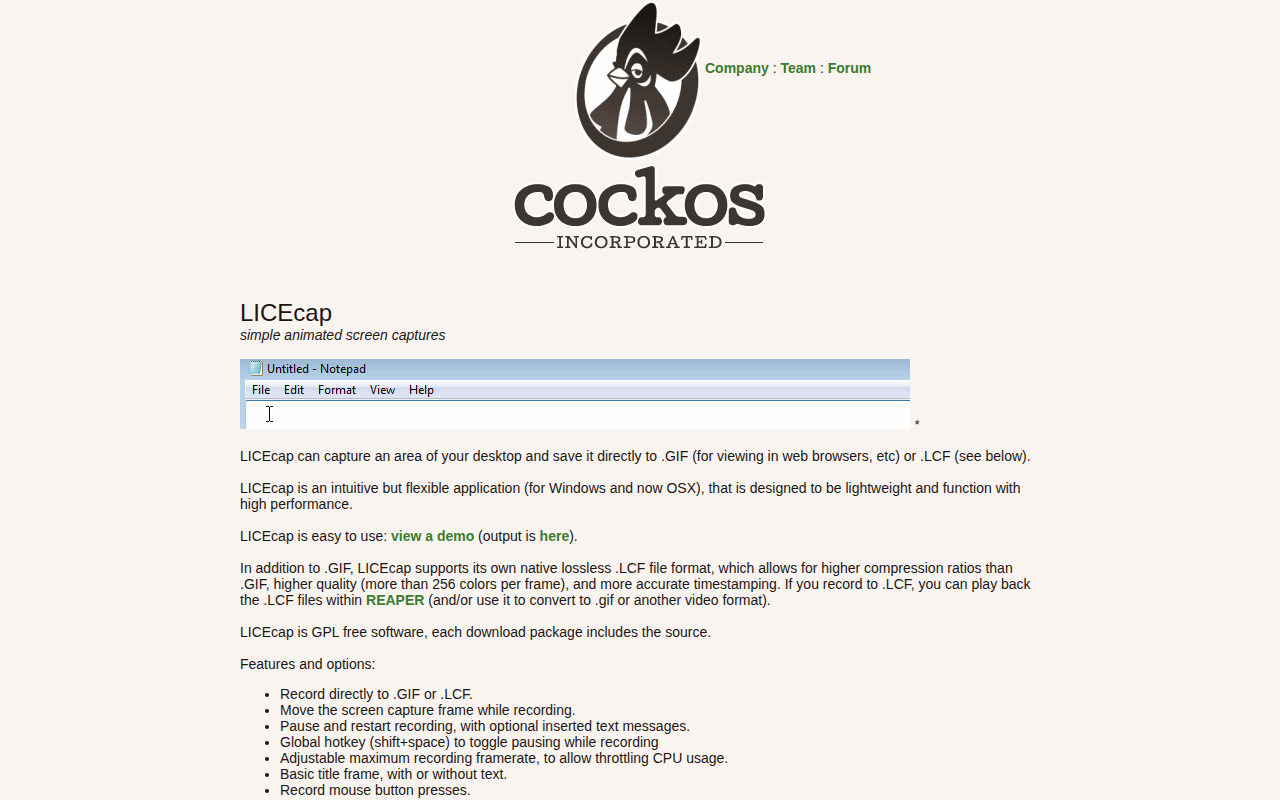
LICEcap captures a selected region of the desktop and writes the result directly to an animated GIF file, which can be viewed in any web browser. It also offers a proprietary lossless format, LCF, that stores more than 256 colors per frame, achieves higher compression, and preserves precise timestamps; LCF files can be played back in REAPER or converted to other video formats. The application runs on Windows and macOS (including Apple Silicon) and can be used under Linux via WINE.
The program is lightweight and designed for high‑performance recording, providing controls such as moving the capture frame while recording, pausing and restarting with optional text overlays, and a global hotkey for toggling pause. Users can adjust the maximum frame rate to limit CPU usage, add a title frame, record mouse button presses, and display elapsed time within the animation.
LICEcap is released under the GPL, with source code included in each download, making it free and open‑source. It supports Windows XP through Windows 11, macOS 10.7‑12.x, and requires a reasonably fast CPU and at least 1 GB of RAM for LCF encoding.
Reviews
Loading reviews…
Similar apps
Screenshot & Screen Recording
Nota Gyazo GIF
Screenshot and screen recording tool

Photo & Video Management
MagicCap
Image/GIF capture suite
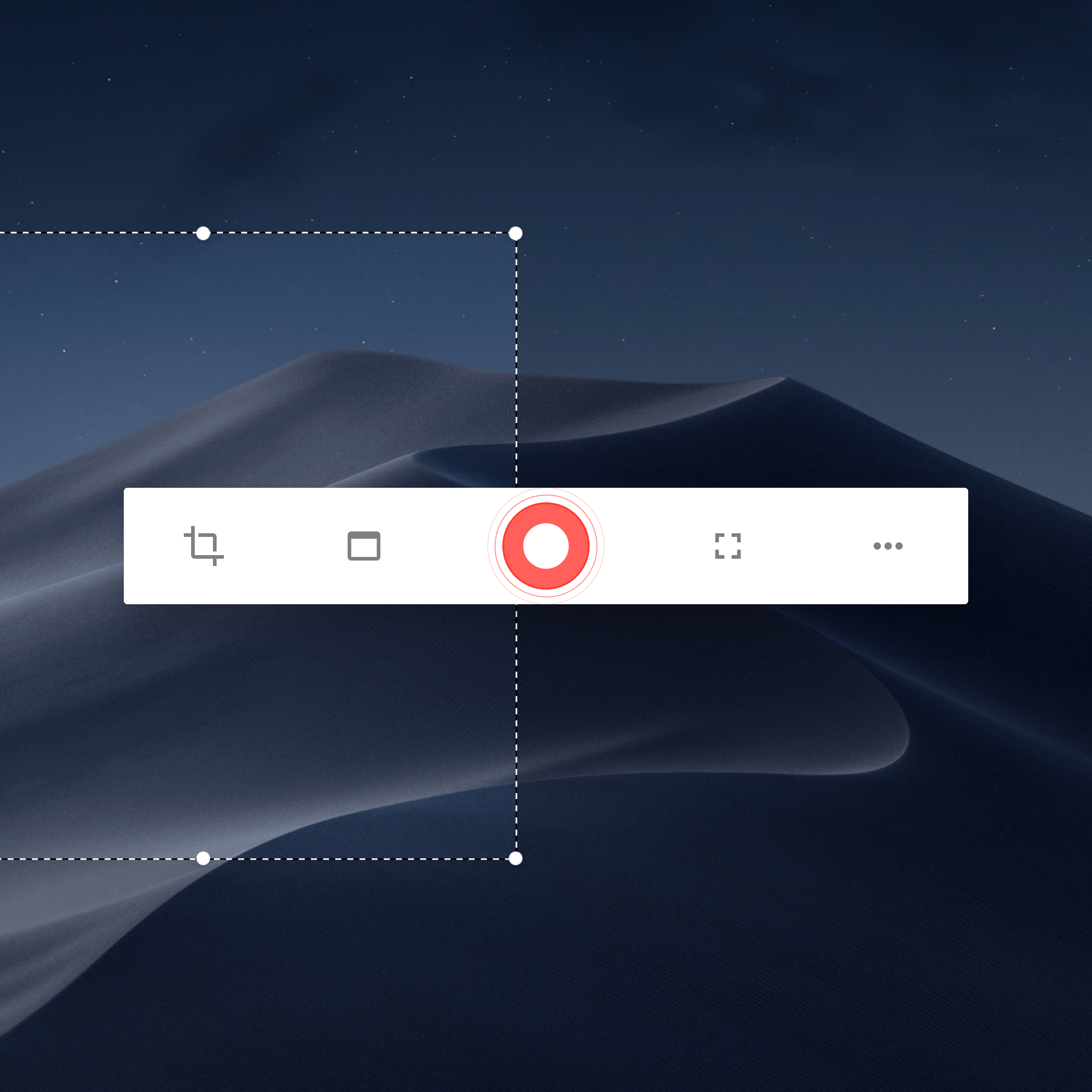
Photo & Video Management
Kap
Open-source screen-recorder built with web technology.
Screenshot & Screen Recording
Capso
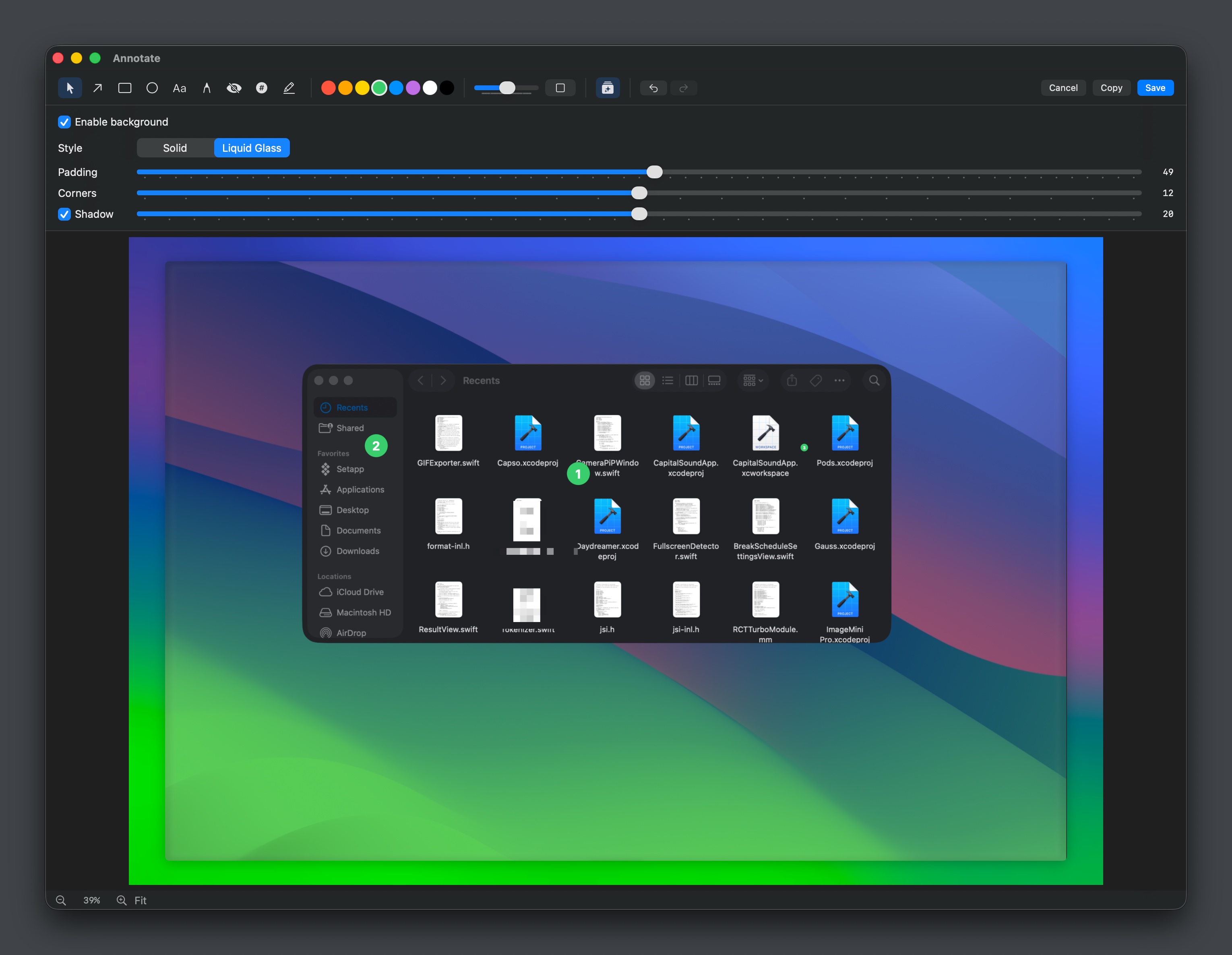
Open-source screenshot and screen recording tool with annotations, OCR, and webcam overlays.

Photo & Video Management
gifox
GIF recording and sharing
Screenshot & Screen Recording
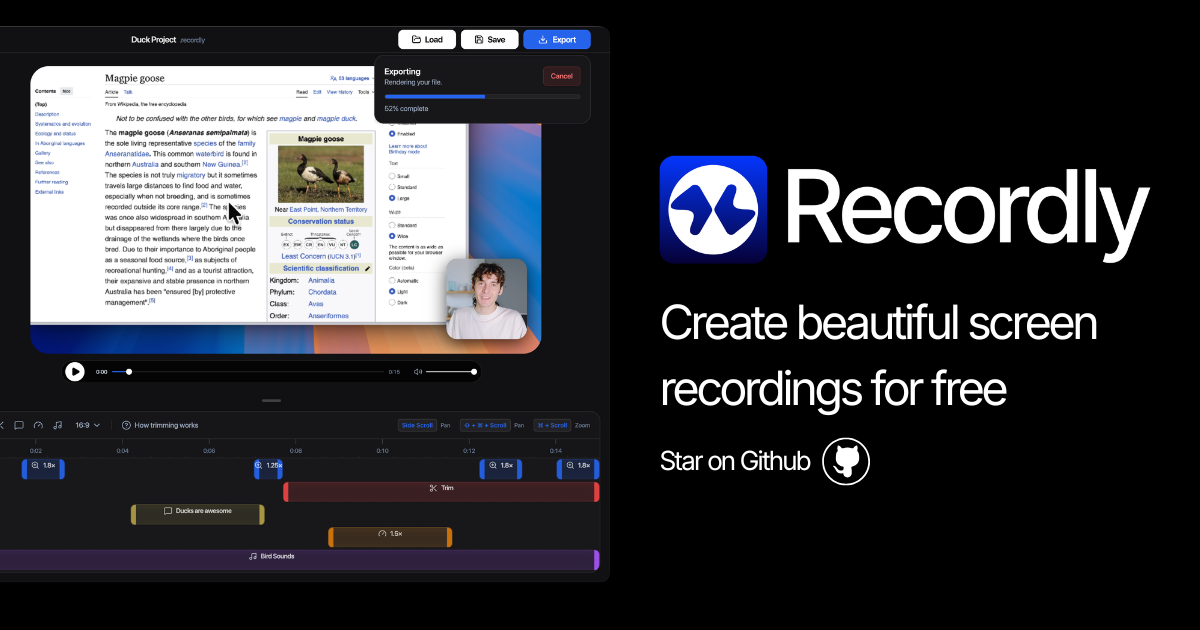
Recordly
Open-source screen recorder and editor for polished demos, tutorials, and product videos.