

Lumen Tool
A 3D portrait lighting simulator
The tool provides an interactive 3D simulation of portrait lighting that runs in a web browser on desktop computers and modern tablets. Users can adjust the position, angle, distance, softness, intensity and color temperature of key, fill, back and hair lights and see the resulting shadows, highlights and contrast on a virtual face in real time. The interface also lets users set skin tone, backdrop tone and save or share specific lighting states.
It is aimed at photographers and videographers who want to plan and experiment with lighting setups before arranging physical equipment. The simulator offers a visual preview of how different lighting parameters affect a portrait, helping creators anticipate the look of a shoot without moving actual lights.
An advanced mode adds features such as saved states, setup sharing, diagram and setup views, and tools for deeper analysis. The application is free, web‑based, and does not support mobile phones beyond a simplified overview.
Reviews
Loading reviews…
Similar apps
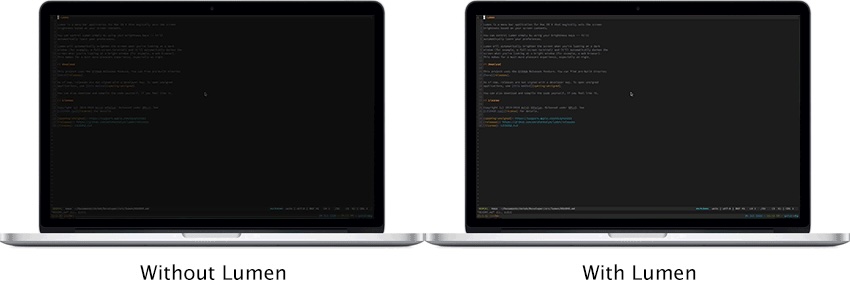
Display & Accessibility
Lumen
Magic auto brightness based on screen contents
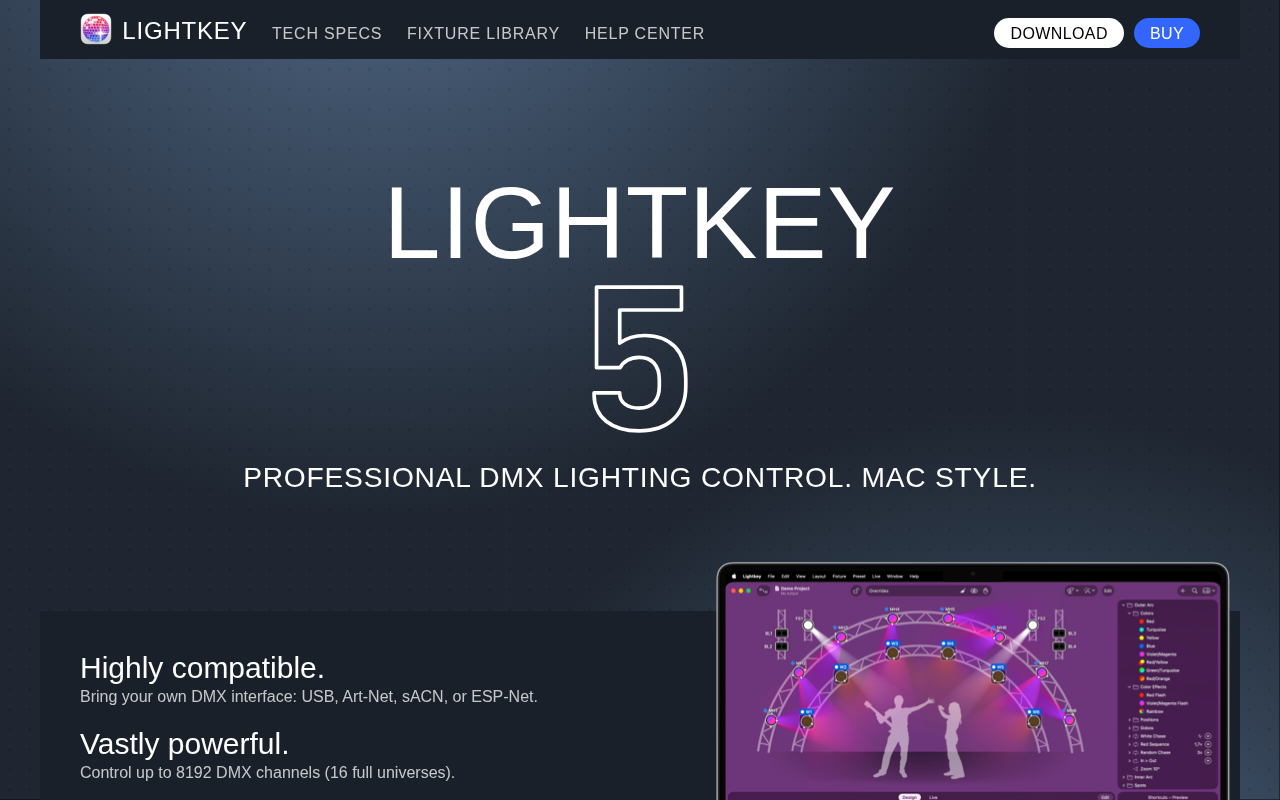
Design & UI Prototyping
Lightkey
DMX lighting control

3D, CAD & Modeling
MakeHuman
Powerful and free 3D human modeler. ![Freeware][Freeware Icon]

3D, CAD & Modeling
LightBurn
Layout, editing, and control software for laser cutters
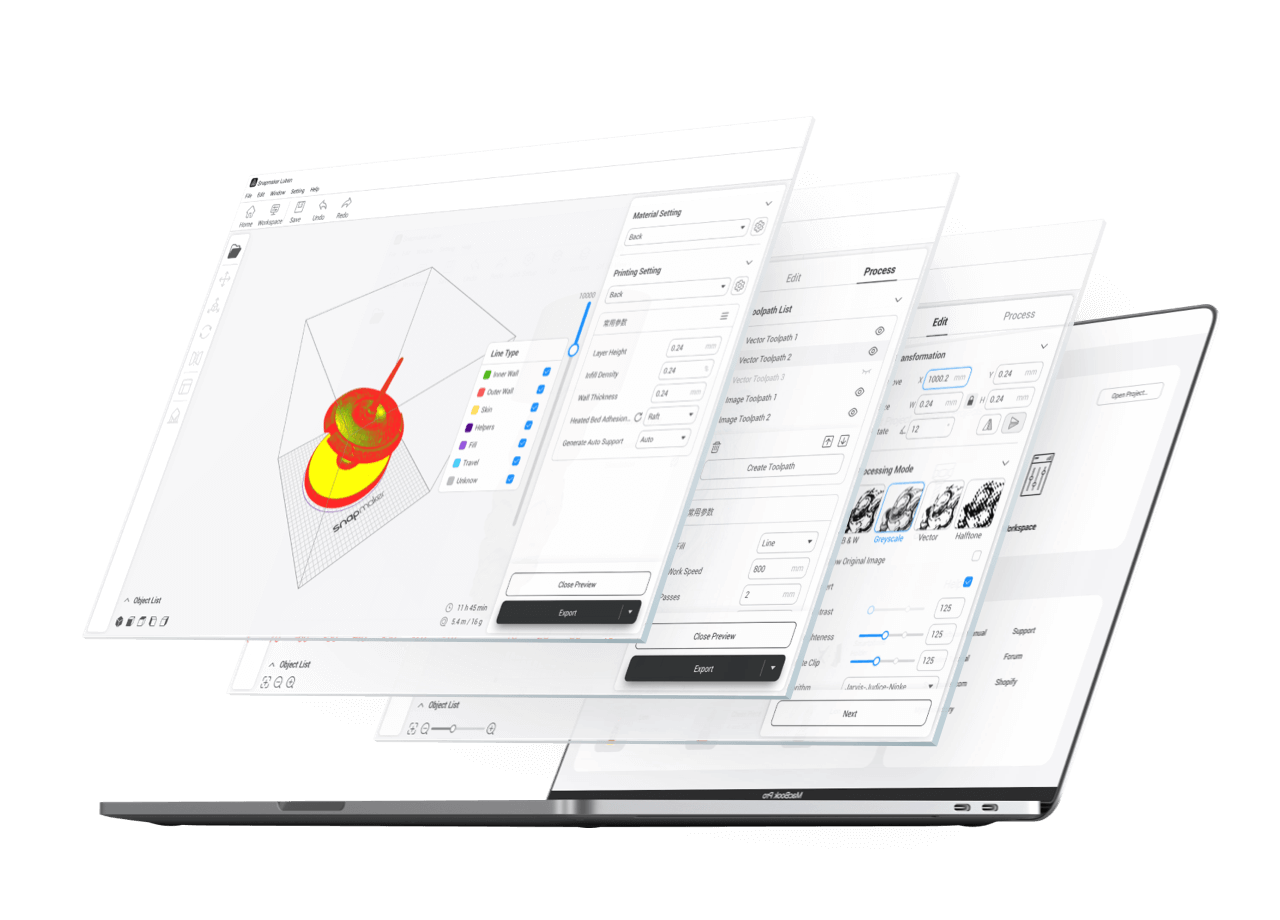
Photo & Video Management
Snapmaker Luban
3D printing software
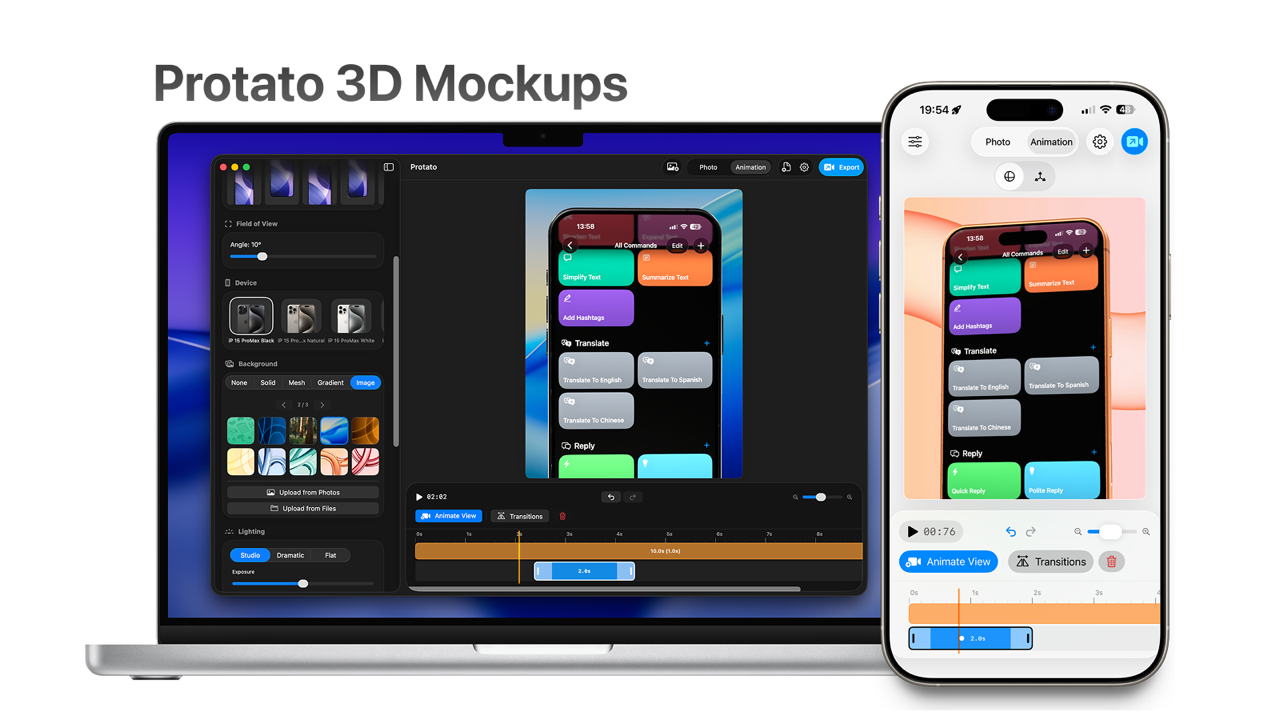
3D, CAD & Modeling
Protato 3D Mockup Generator
Create beautiful 3D iPhone mockups in seconds on iOS