
LuxShot
Native and privacy-first menu bar OCR tool.
LuxShot is a native macOS utility that lives in the menu bar and lets users capture any screen region for immediate optical‑character recognition. Built with SwiftUI and Apple’s Vision framework, it performs OCR, QR‑code and barcode detection entirely on‑device, ensuring that no image data leaves the computer. Recognized text can be automatically copied to the clipboard, opened as URLs, or spoken aloud via text‑to‑speech, with options to preserve or remove line breaks.
The tool targets users who need quick, privacy‑first extraction of text from screenshots or on‑screen content without installing heavyweight software. Its global shortcut (Cmd + Shift + E) and menu‑bar interface provide an unobtrusive workflow, while a history view stores recent scans for easy retrieval. All processing is performed locally, aligning with a privacy‑first approach.
LuxShot is open source under GPL‑v3, written in Swift 6.2, and requires macOS 13 or later. It can be built from source with Xcode, and pre‑built binaries are available for download, though they are not notarized by Apple.
Reviews
Loading reviews…
Similar apps
Clipboard, Input & Automation
TextGrabber2
Menu bar app that detects text from copied images
Clipboard, Input & Automation
TRex
Easy to use text extraction tool
Screenshot & Screen Recording
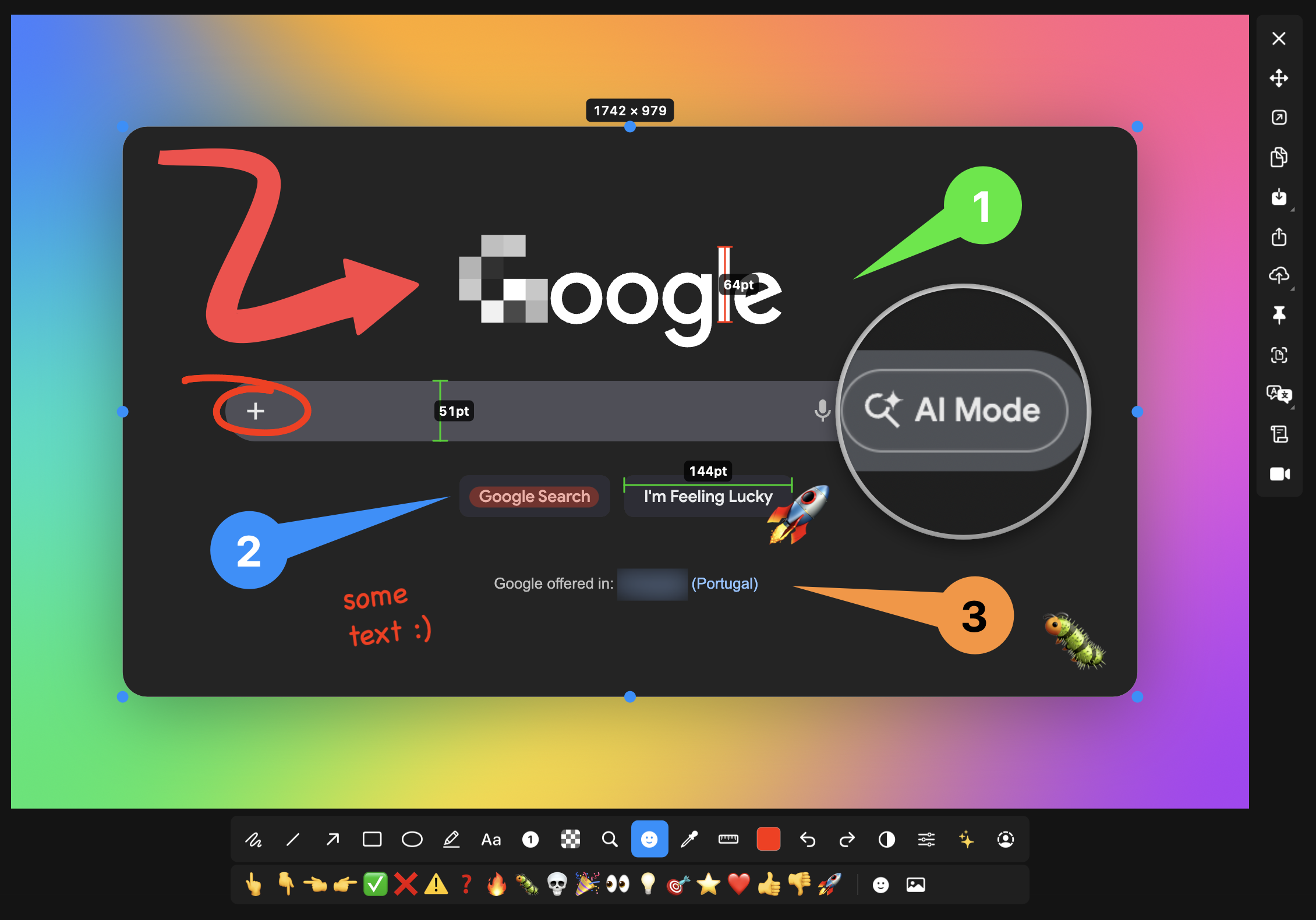
macshot
Screenshot and annotation tool with screen recording, scrolling capture, and OCR.
Clipboard, Input & Automation
OwOCR
Optical character recognition for Japanese text
Clipboard, Input & Automation
ScreenTranslate
Capture any area or select text to translate instantly, fully on-device.
Screenshot & Screen Recording
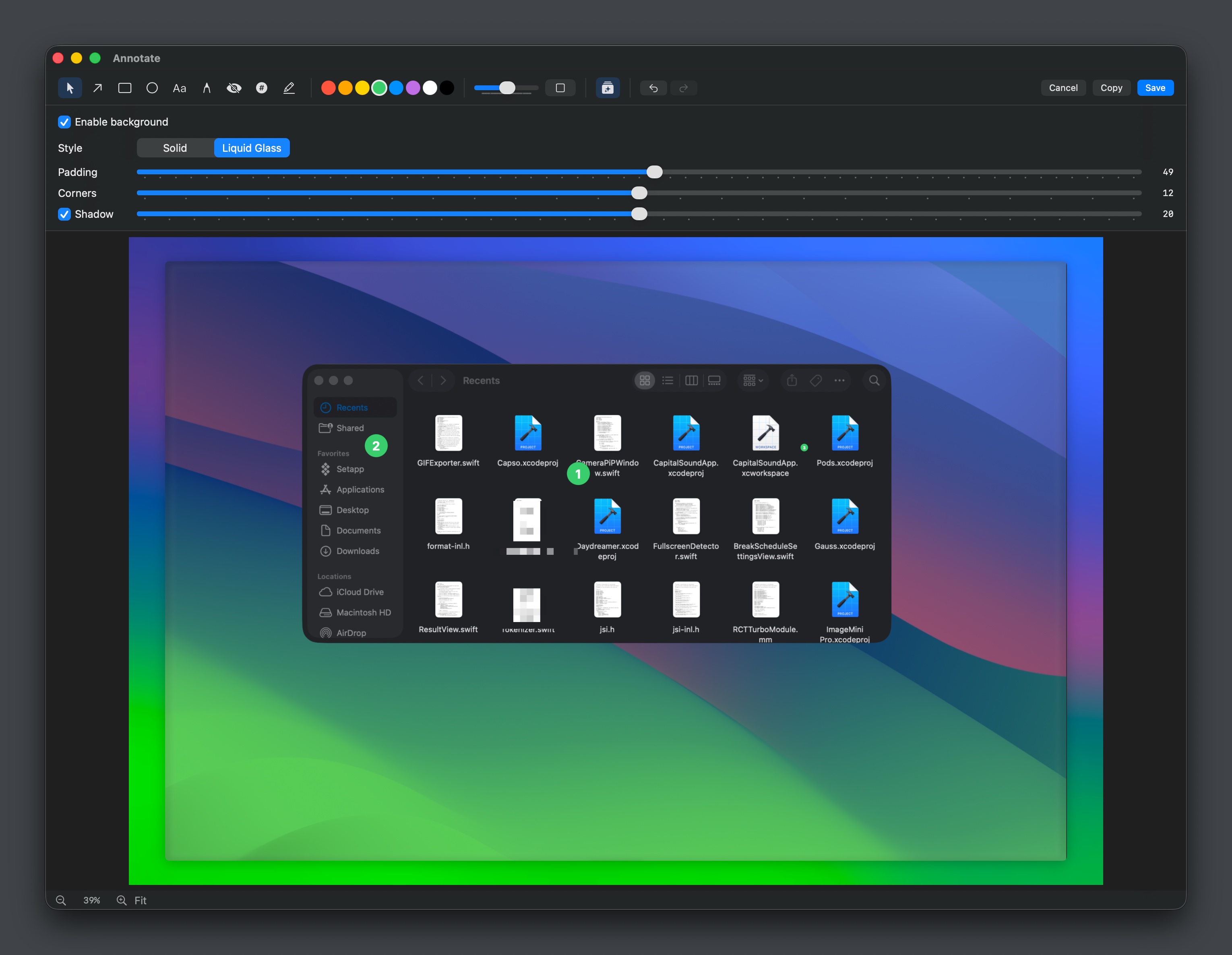
Capso
Open-source screenshot and screen recording tool with annotations, OCR, and webcam overlays.