
TRex
Easy to use text extraction tool
TRex is a macOS menu‑bar utility that captures any visible text on the screen and places the recognized characters directly into the clipboard. Users invoke a capture via the menu bar or a configurable global shortcut, draw a rectangle over the desired region, and the app performs optical character recognition (OCR) locally, returning the text without additional steps. It also reads QR codes and barcodes, and can launch URLs found in the captured content.
The tool targets anyone who needs to extract text from sources that do not allow selection, such as PDFs with embedded images, screenshots, video frames, or shared screens in conferencing apps. Because all processing occurs offline, it works without an internet connection and supports custom language dictionaries and word lists for improved accuracy.
TRex includes a command‑line interface and automation hooks, allowing integration with macOS Shortcuts, custom URL schemes, and third‑party launchers like Alfred and Raycast. Preferences let users hide the menu‑bar icon, adjust shortcuts, and configure post‑capture actions such as opening detected URLs or running predefined shortcuts.
Reviews
Loading reviews…
Similar apps
Clipboard, Input & Automation
TextGrabber2
Menu bar app that detects text from copied images
Clipboard, Input & Automation
LuxShot
Native and privacy-first menu bar OCR tool.
Clipboard, Input & Automation
Easydict
A concise dictionary and translator for looking up words and translating text.
Clipboard, Input & Automation
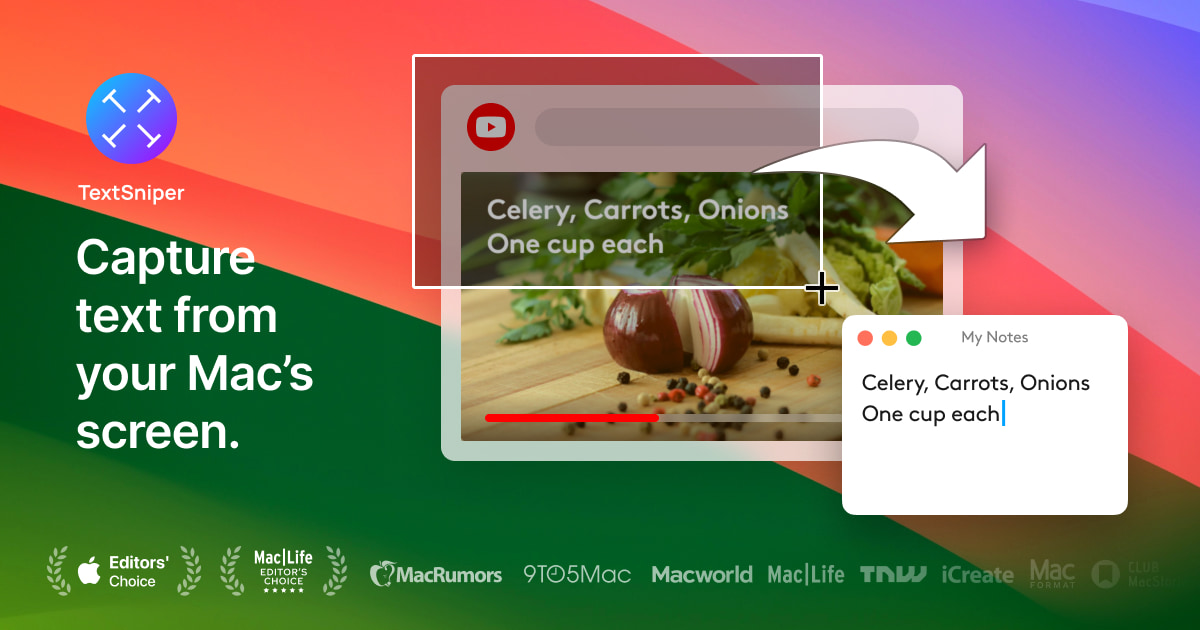
TextSniper
Simple yet powerful OCR app in your Menu Bar. Instantly copy and paste text from anywhere.
Clipboard, Input & Automation
OwOCR
Optical character recognition for Japanese text
Clipboard, Input & Automation
Cheese! OCR
Select any screen area, get text instantly