
Manila
Finder extension for changing folder colours
Manila adds a context‑menu option to macOS Finder that lets users assign colors to folders directly from the file browser. After installing the app and enabling the Finder extension, a right‑click on any folder (or multiple folders) reveals a Color submenu where a hue can be selected, instantly applying the chosen tint to the folder icon.
The tool is intended for macOS users who want a visual way to organize or differentiate directories without renaming them or creating additional tags. It works with macOS 12.1 or newer and runs as a native Finder extension, integrating into the existing right‑click workflow.
Installation consists of downloading the zip release, moving the bundle to the Applications folder, launching it, and, if necessary, turning on the extension in System Preferences. The extension is marked as stable and is distributed as a macOS‑only package.
Reviews
Loading reviews…
Similar apps
File Management & Transfer
RClick
Add new functionality to the macOS Finder context menu.

File Management & Transfer
MountMate
Menubar app to easily manage external drives
Display & Accessibility
Menubar Colors
Menu bar app for convenient access to the system colour panel
File Management & Transfer
MediaInfo
Display file information in Finder contextual menu
File Management & Transfer
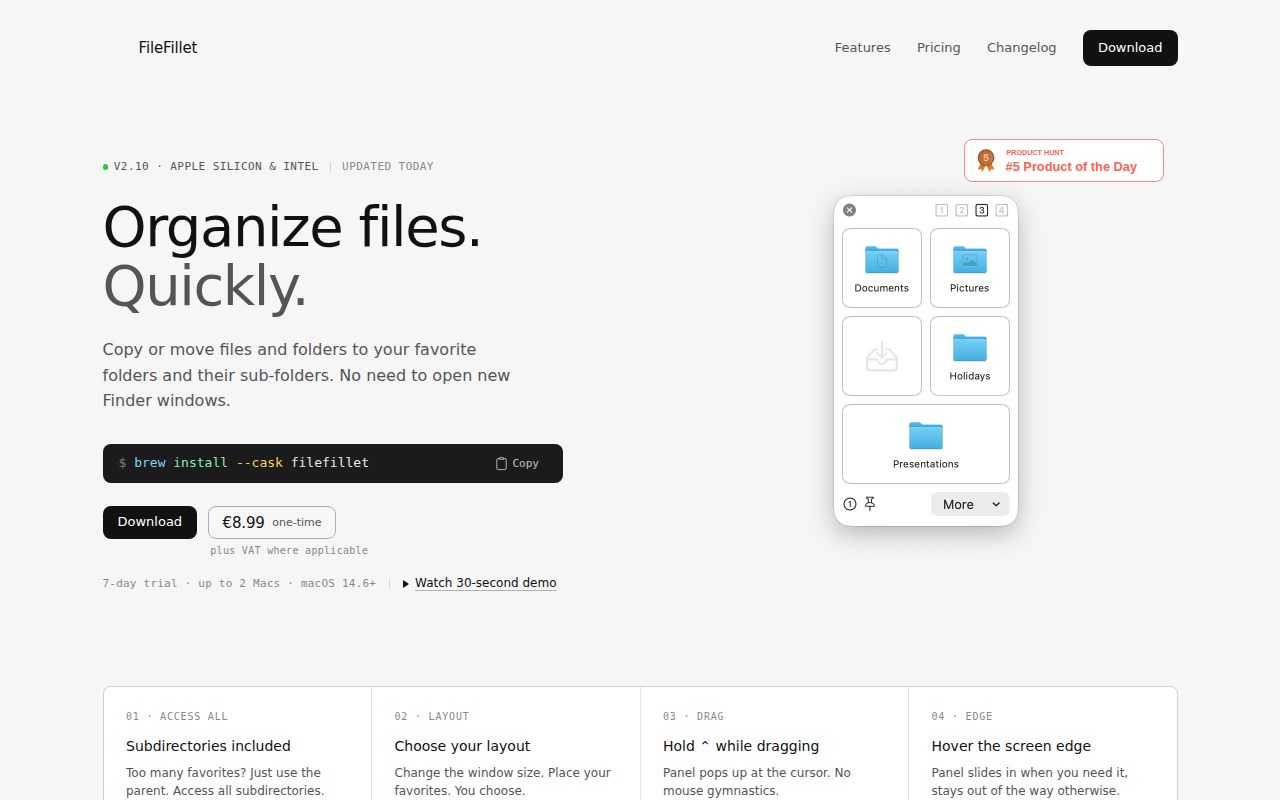
FileFillet
Efficient file organizer
File Management & Transfer
Path Finder
File manager