
RClick
Add new functionality to the macOS Finder context menu.
RClick extends the macOS Finder context menu with custom actions built using Swift 5.9 and SwiftUI. It lets users invoke external applications for files or folders, copy the full path of a selected item to the clipboard, and delete or hide items directly from the menu. The utility also provides shortcuts for creating new files of common formats—such as plain‑text, JSON, Markdown, Word, PowerPoint, and Excel—without leaving Finder.
In addition to file‑level operations, RClick adds quick‑access entries for frequently used directories like Downloads, Desktop, and Documents, enabling one‑click navigation. All features are presented as native Finder context‑menu items, preserving the standard macOS workflow while reducing the steps required for routine tasks.
The project is open‑source, released under a free‑tier license, and is considered stable. Installation is performed by downloading the latest release from the project's GitHub page, and users can report bugs or request enhancements through the repository’s issue tracker.
Reviews
Loading reviews…
Similar apps

Task & Project Management
PowerClick
The missing 'New File' right-click menu for Mac.
File Management & Transfer
SaneClick
Finder extension that adds right-click actions for file tasks, conversion, and developer tools.
File Management & Transfer
MediaInfo
Display file information in Finder contextual menu
File Management & Transfer
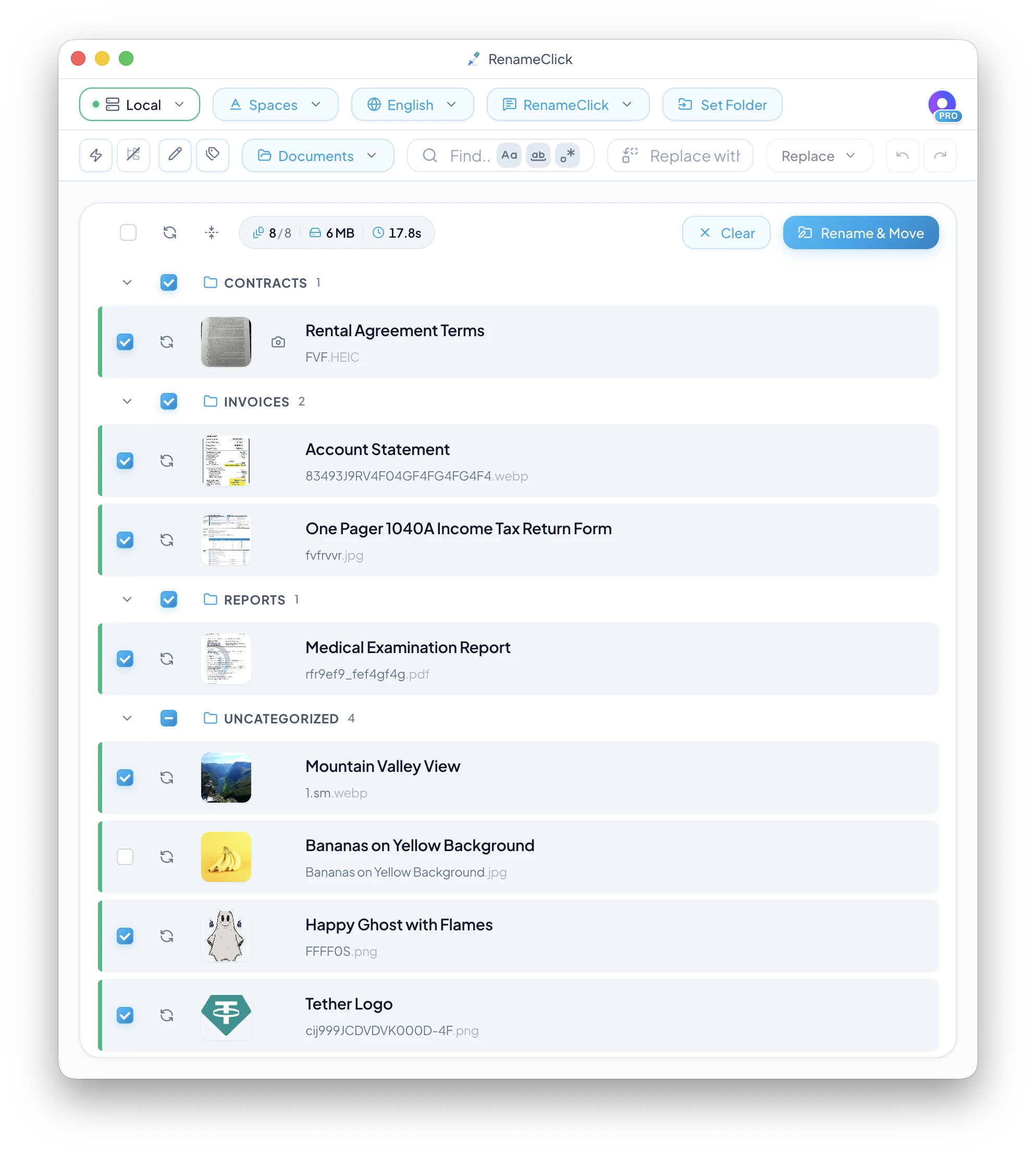
RenameClick
Local-first AI app for file renaming and organisation
Code Editors & IDEs
OpenInEditor-Lite
Finder Toolbar app to open the current directory in Editor
Terminals & CLI
FinderGo
Open terminal quickly from Finder.