
MKS
Mechanical keyboard simulator
MKS is a macOS utility that adds audible feedback to keyboard input by playing simulated mechanical‑keyboard sounds for each key event. It intercepts key‑down and key‑up actions system‑wide and emits configurable audio samples, allowing users to hear the characteristic click of switches such as Cherry MX Blues without owning a physical mechanical keyboard.
The application offers adjustable volume relative to the system setting, separate sound profiles for different keys, and options for stereo or mono output. It also supports modifier keys, randomized pitch for added realism, and includes a mouse‑click simulator as an optional secondary feedback channel.
MKS is distributed as a cask via Homebrew or as a downloadable DMG, requires Accessibility permissions to function, and is released under the MIT license. It is intended for users who prefer the tactile auditory cue of mechanical keyboards while working on laptops or quiet environments.
Reviews
Loading reviews…
Similar apps
Clipboard, Input & Automation
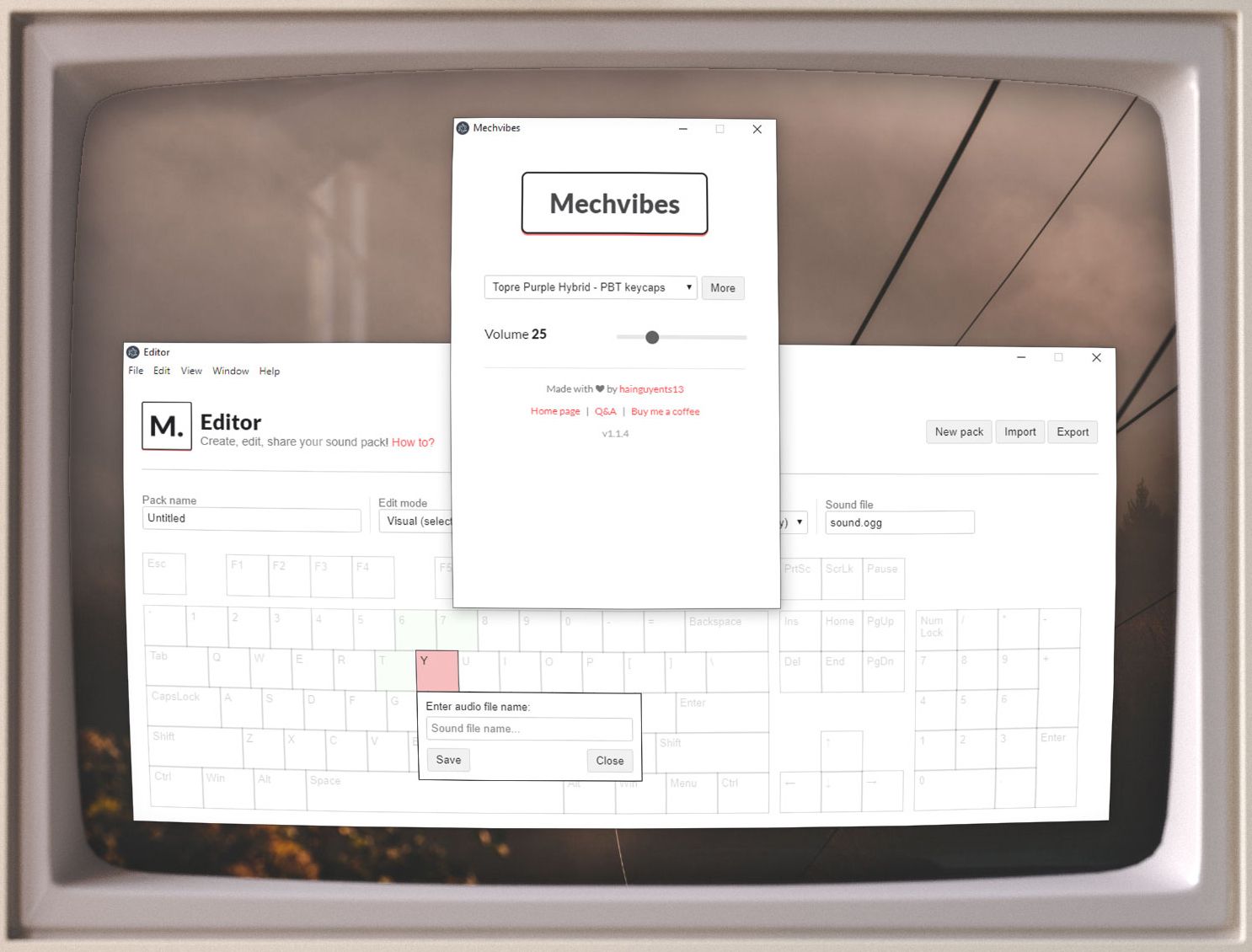
Mechvibes
Play mechanical keyboard sounds as you type
Music Players & Streaming
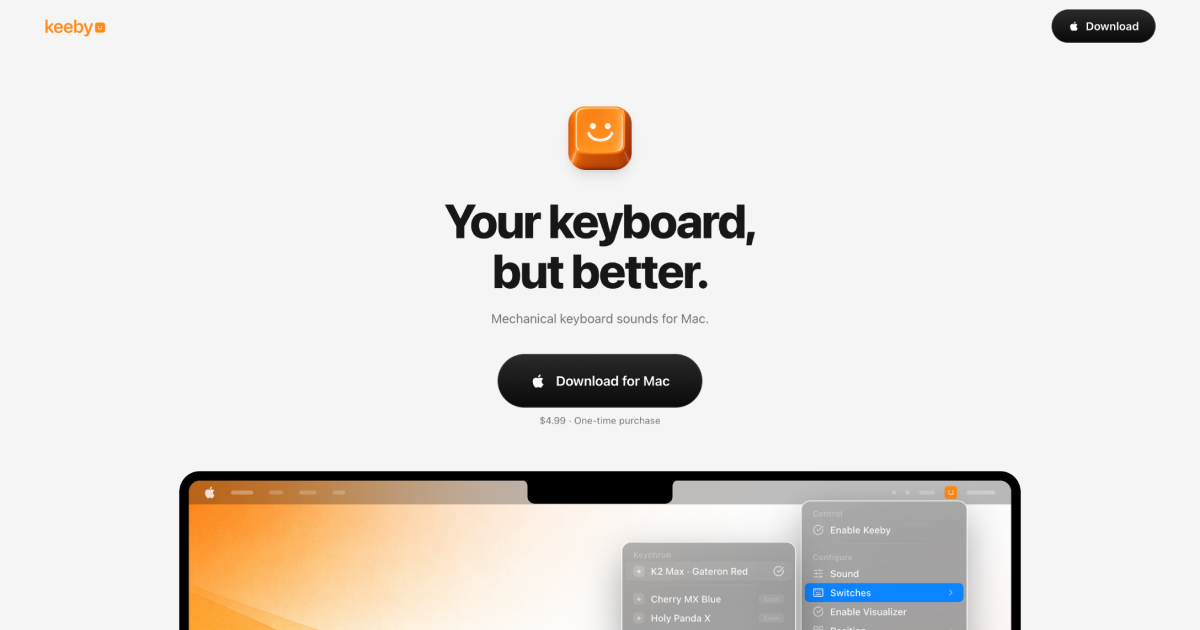
Keeby
Mechanical keyboard sounds for your Mac
Clipboard, Input & Automation
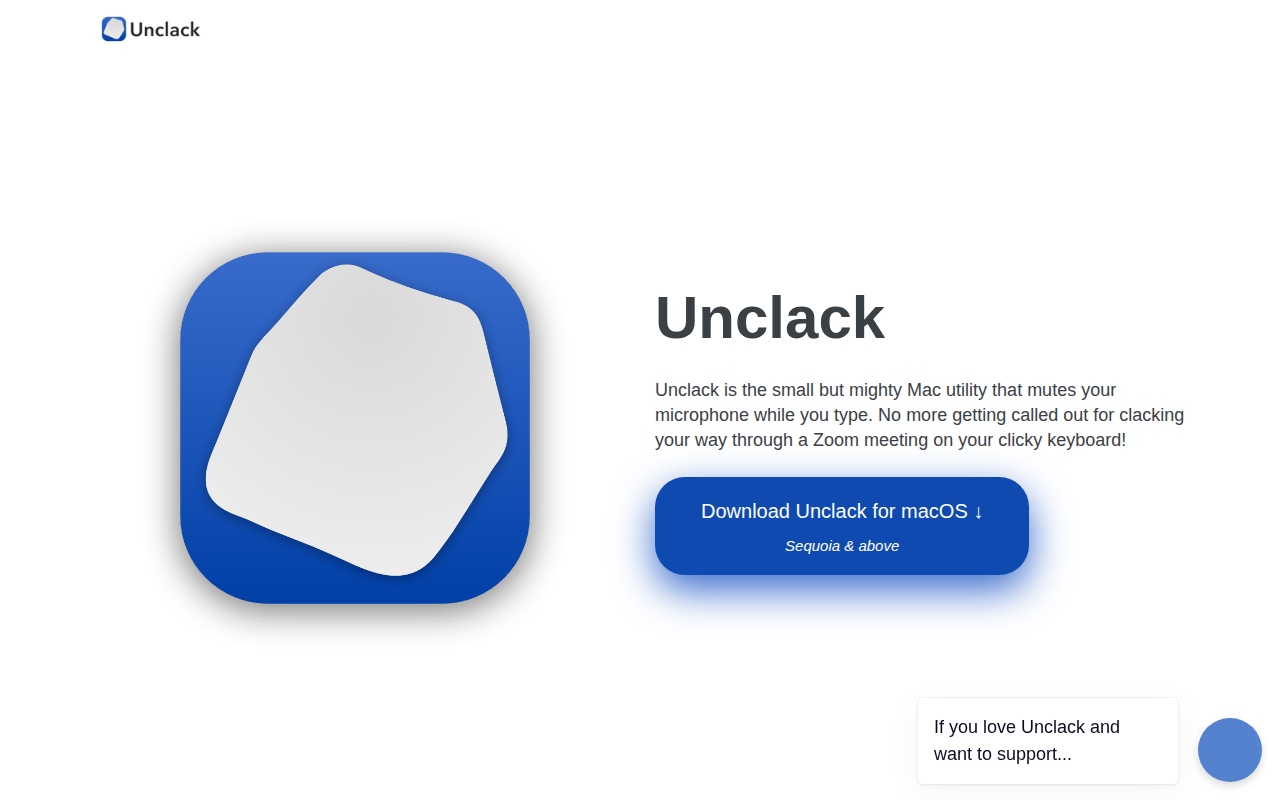
Unclack
Mutes your keyboard while you type
Clipboard, Input & Automation
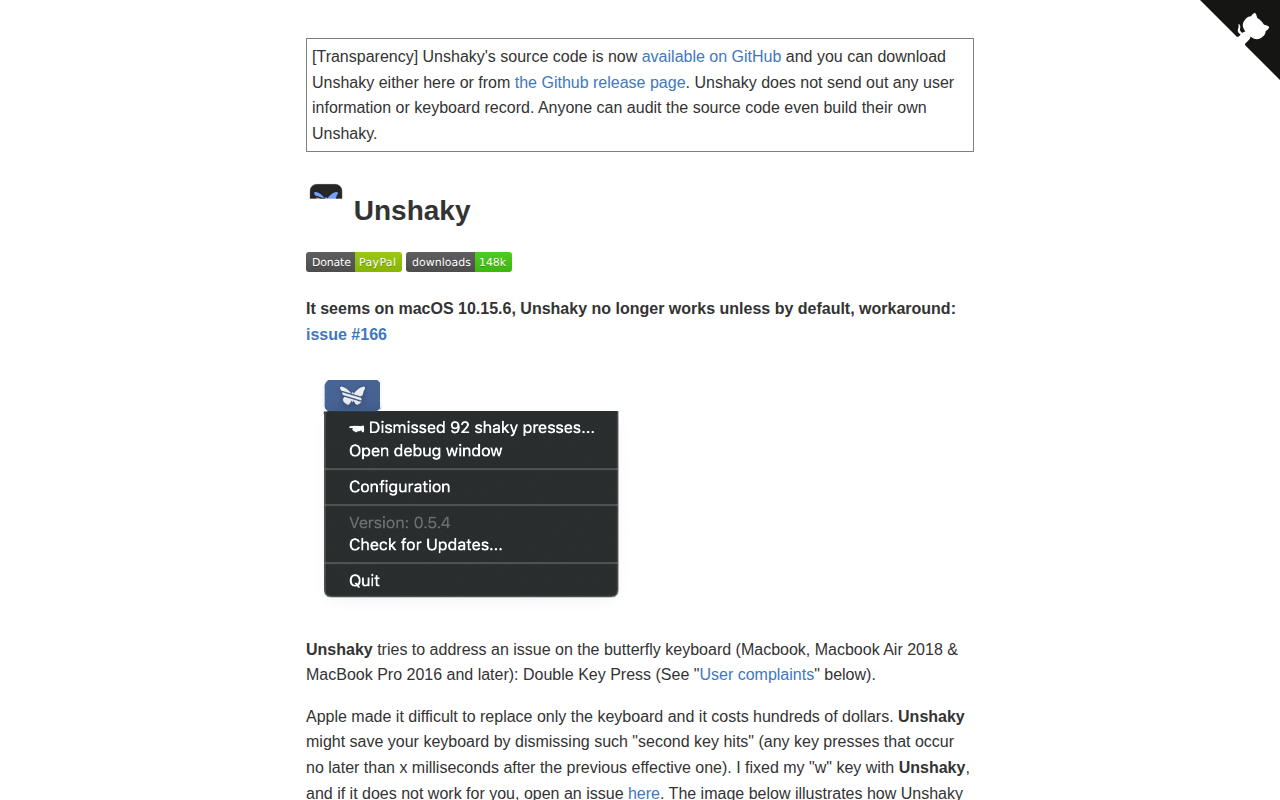
Unshaky
Software fix for double key presses on Apple's butterfly keyboard

Clipboard, Input & Automation
Keytty
App to keep your hands on the keyboard. Move, click, scroll, drag and more with a few strokes.
Clipboard, Input & Automation
AquaSKK
Input method without morphological analysis