
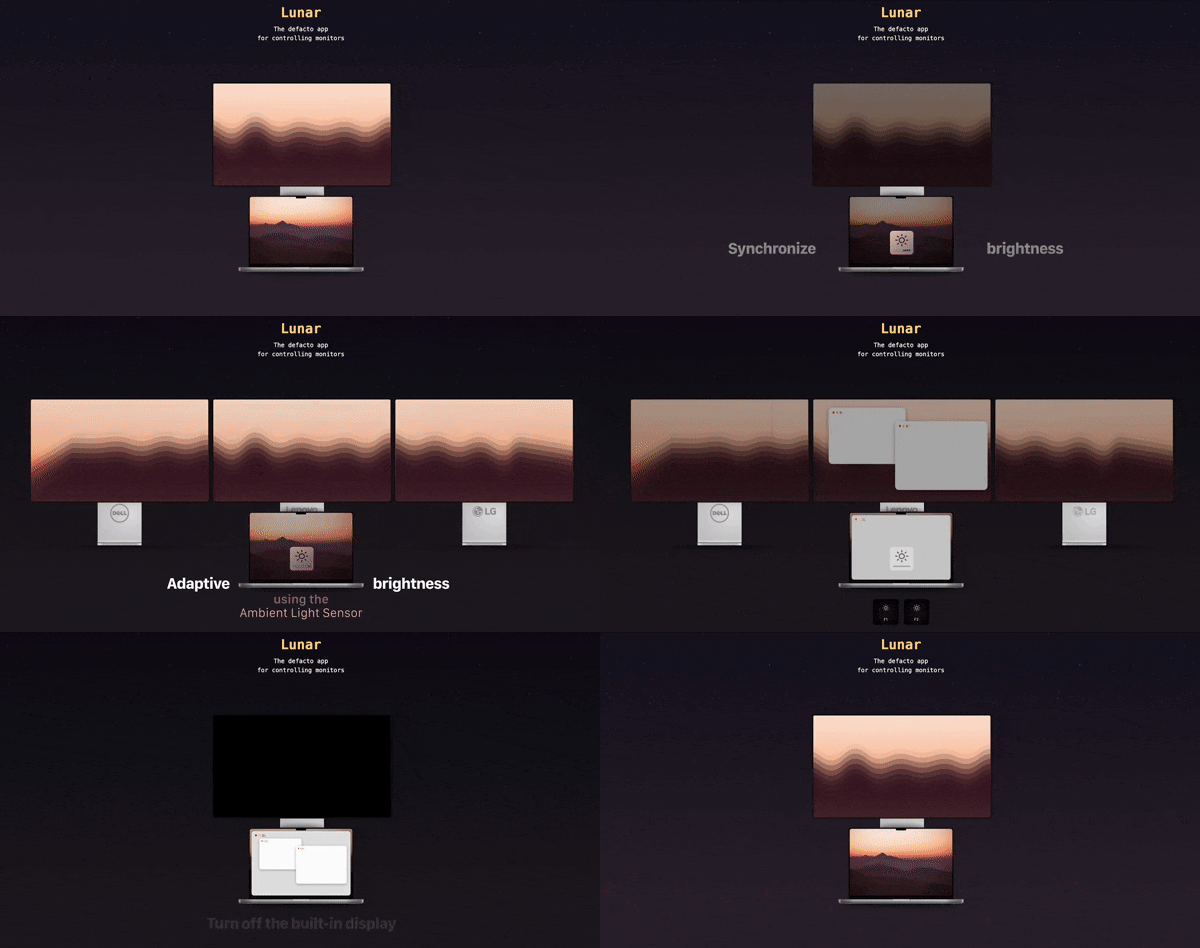
Lunar
Help you adujst brightness, contrast and volumn of your external display.
The application lets you adjust brightness, contrast, volume, and input source on external displays directly from macOS. It communicates with monitors via DDC to set real brightness levels rather than using overlay tricks, and it also supports native control of Apple‑made displays through macOS Display Services. Features include keyboard shortcuts for brightness and volume, ambient‑light sensor integration, and the ability to black out screens or enable FaceLight for FaceTime.
For users with multiple monitors, the tool can keep all displays synchronized, mirroring macOS’s adaptive brightness across external screens. It also offers a “Sync Mode” that applies any brightness change made via Touch Bar, keys, or ambient light to every connected monitor. The free version provides these core controls, while a paid tier adds advanced capabilities such as unlocking the full brightness range of XDR displays and breaking preset brightness limits.
The software runs on macOS 11 and later, supporting both Apple Silicon and Intel Macs, and is released under an open‑source license with a stable maturity level. It is intended for anyone needing precise, system‑wide control of external monitor settings without relying on hardware buttons.
Reviews
Loading reviews…
Similar apps
Display & Accessibility
MonitorControl
Control external display brightness and volume directly.
Display & Accessibility
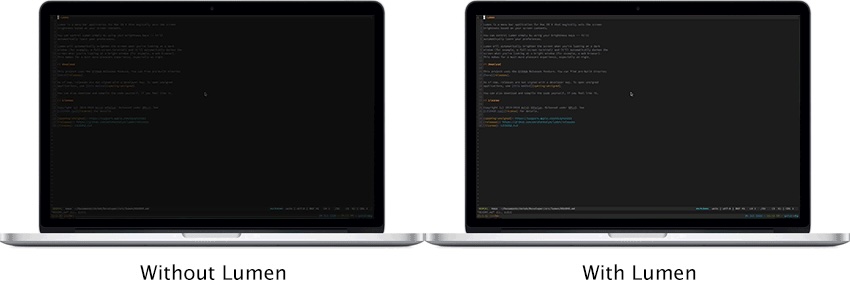
Lumen
Magic auto brightness based on screen contents
Display & Accessibility
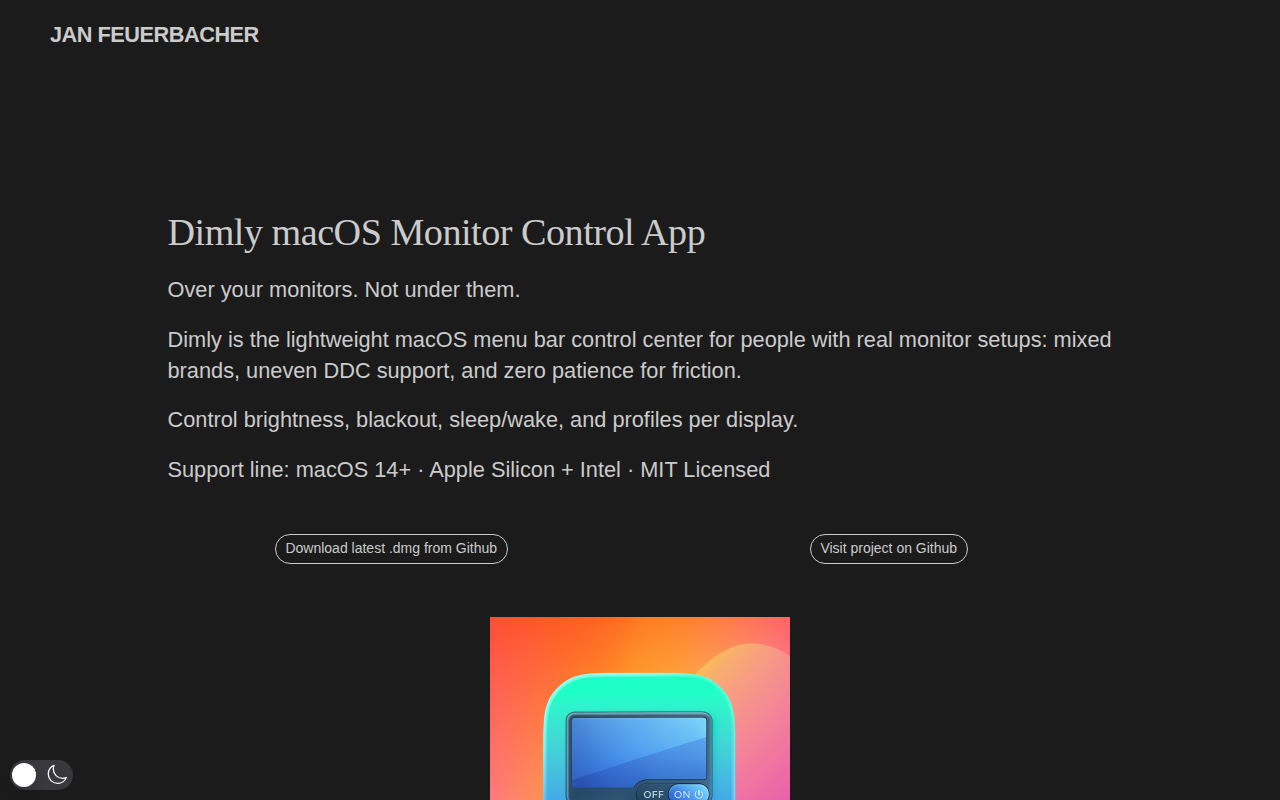
Dimly
Control brightness across mixed monitor setups from one menu bar app.
Display & Accessibility
Brisync
Utility to automatically control the brightness of external displays
Display & Accessibility
Brightness Sync
Utility to synchronise the brightness of LG UltraFine display(s)
Display & Accessibility
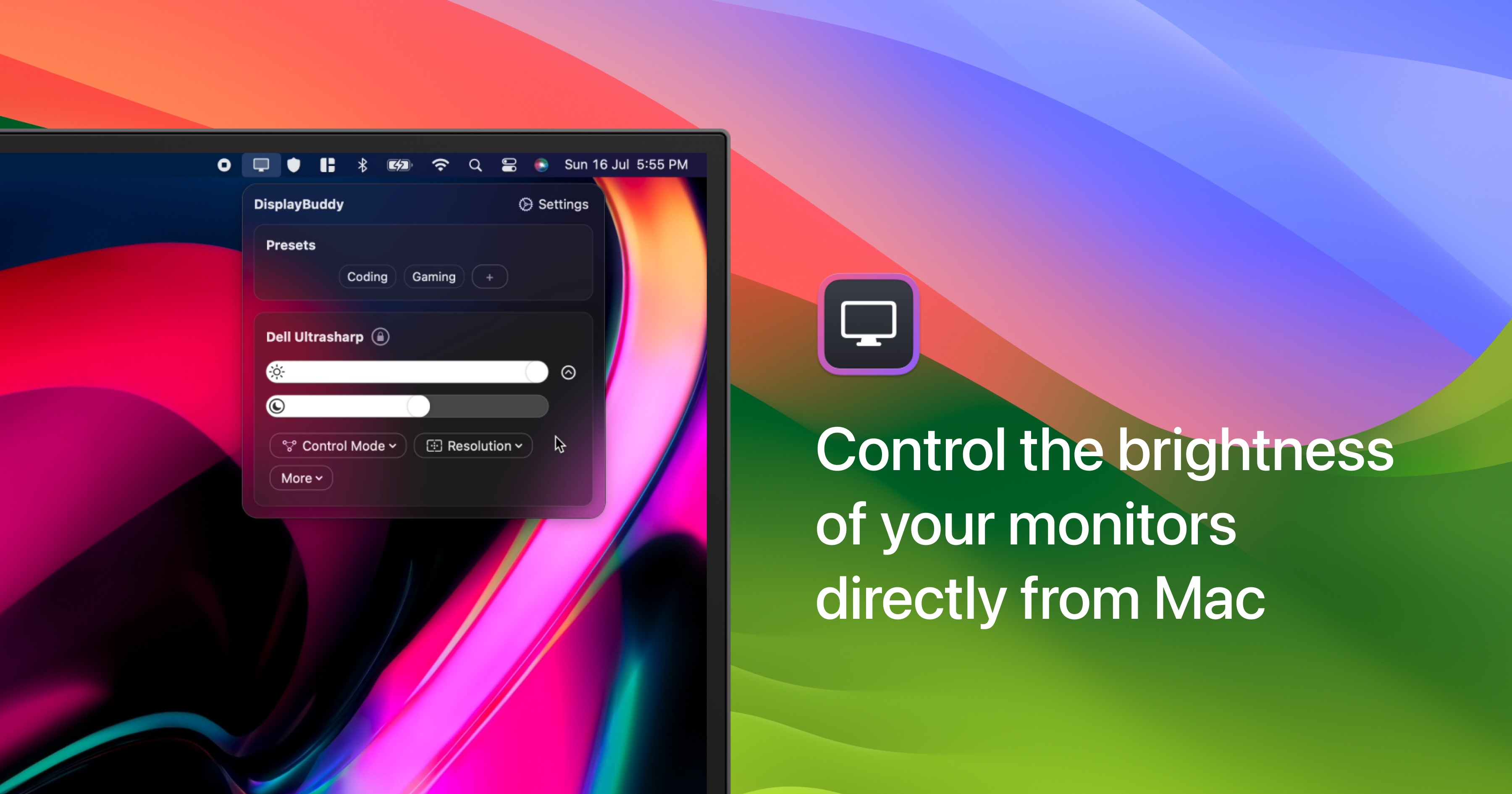
DisplayBuddy
Control external display brightness, contrast, and input source.