
Muse
Open-source Spotify controller with TouchBar support
Muse provides a macOS interface for controlling Spotify, iTunes, and Vox directly from the Touch Bar and a floating album‑art window. It adds a permanent button to the Touch Bar’s control strip that shows current artwork and playback time; tapping reveals full controls, a long press toggles play/pause, and swiping skips tracks. The app also offers system‑wide now‑playing controls via the leftmost strip button, mirroring the behavior of iTunes and Safari.
Users invoke the overlay with the hotkey ⌃⌘S, which displays album art and Touch Bar controls that auto‑hide when focus shifts. While the window is open, keyboard shortcuts enable play/pause, track navigation, repeat, shuffle, liking tracks, and switching among the three supported players. Integration with a Spotify account allows adding or removing favorites, though it is optional.
The project is open source, built for macOS, and distributed without code signing, requiring manual permission granting on first launch. It relies on external libraries such as SpotifyKit, NSImageColors, and DDHotKey, and can be compiled from source by cloning the repository, installing CocoaPods, and opening the Xcode workspace.
Reviews
Loading reviews…
Similar apps
Window & Desktop Management
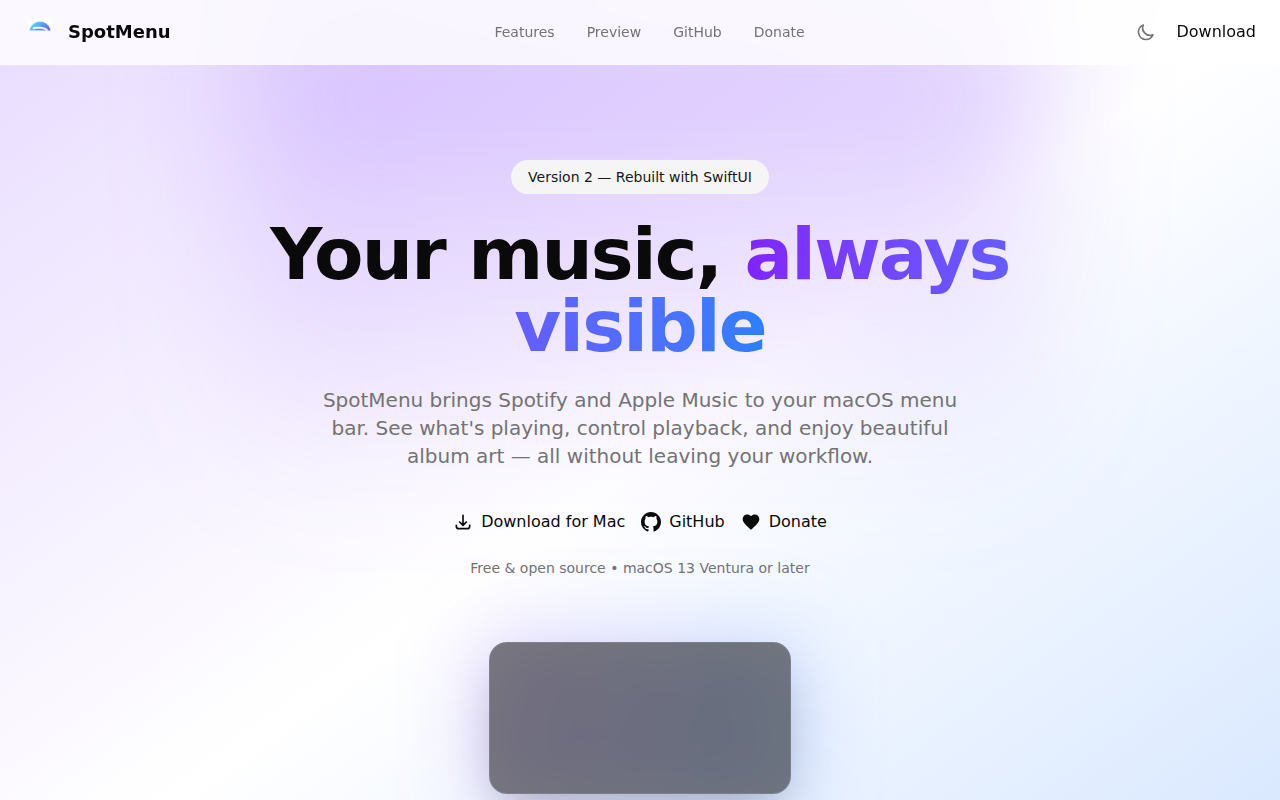
SpotMenu
Spotify and iTunes in your menu bar.
Music Players & Streaming
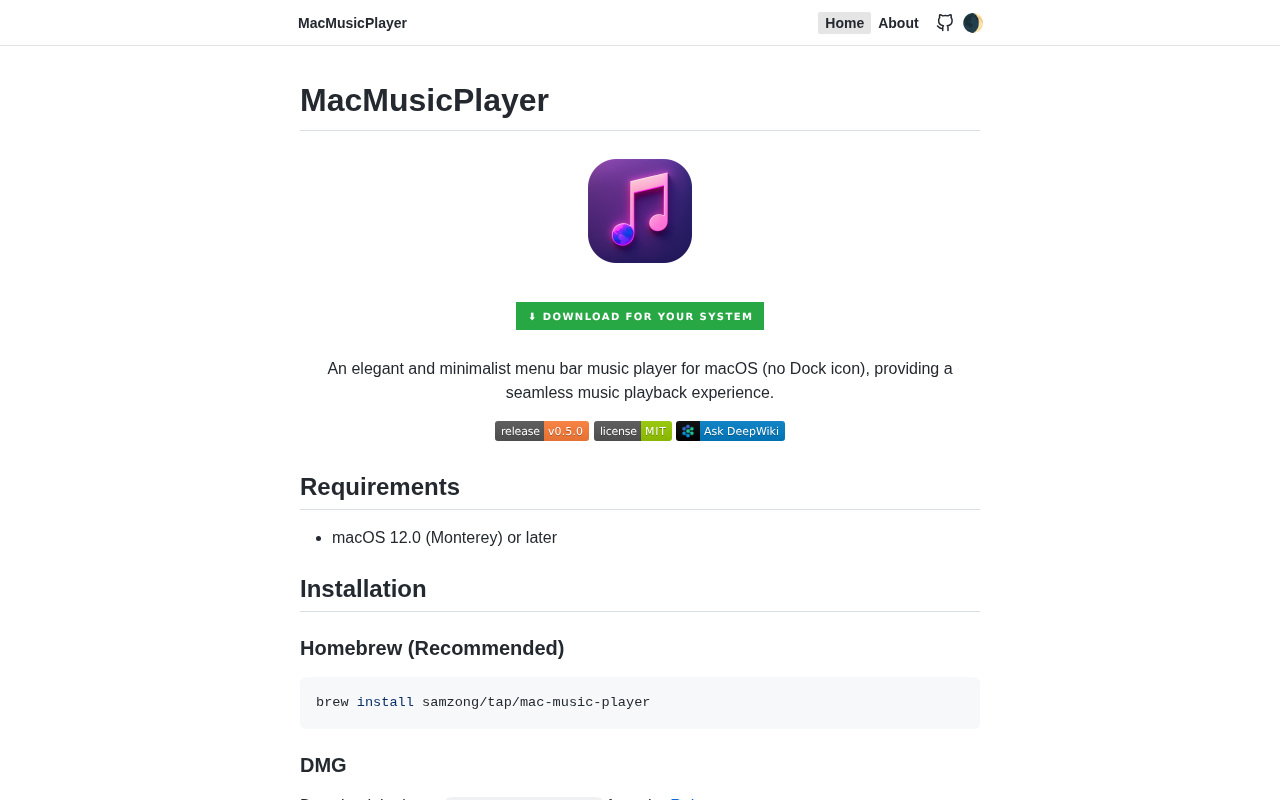
MacMusicPlayer
A clean, lightweight music player for macOS users. ![Open-Source Software][OSS Icon] ![Freeware][Freeware Icon]
Metadata & Library Management
LyricsX
Lyrics for iTunes, Spotify and Vox.

Music Players & Streaming
Jukebox
Menu bar song viewer

Music Players & Streaming
YouTube Music
App wrapper for music.youtube.com
Music Players & Streaming
Mac Media Key Forwarder
Media key forwarder for iTunes and Spotify