
obs-websocket
Remote-control OBS Studio through WebSockets
The software provides a WebSocket API that lets external applications communicate with OBS Studio, enabling remote control of streaming and recording functions. It runs as a server inside OBS, listening on a configurable port (default 4455) and supports password‑based authentication to prevent unauthorized access. Users can adjust settings through OBS’s Tools menu or via command‑line options for port, password, debugging, and IPv4 only mode.
Typical scenarios include controlling OBS from mobile devices on the same network, swapping overlays or graphics automatically when scenes change, and integrating third‑party hardware such as foot pedals or automation scripts. A variety of client programs and libraries are listed, covering platforms like Macro Deck, Touch Portal, Streamer.bot, and development kits for Python, Rust, JavaScript, Go, Dart/Flutter, and more.
The server is bundled with OBS Studio version 28.0.0 and later, while separate binaries are available for older releases on Windows, macOS, and Linux. Documentation of the protocol is provided, and the project maintains an active community through Discord and Open Collective.
Reviews
Loading reviews…
Similar apps
Live Streaming & Broadcast
OBS
Open-source software for live streaming and screen recording
Live Streaming & Broadcast
OBS Studio
A free and open source software for live streaming and screen recording.
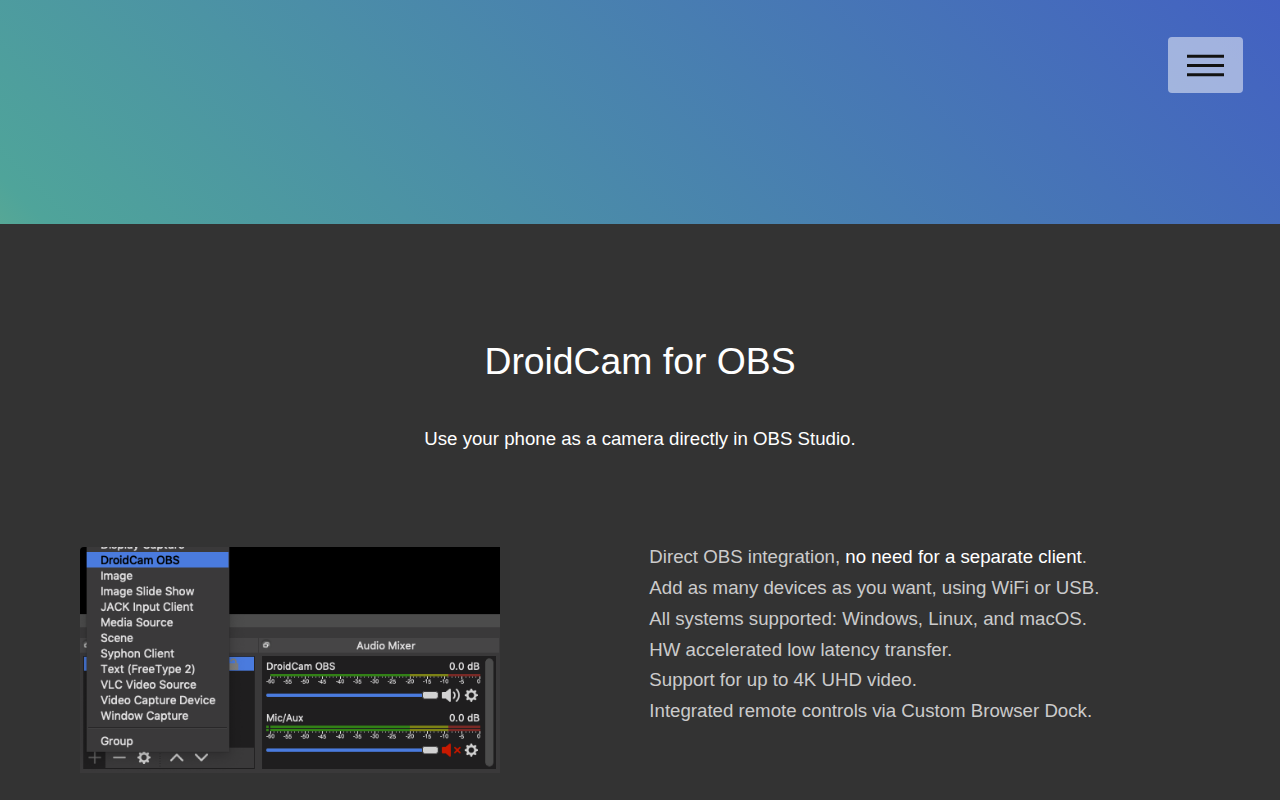
Live Streaming & Broadcast
DroidCam OBS
Use your phone as a camera directly in OBS Studio
Task & Project Management
Winbox-mac
MikroTik Winbox
Network & Connectivity
Streamlink Twitch GUI
Multi platform Twitch.tv browser for Streamlink
Network & Connectivity
Intiface Central
Frontend application for the Buttplug sex toy control library