

ScriptQL
AppleScript Quick Look plugin
The software provides a Quick Look extension that enables macOS to render AppleScript files directly in the Finder preview pane. When a user selects an AppleScript document, the plugin extracts the script’s contents and displays them in a formatted view without opening the file in an editor. This functionality integrates with the operating system’s native Quick Look mechanism, allowing developers and power users to inspect scripts quickly while navigating folders.
It is intended for macOS users who work with AppleScript and want a convenient way to glance at code without launching a full development environment. By presenting the script’s source in the Finder, it streamlines workflows that involve reviewing or organizing large collections of automation scripts.
The extension is built specifically for macOS, is classified as stable, and is distributed through the project's GitHub repository. It operates as a core component of the system’s Quick Look infrastructure, requiring no additional software beyond the standard macOS installation.
Reviews
Loading reviews…
Similar apps
Task & Project Management
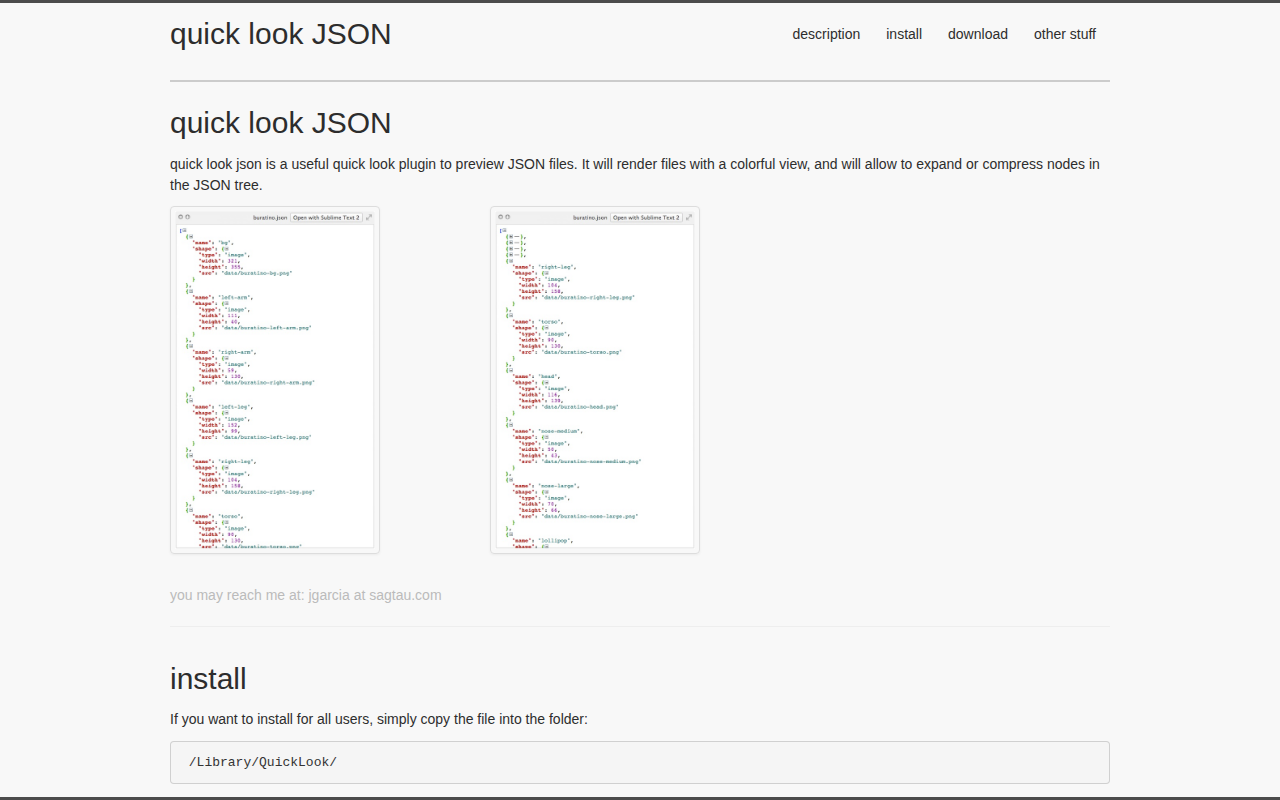
quick look JSON
Quick Look plugin for JSON files
Task & Project Management
qlplayground
Quick Look plugin for Swift files
Code Editors & IDEs
QLColorCode
Quick Look plug-in that renders source code with syntax highlighting
Code Editors & IDEs
Jupyter Notebook Quick Look
Quick Look plugin for Jupyter notebooks
Task & Project Management
QuickJSON
Quick Look plugin to pretty-print JSON
Task & Project Management
QuickNFO
Quick Look plugin for viewing NFO files