

Sim Genie
Easier access to Xcode Simulator functionality
Sim Genie resides in the macOS menu bar and provides quick access to a range of Xcode Simulator capabilities that are not exposed through the standard interface. It lets users draw GPS routes or import GPX files to simulate location changes, record screen videos, and apply custom status bars without additional code. The tool also offers one‑click restoration of app data from saved snapshots, automatic import of Unsplash images, and hotkeys for repeating actions such as deep‑link launches or clearing derived data.
For testing and debugging, Sim Genie can send push notifications, trigger deep links, toggle or reset simulator permissions, and open an app’s sandbox for direct file manipulation. It supports snapshot management of complex test states and integrates with external agents via an MCP server, adapting automatically when the active Xcode toolset changes.
The utility targets iOS developers who need to streamline workflow, automate repetitive simulator tasks, and produce marketing‑ready media, while remaining compatible with macOS 11.15 and Xcode 11.4+.
Reviews
Loading reviews…
Similar apps

Code Editors & IDEs
SimPholders
Access utility for iPhone Simulator apps

DevOps & Infrastructure
MiniSim
App for launching iOS and Android simulators
Code Editors & IDEs
TySimulator
Utility for fast access to your iPhone Simulator apps
DevOps & Infrastructure
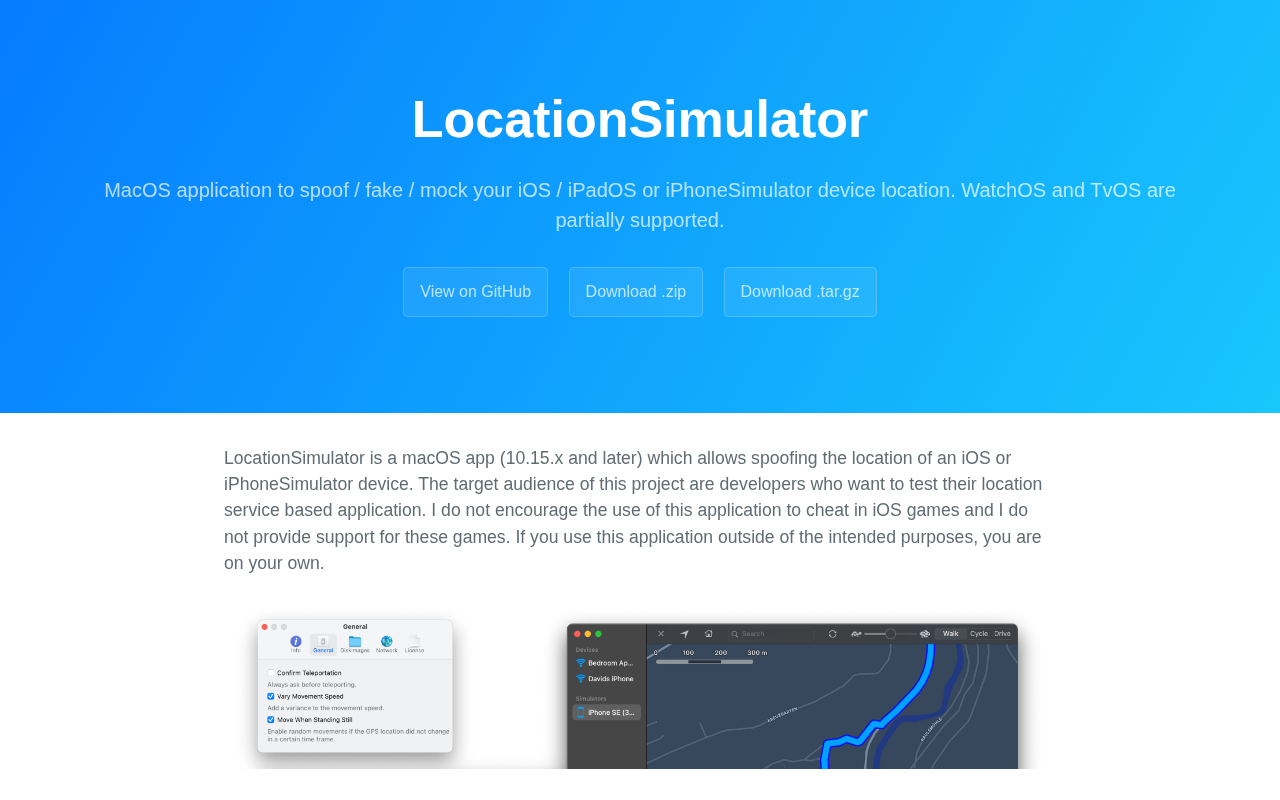
LocationSimulator
Application to spoof your iOS, iPadOS or iPhoneSimulator device location
Terminals & CLI
SimSim
Tool to explore iOS application folders in Terminal or Finder
DevOps & Infrastructure
iSimulator
Utility to control and manage the Simulator