

Sip
Collect, organise & share colours
Sip is a macOS‑only color picker that lets users capture, organize, and share colours directly from the screen. It lives in the menu bar for quick access and also offers a full‑window interface for more detailed palette management. Colours can be added to a dock that stays visible on any screen edge, allowing continuous work without switching windows.
The application includes a precise picker that can capture multiple colours with shortcuts, a powerful editor for creating and editing palettes, and support for custom colour formats. Users can add descriptions, build sub‑palettes, and apply smart profiles that automatically match the appropriate colour space for different environments. A contrast checker helps identify low‑contrast text/background pairs, and an accessibility mode simulates various forms of colour‑vision deficiency.
Sip also supports collaboration by enabling teams to share palettes, custom formats, and colour information. It is used by professionals at several large technology and media companies, indicating its suitability for design workflows that require consistent and accessible colour handling.
Reviews
Loading reviews…
Similar apps
Fonts, Colors & Assets
ColorSnapper 2
Colour picker
Fonts, Colors & Assets
System Color Picker
The macOS color picker as an app with more features.
Fonts, Colors & Assets
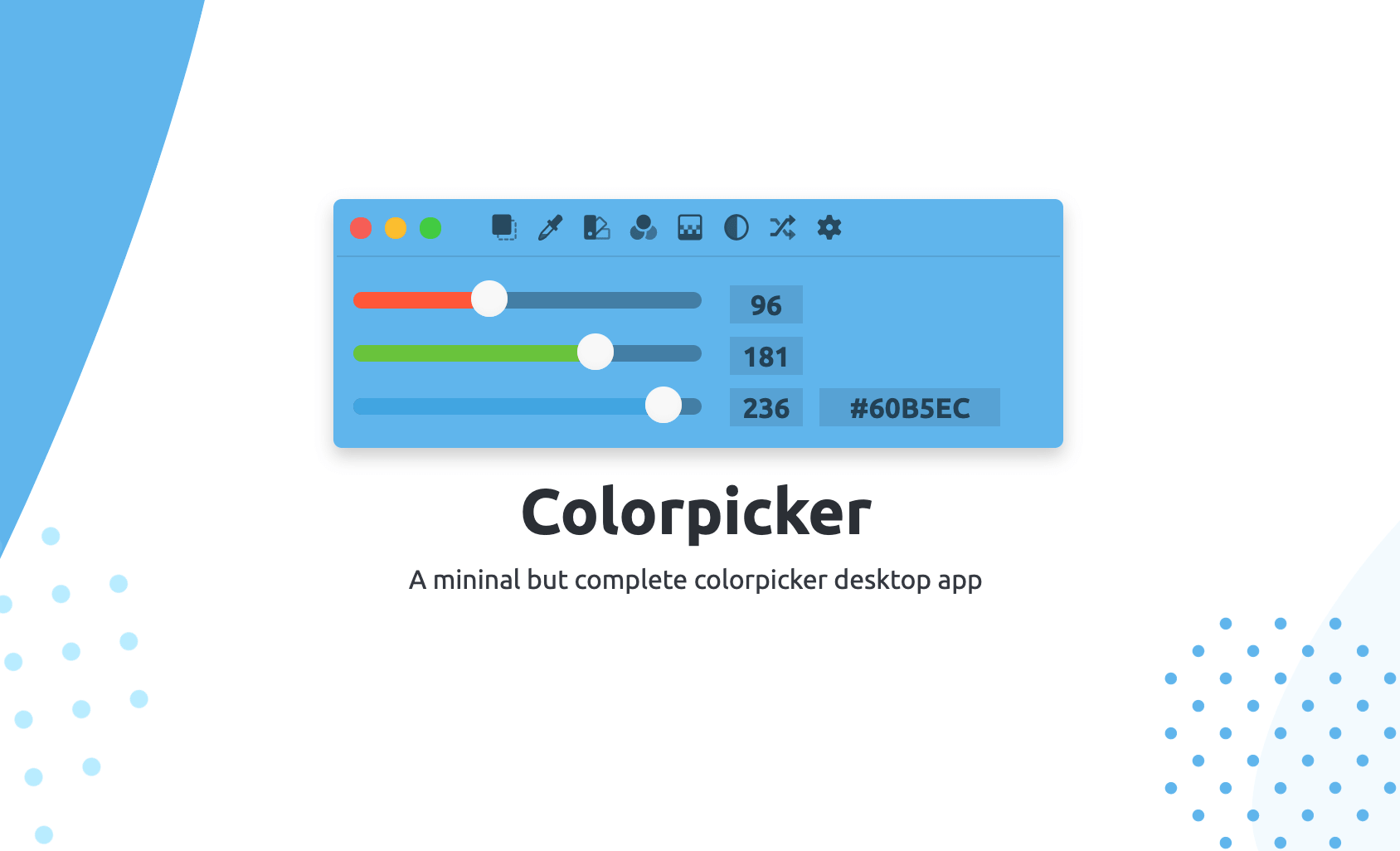
Colorpicker
Colorpicker is a complete open-source colors manipulation tool with picking!
Fonts, Colors & Assets
Couleurs
Simple app for grabbing and tweaking the colors you see on your screen. ![Freeware][Freeware Icon]
Fonts, Colors & Assets
Pro Picker
Colour picker

Fonts, Colors & Assets
PickColors
Instant color picker & palette generator for designers