

SlideSnap
Capture every slide from any presentation on Mac
SlideSnap runs on macOS and continuously monitors a chosen window for slide changes, automatically saving each new slide as it appears. The application detects transitions in real time, discarding duplicate frames through a visual comparison algorithm, and stores only unique slides. Captured content can be exported in PowerPoint (.pptx), PDF, or as individual image files, and the built‑in editor lets users crop, reorder, or delete slides before export.
The tool is aimed at anyone who watches presentations—students, medical professionals, researchers, corporate workers, and event attendees—who want to keep their attention on the speaker while preserving the material for later review. Its interface supports multiple languages and operates entirely offline, ensuring that no data leaves the Mac and no account or cloud service is required.
SlideSnap provides a simple three‑step workflow: select the target window, start the capture, and export the collected slides. It offers adjustable capture intervals and sensitivity settings, allowing users to tailor the automation to different presentation styles.
Reviews
Loading reviews…
Similar apps

Screenshot & Screen Recording
SnapNDrag
Screen capture application

Screenshot & Screen Recording
Snapr
Screenshot, record, annotate & edit video in one app

Task & Project Management
Slideshower for macOS
Slideshow application

Photo & Video Management
CleanShot X
Discover a superior way to capture your Mac's screen.

Screenshot & Screen Recording
Xnapper
Screenshot tool
Task & Project Management
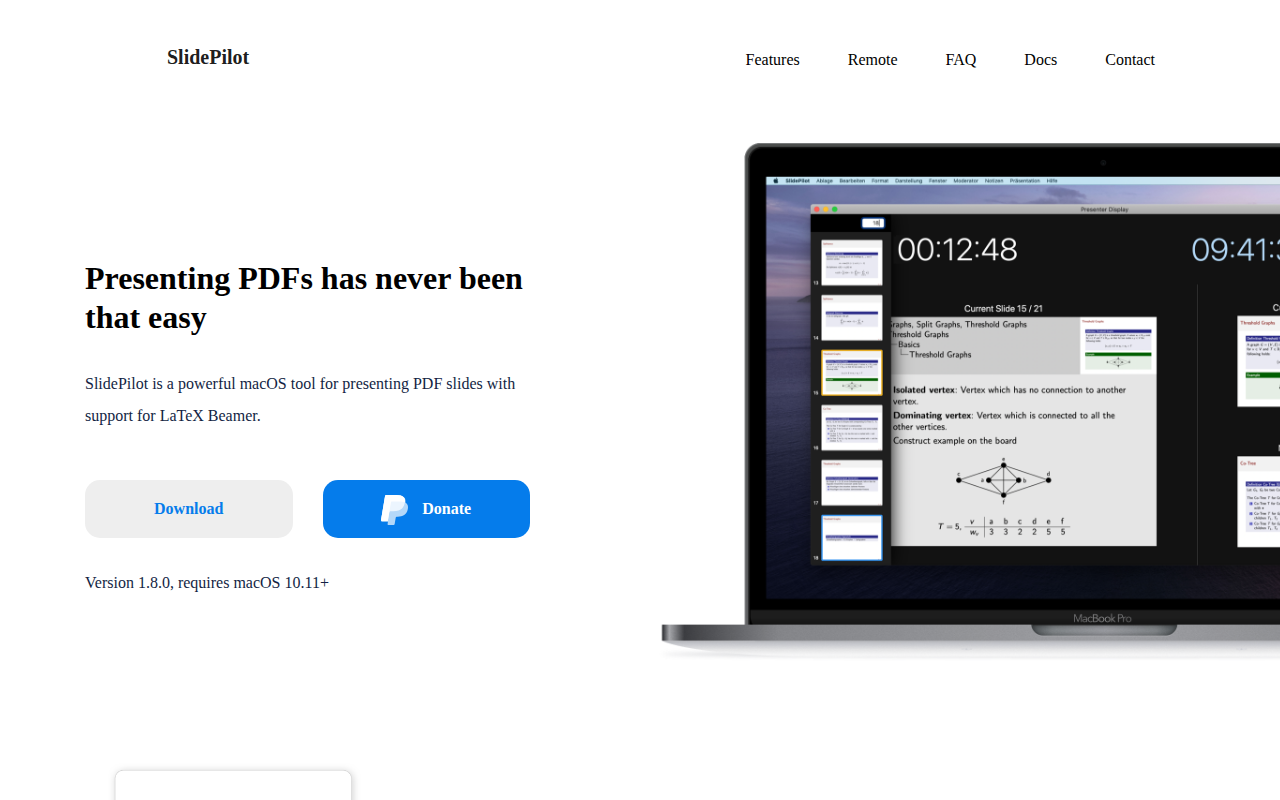
SlidePilot
PDF presentation tool