
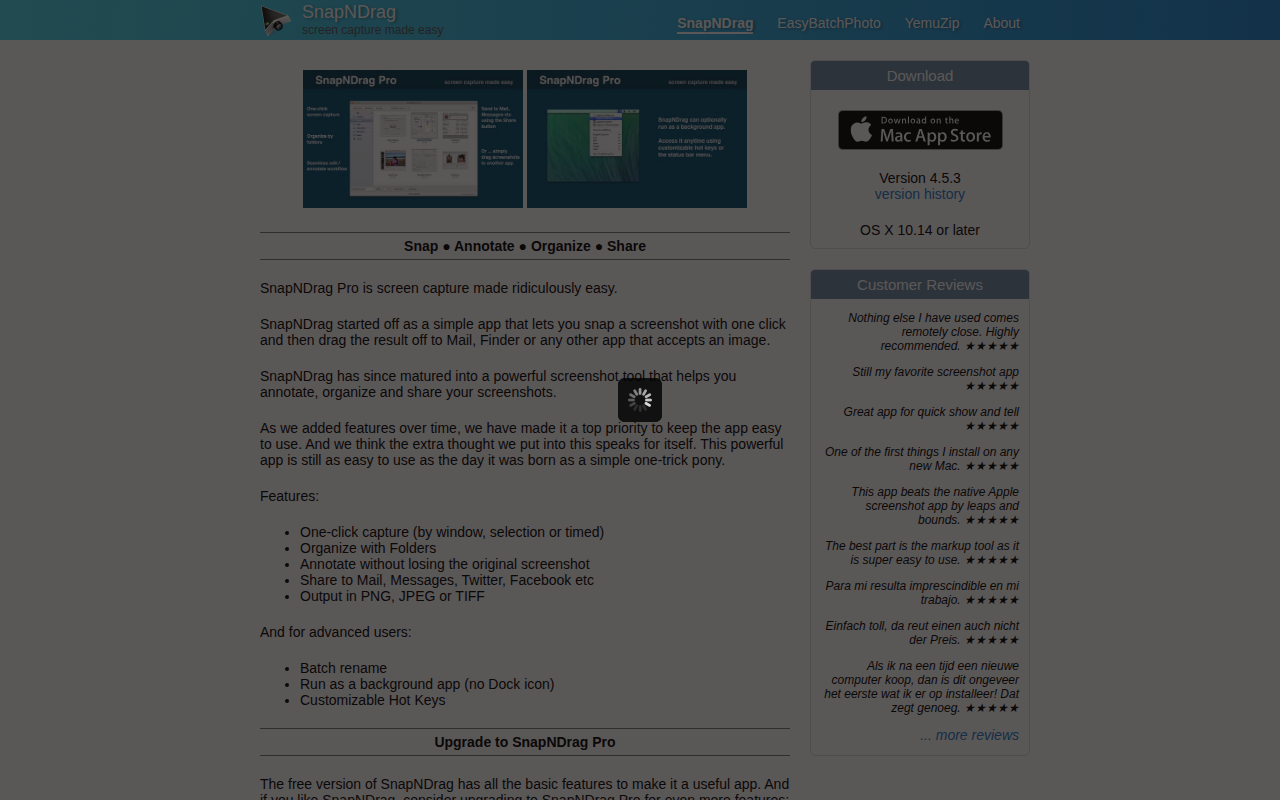
SnapNDrag
Screen capture application
It captures macOS screens with a single click, supporting window, region, or timed selections, and immediately lets the image be dragged into Mail, Finder, or any other destination that accepts pictures. The captured files can be saved as PNG, JPEG, or TIFF and organized into user‑defined folders.
Basic annotation tools are provided without altering the original screenshot, and the app offers quick sharing to services such as Mail, Messages, Twitter, and Facebook. Advanced options in the Pro version include a built‑in editor, batch renaming, customizable hot keys, a menubar shortcut, border and scaling adjustments, and the ability to run without a Dock icon.
The software is positioned for macOS users who need a fast, low‑friction workflow for taking, marking up, and distributing screenshots, while keeping the interface simple enough for everyday use.
Reviews
Loading reviews…
Similar apps

Screenshot & Screen Recording
Xnapper
Screenshot tool

Photo & Video Management
SlideSnap
Capture every slide from any presentation on Mac
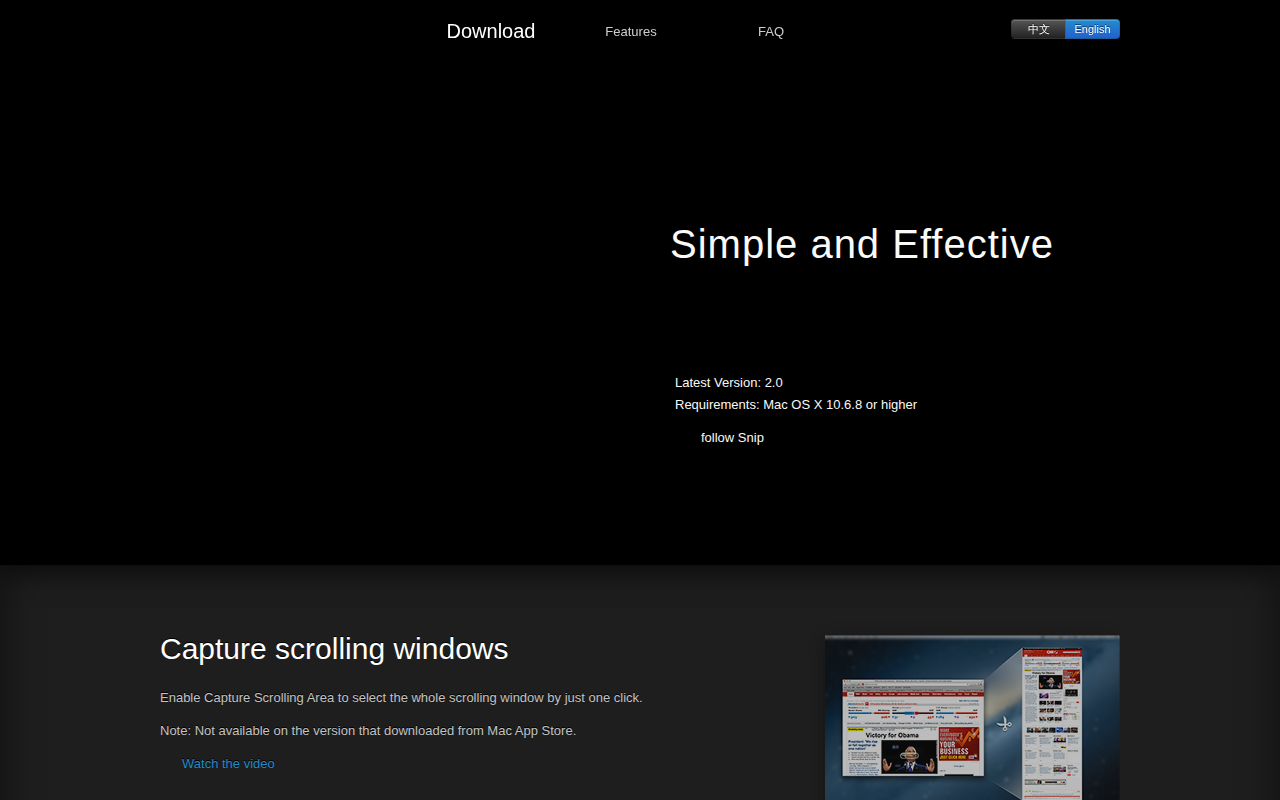
Photo & Video Management
Snip
Application for sharing captured images on QQ Mail. ![Freeware][Freeware Icon]
Screenshot & Screen Recording
Xnip
Handy Screenshot App.
Screenshot & Screen Recording
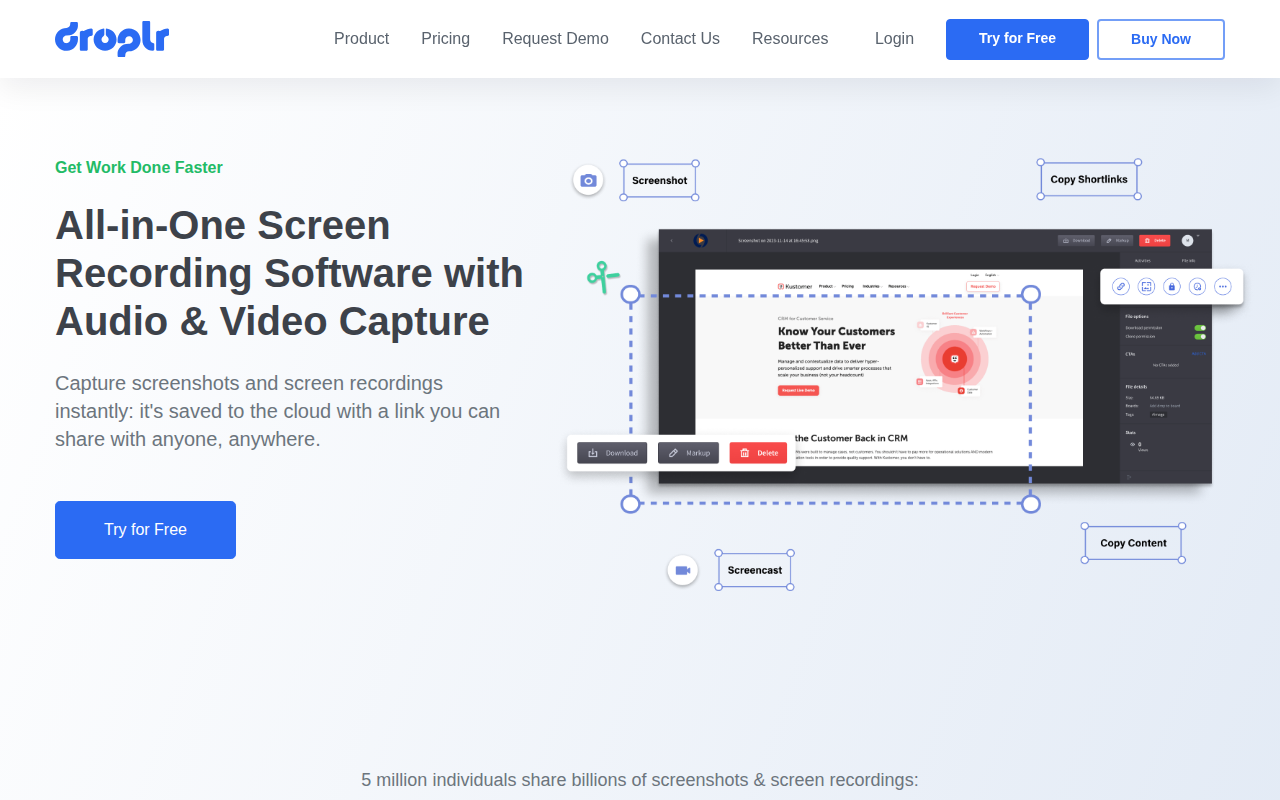
Droplr
Screenshot and screen recorder
Screenshot & Screen Recording
Snapr
Screenshot, record, annotate & edit video in one app