
Syncalicious
Backup and synchronise preferences across multiple machines
Syncalicious provides a macOS‑only tool for managing application preference files, known as property lists (plists). It can create backups of these plists, storing copies in a user‑selected local directory or synchronising them with cloud services such as iCloud, Dropbox, or Google Drive. The backup feature is intended to be straightforward, allowing users to preserve their configuration without manual copying.
In addition to backing up, the application offers synchronization of plist files across multiple macOS machines. When a preference is changed on one computer, Syncalicious can propagate that change to other registered devices, keeping the user’s environment consistent. The synchronization works on a per‑application basis and is optional, giving users control over which settings are shared.
The project is written in Swift 5.0, targets macOS 10.14 and later, and is released under the MIT license. It is marked as stable, with continuous integration testing via Travis CI.
Reviews
Loading reviews…
Similar apps
File Management & Transfer
GoogleDriveSync
A menu bar app for seamless Google Drive syncing.
File Management & Transfer
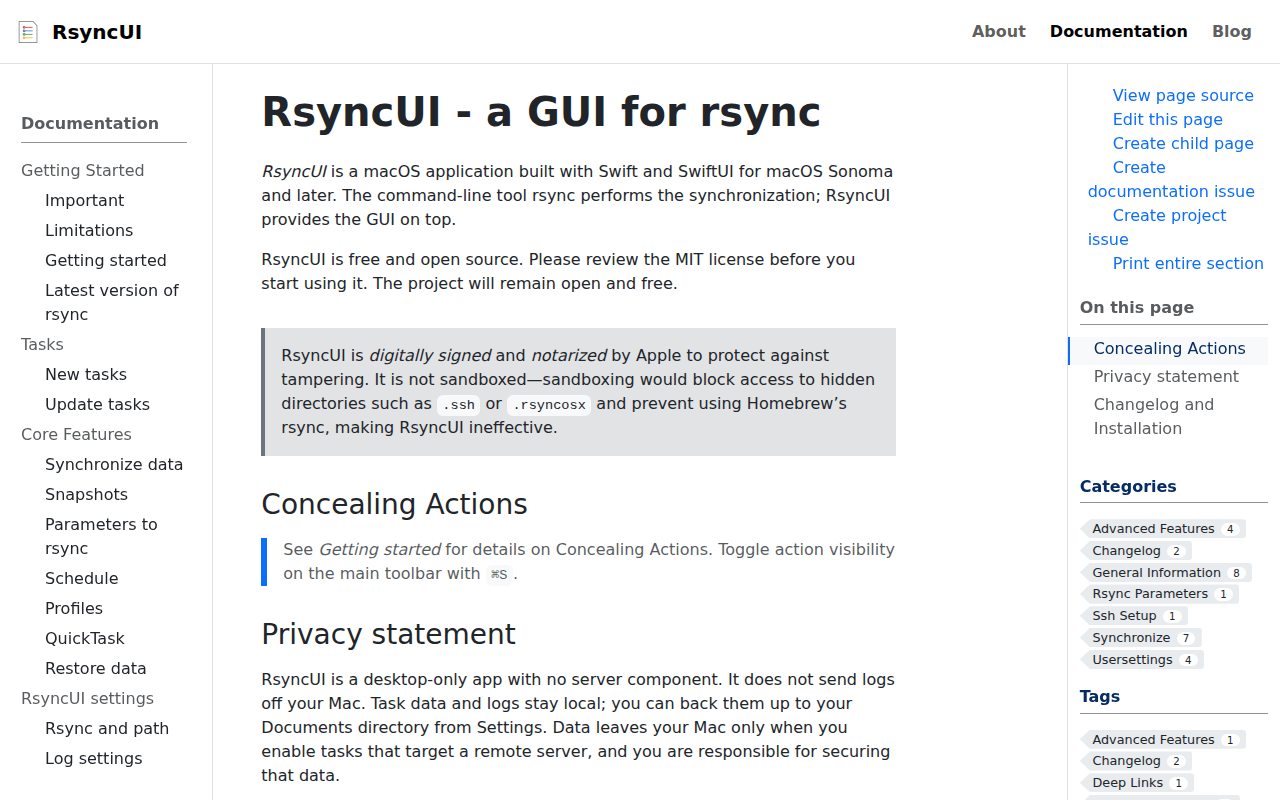
RsyncUI
GUI for rsync
File Management & Transfer
Workbench
Seamless, automatic, “dotfile” sync to iCloud
File Management & Transfer
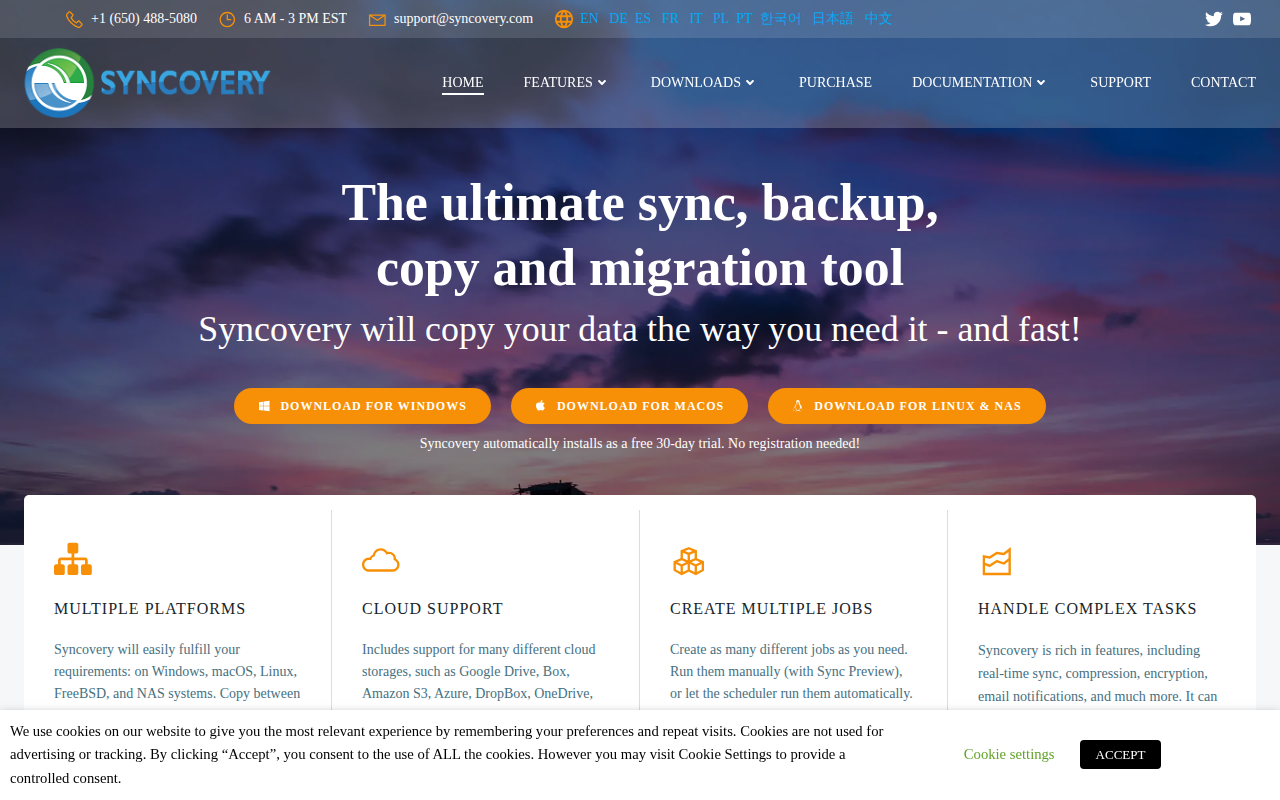
Syncovery
File synchronisation and backup software
File Management & Transfer
RsyncOSX
GUI for rsync

File Management & Transfer
Insync
Manage your Google Drive and OneDrive files