
Workbench
Seamless, automatic, “dotfile” sync to iCloud
Workbench continuously backs up selected files from a macOS home directory to the user’s iCloud account, allowing easy restoration after a clean system installation. It monitors the designated “dotfiles” and uploads changes automatically, while providing a manual conflict‑resolution interface for choosing between local and remote versions. The application is signed with an Apple Developer account, stores data only in iCloud, and does not transmit information elsewhere.
The tool is aimed at macOS users who want a simple, secure way to keep configuration files synchronized with their iCloud storage without relying on third‑party services. It is suitable for individuals who prefer a single‑computer workflow and are comfortable handling manual conflict resolution and the current limitations on file size, permissions, and directory support.
Distinctive aspects include native iCloud integration, automatic background syncing, and a minimalistic design that avoids analytics. The binary is notarized, runtime‑hardened, and updates automatically, while users can compile a custom version signed with their own Apple account if desired.
Reviews
Loading reviews…
Similar apps
File Management & Transfer
Syncalicious
Backup and synchronise preferences across multiple machines
File Management & Transfer
GoogleDriveSync
A menu bar app for seamless Google Drive syncing.
File Management & Transfer
BBackupp
iOS device backup software
Databases & Data Tools
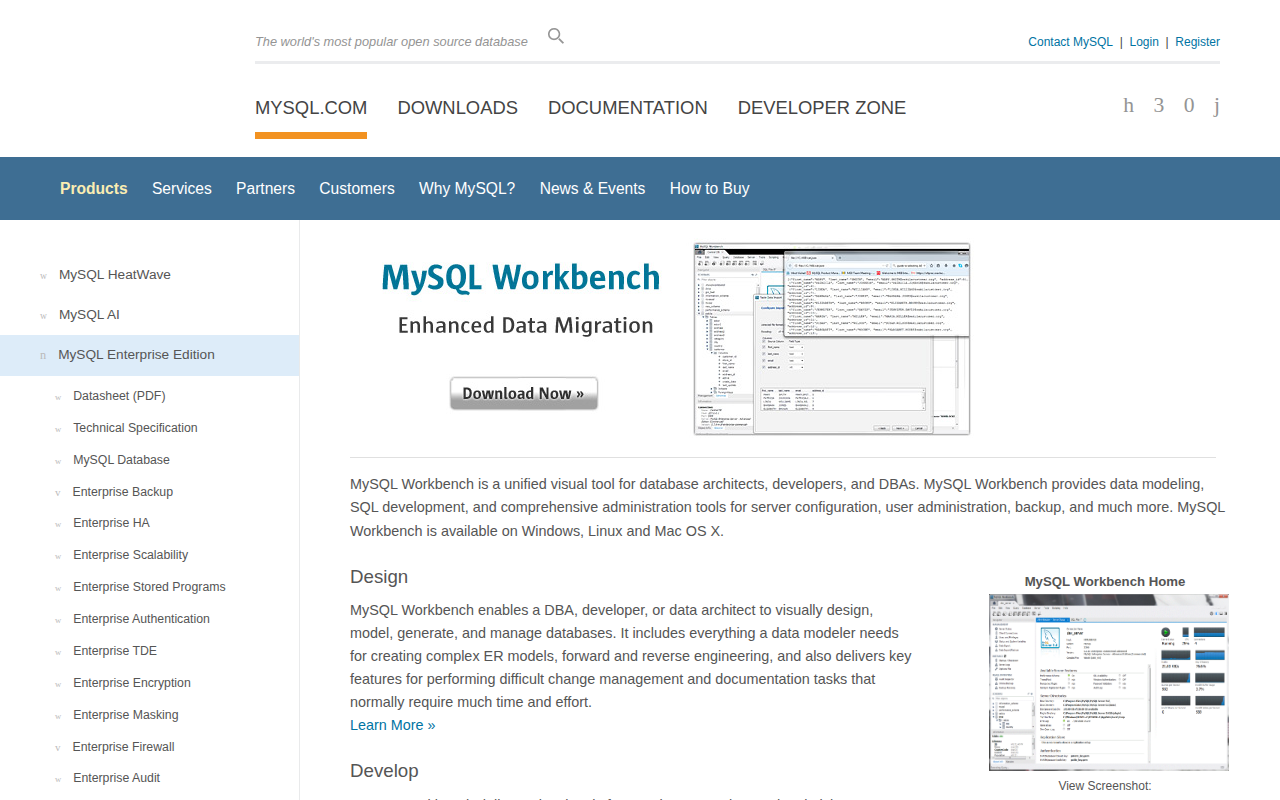
MySQL Workbench
Visual tool to design, develop and administer MySQL servers
File Management & Transfer
iCloud Control
User-controlled selective sync for iCloud Drive
Network & Connectivity
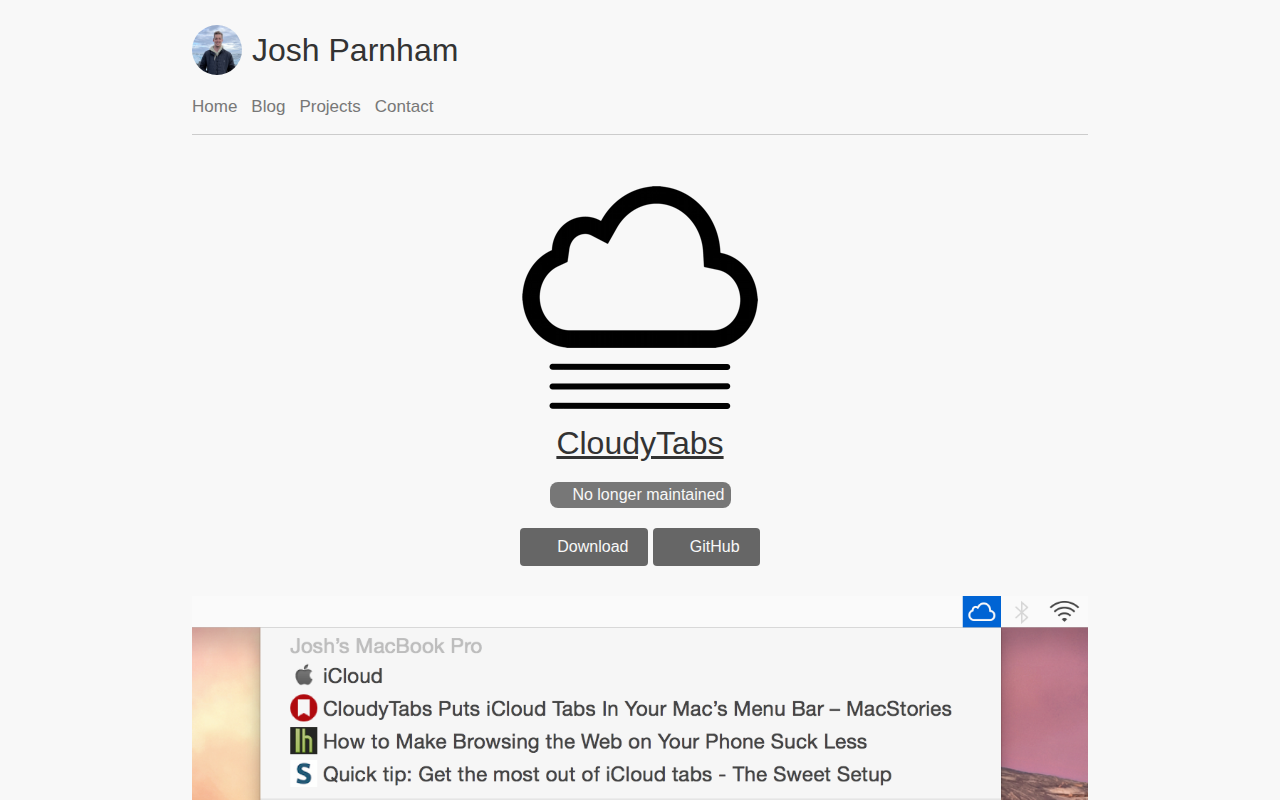
CloudyTabs
Menu bar application that lists iCloud Tabs