
TmpDisk
Ram disk management
TmpDisk provides a macOS status‑bar utility for creating and managing RAM disks—virtual drives that reside in system memory. Users can define a disk’s size, name, and filesystem, then mount it for fast, temporary storage that disappears when the disk is ejected or the computer shuts down. The tool also offers a command‑line interface that works independently of the GUI, allowing scripts or terminal‑oriented workflows to create and control RAM disks.
A distinctive feature is folder synchronization, where a source directory’s contents are copied onto a newly created RAM disk and later saved back either manually, on a timed interval, or when the disk is ejected. This enables high‑speed editing of large files such as photos or archives while preserving changes without permanent storage. Additional options include auto‑eject on application quit, Spotlight indexing, and various mount flags for hidden or no‑exec volumes.
TmpDisk targets macOS users who need temporary, high‑performance storage for tasks like extracting archives, handling large media files, or managing transient logs. It supports macOS 10.13 and later, and has been maintained as a stable, open‑source project for over a decade.
Reviews
Loading reviews…
Similar apps
File Management & Transfer
TimeMachineStatus
Menu bar app to show Time Machine information
File Management & Transfer
ClearDisk
Visualize and clean developer caches to quickly reclaim disk space.
System Monitoring & Maintenance
diskspace
Show available disk space on APFS volumes
File Management & Transfer
GoogleDriveSync
A menu bar app for seamless Google Drive syncing.
Music Players & Streaming
SpaceRadar
Disk space and memory visualiser
File Management & Transfer
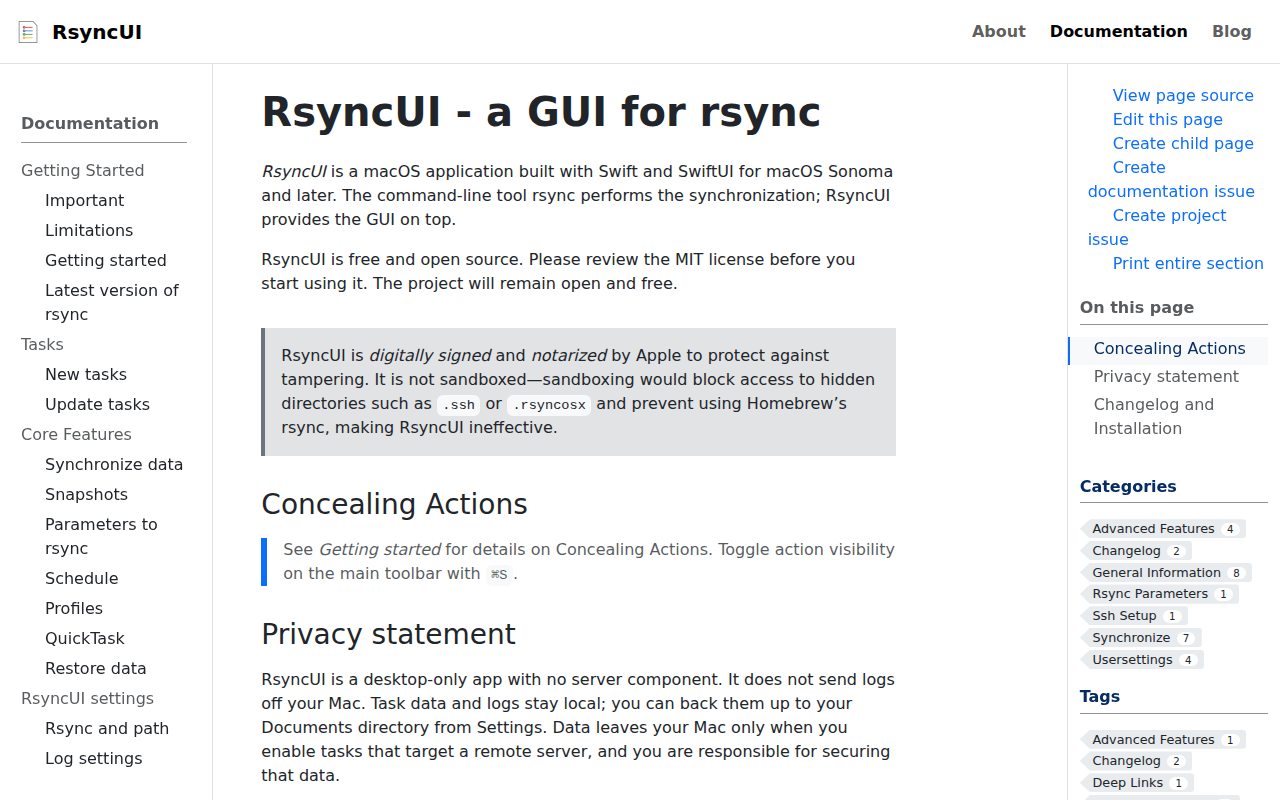
RsyncUI
GUI for rsync