
TimeMachineStatus
Menu bar app to show Time Machine information
The application resides in the macOS menu bar and provides a quick view of Time Machine backup status. It displays the current backup state, enumerates all configured backup destinations with detailed information, and allows the user to initiate a backup on a chosen volume directly from the menu bar. Appearance of the menu bar icon can be customized to suit user preferences.
Intended for macOS users who rely on Time Machine for automated backups, the tool offers convenient, at‑a‑glance monitoring without opening System Preferences. It is distributed as a signed DMG and can also be installed via Homebrew Cask, with built‑in update checking via a menu command or shortcut.
The project is open source, built with Xcode 15, and invites contributions through its GitHub repository. Development is ongoing, with planned features such as configurable backup scheduling and per‑volume scheduling. The software is released under an open source license and is maintained by the author in spare time.
Reviews
Loading reviews…
Similar apps
File Management & Transfer
Time Machine Inspector
Find out what's hogging up your Time Machine backups.
File Management & Transfer
BBackupp
iOS device backup software
File Management & Transfer
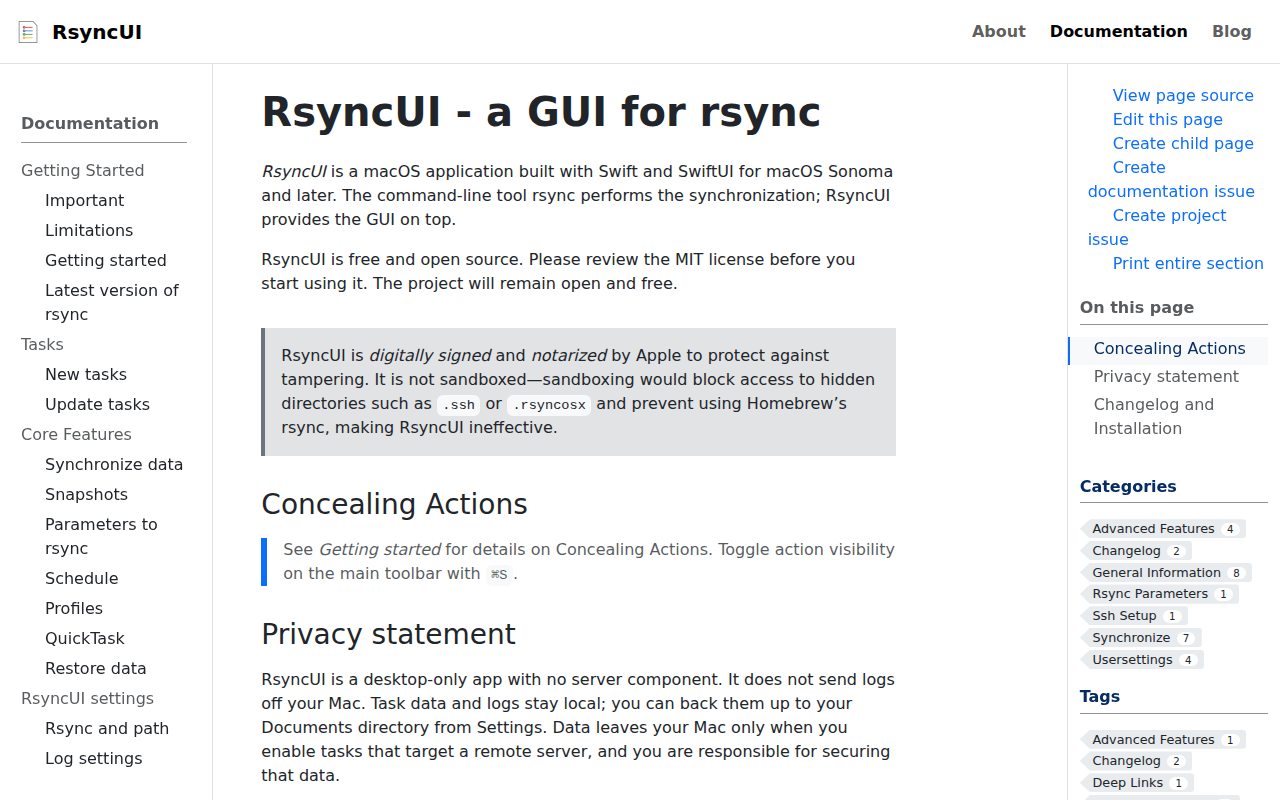
RsyncUI
GUI for rsync
System Monitoring & Maintenance
TmpDisk
Ram disk management

Photo & Video Management
TimeLapze
Record screen and camera time lapses in a menu bar interface
System Monitoring & Maintenance
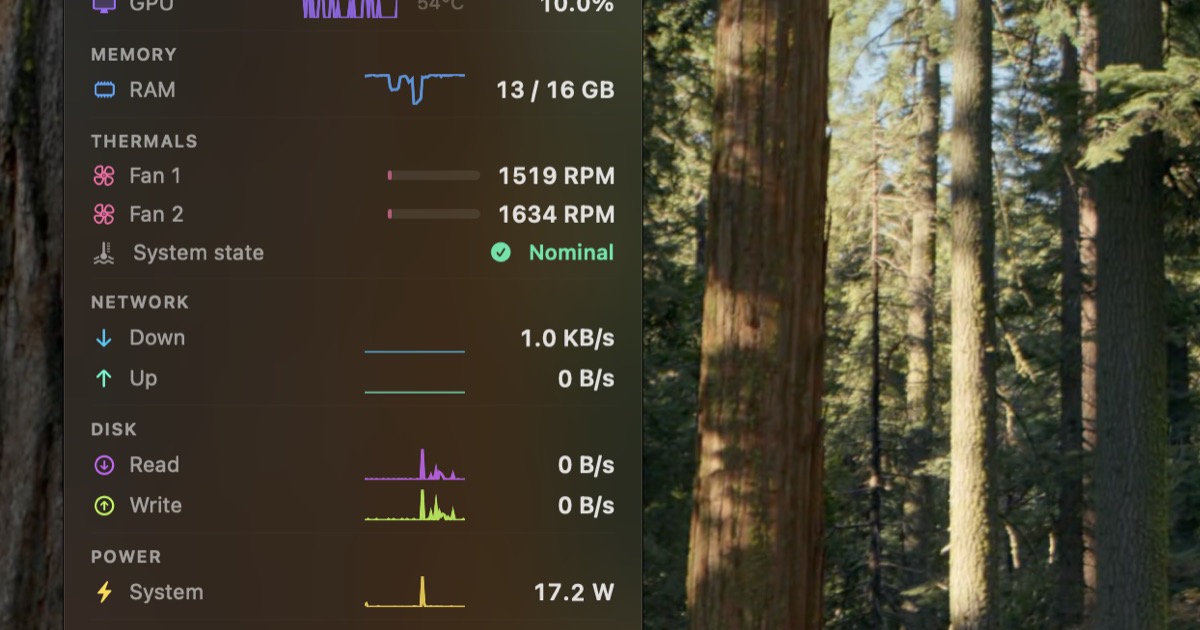
StatusStats
Mac Metrics In Your Menu Bar