
Wooshy
Click and more on UI Elements through typing
The tool lets users interact with any macOS interface element by typing a query instead of using a mouse. It scans the entire desktop environment—including the Dock, menu bar, and status bar—to locate the requested item and then simulates a click, returning focus to the user promptly. This keyboard‑driven workflow enables rapid navigation and action execution across the system.
It is aimed at macOS users who prefer or need a mouse‑free method for controlling applications and system features, such as developers, power users, or anyone seeking to reduce hand movement. The software supports macOS Sonoma 14.6 and newer, with legacy builds available for Ventura and Monterey.
The application is considered stable and fully functional, though the developers note occasional pauses in operation. Documentation, screencasts, and a Slack channel are provided for guidance, and a subscription option is offered for ongoing maintenance support.
Reviews
Loading reviews…
Similar apps

Clipboard, Input & Automation
Homerow
Keyboard shortcuts for every button on your screen
Clipboard, Input & Automation
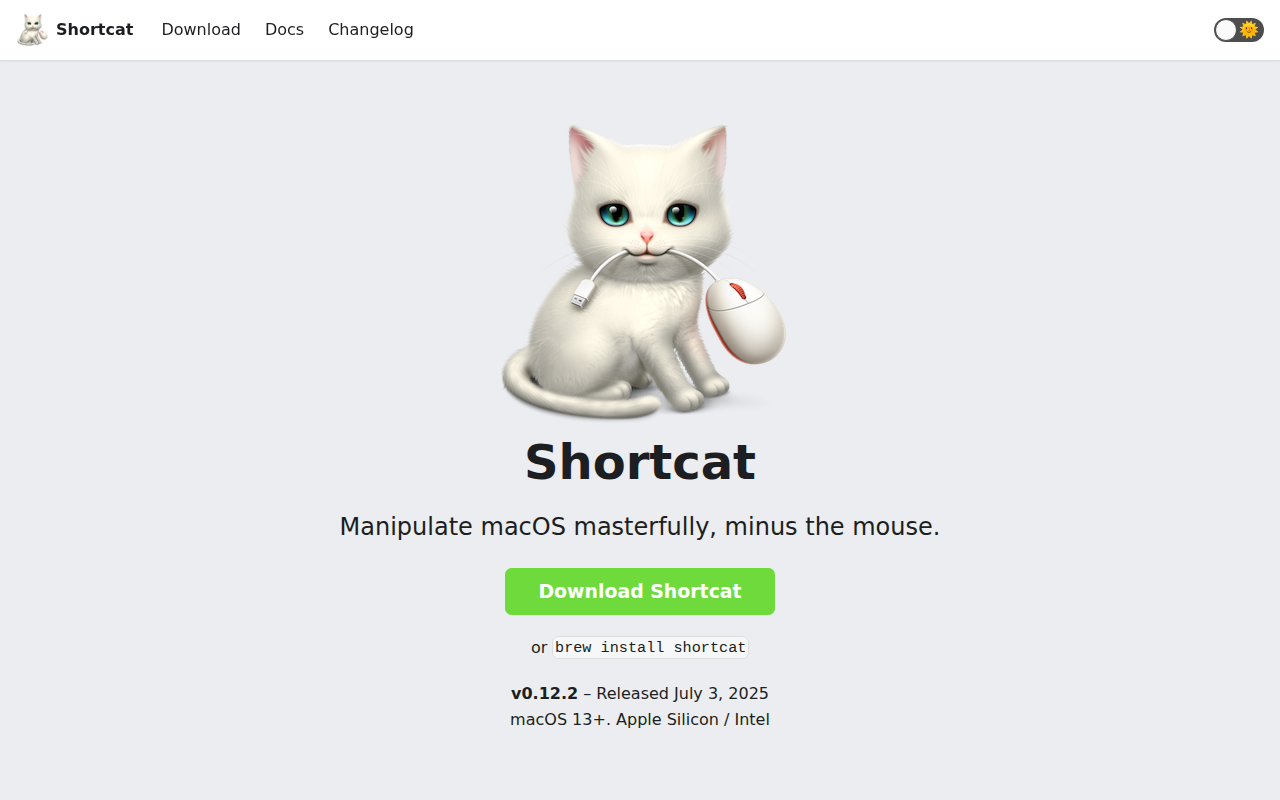
Sproutcube Shortcat
App that enables mouse-free UI interaction
Clipboard, Input & Automation
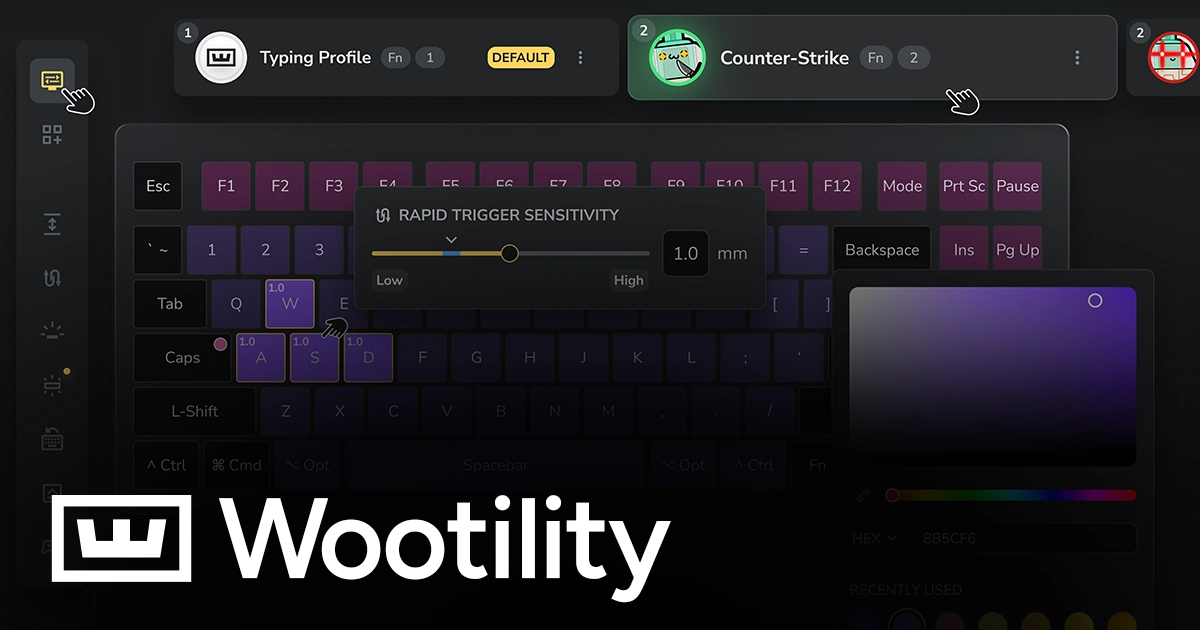
Wootility
Configuration software for Wooting keyboards
Clipboard, Input & Automation
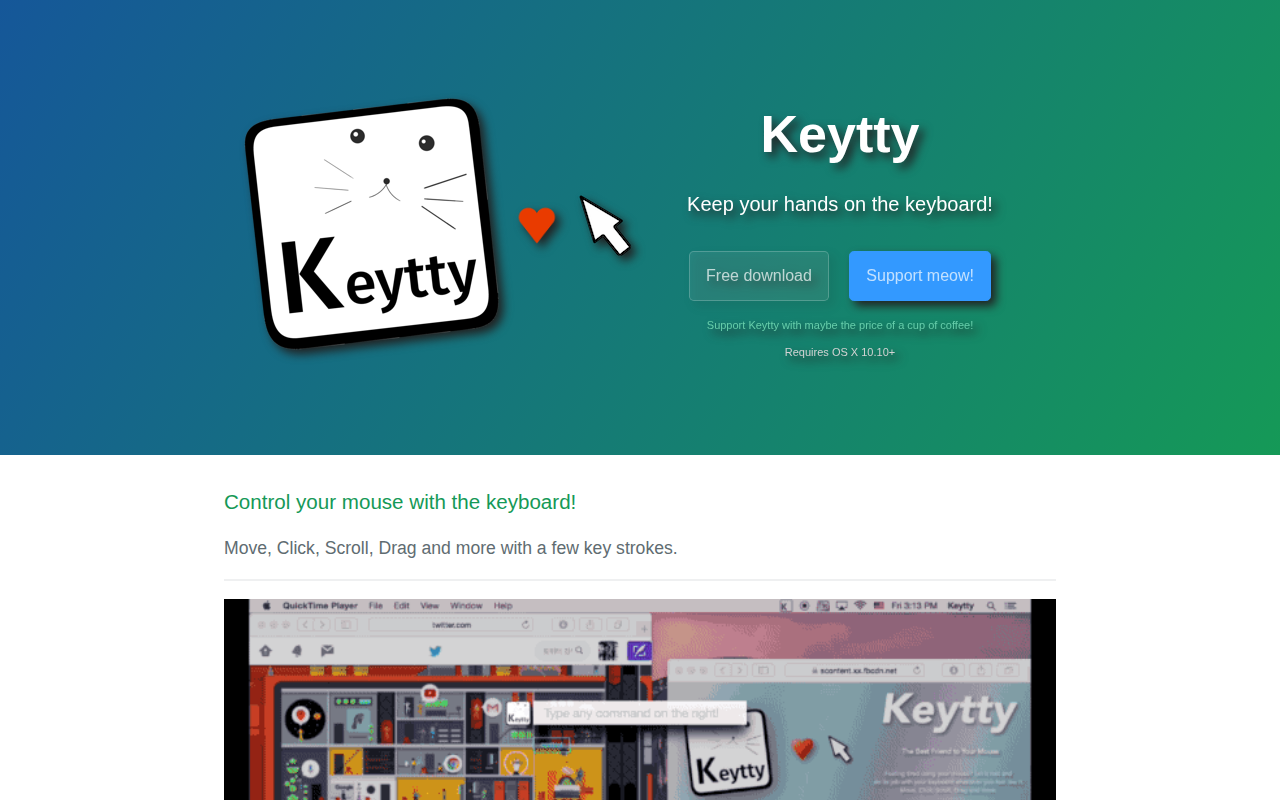
Keytty
App to keep your hands on the keyboard. Move, click, scroll, drag and more with a few strokes.
Clipboard, Input & Automation
Wox
Launcher tool
Clipboard, Input & Automation
Unclack
Mutes your keyboard while you type