
Aureca
Record both sides of any call. Free. No sign-up.
Aureca is a lightweight audio recorder for Windows that focuses on capturing online meetings, webinars, and calls without adding visual clutter. It runs as a small system‑tray icon that can be started with a single click, and a right‑click opens a minimal set of options. The tool records both the microphone input and the system audio simultaneously, producing a single .wav file that contains the full conversation as it occurred.
The design emphasizes a discreet footprint: there are no pop‑ups, watermarks, or complex dialogs during a call, and the interface is intended to blend in with standard system icons. Recordings are saved automatically in a universal format, allowing straightforward playback or editing with any audio software.
Aureca is offered at no cost, with no subscription fees, advertisements, or hidden charges. It is positioned for users who need a straightforward way to record both sides of a call without the overhead of full‑featured recording suites.
Reviews
Loading reviews…
Similar apps
Calendar & Scheduling
MeetingRecorder
Free macOS app that records microphone and system audio from Zoom, Teams, Meet and any app. Local storage, AI transcription, no bots in…
Calendar & Scheduling
Berrycast
Screen recorder

Calendar & Scheduling
OrbitMeet
Stop taking notes. Start asking better questions. OrbitMeet transcribes meetings in real time, surfaces live AI coaching, and generates…
Radio & Streaming Servers
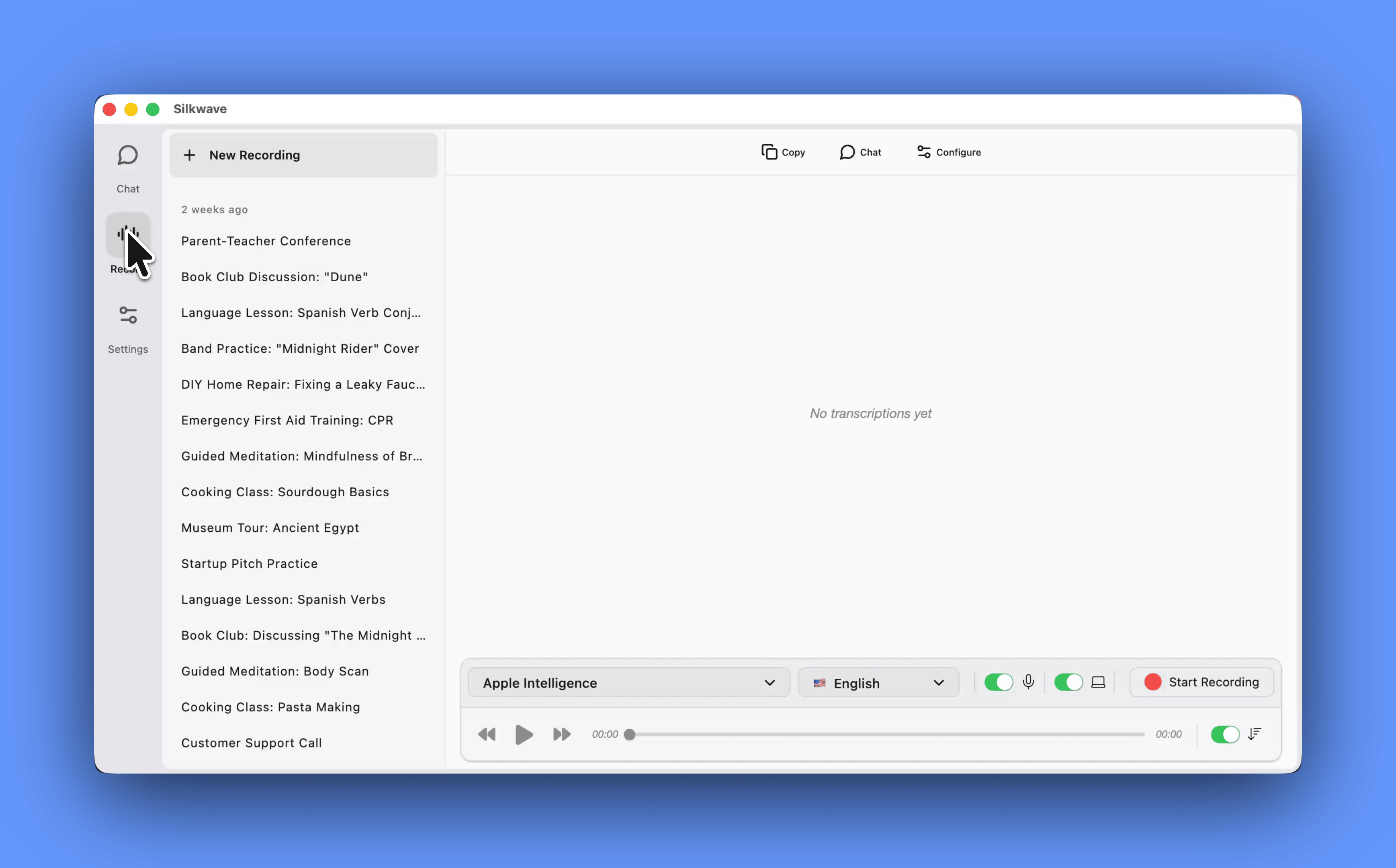
Silkwave Voice
Record your microphone, system audio simultaneously
Calendar & Scheduling
Meeting analyser
Real-time AI meeting notes, 100% local. Whisper + Claude
Screenshot & Screen Recording
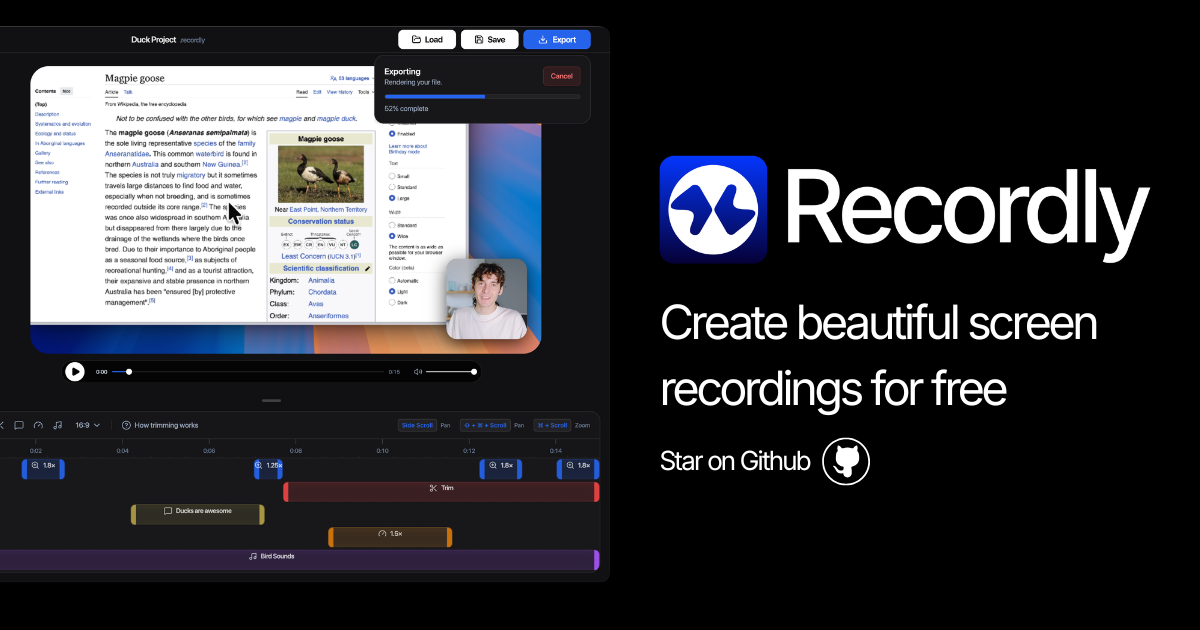
Recordly
Open-source screen recorder and editor for polished demos, tutorials, and product videos.