
Berrycast
Screen recorder
Berrycast is a screen‑recording application that runs on macOS. It captures video of the desktop and can be used to create recordings of software demonstrations, tutorials, or any on‑screen activity. The tool includes built‑in note‑taking capabilities, allowing users to add annotations while recording, and it can generate a transcript of the captured audio with a short summary of the meeting content.
The software is positioned for individuals who need to produce quick video explanations or share visual updates without relying on separate editing tools. Its integration of AI‑driven transcription and summarization means that the resulting videos are accompanied by searchable text, which can be useful for documentation or reference purposes.
Berrycast is released as a stable, free product and is marketed as an alternative to other screen‑recording services. It focuses on delivering a straightforward recording experience on macOS while offering additional features such as AI notes and meeting summaries.
Reviews
Loading reviews…
Similar apps
Calendar & Scheduling
MeetingRecorder
Free macOS app that records microphone and system audio from Zoom, Teams, Meet and any app. Local storage, AI transcription, no bots in…
Screenshot & Screen Recording
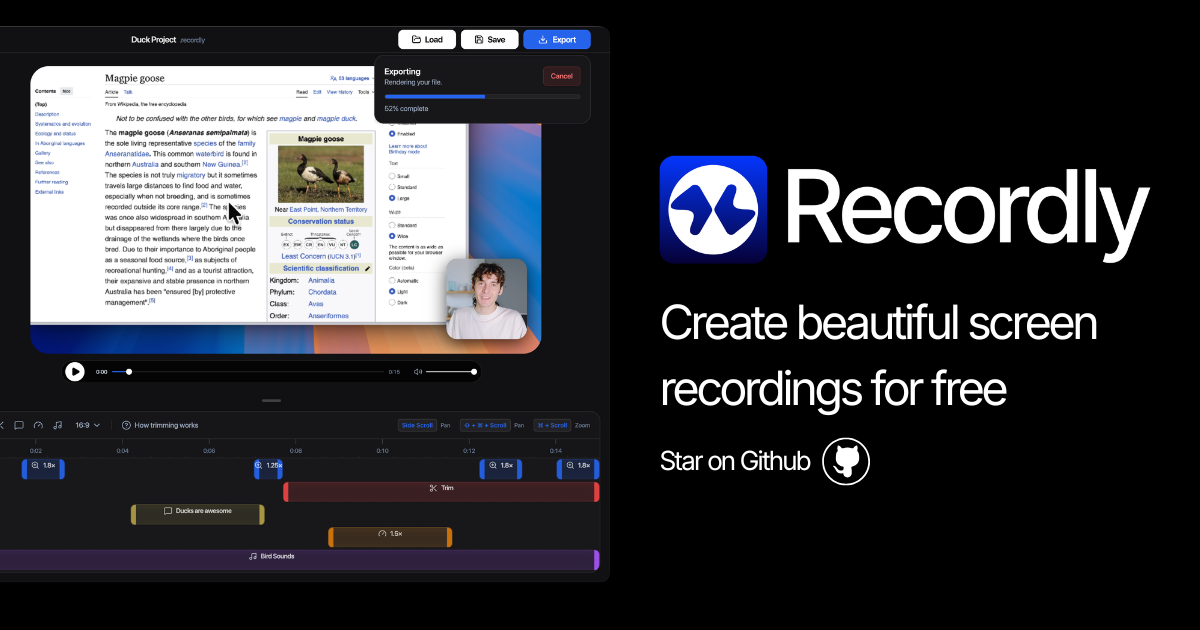
Recordly
Open-source screen recorder and editor for polished demos, tutorials, and product videos.
Screenshot & Screen Recording
BetterCapture
Free and open source screen recorder with professional encoding support.
Video Editing
Loom
Screen and video recording software
Screenshot & Screen Recording
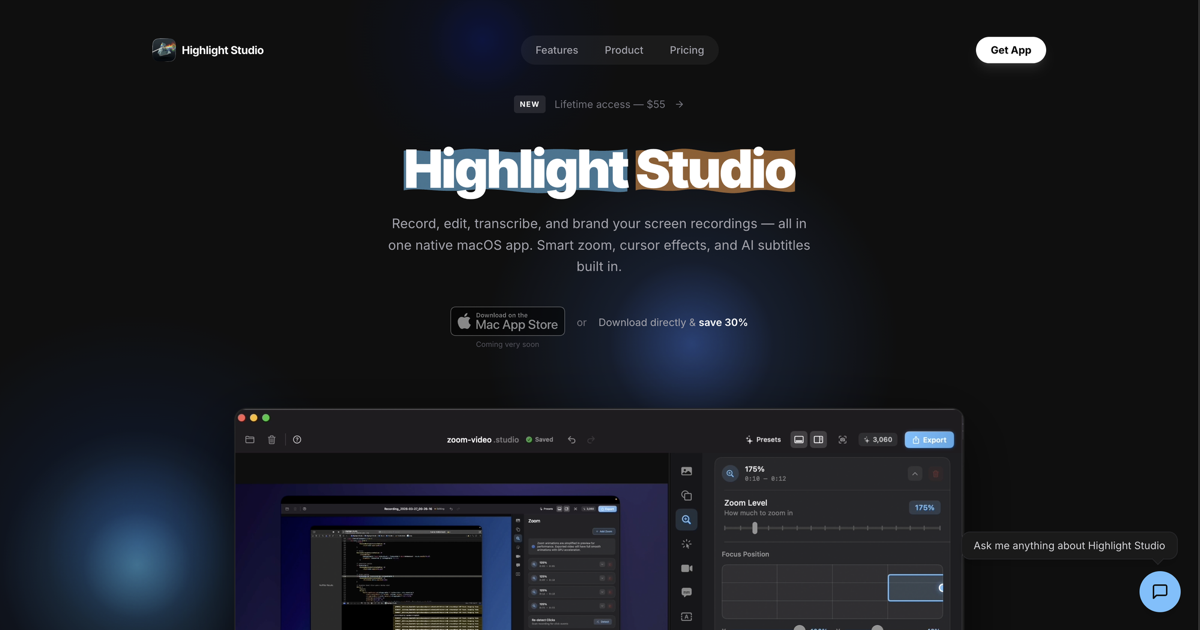
Highlight Studio
Record, edit, and brand screen recordings Metal powered
Screenshot & Screen Recording
BetterCapture
Screen recorder