

Bandicam
Screen recording software that captures video, gameplay, and webcam footage on Windows.
Bandicam is a Windows‑only utility that captures screen activity, gameplay, and external video sources such as webcams, smartphones, or consoles. It records the full desktop or a selected region and saves the output as MP4 or AVI video files, or as still images. The software supports DirectX, OpenGL, and Vulkan graphics, allowing high‑resolution game capture up to 4K UHD and frame rates of 480 FPS.
The program includes real‑time drawing tools, mouse‑click effects, and the ability to overlay webcam footage on the recorded video. Users can mix system audio with a microphone, schedule recordings for specific times, or capture audio only without video. These features target creators who need tutorials, streaming content, or documentation of on‑screen actions.
Bandicam emphasizes a high compression ratio that retains the original video quality while keeping file sizes modest, and it is positioned as a lightweight alternative to other screen‑capture tools. The accompanying Bandicut package offers basic video trimming and merging for post‑processing.
Reviews
Loading reviews…
Similar apps
Screenshot & Screen Recording
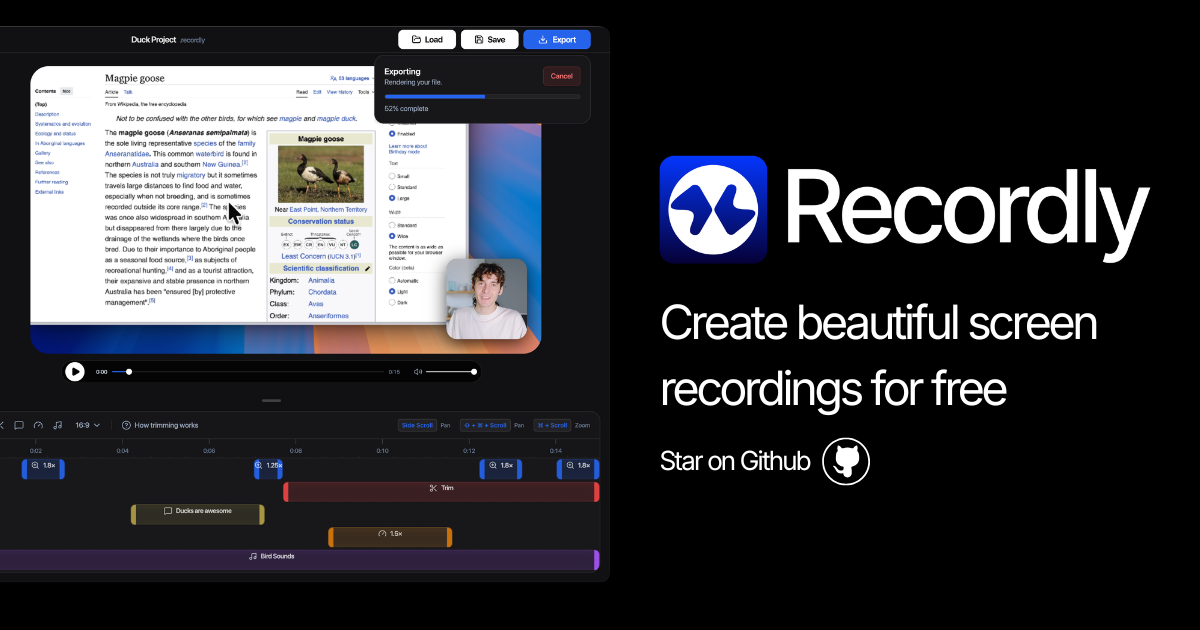
Recordly
Open-source screen recorder and editor for polished demos, tutorials, and product videos.

Screenshot & Screen Recording
ScreenFlow
Screencasting and video editing software.

Screenshot & Screen Recording
ScreenBuddy
Screen recording with auto-zoom, spotlight, and lightbox
Screenshot & Screen Recording
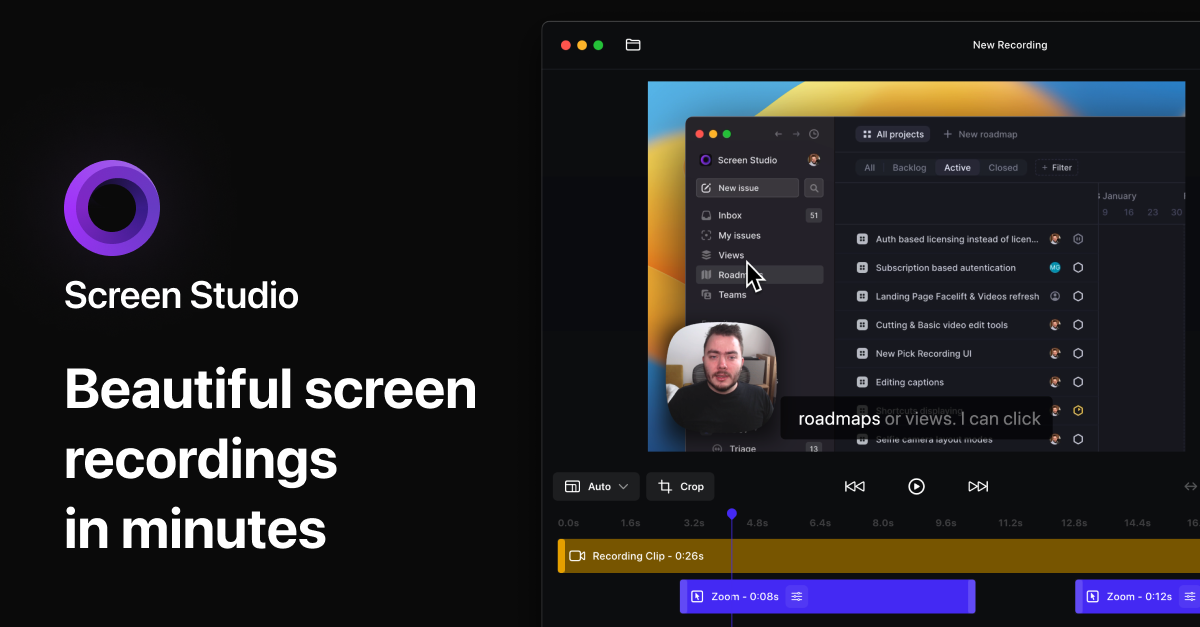
Screen Studio
Screen recorder for polished videos with automatic motion effects.
Screenshot & Screen Recording
BetterCapture
Free and open source screen recorder with professional encoding support.
Screenshot & Screen Recording
BetterCapture
Screen recorder