
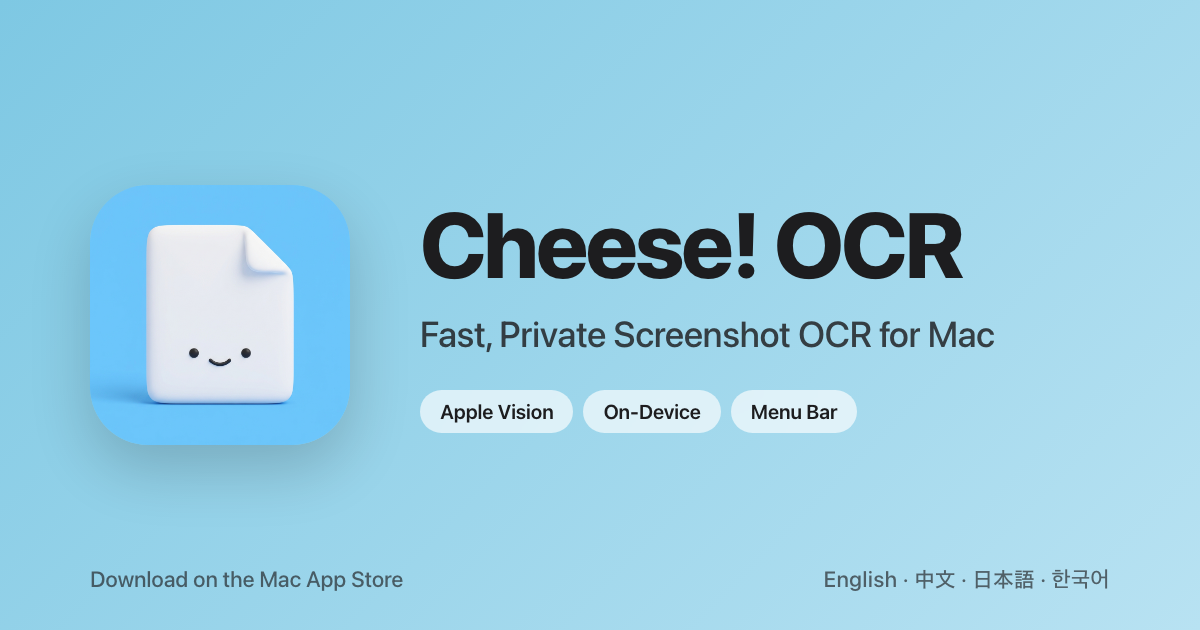
Cheese! OCR
Select any screen area, get text instantly
The tool lets users capture any portion of their Mac screen with a configurable hotkey, then instantly extracts the text within that region using Apple’s Vision framework. Recognition occurs entirely on the device, so no network connection is required and no data leaves the computer. Supported languages include English, Simplified Chinese, Japanese, and Korean, and the extracted text is automatically placed on the clipboard for immediate pasting.
It is designed for workflows that involve frequent reference to on‑screen text, such as copying code from tutorial videos, pulling passages from scanned PDFs, or retrieving error messages from screenshots. The application runs as a lightweight menu‑bar utility, offering a history view where past OCR results can be searched and revisited.
Because the OCR processing is performed locally and the app has no network entitlements, it maintains a privacy‑first stance while delivering fast, on‑device text extraction for everyday productivity tasks.
Reviews
Loading reviews…
Similar apps
Clipboard, Input & Automation
LuxShot
Native and privacy-first menu bar OCR tool.
Clipboard, Input & Automation
TextGrabber2
Menu bar app that detects text from copied images
Clipboard, Input & Automation
ScreenTranslate
Capture any area or select text to translate instantly, fully on-device.
Clipboard, Input & Automation
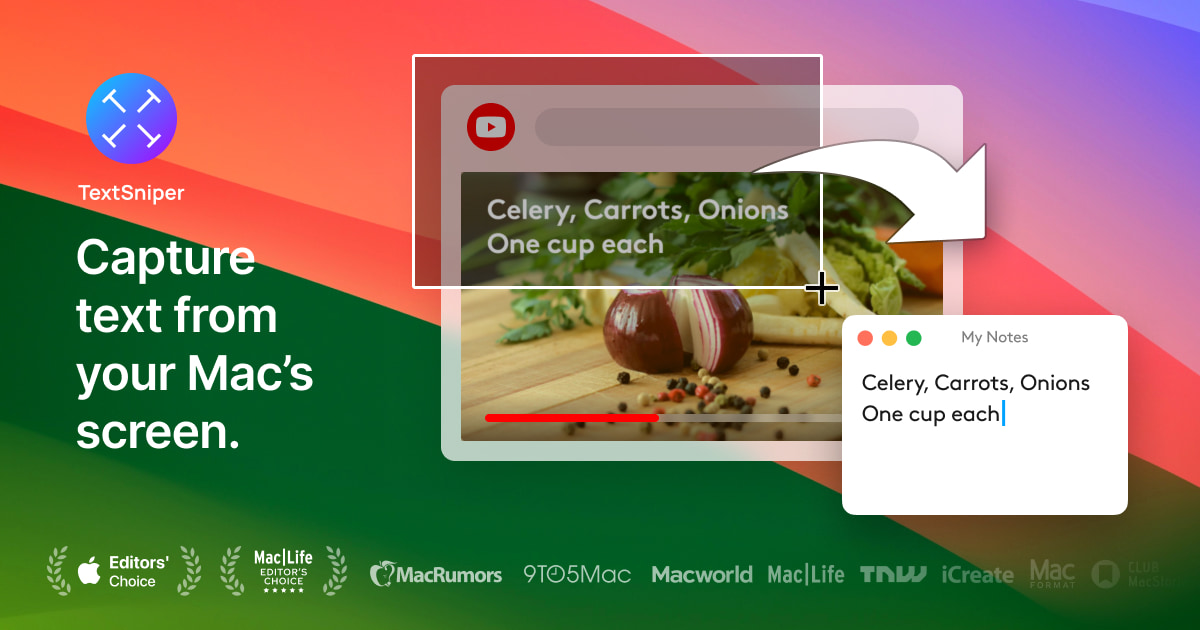
TextSniper
Simple yet powerful OCR app in your Menu Bar. Instantly copy and paste text from anywhere.
Clipboard, Input & Automation
OwOCR
Optical character recognition for Japanese text
Clipboard, Input & Automation
TRex
Easy to use text extraction tool