
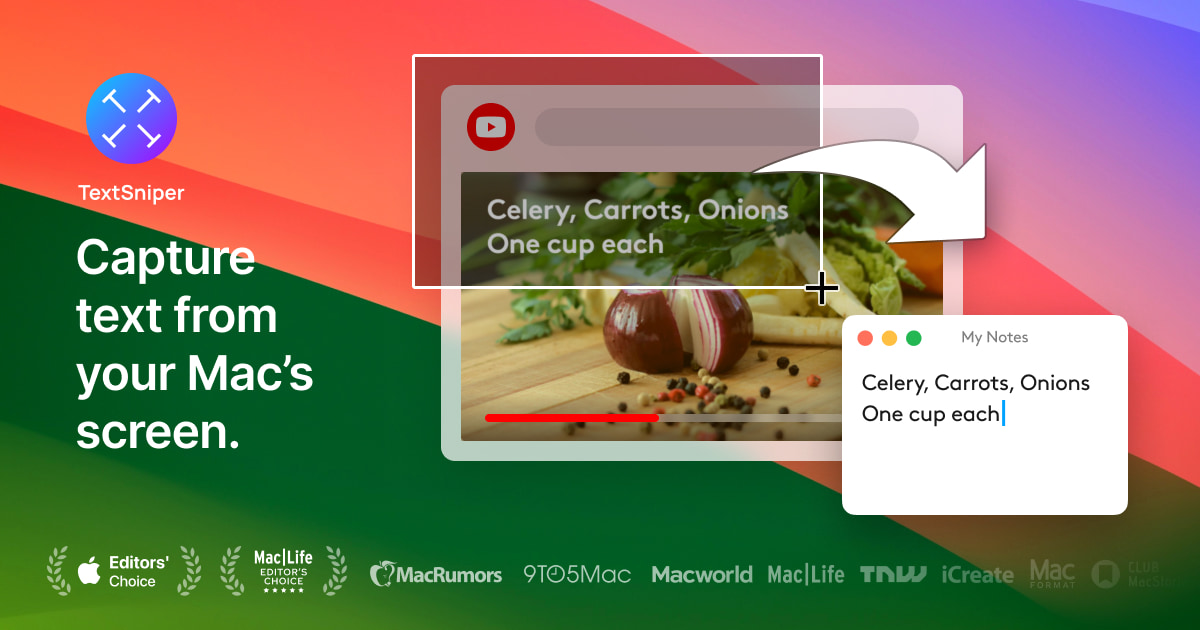
TextSniper
Simple yet powerful OCR app in your Menu Bar. Instantly copy and paste text from anywhere.
TextSniper provides a menu‑bar utility for macOS that lets users capture any visible text on the screen and copy it to the clipboard with a single shortcut. By selecting a screen region, the app runs OCR on the captured area and returns the recognized characters instantly, allowing the text to be pasted into notes, editors, messengers, or any other application. It works with a wide range of sources, including images, PDFs, presentations, online meetings, videos, and screenshots.
In addition to standard OCR, TextSniper can read QR codes and barcodes, converting the encoded data to text. A built‑in text‑to‑speech function can read the extracted text aloud, which may aid language learners and users with reading difficulties. The shortcut is accessed via a configurable keyboard command and resides in the menu bar, keeping the dock uncluttered.
The application is positioned as a fast, easy‑to‑use solution for users who need to capture non‑selectable text on macOS, offering a one‑time purchase model with a short money‑back guarantee. It supports multiple languages and integrates with the operating system’s clipboard workflow.
Reviews
Loading reviews…
Similar apps
Clipboard, Input & Automation
TextGrabber2
Menu bar app that detects text from copied images
Clipboard, Input & Automation
LuxShot
Native and privacy-first menu bar OCR tool.
Clipboard, Input & Automation
TRex
Easy to use text extraction tool
Clipboard, Input & Automation
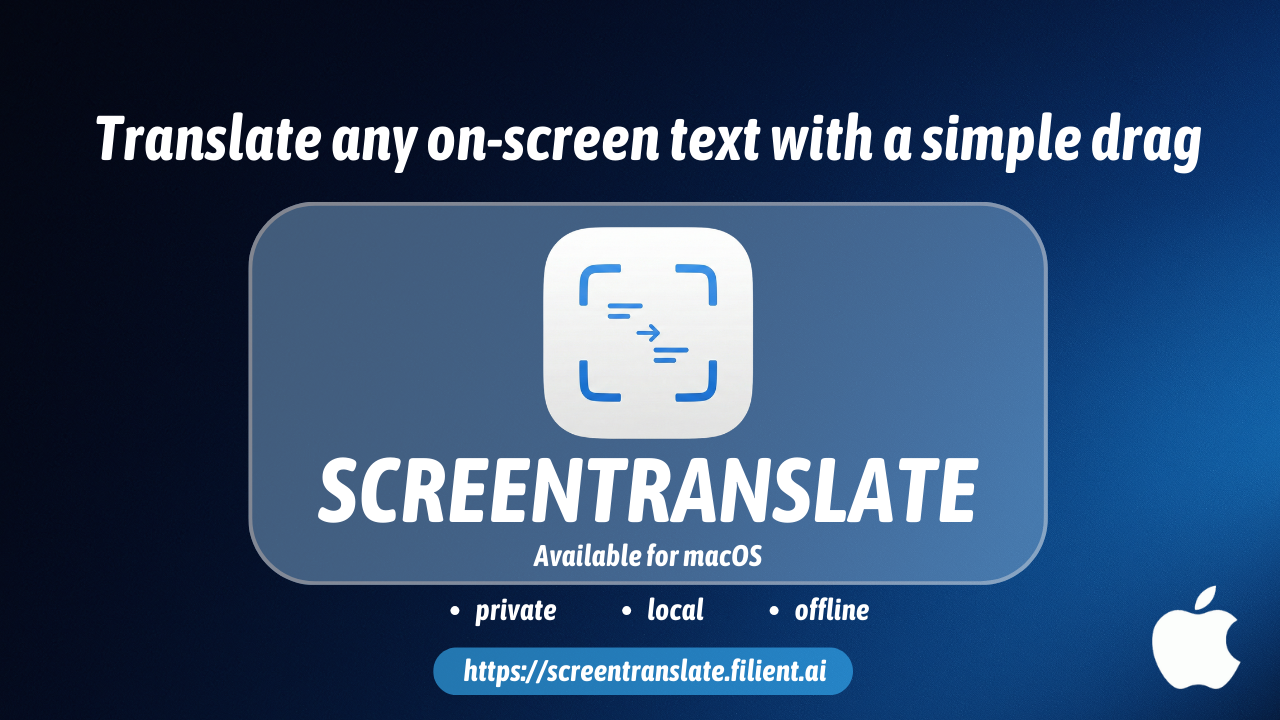
ScreenTranslate
Capture any area or select text to translate instantly, fully on-device.
Clipboard, Input & Automation
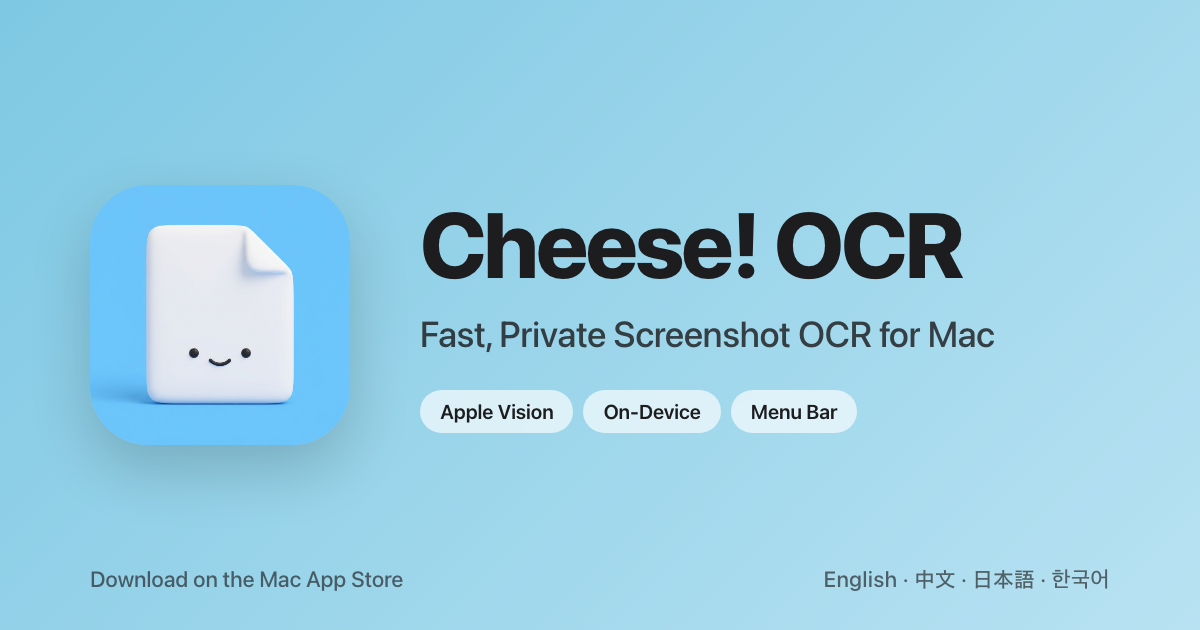
Cheese! OCR
Select any screen area, get text instantly
Clipboard, Input & Automation
TypeIt4Me
Text expander