
Choosy
Open links in any browser
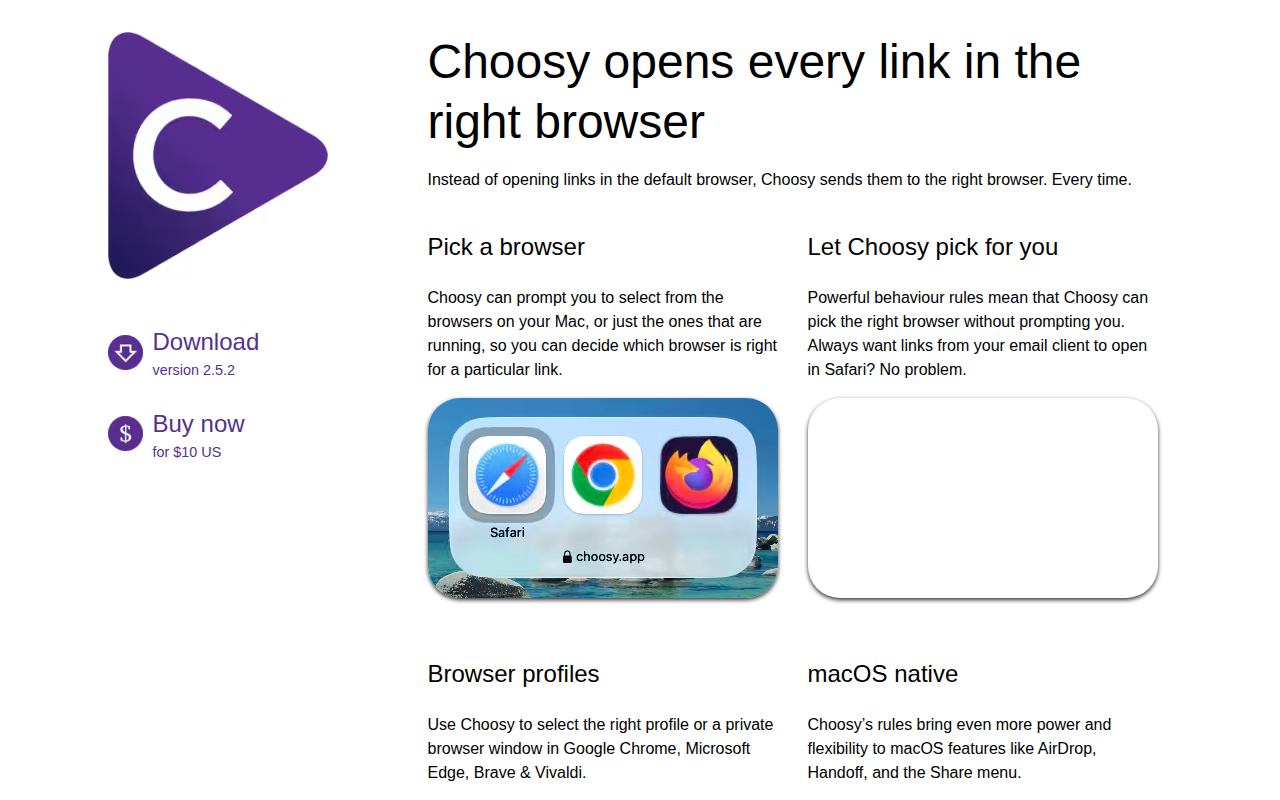
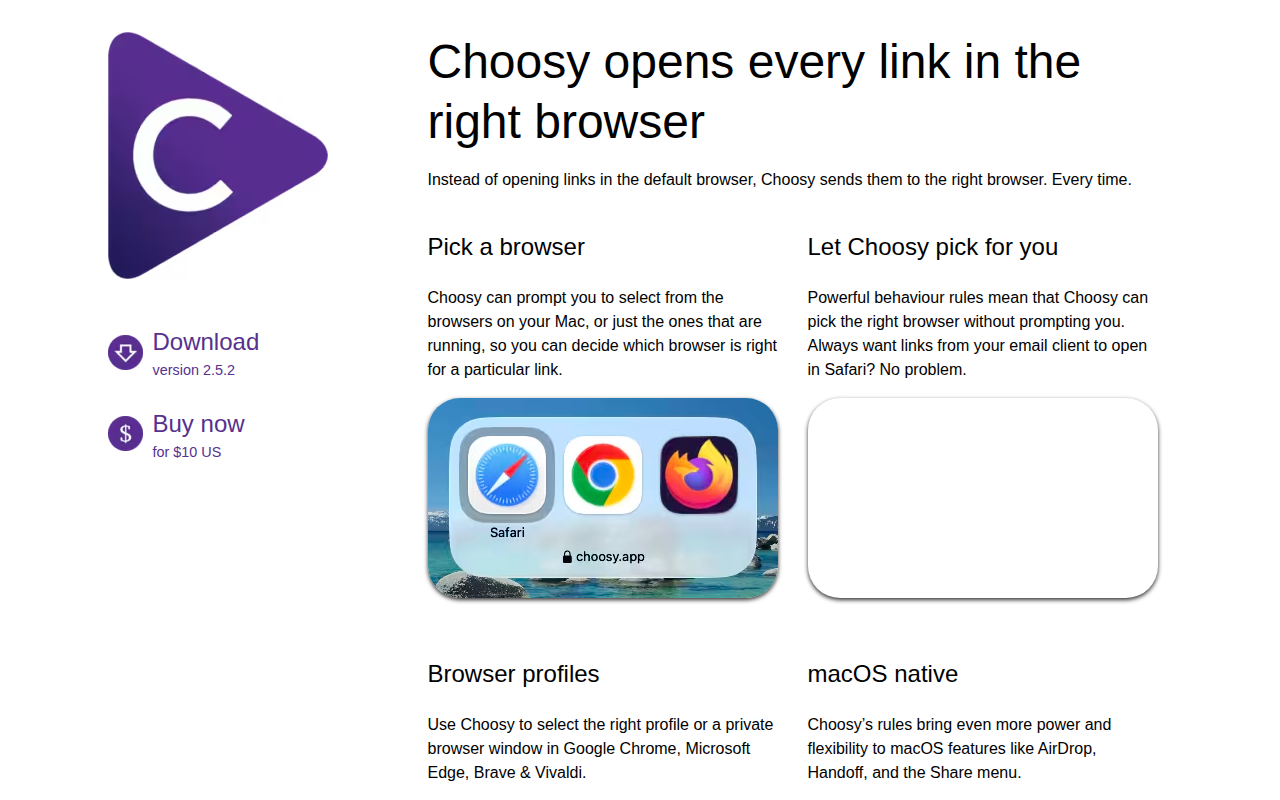
Choosy replaces the system‑wide default browser on macOS, routing each link to the most appropriate browser instead of always using the same one. When a link is opened, Choosy can display a prompt listing all installed browsers—or only those currently running—so the user can choose which browser should handle that specific URL.
The application also supports rule‑based automation, allowing users to define criteria such as opening links from a particular email client in Safari, or launching a private window in Chrome, Edge, Brave, or Vivaldi based on the URL pattern. These rules integrate with macOS features like AirDrop, Handoff, and the Share menu, providing a seamless experience across the operating system.
Developers can invoke Choosy programmatically via a URL‑based API, which works from the Terminal, AppleScript, or any environment capable of opening a URL. Browser extensions further extend the functionality, enabling one‑click transfers of pages between browsers.
Reviews
Loading reviews…
Similar apps
Network & Connectivity
Choosy
UI, URL API and a browser extension set for managing rules where and how to open links.
Clipboard, Input & Automation
Finicky
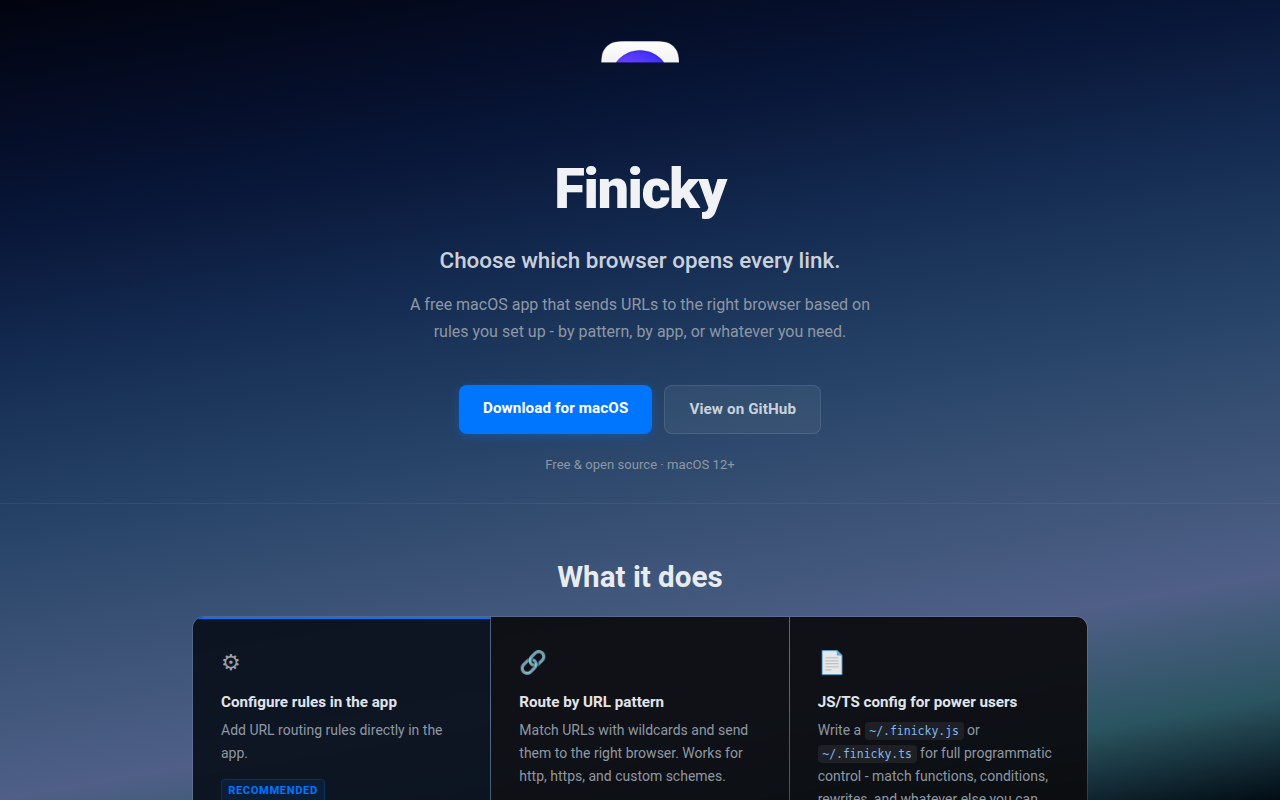
Set rules to decide which browser opens each link.
Clipboard, Input & Automation
Finicky
Utility for customizing which browser to start
Network & Connectivity
Browserosaurus
Open-source browser prompter
Window & Desktop Management
OpenIn
Take control of installed apps on your Mac

Network & Connectivity
Google Chrome
Web browser