
Finicky
Utility for customizing which browser to start
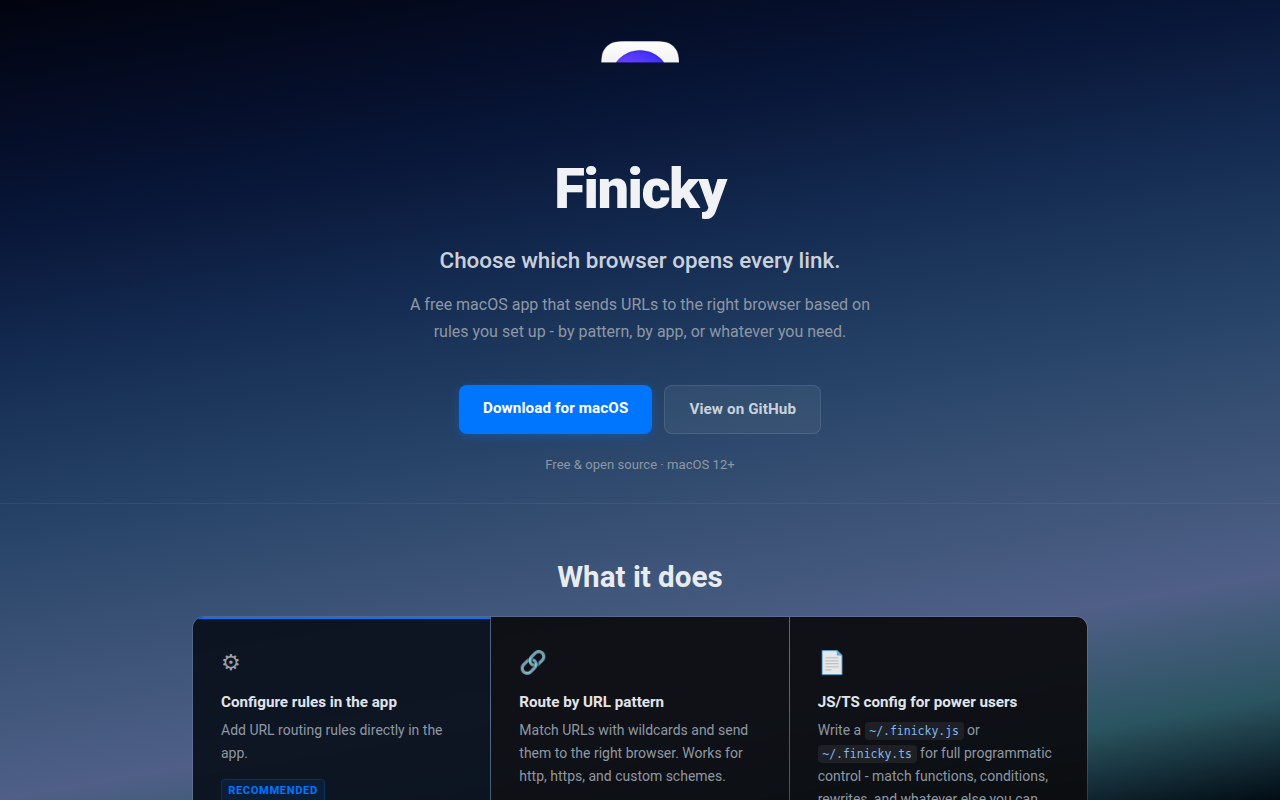
Finicky runs as a macOS default‑browser handler that routes each URL to a browser or application based on user‑defined rules. The configuration file, written in JavaScript or TypeScript, lets you specify matching patterns, rewrite URLs (for example forcing HTTPS or stripping tracking parameters), and select which browser to launch for each pattern. Handlers can use simple strings, arrays, regular expressions, or custom functions, providing fine‑grained control over routing logic.
Typical users are people who separate work and personal browsing or who need specific sites to open in particular browsers, such as using Firefox for social platforms while keeping professional tools in Chrome. The tool supports multiple browsers simultaneously and can be extended with browser extensions that add “open with Finicky” options to links.
Installation is available via a downloadable release or Homebrew cask, and the application opens a configuration window for troubleshooting. The project is MIT‑licensed, actively maintained, and includes documentation for migration from earlier versions and for building from source.
Reviews
Loading reviews…
Similar apps
Clipboard, Input & Automation
Finicky
Set rules to decide which browser opens each link.
Network & Connectivity
Browserosaurus
Open-source browser prompter
Network & Connectivity
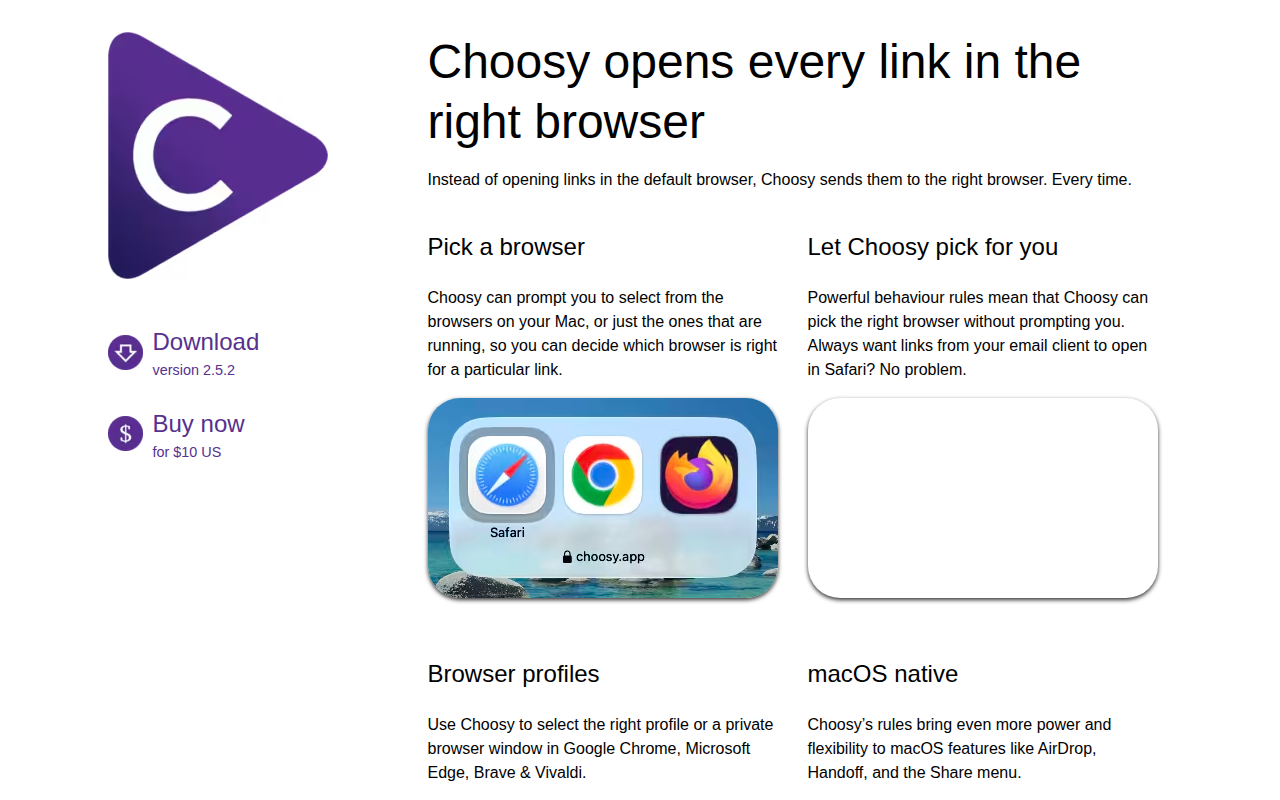
Choosy
UI, URL API and a browser extension set for managing rules where and how to open links.
Network & Connectivity
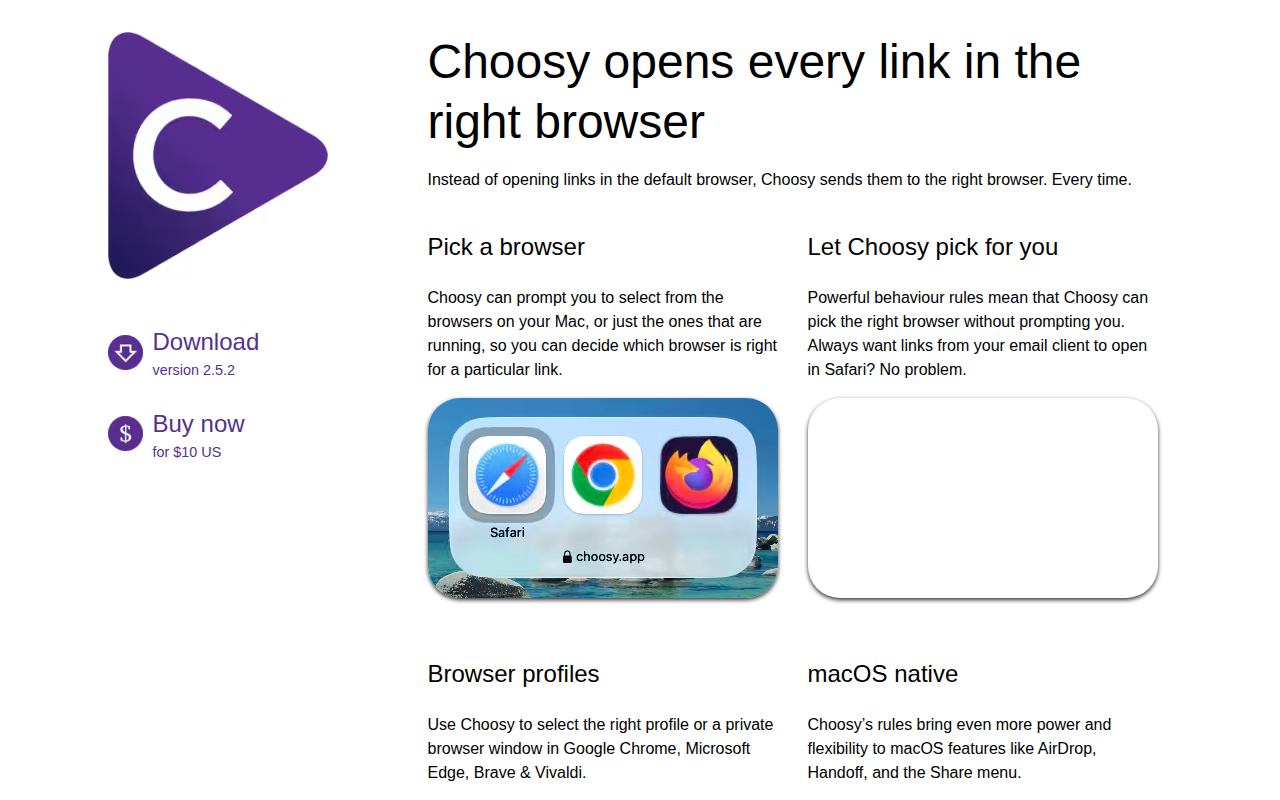
Choosy
Open links in any browser
Window & Desktop Management
OpenIn
Take control of installed apps on your Mac
Clipboard, Input & Automation
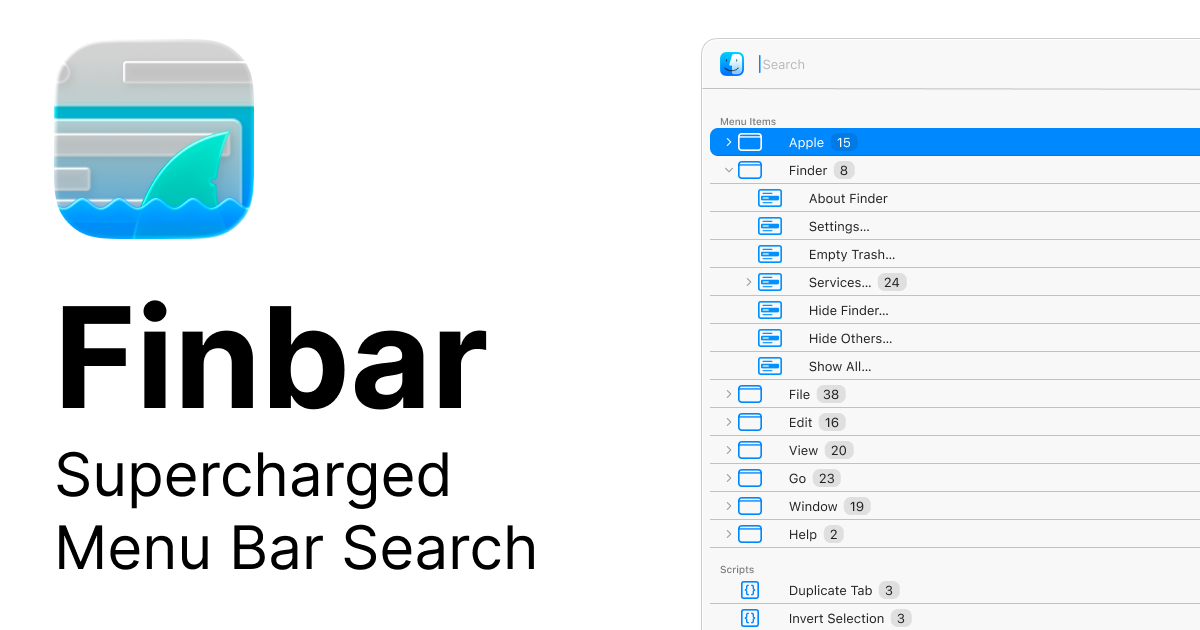
Finbar
Menu bar searching utility