
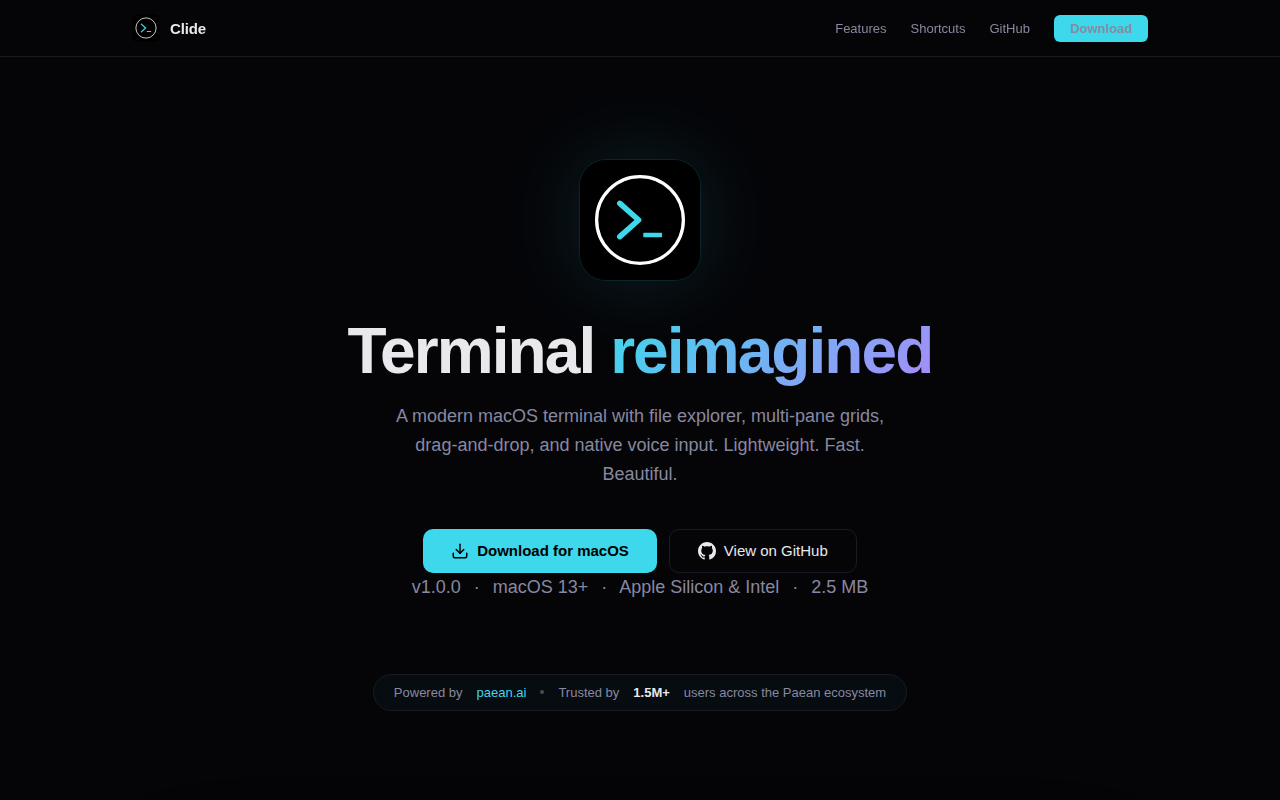
Clide
Grid-layout terminal with an AI that drives your shells.
Clide is a macOS‑only terminal emulator that combines traditional shell access with a grid‑based layout system. Users can arrange up to six rows and six columns of panes, drag‑and‑drop panes, and switch between workspaces, allowing simultaneous view of a development server, test suite, git log, or any other command line tool. A built‑in file‑explorer sidebar presents the project tree and lets files be inserted into the terminal by dragging.
The application adds AI‑driven session summaries that monitor terminal activity and produce concise overviews of recent commands, errors, and output. Summaries are generated locally, enabling developers to quickly recall what happened during a break or to spot missed issues without leaving the terminal. Voice input is supported through Apple’s on‑device speech‑to‑text engine, offering configurable hotkeys and multilingual presets for hands‑free command entry.
Clide is packaged as a native AppKit app, avoiding Electron overhead, and includes several theme presets with adaptive light/dark modes. It targets developers who want a fast, lightweight terminal with multi‑pane flexibility, integrated file navigation, AI summarization, and voice control, all within the macOS ecosystem.
Reviews
Loading reviews…
Similar apps
Terminals & CLI
Wave Terminal
Terminal emulator

Terminals & CLI
Awal Terminal
AI-native terminal emulator with multi-provider profiles and voice input.
Terminals & CLI
cmux
Ghostty-based terminal with vertical tabs and notifications for AI coding agents
Terminals & CLI
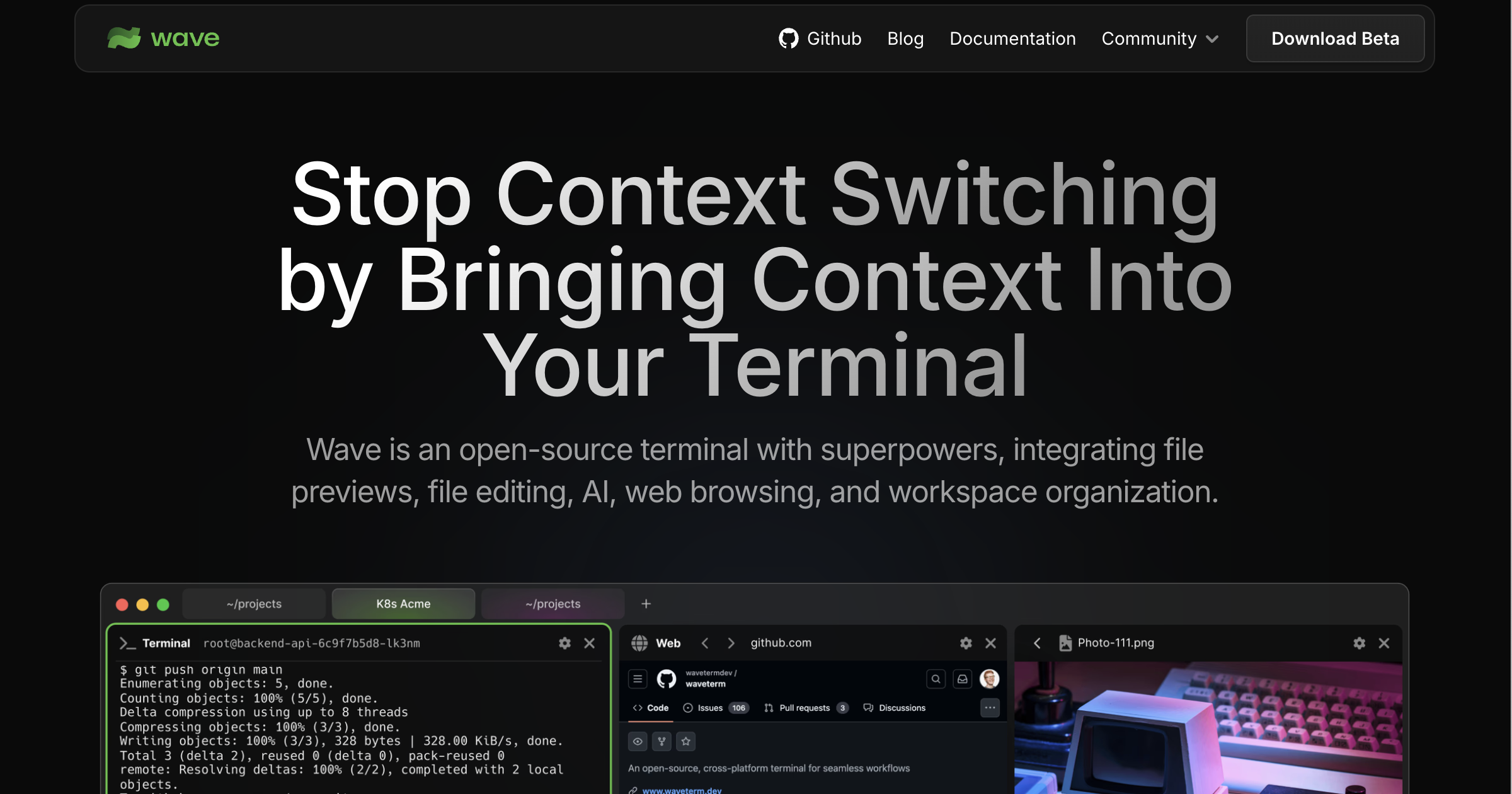
Wave
Open-source terminal with built-in file previews, web browsing, and AI tools.
Terminals & CLI
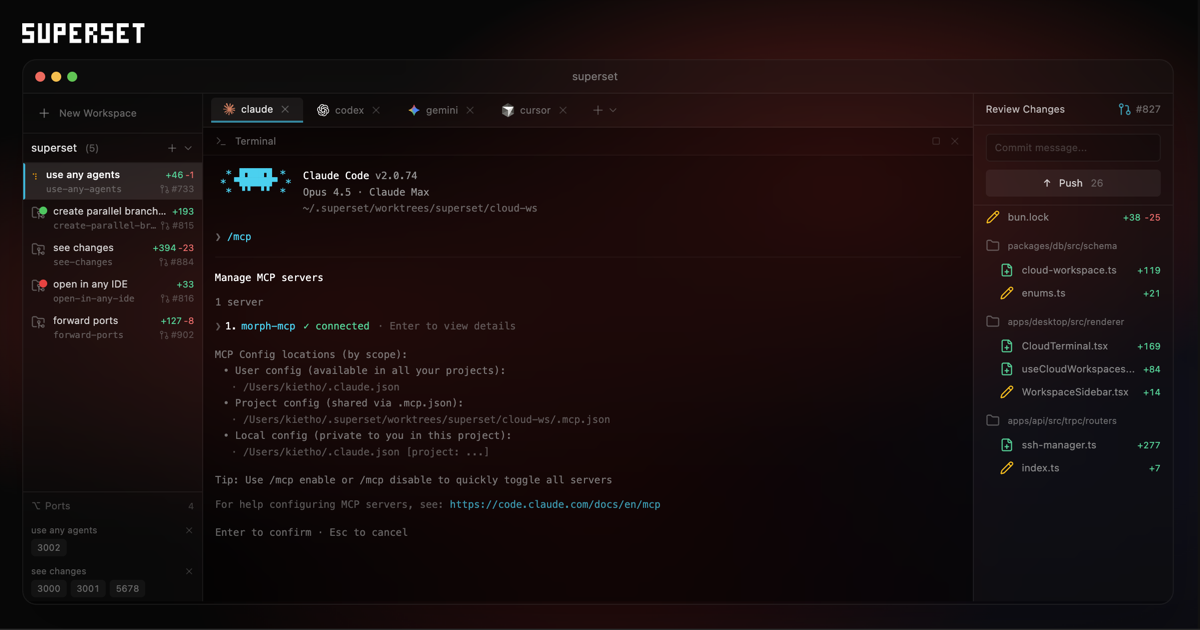
Superset
Terminal for orchestrating agents
Terminals & CLI
Ghostty
A fast, native, GPU-accelerated terminal emulator that aims to push the platform forward instead of recreating decades-old conventions.