
Wave
Open-source terminal with built-in file previews, web browsing, and AI tools.
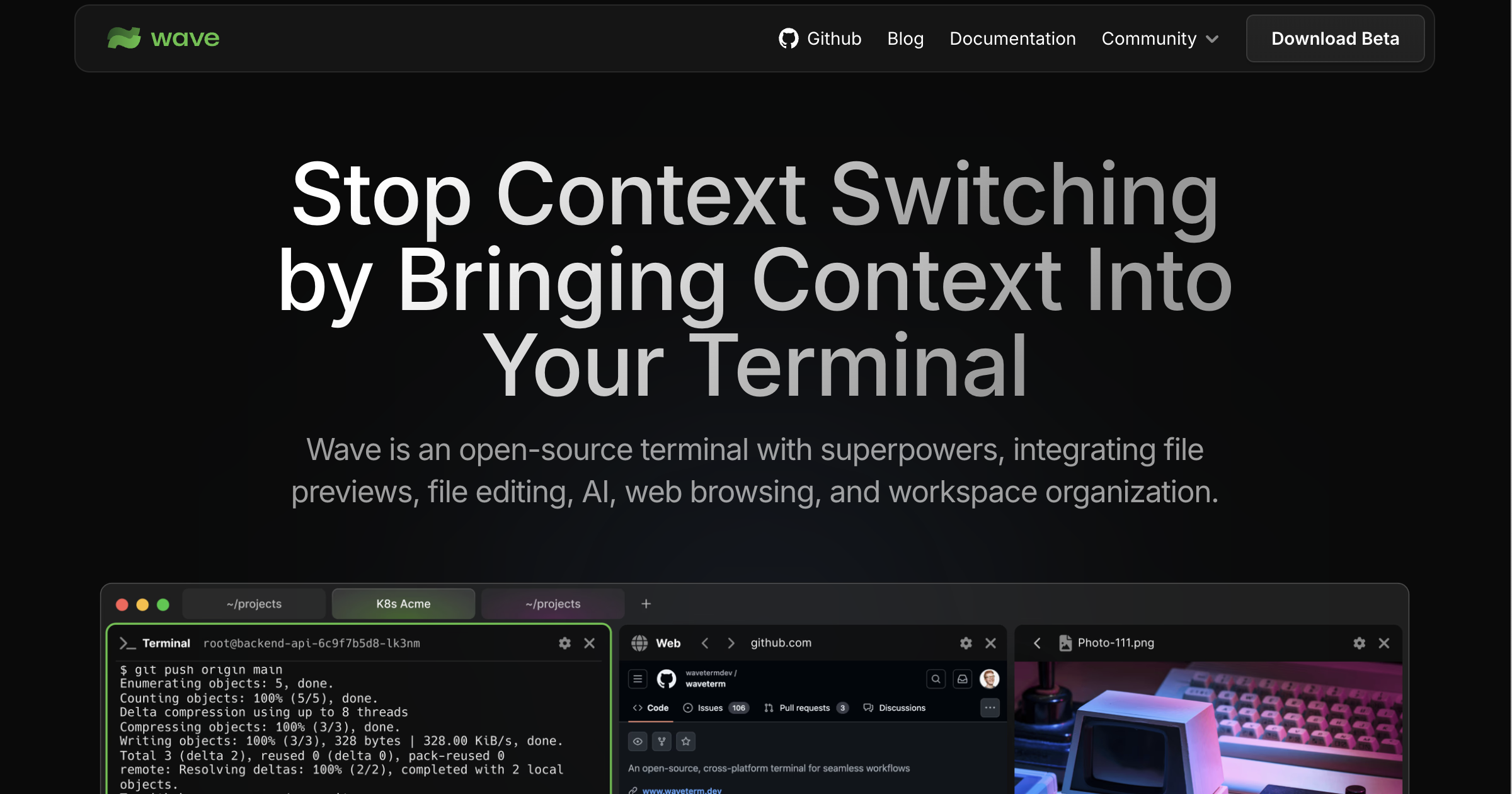
Wave is an open‑source terminal that runs on macOS, Linux and Windows and integrates AI assistance directly into the command‑line environment. It can connect to any AI model by supplying API keys for services such as OpenAI, Claude, Gemini, Azure, Perplexity, or by running local models through Ollama or LM Studio, without requiring a separate account.
The terminal provides durable SSH sessions that automatically reconnect after network interruptions, and it includes a graphical file editor with syntax highlighting, as well as inline previews for a variety of remote file types including markdown, images, video, PDFs, CSVs and directories. Users can organize multiple blocks—terminals, editors, web browsers and AI chat widgets—through a drag‑and‑drop interface and toggle any block to full‑screen view.
A context‑aware AI assistant, called Wave AI, can read terminal output, analyze widgets and perform file operations with user approval, while the `wsh` command system enables workspace management and file synchronization from the CLI. Secure storage of API keys and credentials is handled by native system backends, and the application offers customizable themes, terminal styles and background images.
Reviews
Loading reviews…
Similar apps
Terminals & CLI
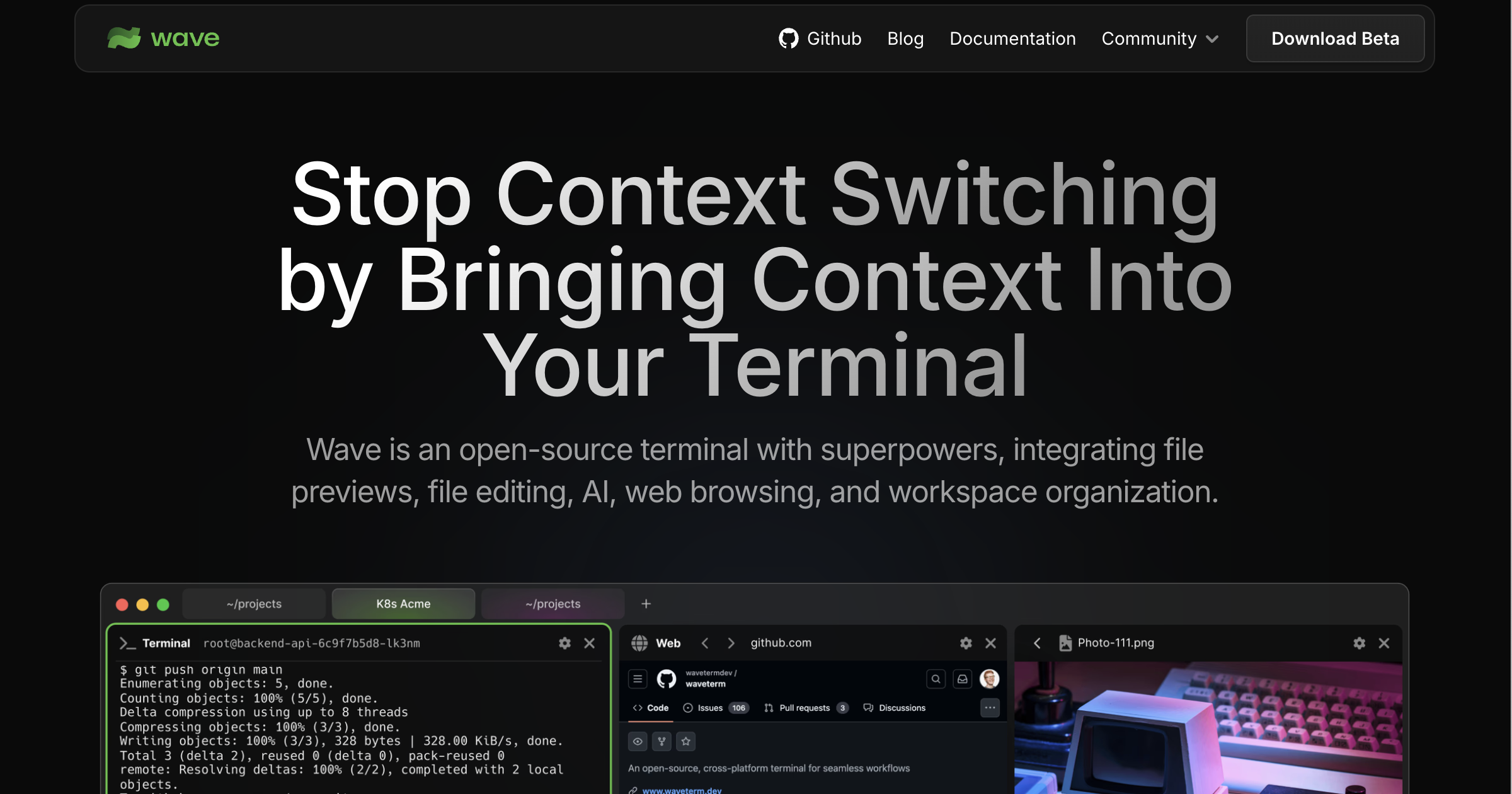
Wave Terminal
Terminal emulator
Terminals & CLI
Awal Terminal
AI-native terminal emulator with multi-provider profiles and voice input.
Terminals & CLI
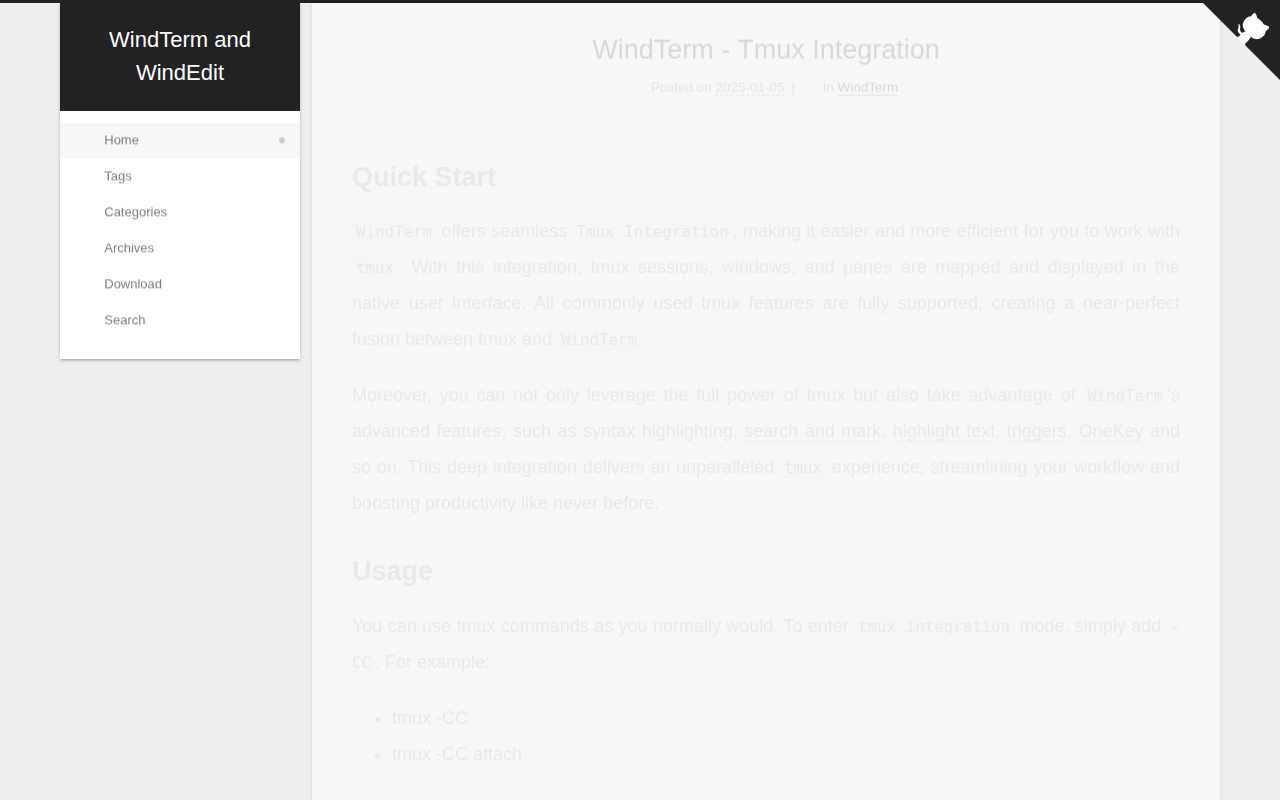
WindTerm
SSH/SFTP/Shell/Telnet/Serial terminal
Terminals & CLI
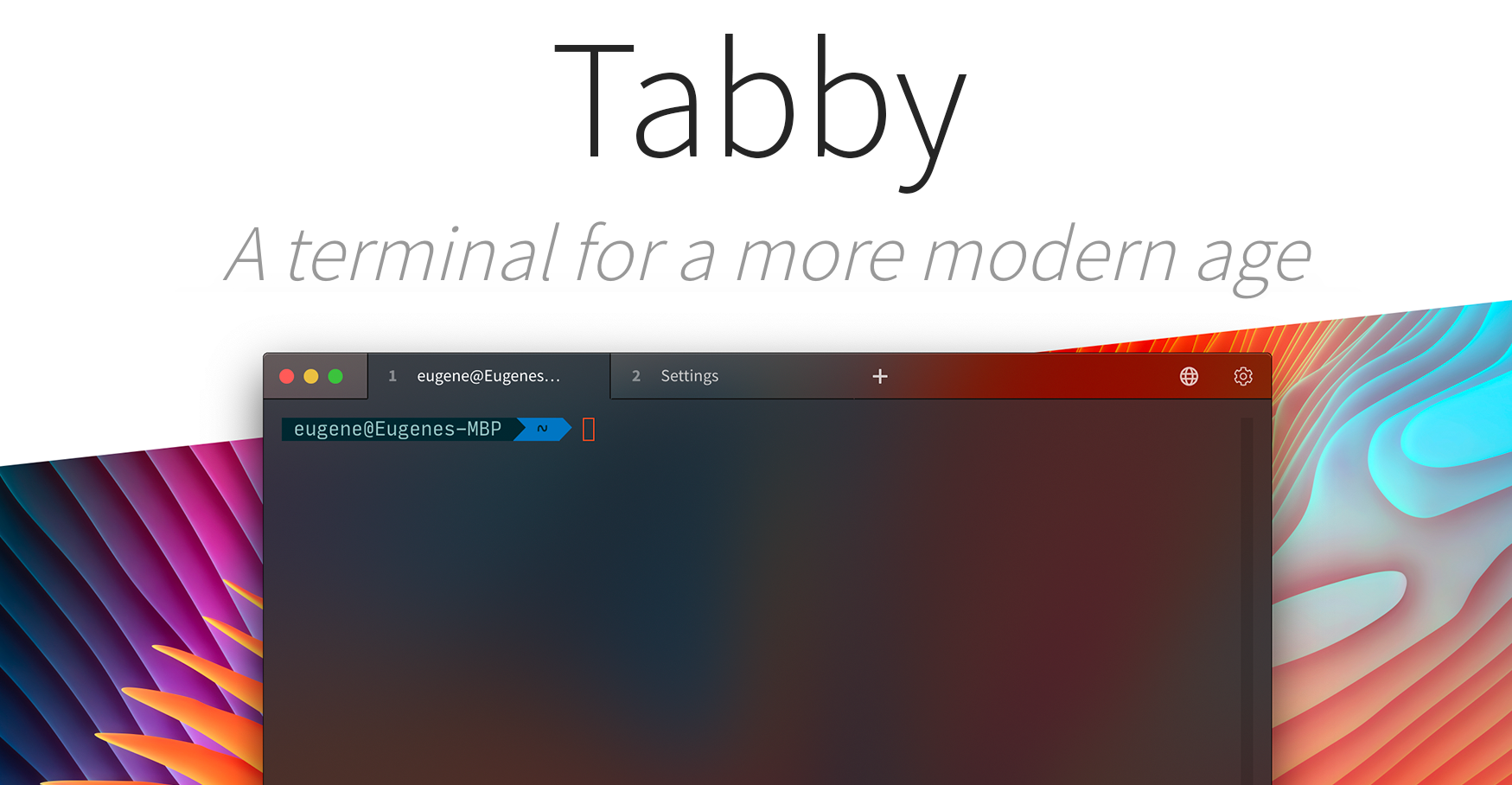
Tabby (formerly Terminus)
Free terminal tool, built with TypeScript, heavily inspired by Hyper.
Version Control & Git
Ghostty
Fast GPU-accelerated terminal emulator.
Terminals & CLI
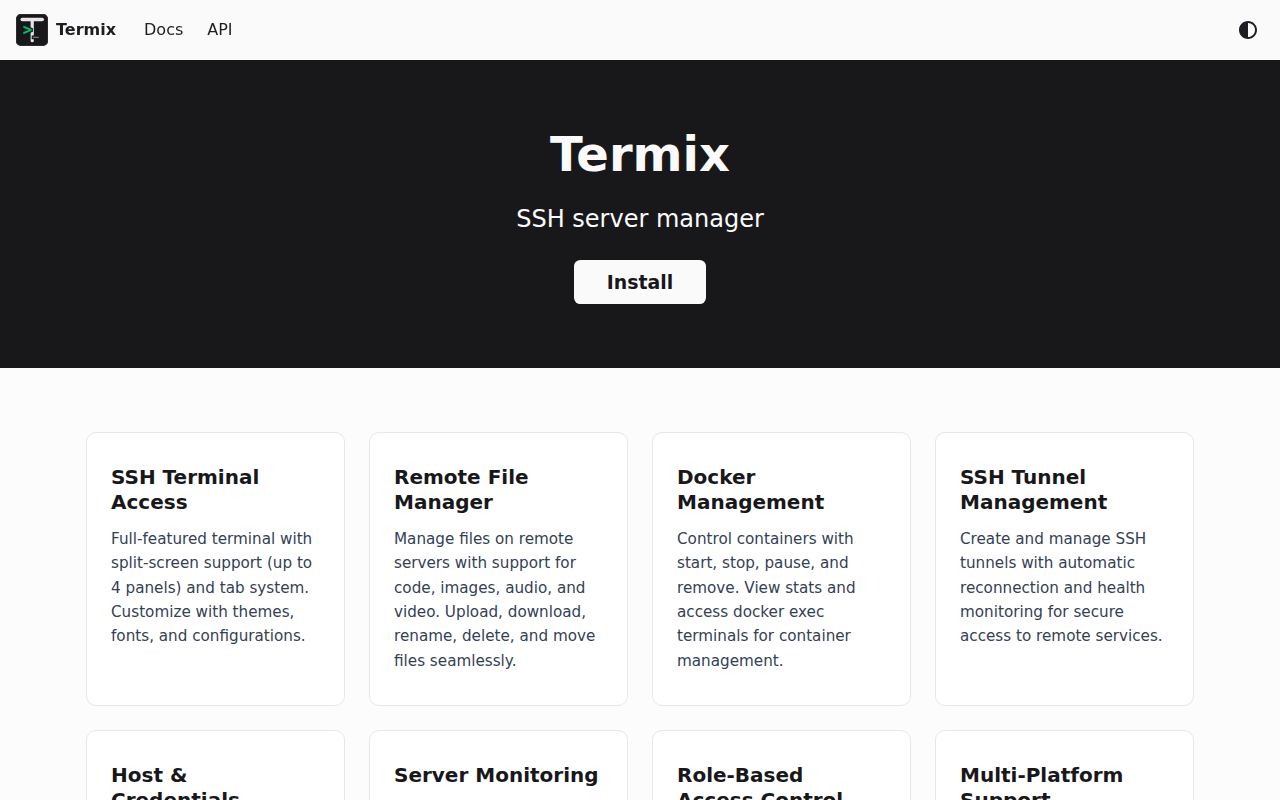
Termix
Clientless web-based server management platform with SSH terminal, tunneling, and file editing capabilities.