
Coherence Studio
Launch your video in record time
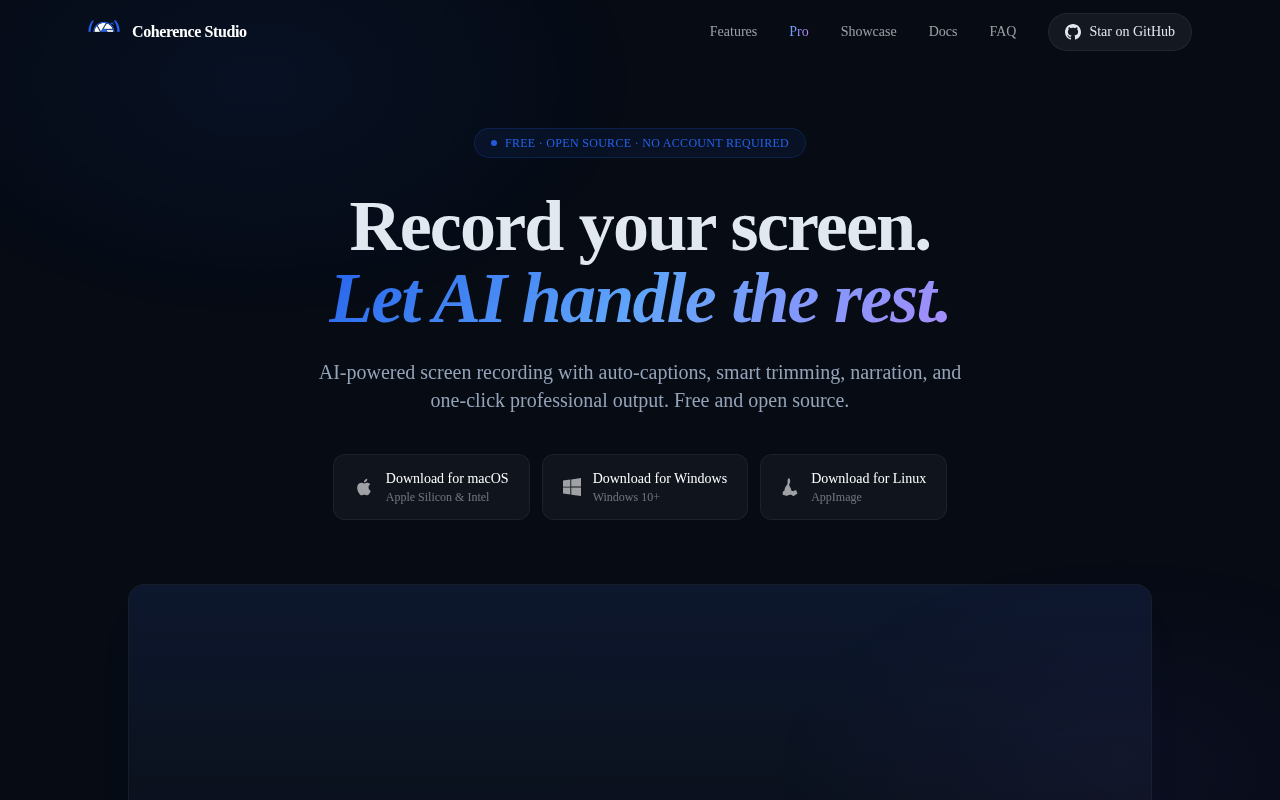
Coherence Studio records screen activity on macOS, Windows, and Linux and then applies a suite of AI‑driven post‑processing steps. Captured video is automatically transcribed with Whisper‑based captions, trimmed to remove dead air or silence, and can be zoomed around the cursor based on telemetry. The tool also generates synthetic narration, adds cursor‑effect visual cues, and offers one‑click polishing that combines zoom, captions, background adjustments, and speed ramps.
The software is aimed at creators who need to turn raw screen captures into polished tutorials, demos, or presentations quickly, without manual editing. It supports multi‑window capture, audio mixing, background customization, annotations, and export to MP4 or GIF in various aspect ratios. Projects can be saved with full edit history and edited via configurable shortcuts.
A Pro extension adds a set of specialized AI agents that handle script writing, visual composition, motion graphics, music selection, narration, and quality control, effectively providing a lightweight production pipeline on the user’s laptop. All core recording and AI editing features are MIT‑licensed and run locally without requiring accounts or external APIs.
Reviews
Loading reviews…
Similar apps
Screenshot & Screen Recording
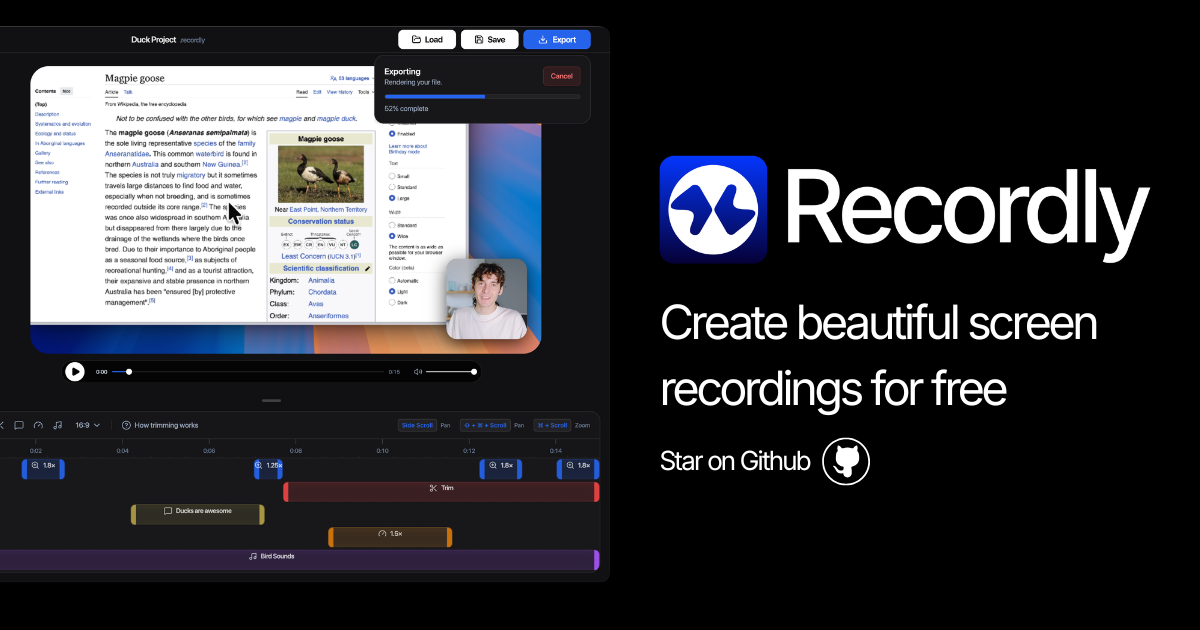
Recordly
Open-source screen recorder and editor for polished demos, tutorials, and product videos.
Screenshot & Screen Recording
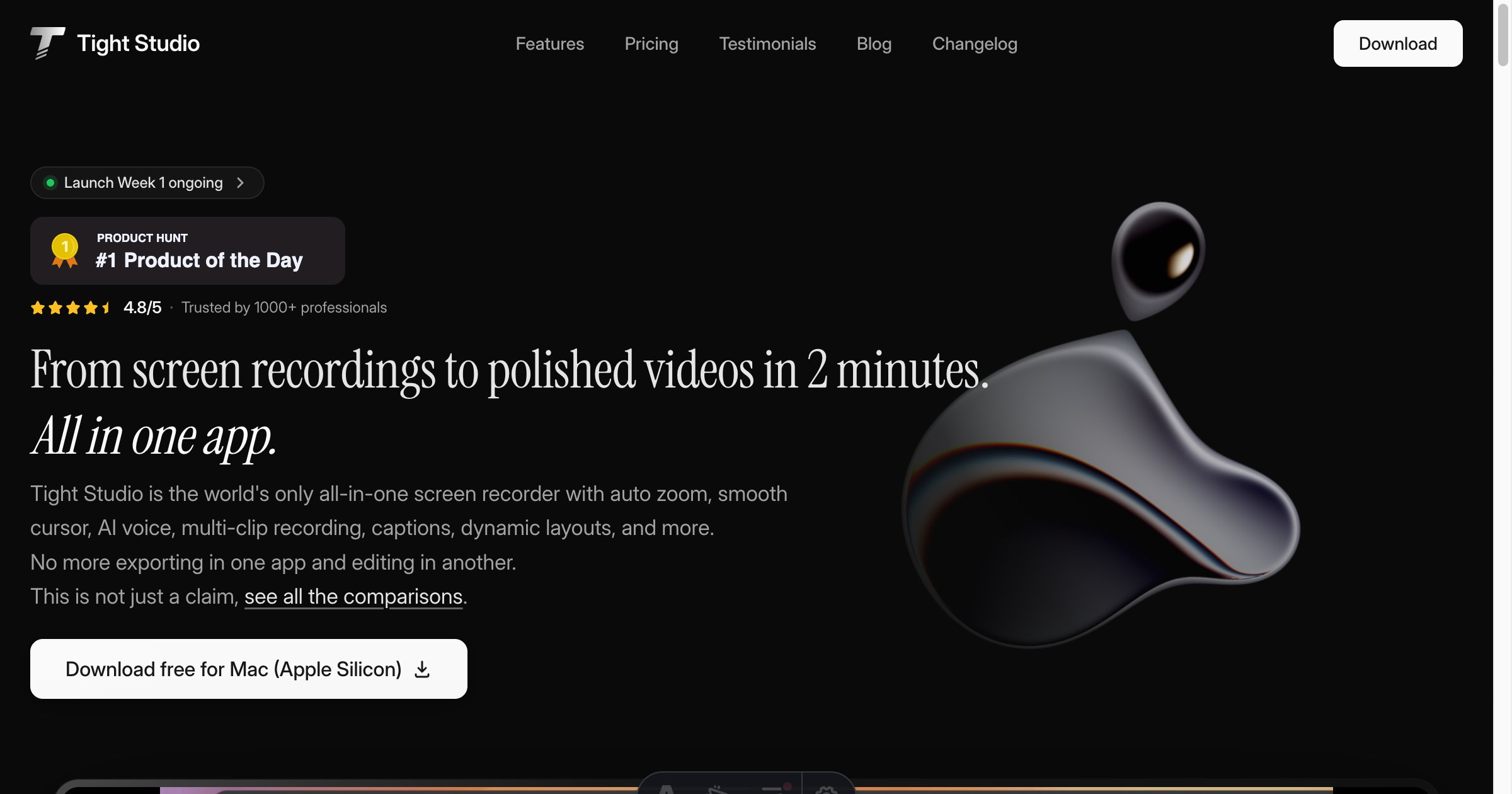
Tight Studio
Screen recorder with smart zoom, captions, and AI voiceovers.
Screenshot & Screen Recording
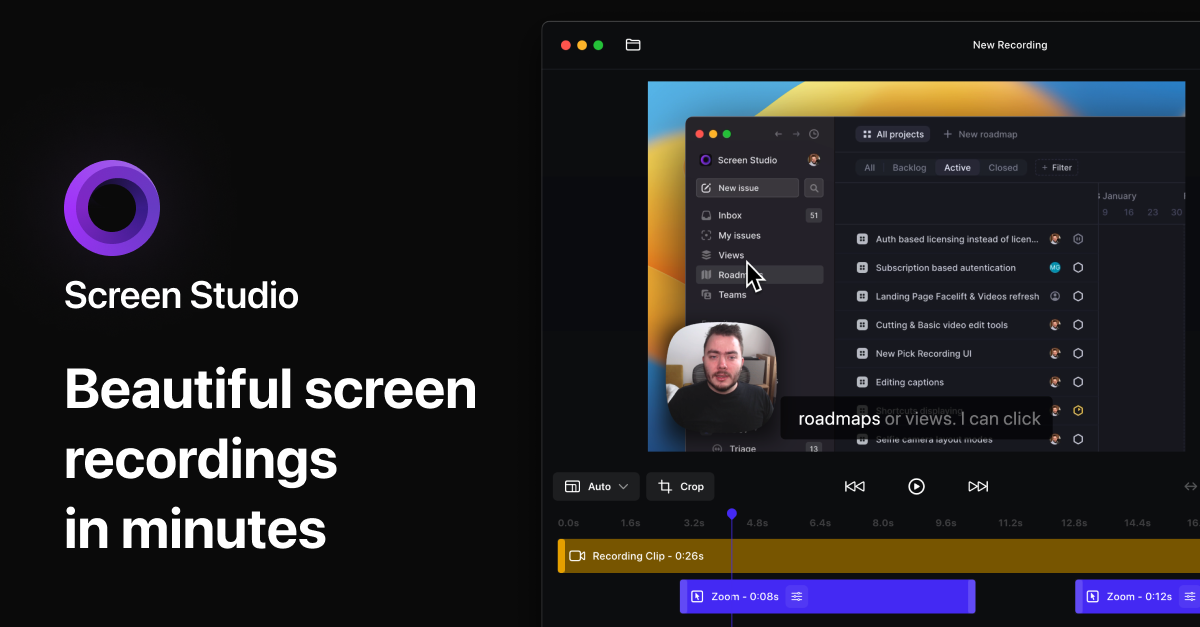
Screen Studio
Screen recorder and editor
Screenshot & Screen Recording
Screen Studio
Screen recorder for polished videos with automatic motion effects.
AI Photo Editing
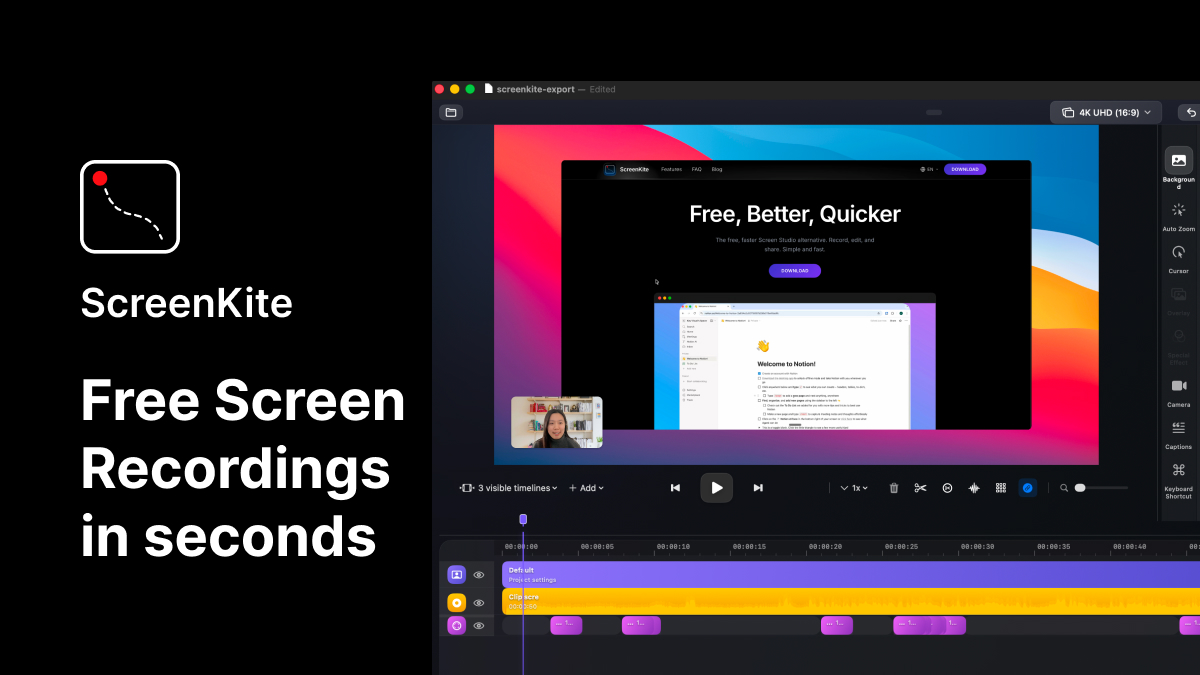
ScreenKite
Native screen recorder and editor with auto-zoom, AI enhancements, device mockups, and teleprompter. ![Freeware][Freeware Icon]
Screenshot & Screen Recording
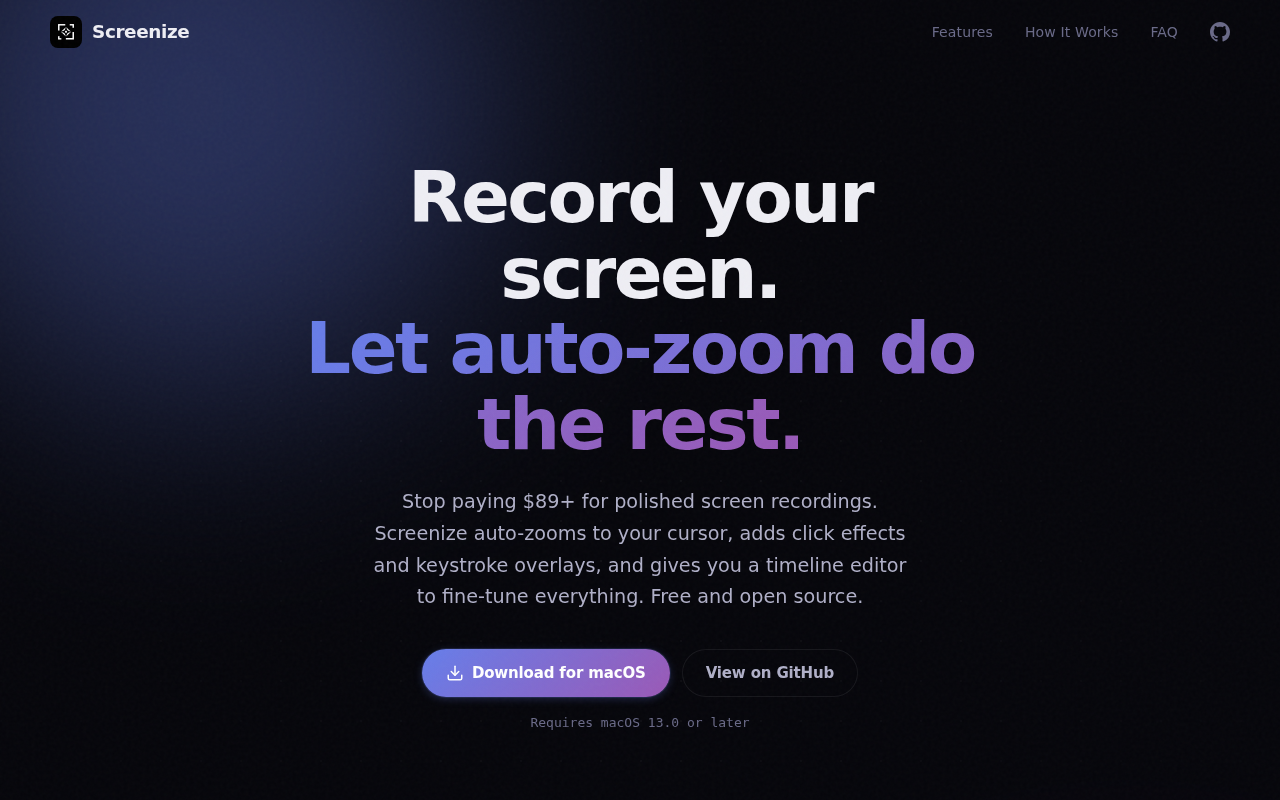
Screenize
Open-source screen recorder with auto-zoom, cursor effects, and timeline editing.