
FlowVision
RWaterfall-style Image Viewer for macOS.
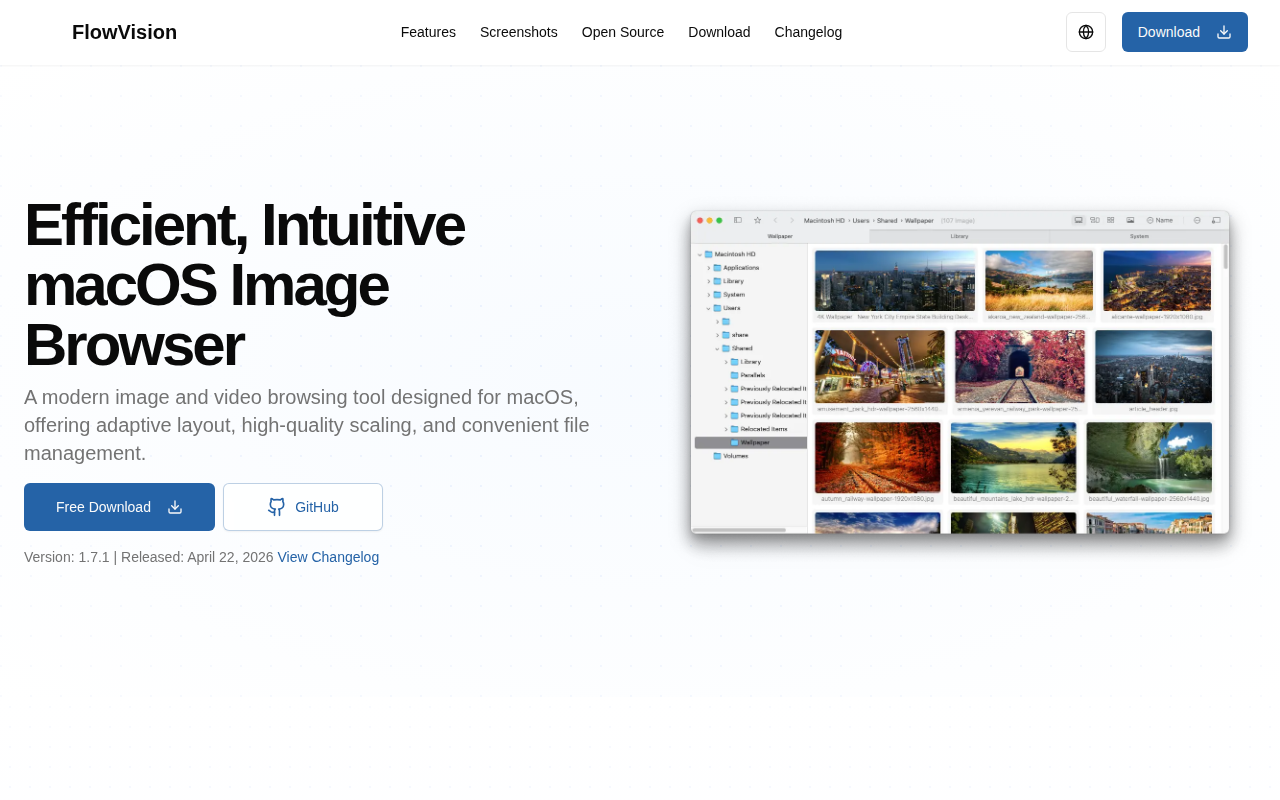
FlowVision displays images and videos on macOS using a waterfall‑style layout that arranges thumbnails in a continuously scrolling column. It adapts to light and dark system themes, offers high‑quality scaling to minimize moiré, and can render HDR content. The viewer includes a recursive mode for browsing nested folders and supports playback of video files via an integrated ffmpeg‑kit library.
File management mirrors Finder’s hierarchy, while right‑click gestures and keyboard shortcuts let users navigate between folders, move to parent directories, and quickly open or close images. Zooming is controlled by mouse buttons and scroll wheels, with long‑press actions for 100 % view or fit‑to‑window scaling. Performance optimizations allow smooth operation even in directories containing many media items.
The application is open source, runs offline, and requires macOS 11.0 or later. It can be installed or updated through Homebrew, and the source can be built with Xcode 15.2+ using the listed dependencies. The project is released under the GPL license.
Reviews
Loading reviews…
Similar apps
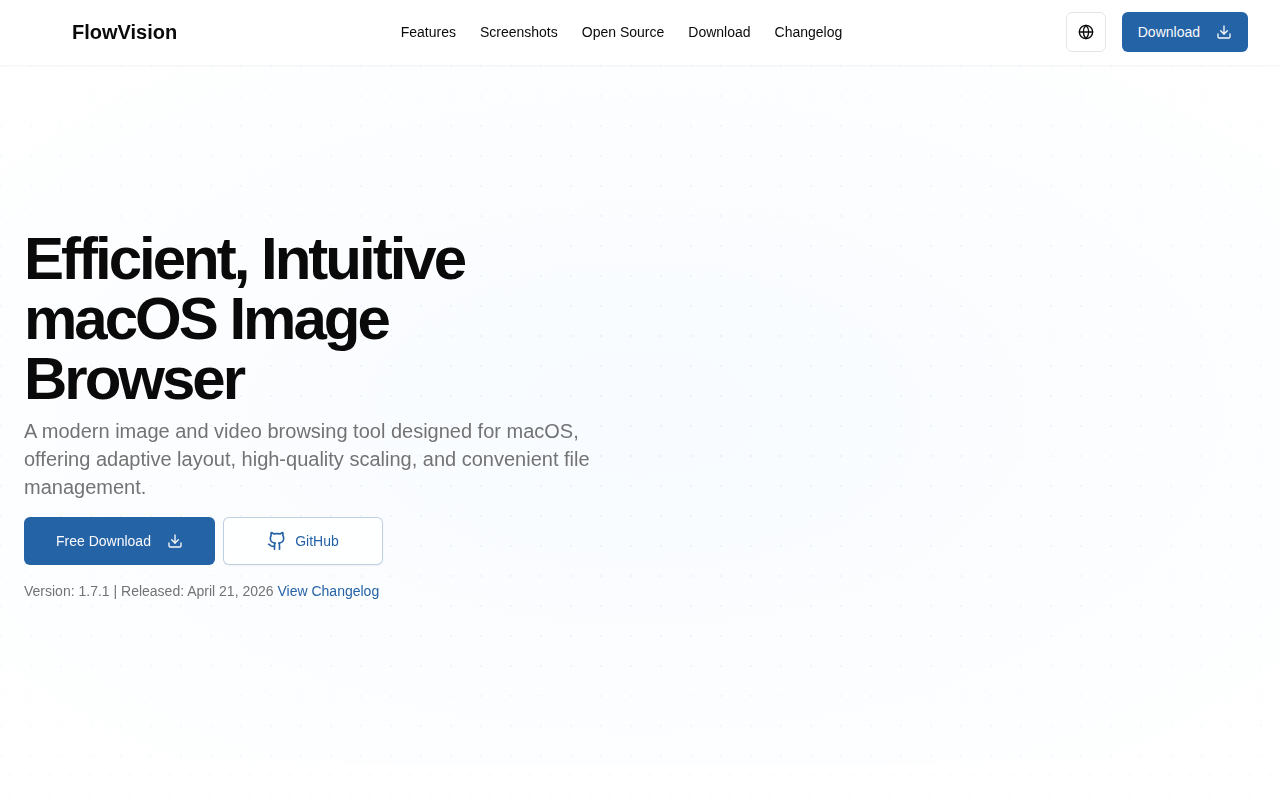
Photo & Video Management
FlowVision
Waterfall-style image viewer
Photo & Video Management
Picture View
Image viewer
Photo & Video Management
PicView
Picture viewer
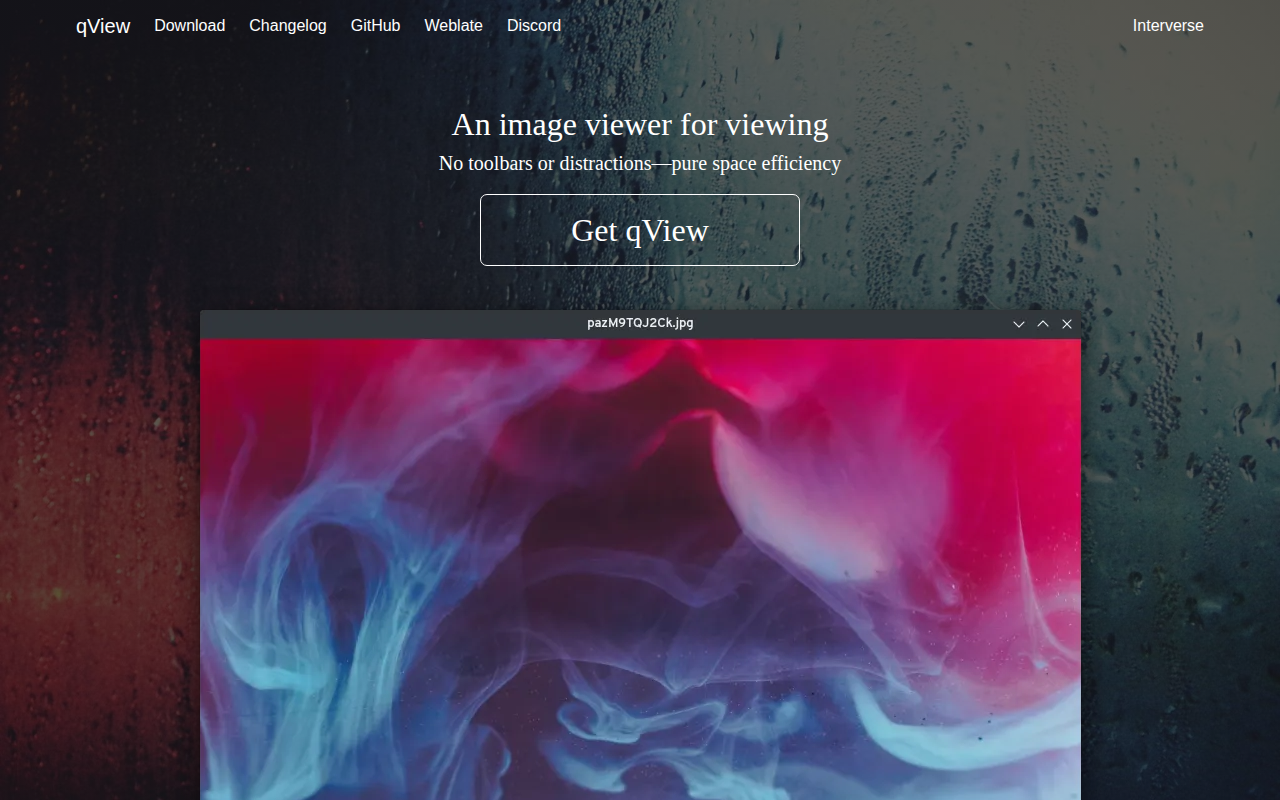
Photo & Video Management
qView
Image viewer
Photo & Video Management
MyMedia
Display and watch your local movie and TV show library.
File Management & Transfer
AVIFQuickLook
Quick Look Plugin for AVIF images